


| CARVIEW |
Select Language
HTTP/2 301
date: Thu, 22 Jan 2026 11:47:00 GMT
content-type: text/html; charset=UTF-8
server: Pagely-ARES/1.22.13
x-gateway-request-id: 34997ea9f193920b515be51bfcf29608
expires: Thu, 22 Jan 2026 11:48:08 GMT
cache-control: max-age=3600
x-redirect-by: WordPress
location: https://www.techsmith.com/snagit/
x-gateway-cache-key: 1768236228.521|standard|https|www.techsmith.com|||/snagit
x-gateway-cache-status: HIT
x-gateway-skip-cache: 0
set-cookie: visid_incap_1239953=U4bPCFT/TUacoKjTWg5cjjMOcmkAAAAAQUIPAAAAAAB1/6VGSAe8rdbs+lbxkzsx; expires=Thu, 21 Jan 2027 17:19:38 GMT; HttpOnly; path=/; Domain=.techsmith.com; Secure; SameSite=None
set-cookie: nlbi_1239953=kRz2SgaoDUOe+XkzjJIDvAAAAABwOpnhjW0HXkvO81722i9P; HttpOnly; path=/; Domain=.techsmith.com; Secure; SameSite=None
set-cookie: incap_ses_933_1239953=EIyoHTIXujb401SLsa7yDDQOcmkAAAAA64tE8H5Vi6iIdVzKQYkeAw==; path=/; Domain=.techsmith.com; Secure; SameSite=None
strict-transport-security: max-age=31536000
x-cdn: Imperva
x-iinfo: 48-58508607-58508616 NNNN CT(216 218 0) RT(1769082420001 41) q(0 0 5 0) r(7 7) U11
HTTP/2 200
date: Thu, 22 Jan 2026 11:47:00 GMT
content-type: text/html; charset=UTF-8
vary: Accept-Encoding
server: Pagely-ARES/1.22.13
x-gateway-request-id: 40754cf15ce27541f6da68c6fb9a9b3f
link: ; rel="alternate"; title="JSON"; type="application/json"
link: ; rel=shortlink
x-gateway-cache-key: 1768382742.457|standard|https|www.techsmith.com|||/snagit/
x-gateway-cache-status: HIT
x-gateway-skip-cache: 0
content-encoding: gzip
strict-transport-security: max-age=31536000
x-cdn: Imperva
x-iinfo: 48-58508607-58508616 PNNN RT(1769082420001 710) q(0 0 0 -1) r(2 5) U12
TechSmith Snagit | Screen capture and screen recording
Skip to content





 AI-Powered
 AI-Powered









Now a part of the Camtasia product suite
Work moves faster when you Snagit
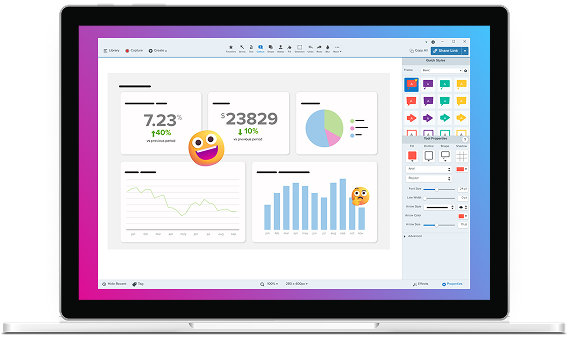
Camtasia Snagit is the easiest way to capture, mark up, and share what’s on your screen so you can skip the endless back-and-forth. Now even further integrated with Camtasia, making it easier than ever to turn quick captures into polished, professional videos.
Screen recording software trusted by 100% of Fortune 500 companies
powered by ai
Easy to use, but full of advanced features
Don’t let clumsy built-in snipping tools hold you back. Snagit has all the tools you need, making it the best screen capture software for professionals.
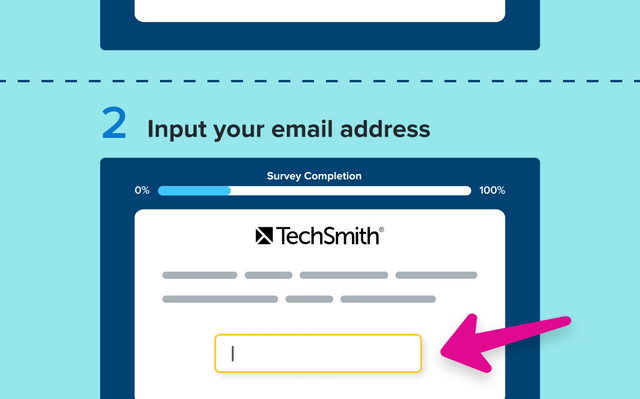
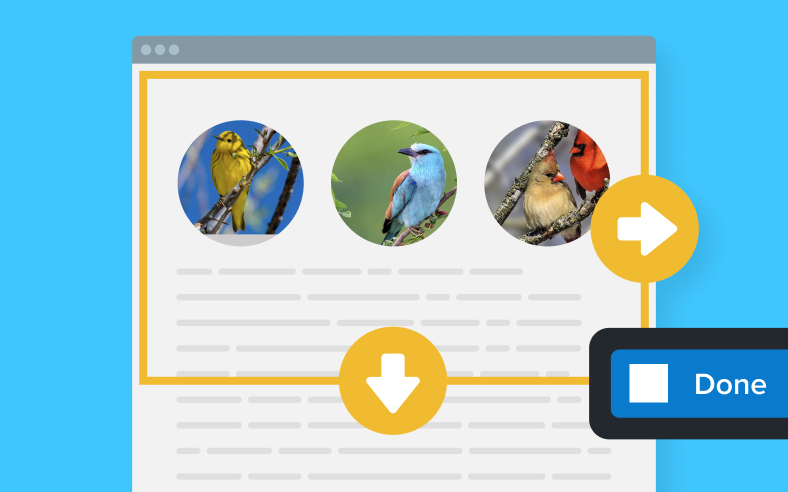
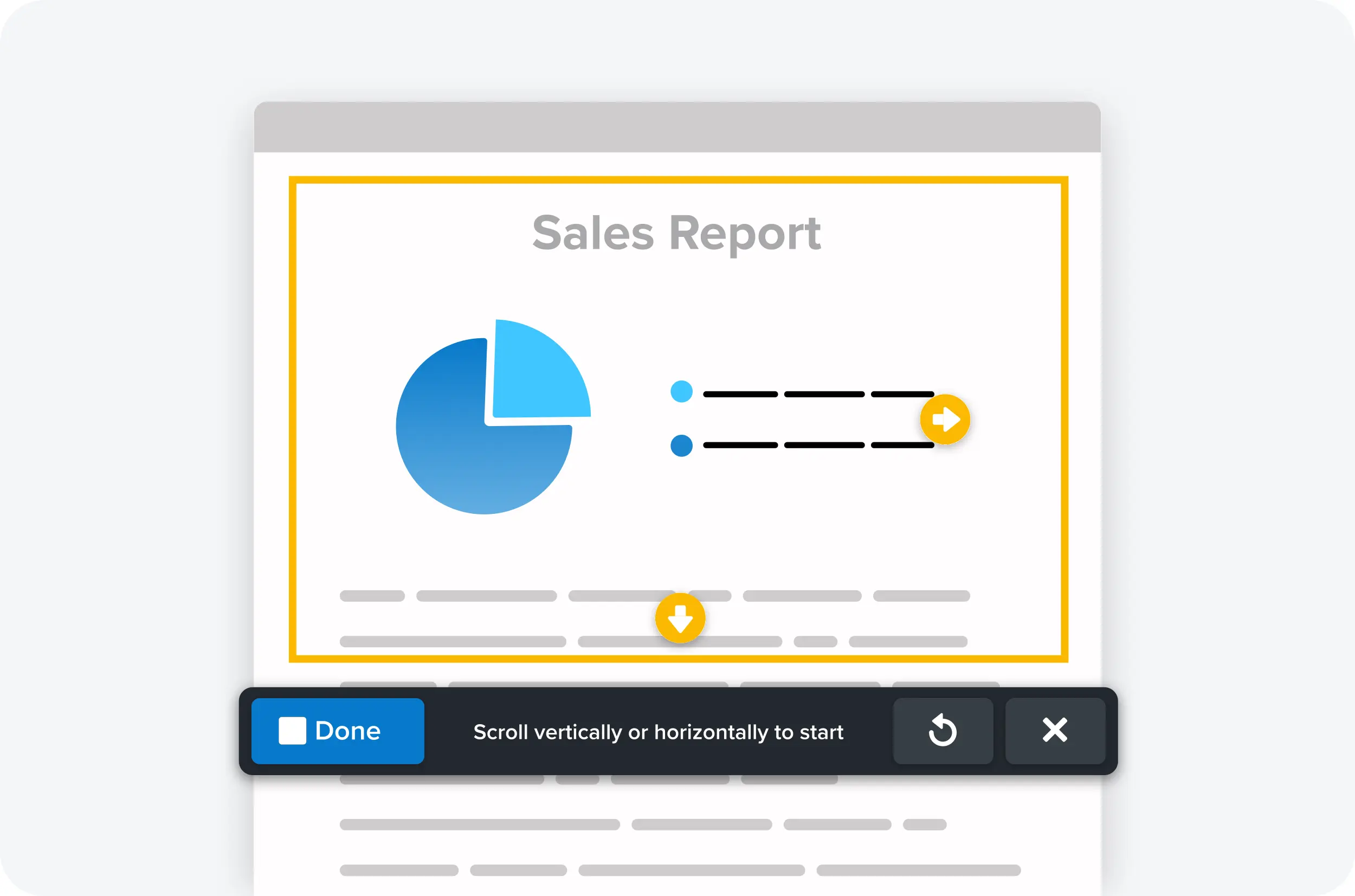
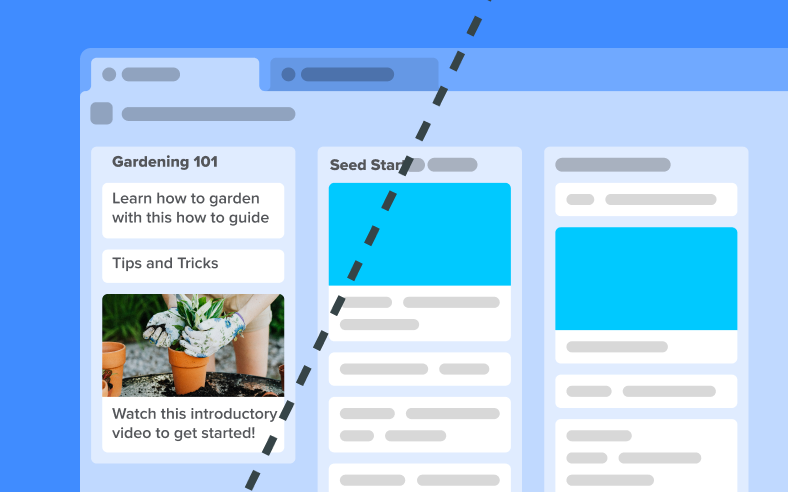
Scrolling capture
Capture content that extends beyond the screen, like full web pages, data sets with lots of columns, and more.

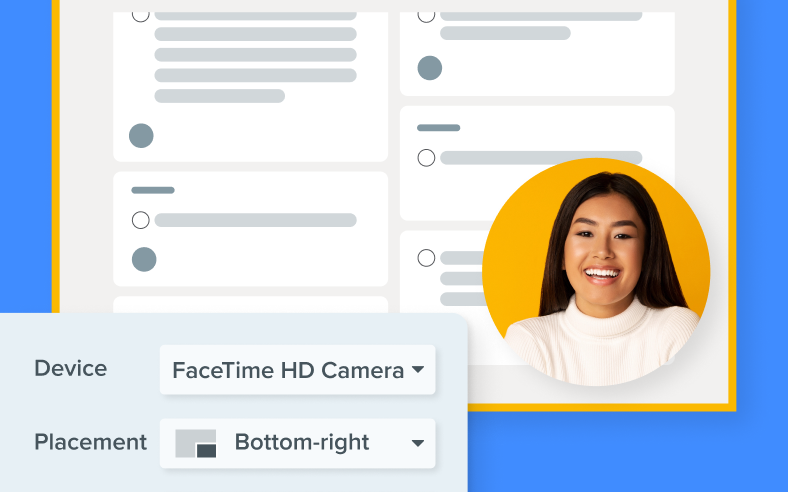
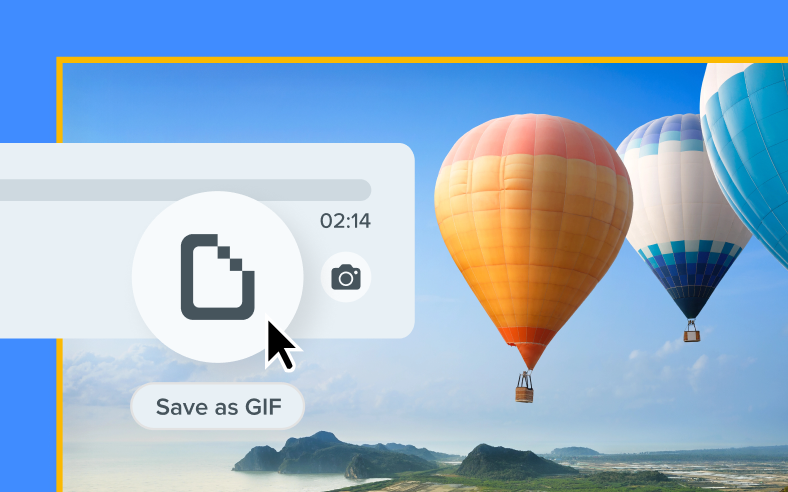
Record picture-in-picture video
Integrate your webcam video into screen recordings for a more personal and engaging viewer experience.
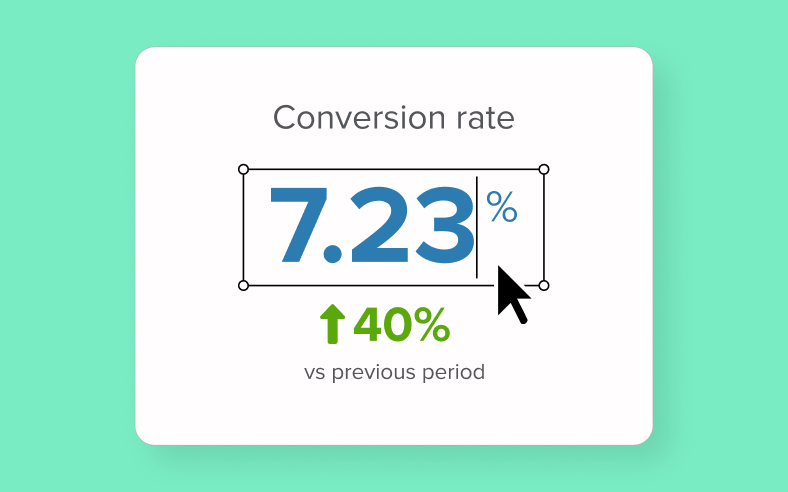
Text recognition
Edit, copy, or delete text within screenshots.
Built for results
Screenshots that speak for themselves
Quickly turn those “Wait, what?” moments into “Aha!” moments with Snagit.
Capture anything
Grab a region, window, full screen, or scrolling page
Stop stitching screenshots together and save exactly what you need, every time.
provide clarity
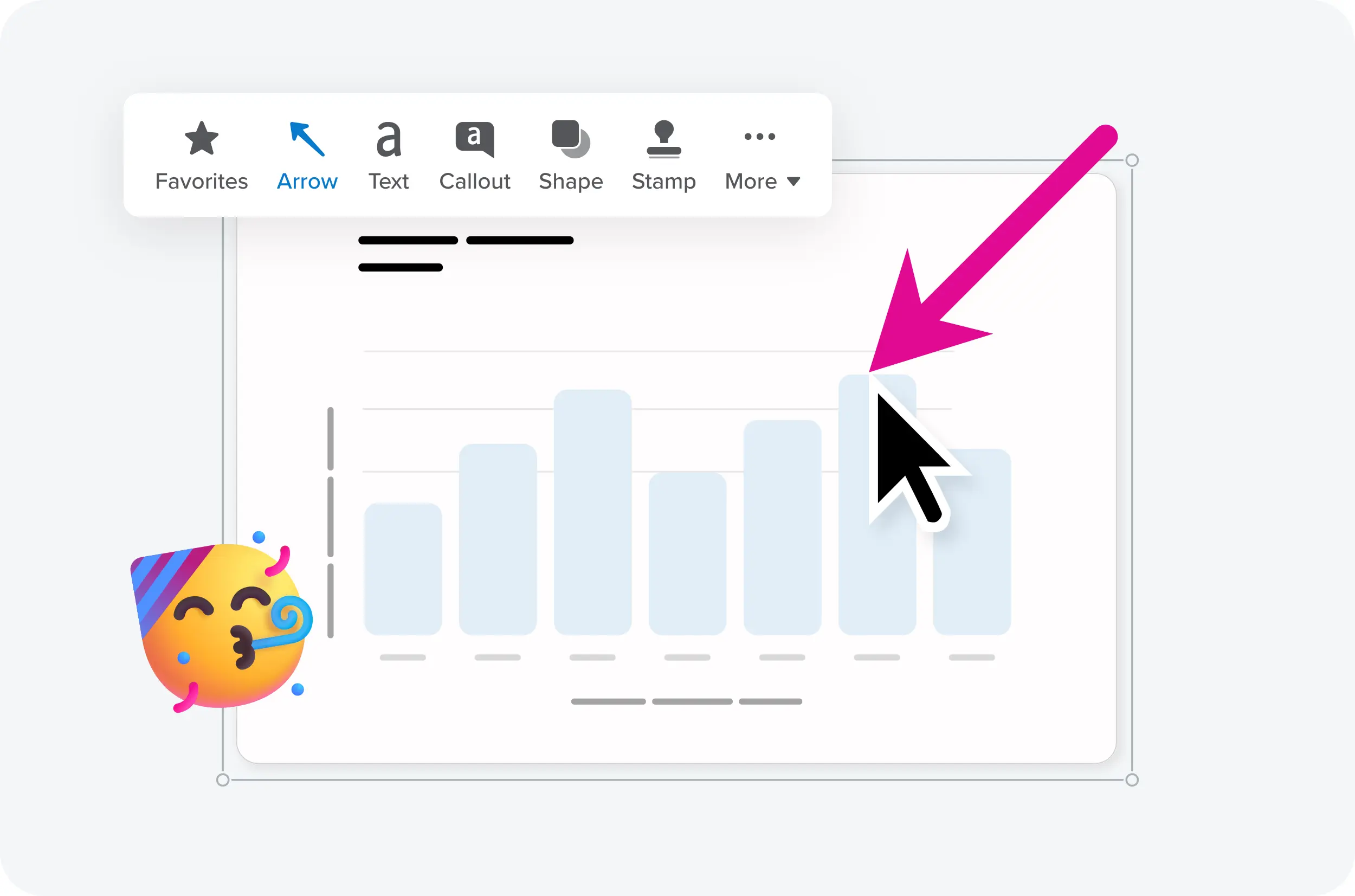
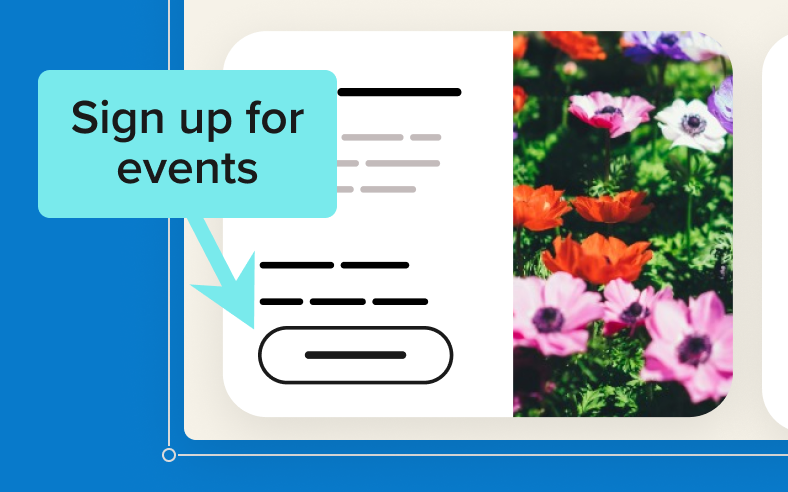
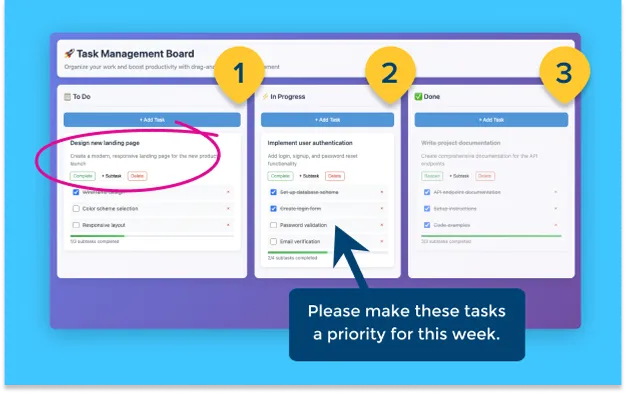
Add arrows, highlights, text, and step numbers
Skip the confusion and make directions impossible to miss.
Share instantly
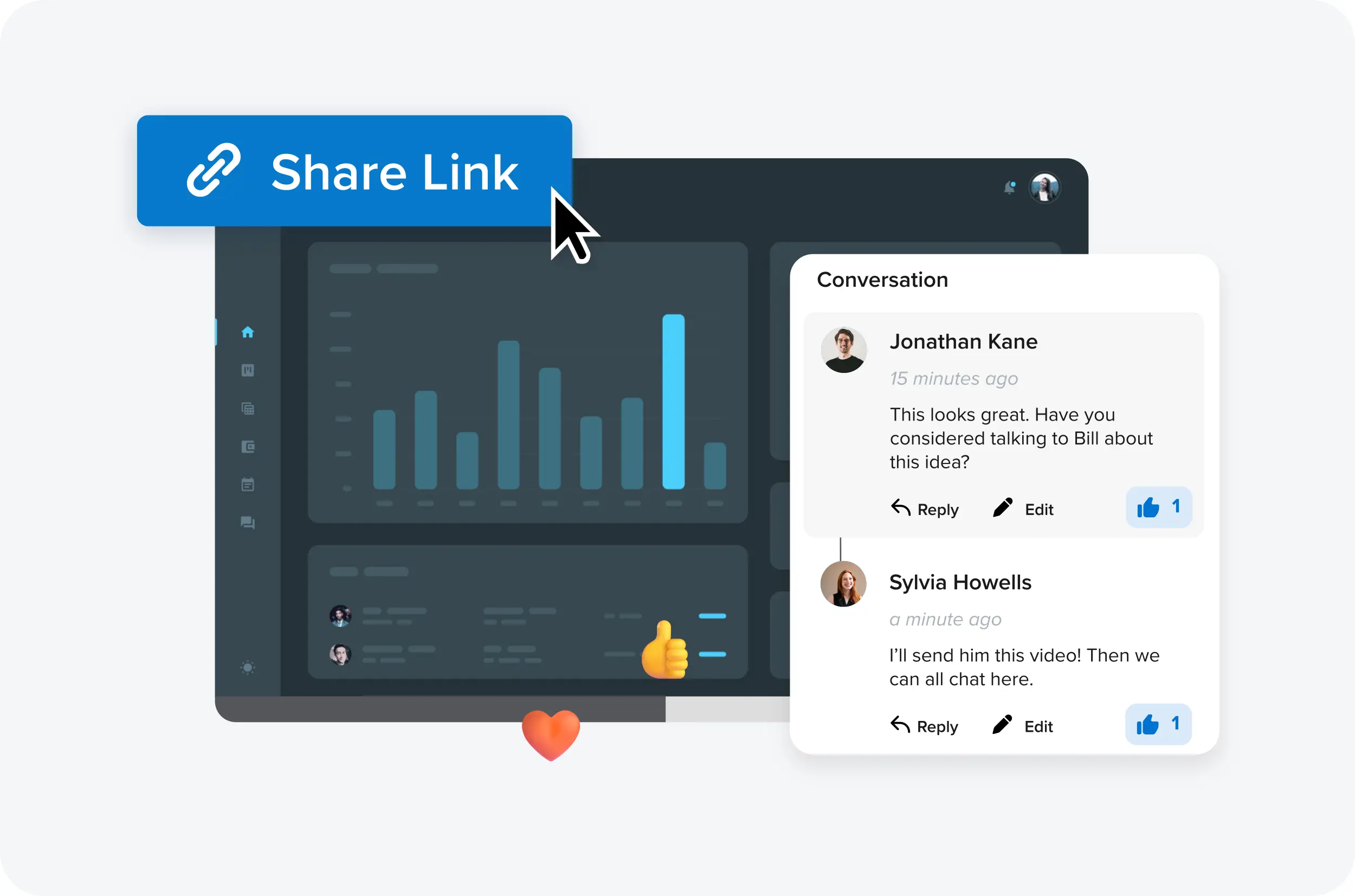
Drop captures straight into email, Slack, docs, and more
Cut the back-and-forth and keep work moving.
STAY ORGANIZED
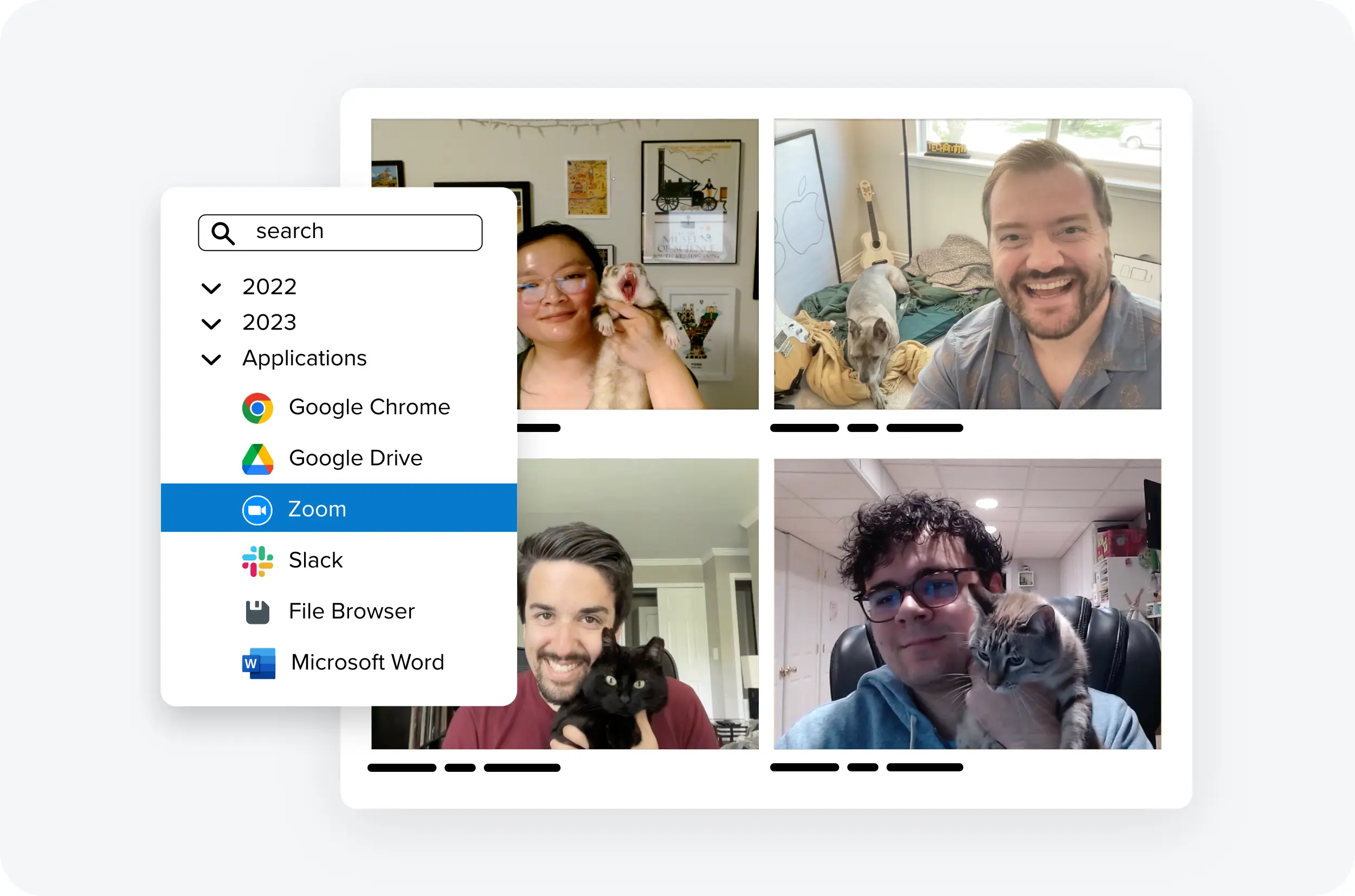
Keep every capture in a searchable, taggable library
Stop wondering where that one screenshot went.
TRUSTED BY PROFESSIONALS
Loved by everyone who is tired of long emails
Don’t just take our word for it. See how Snagit has become a tool
millions of users can’t live without.
Snagit has definitely improved my day-to-day job. It ties up a whole conversation that would’ve probably been seven or eight emails back and forth.
Iris Johnson
Manager of Training & Culture at LightEdge Solutions
Making the switch to Snagit for our asynchronous communication was the absolute right thing to do. It’s like that fundamental to how we do our work now.
Guy Bauer
Founder of Umault
When I found Snagit, I was absolutely ready to pay my own money to use that tool. They continue to give me things I didn’t even know I needed yet.
Caleb Castro
Consumer Innovation Manager at Advent Health
use cases
Real ways people use Snagit
Professionals everywhere rely on Snagit to communicate clearly and keep work moving.
-
Team CommunicationTeam Communication
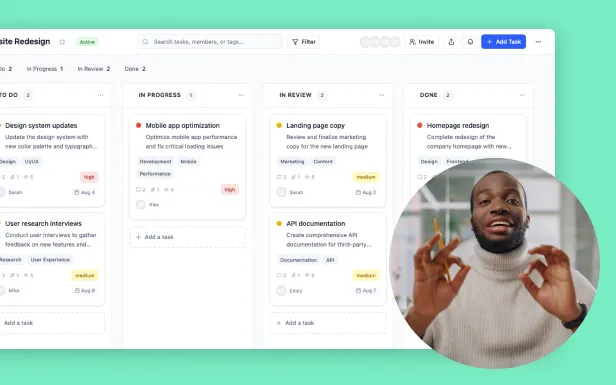
Collaborate without the endless email chains
Snagit helps you capture and share so your message lands without the back-and-forth.- Add visuals, markup, and context to screenshots so messages are instantly understood
- Share once and skip the repeat explanations, meetings, and threads
- Keep everyone aligned with accurate, visual references they can revisit anytime
-
Visual DocumentationVisual Documentation
Documentation that’s clear at a glance
Snagit makes it simple to capture, mark up, and organize visuals so instructions are easy to follow and hard to misinterpret.
- Turn complex processes into step-by-step screenshots people can actually use
- Add annotations, highlights, and callouts to make key details unmissable
- Build visual records your team can reference and update anytime
-
How-To VideosHow-To Videos
Show, don’t tell
With Snagit, you can quickly record short videos that walk people through exactly what to do, no extra meetings required.
- Capture your screen to demonstrate steps in real time
- Narrate or add text to guide viewers with clarity
- Share lightweight video clips that make tasks easier to complete
-
FeedbackFeedback
Feedback that’s fast and crystal clear
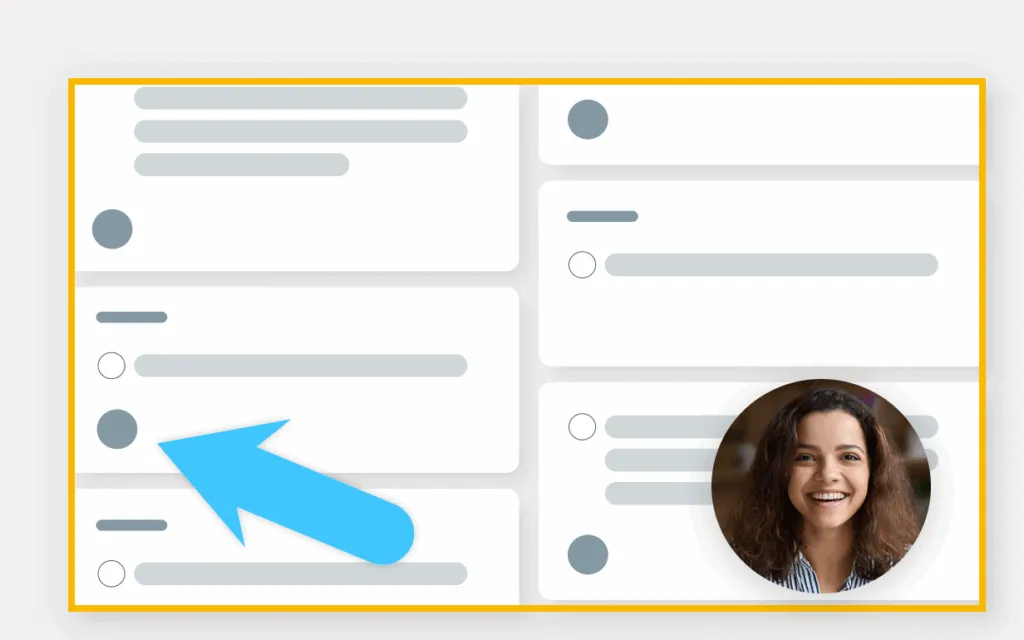
Snagit helps you give actionable feedback by pointing directly to what’s working, or what needs to change.
- Capture screens, files, or designs and mark them up instantly
- Replace vague comments with precise, visual callouts
- Share feedback once and eliminate back-and-forth clarification
Voted the best by our happy customers, over and over again.
Get started today
Frequently asked questions
Still can’t find what you need? Contact us and we’ll help you out.
Snagit is a tool for screen capture and screen recording. Use it to grab screenshots of your screen, including long, scrolling pages, and record quick videos.
Where Snagit really shines is in the “next step.” You can instantly add arrows, text, and highlights to explain yourself. It’s the perfect tool for creating how-to guides, giving feedback, and documenting processes.
Your free tool is great for a basic “snapshot.” Snagit is a “snapshot-and-explain” powerhouse. A free tool just captures pixels. Snagit adds a powerful editor and library that lets you:
- Grab an entire scrolling webpage or a series of clicks.
- Add professional-looking markup like arrows, callouts, and step numbers.
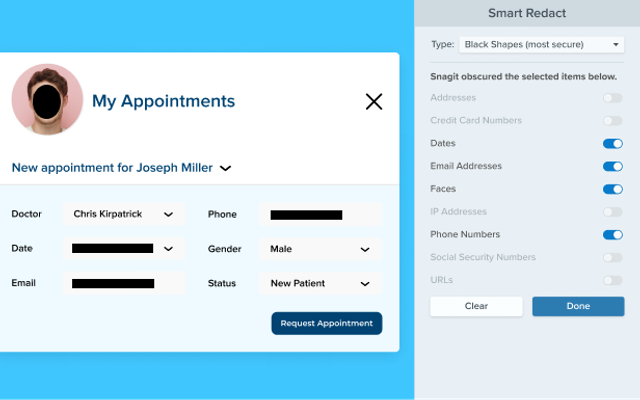
- Automatically blur sensitive information with Smart Redact.
- Record your screen and webcam to make a quick video or GIF.
- Keep everything in a searchable library that can even find text inside your screenshots.
While there is no completely free version of Snagit, there is a fully-functional free trial. That means you can try the paid version, free for 15 days.
What is the difference between Camtasia Snagit and Camtasia Editor. Great question! Think of it this way:
- Camtasia Snagit is for fast screen capture and quick videos. It’s your go-to for marking up a screenshot, recording a 2-minute “watch this” video, or creating a simple step-by-step guide.
- Camtasia Editor is an all-in-one video editor. It’s for building polished, multi-track videos like formal training, product tutorials, and team demos.
Use the step capture feature. Instead of taking a dozen separate screenshots, you just click through your process. Snagit automatically captures a numbered screenshot for each click, turning them into a ready-to-share guide. It turns a 10-minute job into a 30-second one.
Yes! Snagit records your screen, audio (like your voice), and your webcam (picture-in-picture). It’s perfect for quick demos and walkthroughs. You can even trim your videos, combine clips , and automatically remove background noise to make your recording sound clearer.
Sharing your screen recordings with Snagit is both simple and versatile. In a single click, a link is automatically copied to your clipboard and ready to share with anyone. You can easily upload your screen captures and recordings to popular apps such as YouTube, Google Drive, and Dropbox.
Yes, your Snagit license includes both Windows and macOS versions. While most features are identical, a few new ones (like virtual backgrounds or image background removal ) might be available on one platform first.
A screen capture tool lets you take a picture (or video) of what you see on your screen. There are a lot of built-in programs and free tools to capture your screen. But, if you need to take a lot of screenshots and want more flexibility and robust tools, Snagit is the best screen capture and screen recording software.
Snagit supports the following file formats:
- BMP
- CUR (export only)
- GIF
- ICO
- JPG
- MHT
- PDF (export only)
- PNG
- SNAG
- TIF
- RAS
- EMF
- EPS (export only)
- PSD
- TGA
- WFX
- WMF
- WPG
- MP4
Windows System Requirements
- Microsoft Windows 11, Windows 11 on ARM (23H2 or higher), Windows 10 (20H2 or higher), or Windows Server 2016, or Windows Server 2019
- Windows N requires the Media Foundation Pack
- 64 bit Windows only
- Snagit Printer not available on Windows on ARM
- .NET 4.7.2 or later
- WebView2 Runtime (included with installer)
- Intel i5 CPU 6th gen / AMD equivalent
- Intel 8th Generation or newer CPU or AMD Ryzen 2000 series or newer CPU for video recording
- 8 GB of RAM recommended
- 1.6 GB of hard-disk space for program installation
- macOS Tahoe (26), macOS Sequoia (15) or macOS Sonoma (14)
Volume discounts are available starting at 5 licenses or more. The more licenses you buy, the lower the price. Learn more about volume pricing.