


| CARVIEW |
Select Language
HTTP/2 301
vary: Accept-Encoding,Cookie
x-redirect-by: WordPress
location: https://macros.com/videotutorials/
content-length: 0
content-type: text/html; charset=UTF-8
date: Wed, 21 Jan 2026 21:31:06 GMT
server: Apache
HTTP/2 200
vary: Accept-Encoding,Cookie
link: ; rel="alternate"; title="JSON"; type="application/json", ; rel=shortlink
server-timing: wp-before-template;dur=619.43
content-type: text/html; charset=UTF-8
date: Wed, 21 Jan 2026 21:31:08 GMT
server: Apache
Video Tutorials - Macro Express Skip to content 








Macro Express Video Tutorials
View the tutorial videos to learn how to use Macro Express and create macros using step-by-step instructions. Or read the written tutorials.
Macro Expresss Videos
13 Videos
Video Contents
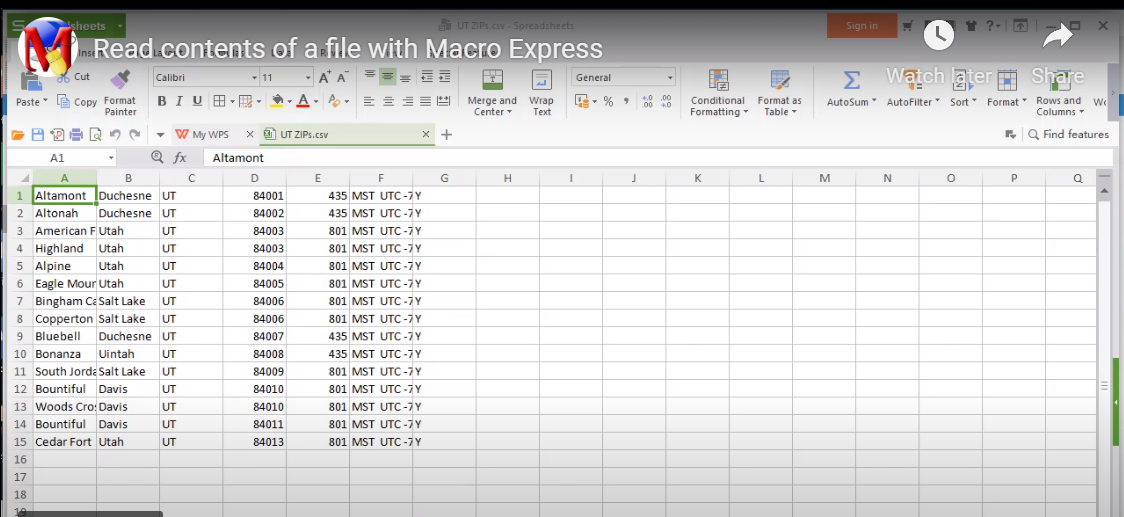
The ASCII Text File command allows you to use information from other programs in a macro. Using this command is a quicker and more reliable way to copy data from one application to another than using Copy and Paste macro commands.
Uses ASCII File Begin Process, ASCII File End Process, Text Type, Scripting Editor.
Video Contents
Create a macro to Copy and Paste information from one application to another.
Uses Window Specific Scope, Window Activate, Wait for Window Title, Repeat Start, Repeat End, Clipboard Copy and Paste, Text Type, Duplicate commands in script, Move commands in script, Scripting Editor.
Video Contents
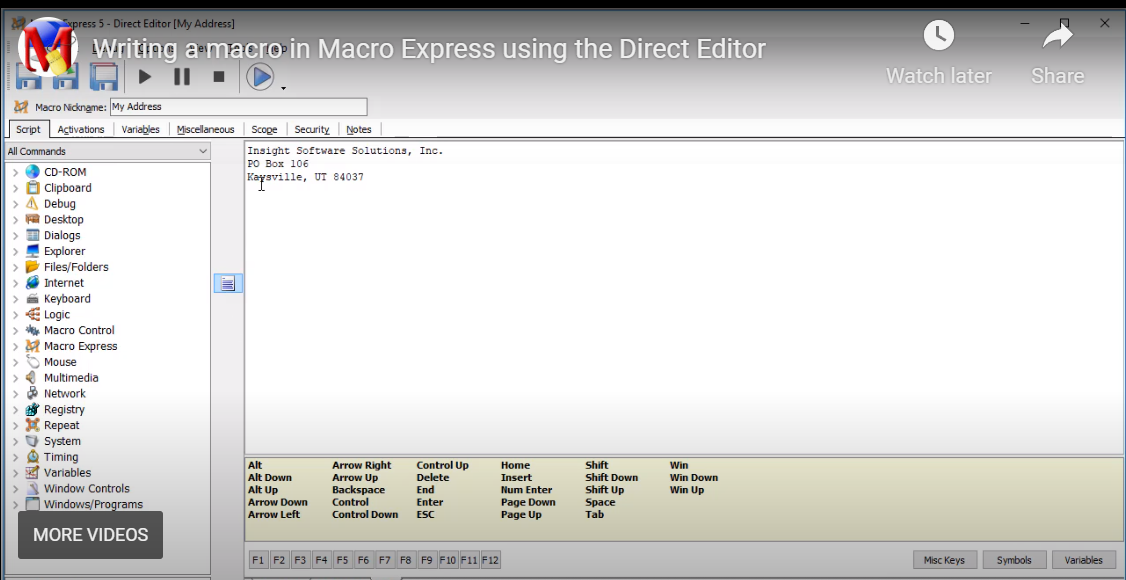
The Macro Express Direct Editor allows you to enter macro commands in their native format. This video demonstrates how to use the Direct Editor to create the simple HotKey activated My Address macro.
Uses Text Type in the Direct Editor.
Video Contents
Integer variables contain integer numbers. Create a macro that generates and displays three random numbers using the Set Integer Variables command.
Uses Variable Set Integer, Text Box Display, Duplicating commands in the script, HotKey macro, Scripting Editor.
Video Contents
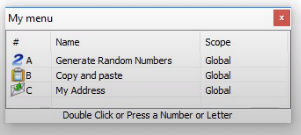
Display several macros in a menu that pops up on your computer screen. This video shows how.
Uses Menu Builder, Scripting Editor.
Video Contents
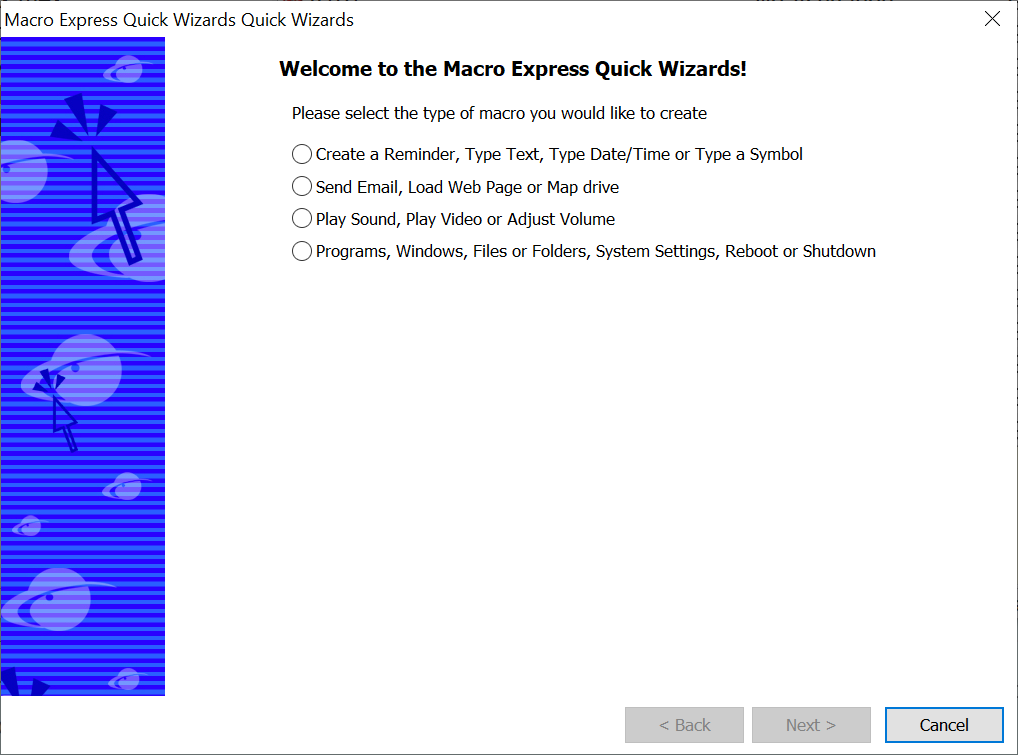
The Quick Wizards provide a fast way to create macros to perform common tasks. This video shows how to create a reminder for an appointment, birthday, task or other event using the Quick Wizards.
Uses Quick Wizards, Macro Explorer.
Video Contents
Capture a macro to set the font in Excel.
Demonstrates System HotKeys, Start/Stop Capture, Capture Settings.
Video Contents
Schedule a macro to run at a specific time.
Uses If Window, Date/Time, Text Type, End If, Window Activate, Macro Scheduler, Deleting, Disabling and Enabling Macros, Scripting Editor.
Video Contents
Create a macro that will only run in a specific program.
Demonstrates Global, Global Except, Program Specific and Window Specific scope options.
Video Contents
A shortkey allows you to type an abbreviation that will do many things. This example shows how to create the My Email Address macro activated via a shortkey. This macro types your email address into a program.
Uses the shortkey activation method, Text Type, Scripting Editor.
Video Contents
Macro Express Pro Snippets save time. Insert frequently used macro commands.
Snippets.
Video Contents
Text String Variables contain strings. A string is a non-numeric value such as a word, sentence or paragraph. Write a macro to fix transposed letters using Text String Variables.
Uses Remark, Text Type, Clipboard Cut, Variable Set String from Clipboard, Variable Modify String Copy Part commands, HotKey macro, Scripting Editor.
Video Contents
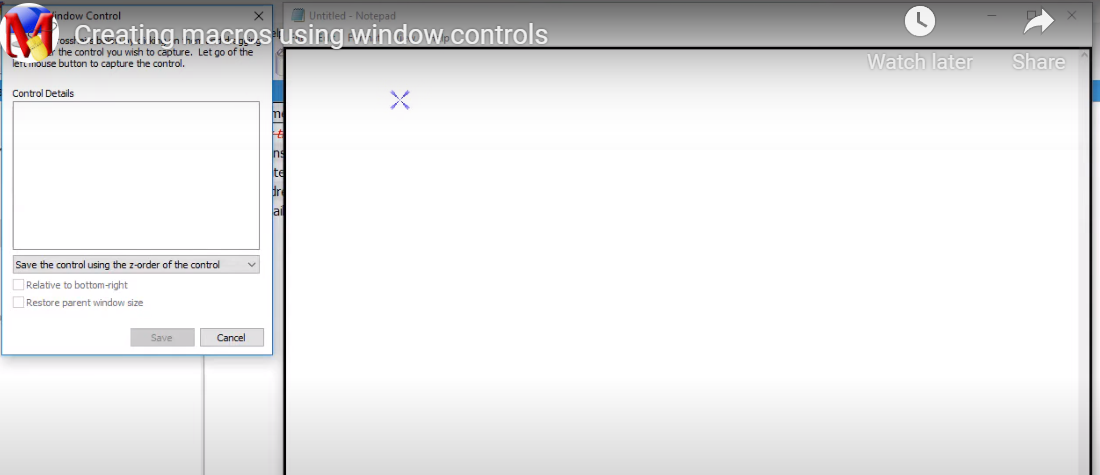
Window Controls are identifiable parts of a specific application window. They may include such things as a button, an edit box, a toolbar or a window title bar. Window Control commands allow you to type text or click the mouse without moving to a specific location in your application. This video shows how to write a macro that uses Window Controls commands in your macros.
Uses Get Control, Mouse Click on Control, HotKey macro, Scripting Editor.
We use cookies on our website to give you the most relevant experience by remembering your preferences and repeat visits. By clicking “Accept”, you consent to the use of ALL the cookies.
Manage consent
Privacy Overview
This website uses cookies to improve your experience while you navigate through the website. Out of these, the cookies that are categorized as necessary are stored on your browser as they are essential for the working of basic functionalities of the website. We also use third-party cookies that help us analyze and understand how you use this website. These cookies will be stored in your browser only with your consent. You also have the option to opt-out of these cookies. But opting out of some of these cookies may affect your browsing experience.
Necessary cookies are absolutely essential for the website to function properly. These cookies ensure basic functionalities and security features of the website, anonymously.
| Cookie | Duration | Description |
|---|---|---|
| cookielawinfo-checkbox-analytics | 11 months | This cookie is set by GDPR Cookie Consent plugin. The cookie is used to store the user consent for the cookies in the category "Analytics". |
| cookielawinfo-checkbox-functional | 11 months | The cookie is set by GDPR cookie consent to record the user consent for the cookies in the category "Functional". |
| cookielawinfo-checkbox-necessary | 11 months | This cookie is set by GDPR Cookie Consent plugin. The cookies is used to store the user consent for the cookies in the category "Necessary". |
| cookielawinfo-checkbox-others | 11 months | This cookie is set by GDPR Cookie Consent plugin. The cookie is used to store the user consent for the cookies in the category "Other. |
| cookielawinfo-checkbox-performance | 11 months | This cookie is set by GDPR Cookie Consent plugin. The cookie is used to store the user consent for the cookies in the category "Performance". |
| viewed_cookie_policy | 11 months | The cookie is set by the GDPR Cookie Consent plugin and is used to store whether or not user has consented to the use of cookies. It does not store any personal data. |
Functional cookies help to perform certain functionalities like sharing the content of the website on social media platforms, collect feedbacks, and other third-party features.
Performance cookies are used to understand and analyze the key performance indexes of the website which helps in delivering a better user experience for the visitors.
Analytical cookies are used to understand how visitors interact with the website. These cookies help provide information on metrics the number of visitors, bounce rate, traffic source, etc.
Advertisement cookies are used to provide visitors with relevant ads and marketing campaigns. These cookies track visitors across websites and collect information to provide customized ads.
Other uncategorized cookies are those that are being analyzed and have not been classified into a category as yet.