


| CARVIEW |



Watch Video
High FPS
Play your favorite Android games on PC at up to 240 Frames Per Second (FPS) on BlueStacks. Unlock the smoothest gameplay.
-
Low Latency Gameplay
Smoother in-game transitions
-
Up to 240 FPS
Catch every detail with ease
-
Better Reaction Time
React immediately in heavy combat
-
Why Play at High FPS?
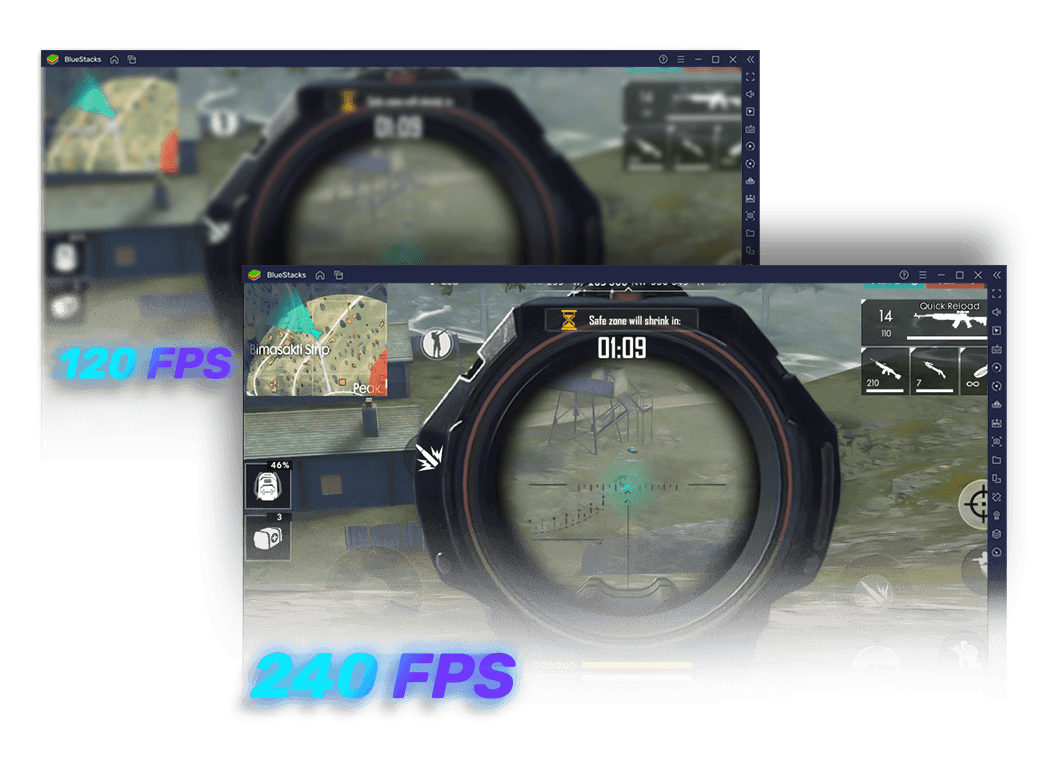
The difference between low and high frame rates is especially noticeable when playing shooting games that involve a lot of motion. These fast-paced games are developed to run at higher FPS (240 FPS or more), leading to better visual clarity and incredible gaming performance.
![Why Play at High FPS?]()
-
Get the Edge in Shooting Games
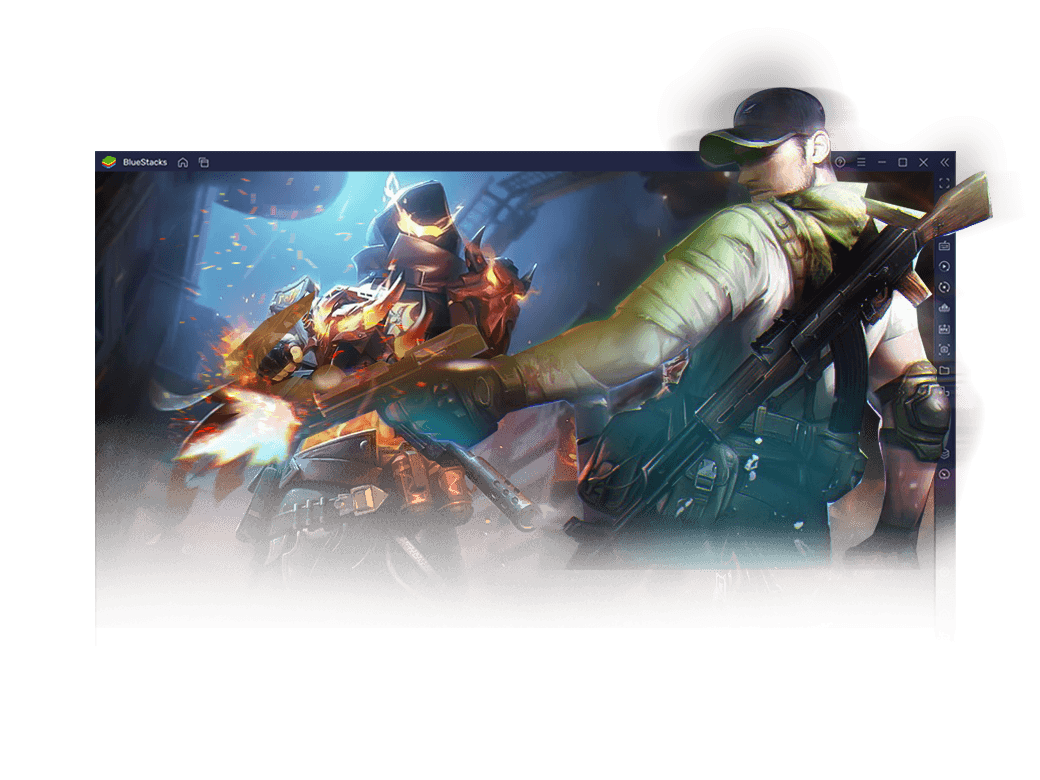
How fast you see any movement on the screen before your opponent does, can be the difference between losing and winning in shooting games. This is where enabling high FPS (120-240 FPS) can be a game-changer. With BlueStacks, you can play around with a few in-game settings and optimize them to achieve maximum FPS.
![Get the Edge in Shooting Games]()
-
No Stutter. More Fluid.
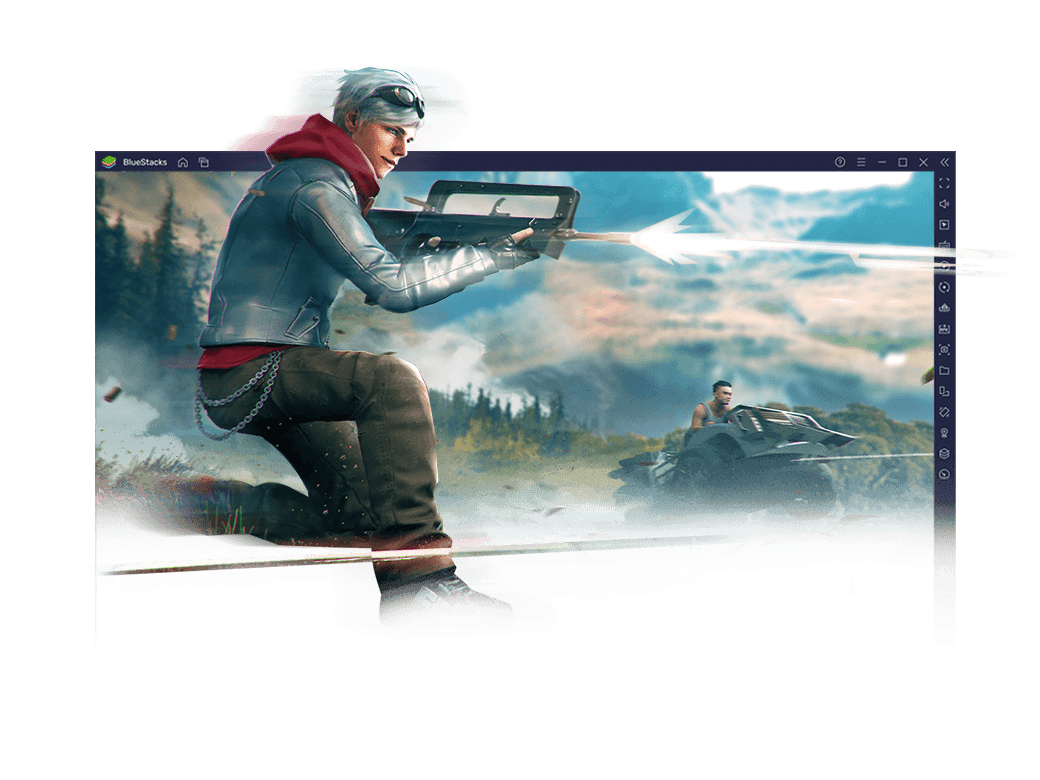
The most advanced games today are loaded with high graphics. High FPS eliminates stutters and tearing, making the images appear smoother. It would be much easier to spot enemies in fast-moving scenes when your FPS is high.
![No Stutter. More Fluid.]()
-
Better Reaction Time
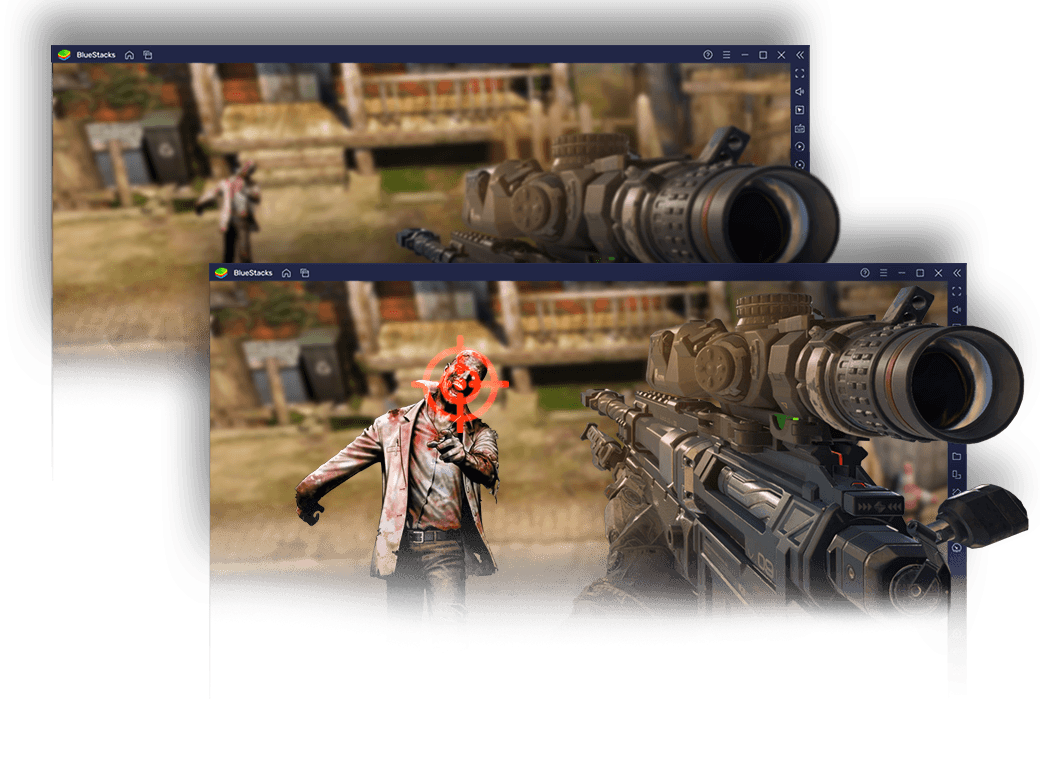
In an intense fight, a millisecond difference in human reaction time is all you need to outdo your opponent. With BlueStack, you can custom-set the frame rate by putting it on a higher FPS. Never miss the chance to outsmart your opponents.
![Better Reaction Time]()
Setting up High FPS
Steps
-
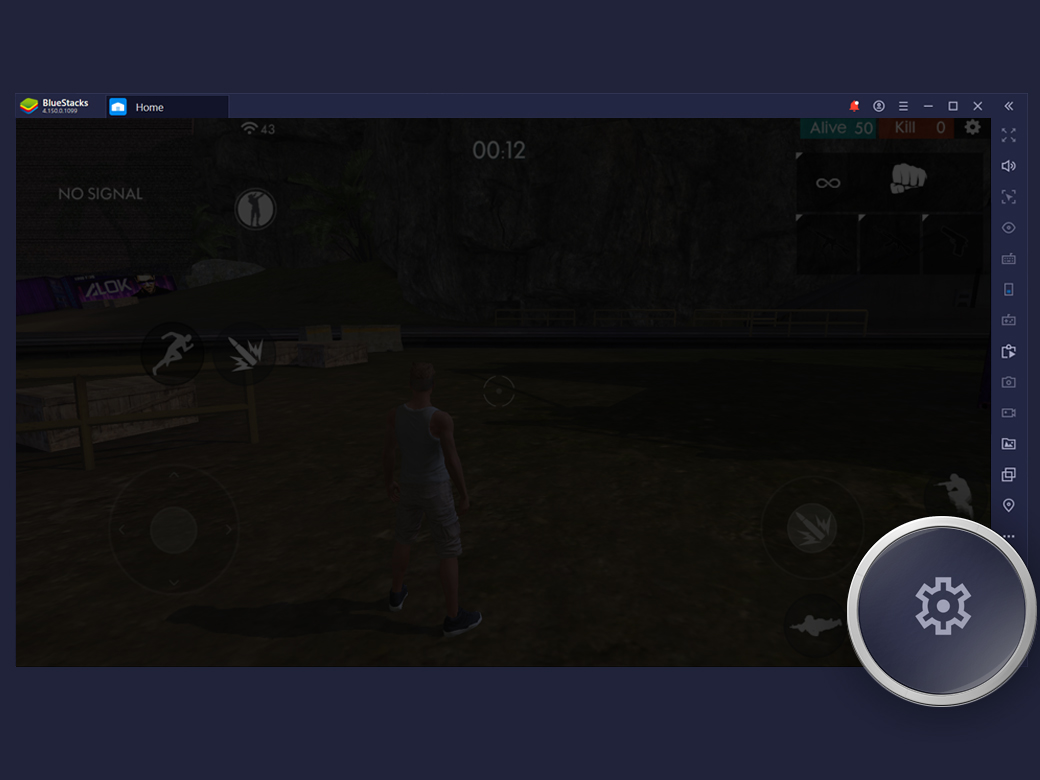
![Go to BlueStacks Settings (click on the gear icon at the bottom of the sidebar)]()
Go to BlueStacks Settings (click on the gear icon at the bottom of the sidebar)
-
![Click on Engine]()
Click on Engine
-
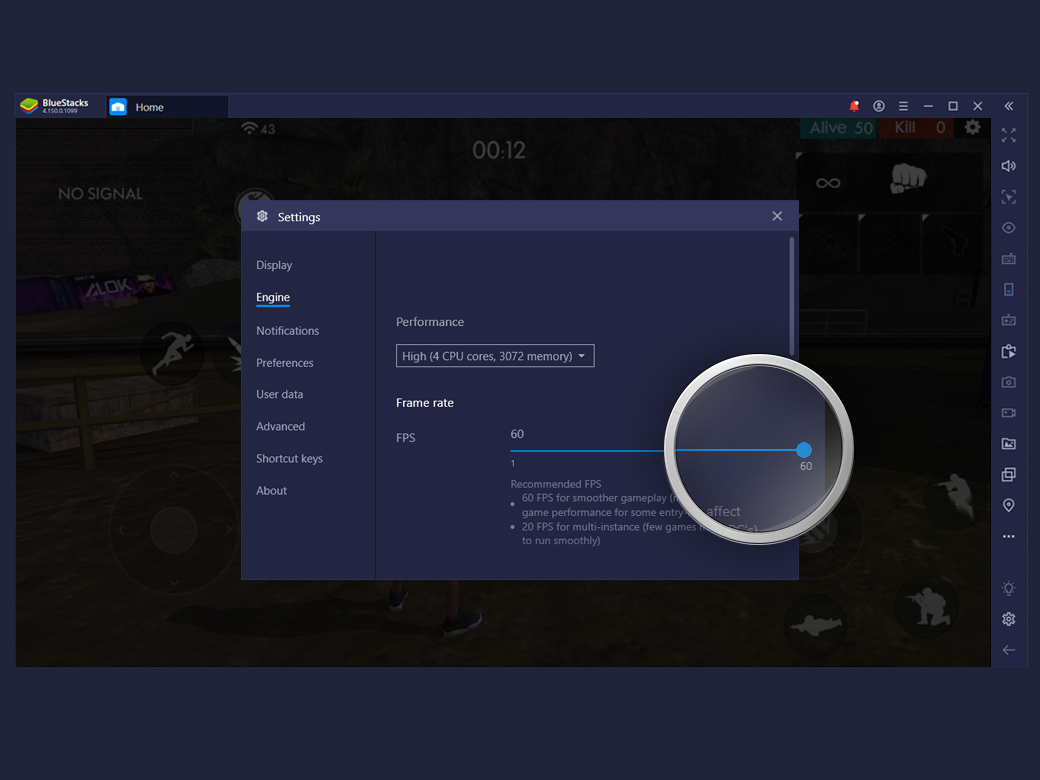
![Use the slider to set FPS]()
Use the slider to set FPS
-
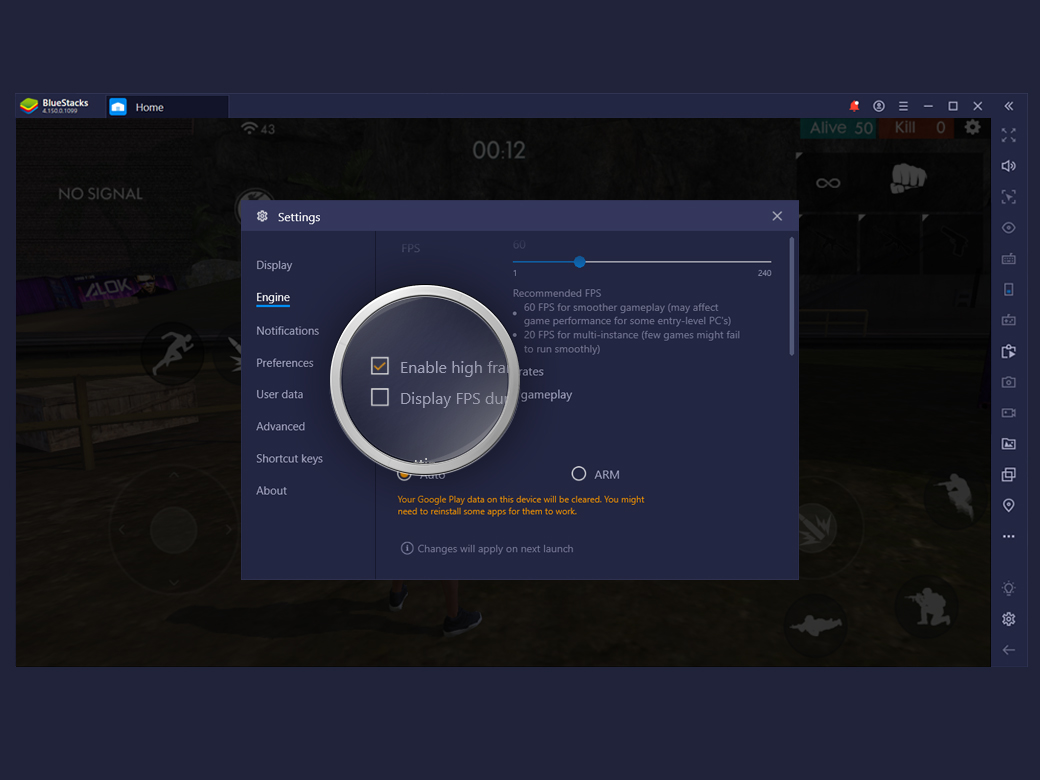
![Check the ‘ECheck the ‘Enable High Frame Rates’ box to adjust the FPS. Overall FPS also depends on your PC’s specs.nable High Frame Rates’ box to adjust the FPS. Overall FPS also depends on your PC’s specs.]()
Check the ‘ECheck the ‘Enable High Frame Rates’ box to adjust the FPS. Overall FPS also depends on your PC’s specs.nable High Frame Rates’ box to adjust the FPS. Overall FPS also depends on your PC’s specs.

Note:
Check the ‘Display FPS During gameplay’ box and when enabled FPS is displayed on the bottom left corner of BlueStacks
High FPS Works Best With
-
![High FPS Step Image]()
Shooting Mode
Improve your aim and reaction time with keyboard, mouse
View Details -
![High FPS Step Image]()
Game Controls
Play with preset controls or customize them
View Details


The Best Game Guides - Read, Learn, Play, and Share.
See All



BlueStacks
is a PC platform.
Since you are on your phone, we are going to send you to the Google Play page.
(In some cases BlueStacks uses affiliate links when linking to Google Play)
Sorry, BlueStacks is available only for PC or Mac
BlueStacks
BlueStacks 4 is not available on Windows XP. You must have Windows 7 or higher. Windows 10 is recommended.
