


| CARVIEW |


The easy way to create maps
Create custom Google Maps in minutes. Share or embed maps anywhere. Free to use.


"Atlist was easy enough for me, a VP of Finance, to make a map... kudos to you!" — Rex Hamilton, Serial 1 Cycling

Atlist is a tool for creating custom maps that can be shared or embedded on websites. It’s used for world maps, store locators, data visualizations and more. If you can imagine it, you can build it.
Build
Your toolkit for creating custom Google Maps.
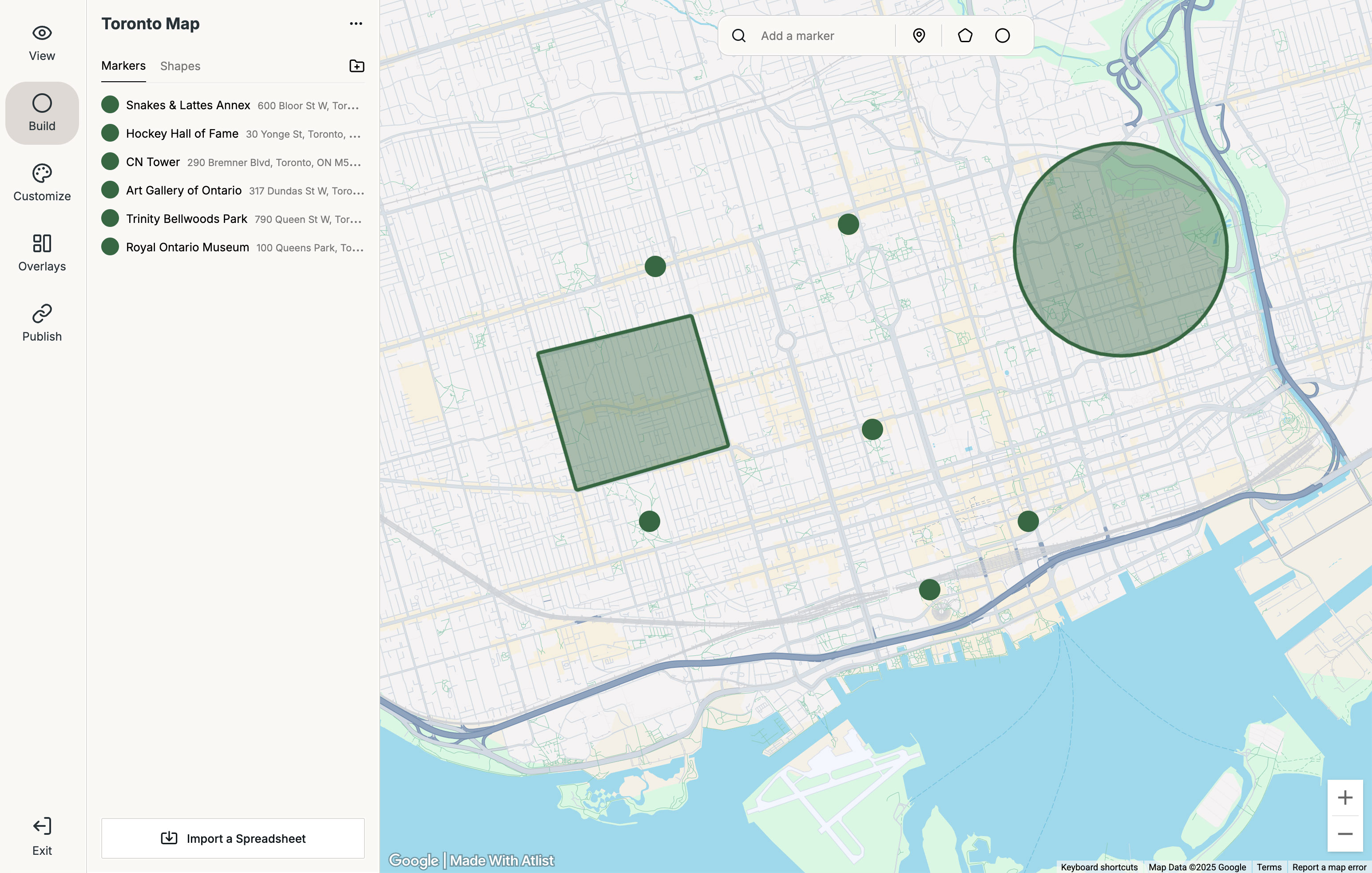
Markers
Style markers your way, add thousands to a single map, and organize them into groups.
Shapes
Add polygons, circles, lines or region shapes like cities and neighborhoods.
Modals
Fully customizable modal pop-ups with HTML, buttons, photo galleries and more.
Google Sheets Sync
Automatically sync new markers from a connected Google Sheet.
Upload Spreadsheets
Bring your own data by importing your own spreadsheets.
API
Use the Atlist API to create and manage maps with your own data and workflows.
Customize
Mix-and-match features to fit your vision.
.png)
Buttons
Add CTA buttons that link to Google Maps — or anywhere else you need.
Maps
Pick from a collection of beautiful map styles — then customize to make it your own.
Boundaries
Restrict your map to a specific boundary — easy and flexible.
Current Location
Show your visitor’s live location to make wayfinding easier.
Programmatic Icons
Assign numbered (1, 2, 3) or lettered (A, B, C) icons to markers automatically.
Password Protect
Keep your maps private and secure with password protection.
Clusters
Automatically cluster nearby markers — perfect for dense maps with lots of data.
Photo Galleries
Add beautiful photo galleries and lightboxes to your modal pop-ups.
Fonts
Choose from over 1,400 fonts via Google Fonts.
Overlays
Add powerful overlays for interactive experiences.
.png)
Search
Let visitors find the nearest marker using their current location or any address.
List
Display your markers in a customizable list — complete with photos, notes, buttons, and more.
Tags
Let visitors filter markers using powerful, customizable tags.
Legend
A visual key to help visitors understand markers quickly.
Title
Add logos, titles, descriptions, and HTML to your map.
Share or Embed
Publish your map anywhere on the internet.






Developer Not Required
You don't need a developer to create custom Google Maps. You need Atlist.
Atlist
Free to use — paid plans start at $14 / month
Build and publish maps in minutes
No code required, drag and drop interface
Make edits anytime, instantly
Always up-to-date, no bugs to fix
Hiring a Developer
$500–$5,000+ for a custom map
Days or weeks for revisions, deployment
Requires explaining, mockups, testing
Need to request changes, wait for implementation
Requires ongoing maintenance and debugging
“I had a developer do a map for me last year and it was terrible— then one of our interns found your website and built the entire thing in an hour!”—Megan S., Gingerbug Brew
“It was faster to use your service to build this out than have the in-house engineers work on my project."— Calvin Williamson, Web Designer
Example Maps
.png)

.png)


.png)
Ready to create a map?
Try Atlist now ->
Do I need a Google Maps API key or Google Account?
Nope — Atlist includes everything you need, including access to APIs on the Google Maps Platform (such as Google Dynamic Maps and Google Places).
How does Atlist compare to My Maps?
Google My Maps is great — but it has a downside: limited style customization.
Atlist gives you far more style control. This 5-minute video comparison gives a good overview of the differences.
What does Atlist cost?
Atlist is free to use, but some features require an upgrade. See our pricing page.
Does Atlist work on iOS and Android?
Atlist is responsive — which means visitors can view maps on mobile and you can create maps on mobile.
There is no iOS or Android Atlist app — instead you create maps from your mobile browser.
Who made Atlist?
We made Atlist — Karl Danninger, Steve Benjamins and Mike Ball.
Atlist is our love letter to custom maps. We spent years feeling frustrated by how difficult it was to make custom maps. Even as developers, it just never felt easy to us— we'd lose hours combing through the Maps Javascript API and documentation.
We wanted to create a better way so we built Atlist to be the map maker we wish we had back then.
What kind of maps can I create with Atlist?
Atlist is used to create all kinds of maps: store locators, world maps, infographics and even data visualizations — basically any kind of map with markers.
You can share your map in a format that works for you: embed it on a website, password-protect it or share it as a public URL.
Is Atlist easy-to-use?
Atlist makes custom maps easy— no need to understand HTML, Javascript or APIs. If you can use Microsoft Word, you can use Atlist.
Want to learn more? Watch this quick tutorial.