


| CARVIEW |

WordPress Form Plugin with user registration forms
Custom User Registration Forms
Customize your user registration experience with WPForms. The User Registration addon lets you create custom user registration, password reset, and login forms for your WordPress website.



User Registration Key Features
Our User Registration addon makes it easy to create professional forms within minutes. We know you’ll love these features!
Capture the Data You Need
Don’t limit yourself to only asking for a name, email, and username. Ask your users what you need from them.
Personalized Confirmation Emails
Need to share more details with users in your confirmation notices? Personalize these emails with a few clicks.
Customized Login Forms
Go beyond the standard WordPress login page and create something unique for your brand and users.
Map Custom Meta Fields
Collect more than email and name, then map it to any property on their profile.
Branded Password Resets
Take control of your password reset page and emails with a few clicks.
Upgrade Your Payment Forms
Allow users to create an account on transactional forms with a simple checkbox.
Conditional Logic
With conditional logic, you can create personalized forms and notifications based on how users respond.
Mark Rummel
Verified CustomerQuick and friendly service. They always tell you the issues and give you your next steps to fix them. I am not exaggerating when I say they have the best support in the industry and the best software product as well!
The Best WordPress Drag & Drop Form Builder Plugin
Create and publish forms in minutes… What are you waiting for?
Strengthen Your Online Community With User Registration Forms
Whether you want to publish a standalone form for user registration or create a fully unique experience for your brand by customizing many WordPress user functions, WPForms has you covered. Setup is easy as 1-2-3!
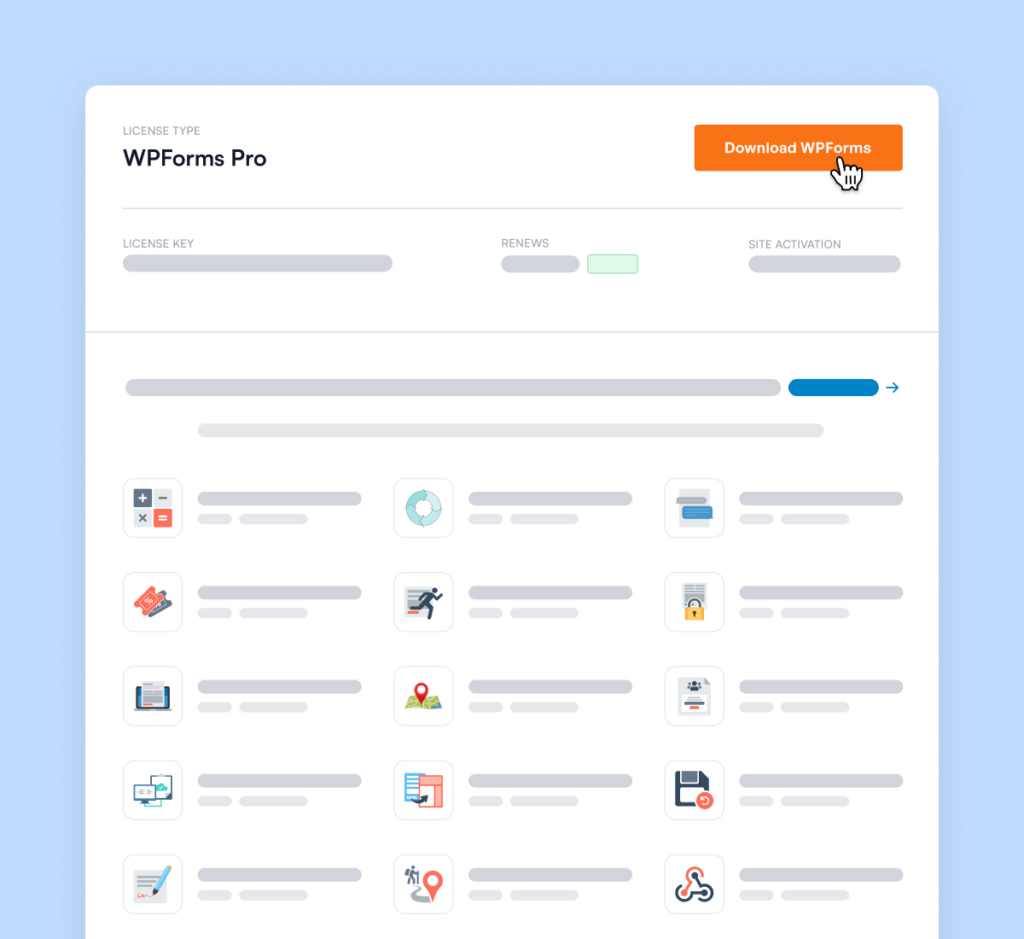
Download and Install the WPForms Plugin
After registering your account, download and install the WPForms plugin on your website.
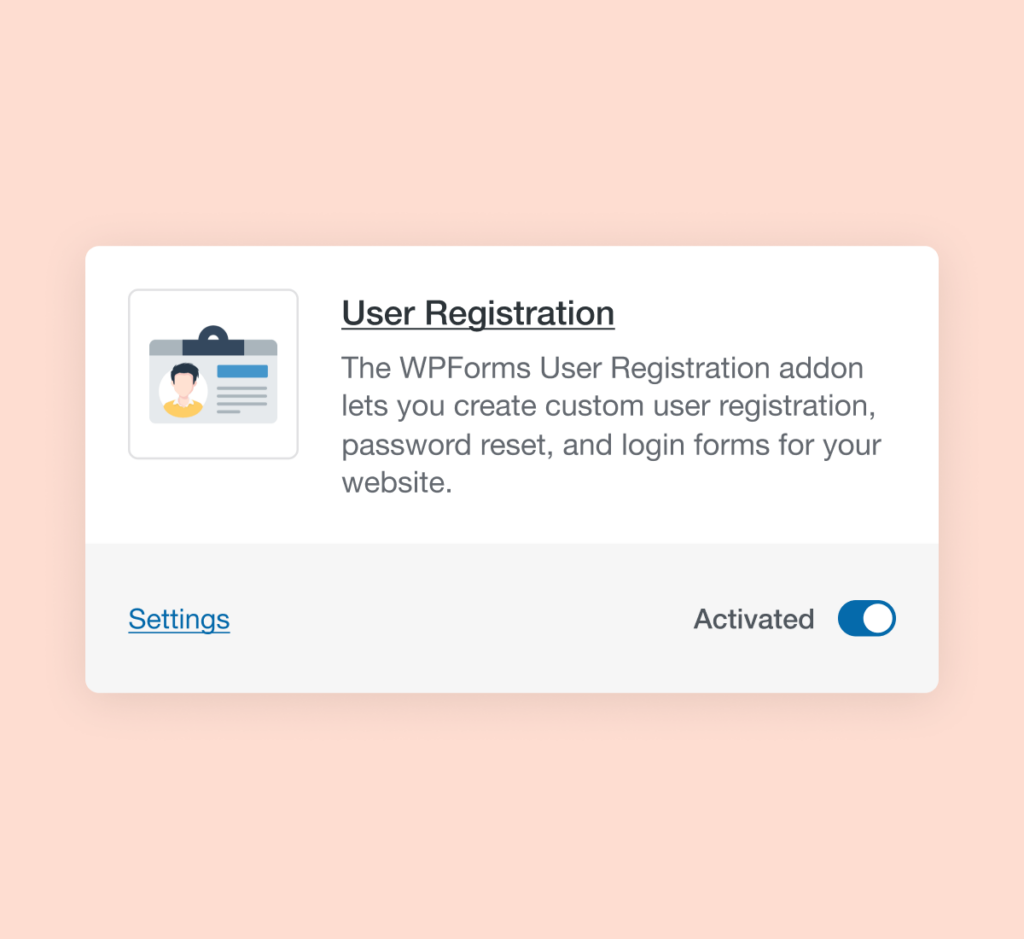
Activate the User Registration Addon
Once you’ve downloaded and installed WPForms on your website, be sure to activate the User Registration addon in the Addons menu.
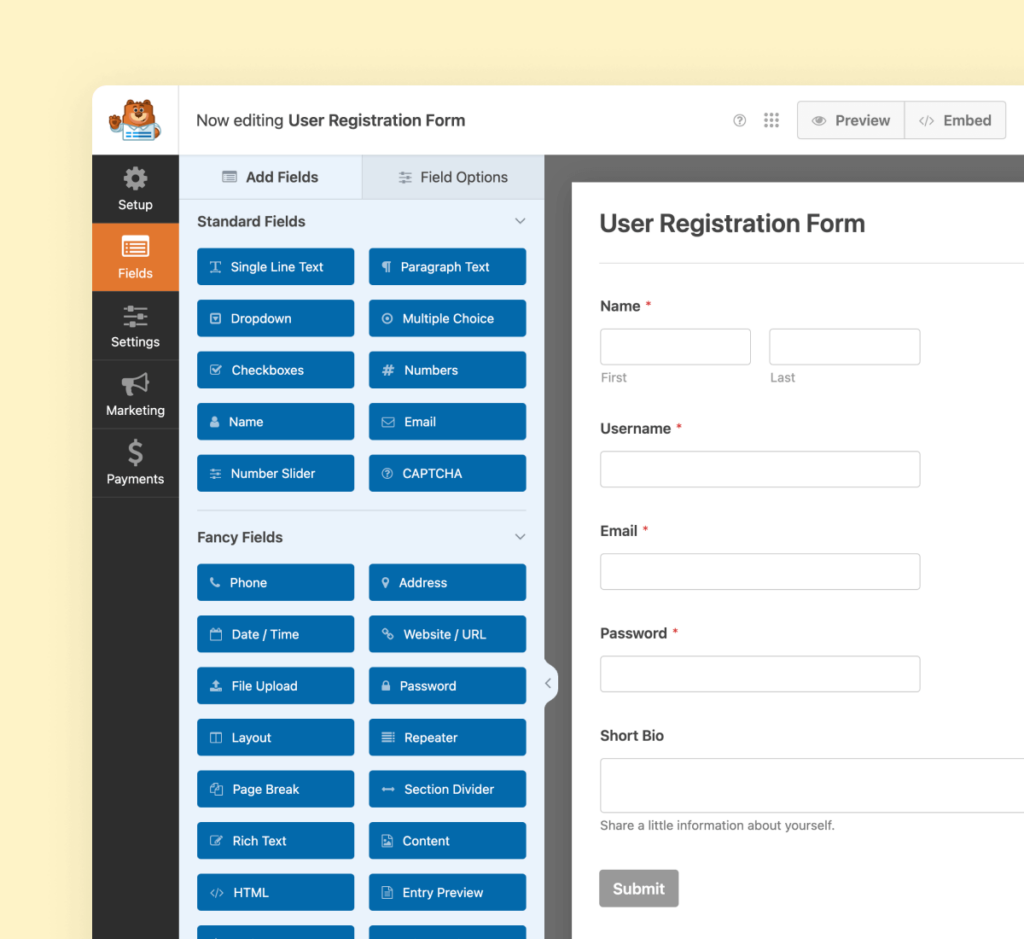
Create Your Form
Now it’s time to create your user registration form. Our user-friendly form builder makes it easy and stress-free to drag and drop your form elements into place. You’ll love how fast it comes together!
Elevate Your Forms with 2,000+
Ready-Made Templates
- Review Form
- Waiver Form
- Screening Form
- Issue Form
- Disciplinary Form
- Petition Form
- Monitoring Form
- Vendor Form
- Expense Form
- Agreement Form
- Training Form
- Completion Form
- Request Form
- Medical Form
- Evaluation Form
- RMA Form
User Registration – Frequently Asked Questions
Do you have a question about User Registration? See the list below for our most frequently asked questions. If your question is not listed here, please contact us.
How do I create a user registration form in WordPress?
To create a user registration form in WordPress, download WPForms if you haven’t already. You can start from scratch or use the library of pre-made templates to create your form. To add user registration, activate the User Registration addon (if you haven’t already), and enable the user registration option on your form. After you have mapped the data fields, publish your form, and your users can begin registering right away.
What should be included in a registration form?
The minimum information you need for a registration form is an email address, as WordPress requires an email to create a new user account. Otherwise, you can add additional fields as necessary. We recommend that you also request a username, name, and password.
What kinds of forms can I add a user registration to?
You can add user registration to all form types. After you have created your form, click the option to “Enable User Registration” and map the correct data fields.
Can I create custom WordPress login forms?
Absolutely. You can create login forms and password reset forms.
Even More Powerful Features
Ready for more? Check out some of our other features to take your forms to the next level!
Signatures
Accept secure digital signatures on any form.
- Add signature fields easily to any form with drag-and-drop.
- Securely store signatures as PNG images with form entries.
- Perfect for contracts, orders, and agreements.
Conditional Logic
Create high-performance forms with our smart conditional logic.
- Personalize forms based on user responses.
- Show or hide fields dynamically for better UX.
- Streamline data collection and improve form flow.
-
“
It is flexible: I use it for contact forms, donation forms, grant application forms, events, and more. Simple yet powerful interface for collecting payments. I install WPForms on every website I have – I know it will be used.
”Nir A.
Verified Customer -
“
WPForms has a very intuitive builder. We’ve been very pleased after having tried others.
”Pierre B.
Verified Customer -
“
Drag and drop feature without having to write tedious code. Really simple to implement. It just works well. Integration in wordpress is very easy.
”Raelynn J.
Verified Customer -
“
I appreciate the generous support from the WP forum. The newsletter is full of useful information. Thank you.
”Coachcubas
Verified Customer -
“
Great plugin to choose if you don’t know how to code. Its user interface is easy for drag and drop.
”Arisch24
Verified Customer -
“
Easy to use, Not Complex at all, Smart Logic is fantastic.
”Mohammad Shafayet Ullah C.
Verified Customer -
“
WPForms makes it super simple to add support for forms on WordPress. Having pre-made fields to collect first and last name, e-mail address and physical addresses all make this tool invaluable.
”Chris F.
Verified Customer -
“
WPForms is an exceptional WordPress plugin, seamlessly integrating intuitive form creation with an extensive range of features. Its user-friendly interface and reliable performance make it a must-have for any website looking to enhance its form functionality effortlessly.
”Ilyaschwebdeveloper
Verified Customer -
“
Shawon provided EXCELLENT assistance in solving my issue. I’m SO thankful for Shawon’s fast responses, understanding the issue without making me feel like the novice I am, AND hanging in there with me until it was resolved.
”
I give Shawon 10 stars out of a possible 5, that’s how impressed and thankful I am!Becky North
Verified Customer
-
“
It is flexible: I use it for contact forms, donation forms, grant application forms, events, and more. Simple yet powerful interface for collecting payments. I install WPForms on every website I have – I know it will be used.
”Nir A.
Verified Customer -
“
WPForms has a very intuitive builder. We’ve been very pleased after having tried others.
”Pierre B.
Verified Customer -
“
Drag and drop feature without having to write tedious code. Really simple to implement. It just works well. Integration in wordpress is very easy.
”Raelynn J.
Verified Customer
WordPress Forms
What are you waiting for?
- Online Form Builder
- Conditional Logic
- Conversational Forms
- Form Landing Pages
- Entry Management
- Form Abandonment
- Form Notifications
- Form Templates
- File Uploads
- Calculation Forms
- Geolocation Forms
- Multi-Page Forms
- Newsletter Forms
- Payment Forms
- Post Submissions
- Signature Forms
- Spam Protection
- Surveys and Polls
- User Registration
- WPForms AI
Cookie Consent
We use cookies to improve your experience on our site. By using our site, you consent to cookies.
Cookie Preferences
Manage your cookie preferences below:
Essential cookies enable basic functions and are necessary for the proper function of the website.
Easy Digital Downloads is a WordPress plugin for selling digital products effortlessly and managing transactions.
These cookies are used for managing login functionality on this website.
WPForms is a user-friendly WordPress plugin for creating custom forms with drag-and-drop functionality.
Statistics cookies collect information anonymously. This information helps us understand how visitors use our website.
Google Analytics is a powerful tool that tracks and analyzes website traffic for informed marketing decisions.
Service URL: business.safety.google (opens in a new window)
Marketing cookies are used to follow visitors to websites. The intention is to show ads that are relevant and engaging to the individual user.
OptinMonster is a powerful lead generation tool that helps businesses convert visitors into subscribers and customers.
Service URL: optinmonster.com (opens in a new window)
X Pixel enables businesses to track user interactions and optimize ad performance on the X platform effectively.
Service URL: x.com (opens in a new window)