Strive's beautiful content calendar displays your entire publishing schedule right in the WordPress dashboard. Add, edit, and reschedule posts all in one place.
Statuses like "draft" and "published" only tell you if your post is live or not. Strive adds four new "editorial statuses" that
describe the state of your drafts.
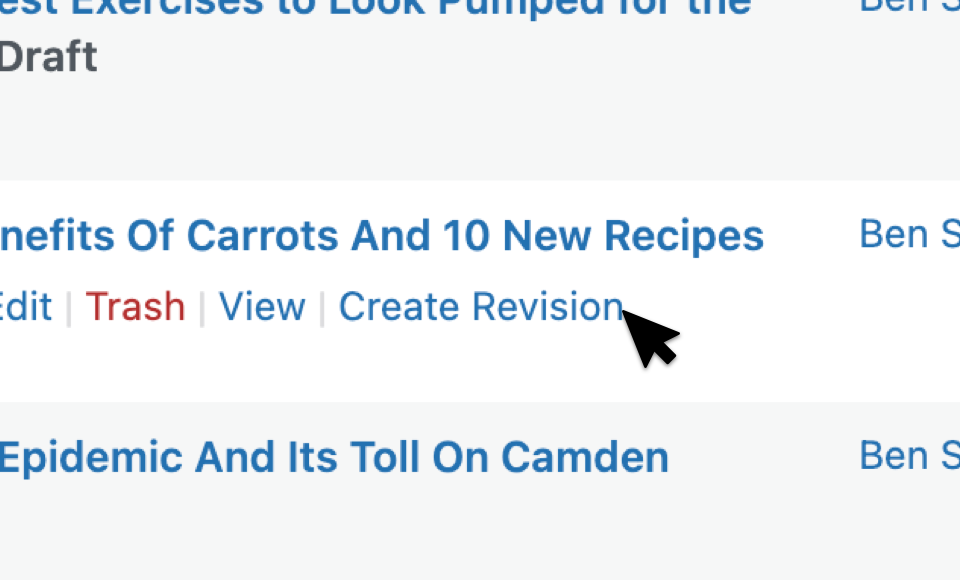
Updating old content is great for increasing search traffic. Create a revision from any published post and work on it
privately until ready for publication.
Find out if this WordPress editorial calendar plugin is right for you
Solo Bloggers
Staying organized is especially important when you work alone. Strive can keep you focused on creating your best content every week.
Content Marketers
Publishing content regularly is the best way to grow your search traffic and attract new leads, and with Strive, you can build a content marketing process.
News & Publishers
With large teams and complex editorial workflows, tools like the visual calendar, post statuses, and checklists are absolutely critical to stay on track.
Take the 5-Day Profitable Content Course
Learn how to plan a content strategy, brainstorm profitable post ideas, and design your own content creation system.
Watch & Learn How to Use Strive
Get a preview of how it works with the videos below
Content Calendar
Learn how to add, edit, and schedule posts with the blog calendar.
Post Checklists
Learn how to design a content creation system with post checklists.
Post Revisions
Learn how to republish outdated content for SEO with post revisions.
Once you try Strive, you won’t know how you managed without it.
And because we’re so confident you’ll love it, we’re providing a 14-Day Free Trial. Try it out risk-free for a full month before you decide if it’s right for your site.


 Content calendar
 Post statuses
 Post checklists
 Revisions
 Pipeline