


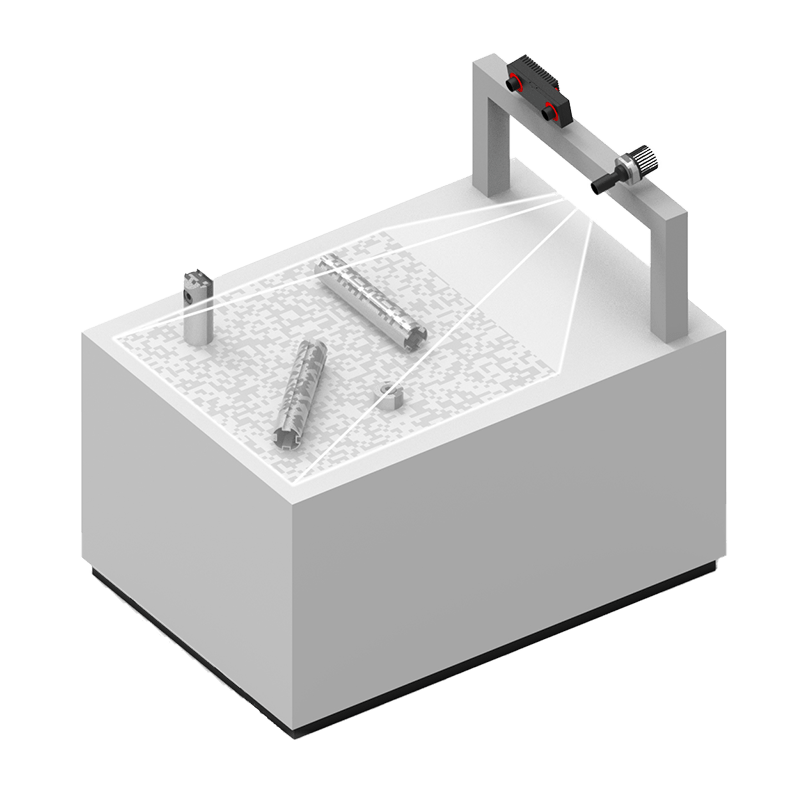
| CARVIEW |
The IOControl software module is part of the rc_visard’s basic on-board software. It allows usage of the sensor’s digital IOs to control external devices such as the rc_randomdot projector.
With the IOControl module, the user can set and read out the digital GPIOs of the smart 3D stereo sensor. The status of the inputs are read in the middle of the image exposure time and delivered with every image. The outputs can be set to low or high; two additional modes are designed for controlling an external RandomDot Projector:
The ExposureActive mode sets the output high during the exposure time for every image, which improves the quality of the depth image for every image.
In the ExposureActiveAlternate mode, the quality of the depth image is improved by the RandomDot Projector without affecting other modules that require images without a visible pattern: The output is set to high during the exposure time of every second image. The stereo matching module then uses images where the projector is on, the other modules use images without projected pattern.
IOControl is included in the standard on-board software package for all sensors types rc_visard and rc_visard NG.
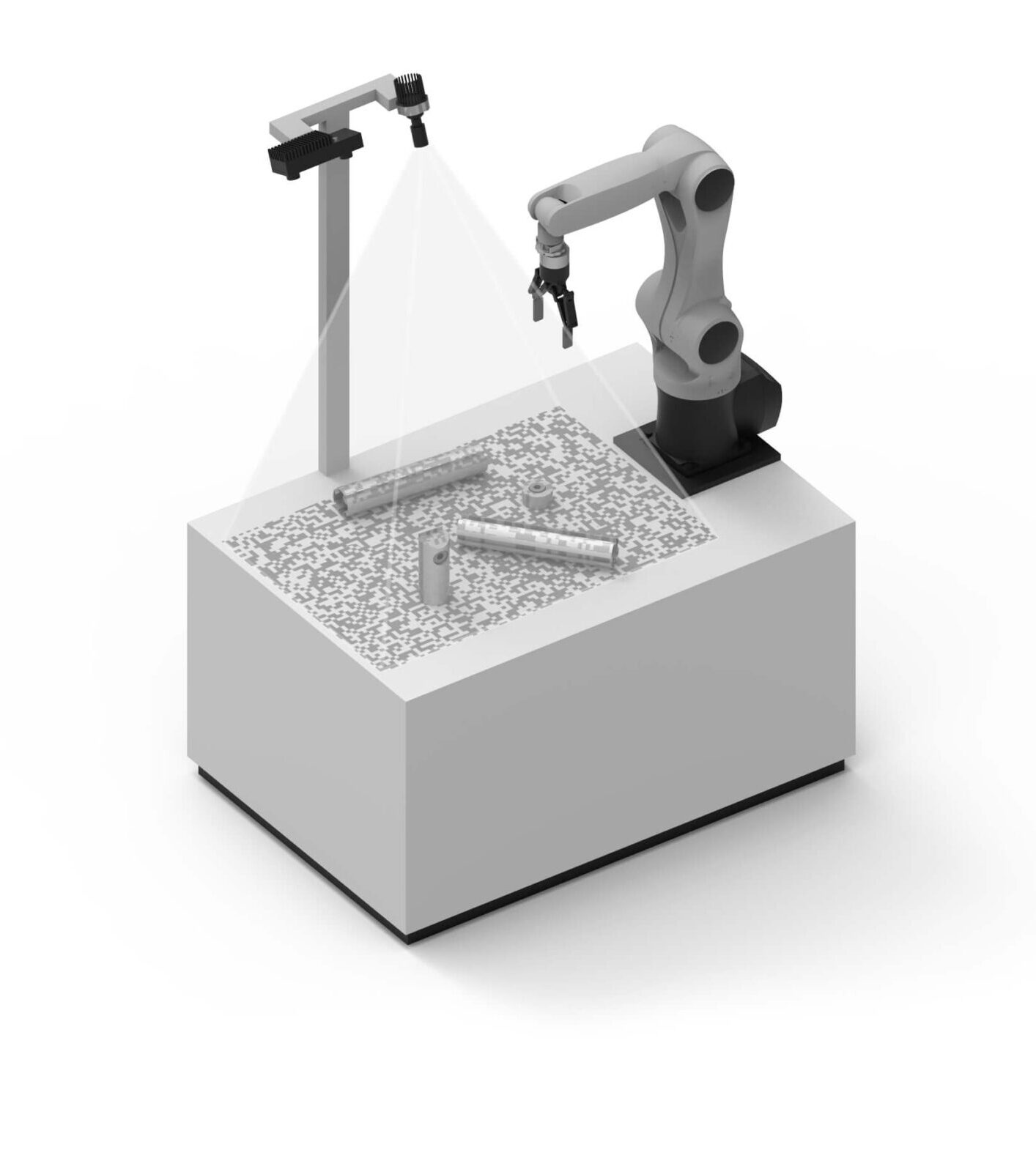
| Hardware requirements | Any rc_visard On-board installation |
| Reading inputs | State of digital general purpose inputs sampled in the middle of every image |
| Controlling outputs | Modes: Low / High, ExposureActive, ExposureAlternateActive |
For more detailed information about our products and our software tools for your robot vision solution, please visit our Knowledge Base:
You would like to find out whether our portfolio is suitable for your robotic application? Simply request a feasibility study free of charge, and get a live demo of our products.
Would you like to try out one of our sensors and software solutions? Our Try-&-Buy-option gives you the chance to test our products before you decide, and to be sure you make the right choice for your application.