Educational robotics programming
All of our programming options are completely free to use with your Edison robot!
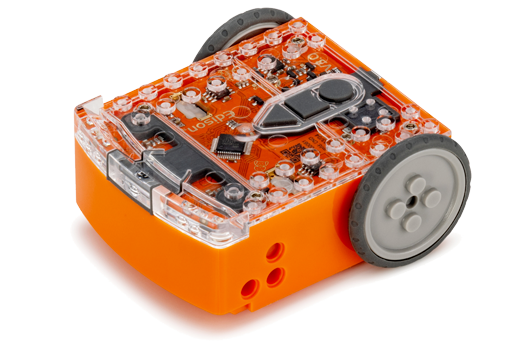
Edison can be programmed using any of our educational robot programming languages (EdBlocks, EdScratch or EdPy) or screen free programming options (Barcode Programming or Card Coding). You can easily use the same Edison robot with the different programming options.
All of the robot programming activities and languages for Edison can be accessed via a browser – no additional software is needed.


Edison robot screen free coding
Barcode Programming
The special Edison robot barcodes let you kick-start your exploration of Edison using pre-set programs such as clap-controlled driving, bounce in borders, or you can even control Edison like a remote-control car. To activate the program, you simply need to scan the correct barcode.
Card Coding
Card Coding lets students program Edison V3 using printable barcode cards. Students can build real programs using sequences, loops, functions, and more! They’ll control sensors, lights, and sounds, all by scanning the coding cards, no screens required.
With Card Coding, students learn foundational computer science concepts such as sequencing, loops, decision-making, functions and sensors.

Edison robot programming languages
EdBlocks
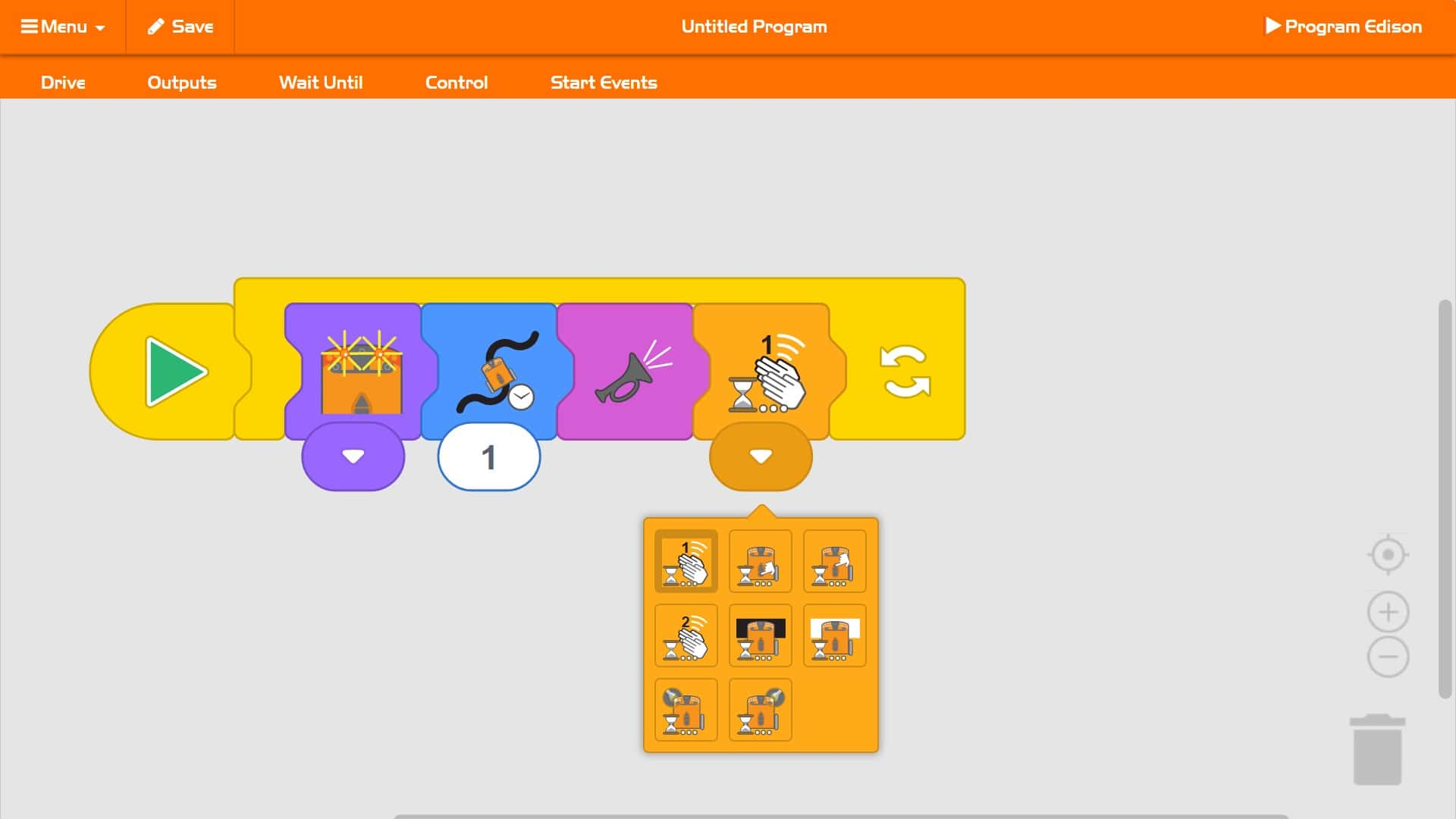
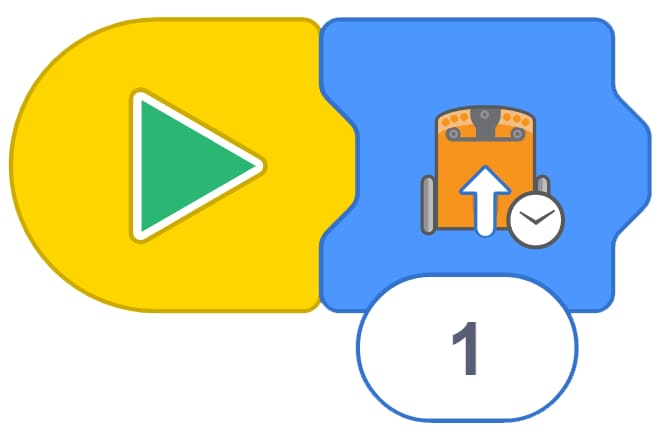
EdBlocks is a fully icon-based robot programming language that is super easy to use. A drag-and-drop block-based system, EdBlocks is intuitive and fun, even for younger users. Perfect for introducing anyone to programming, EdBlocks is ideal for students aged 7+ years old.
EdScratch
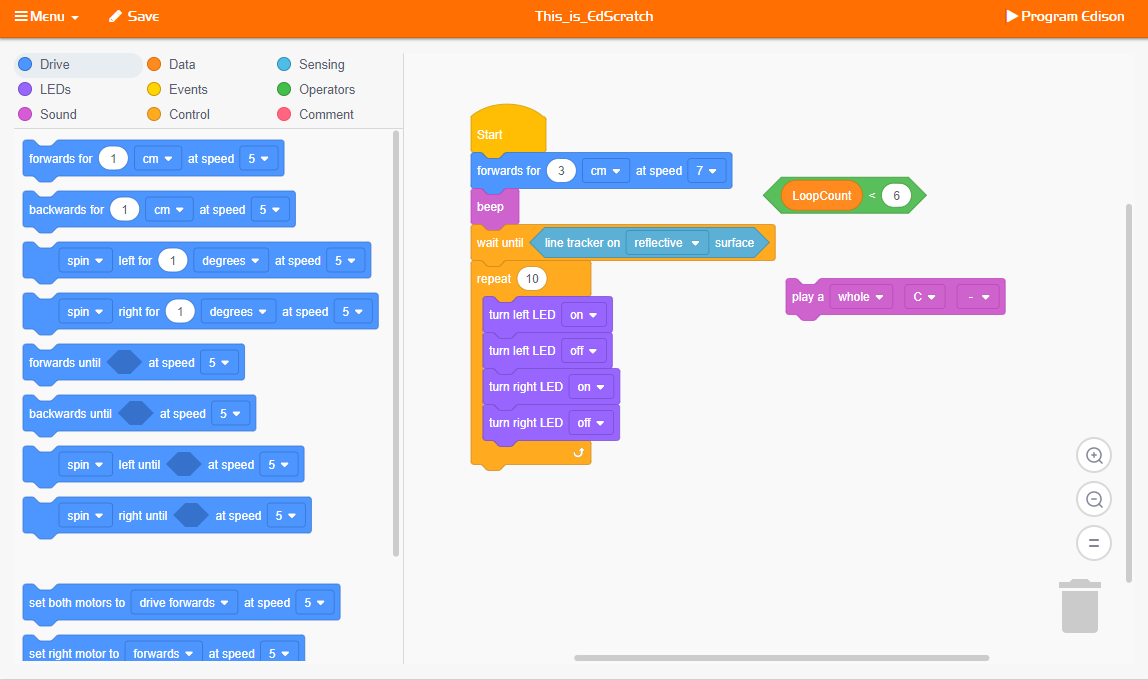
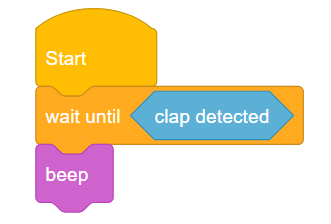
EdScratch is a vertical block-based visual programming language based on Scratch. EdScratch combines the ease of drag-and-drop programming with powerful functionality and versatility. The result is a robot programming language that is easy to learn and offers a robust platform for computer science education for students 10+ years old.
EdScratch now includes multilingual support! Students can code in their own language, enhancing understanding and engagement in diverse classrooms.
EdPy
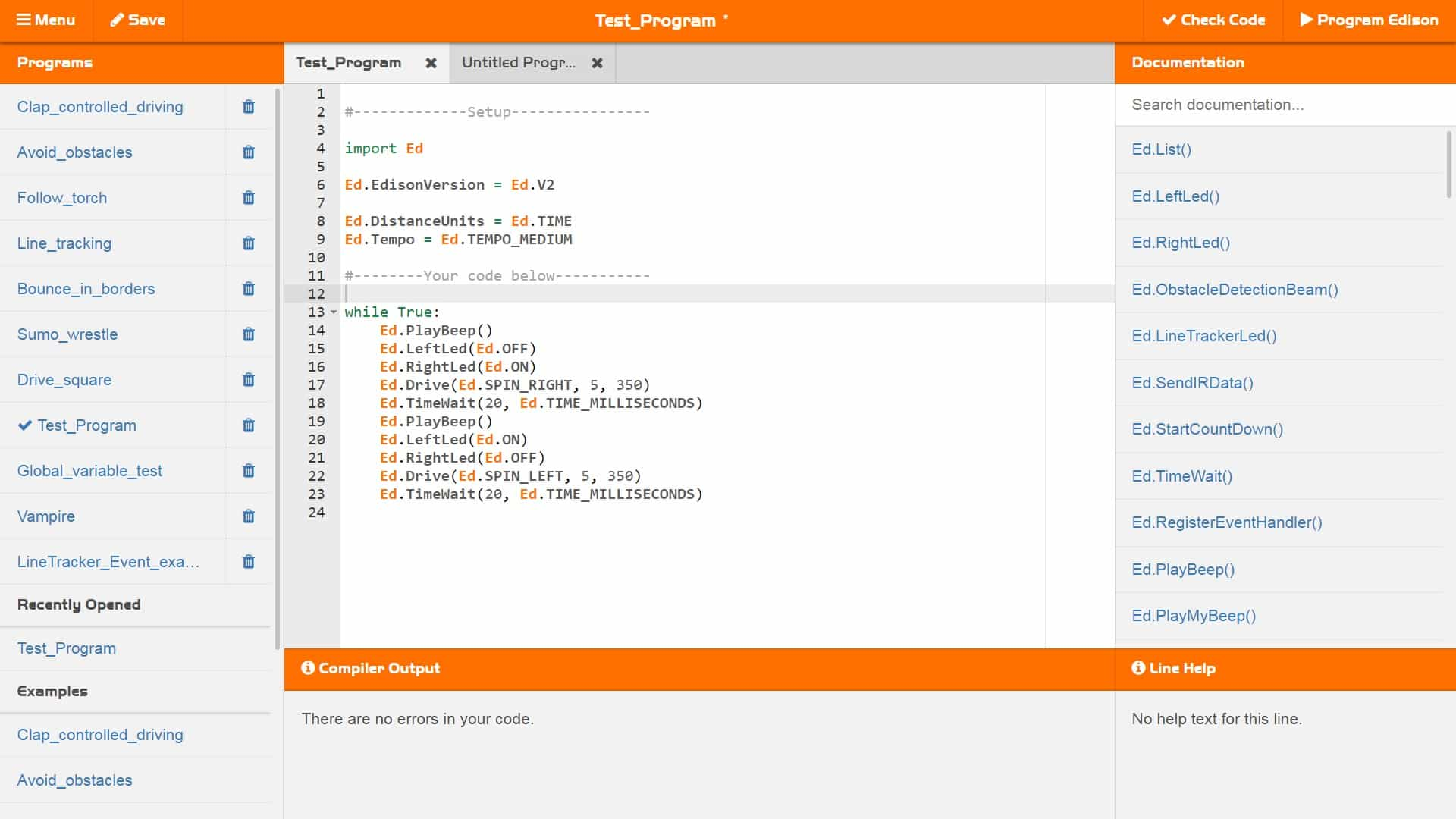
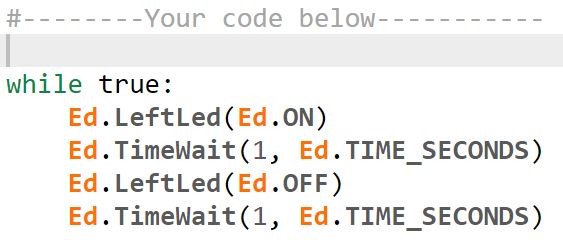
EdPy is a highly versatile text-based programming language based on Python. EdPy makes text-based programming fun by letting students see their code come to life in their Edison robot. With EdPy, students are learning the core of a real programming language and are able to take their exploration of robotics and coding to a more advanced level — perfect for students 13+ years old.
How easy is it to program Edison?
To program an Edison robot, just follow these five easy steps:
- Choose one of the Edison robot programming languages to use and open its application in your browser.
- Select a ready-to-go demo program in the app or write your own program.
- Connect your Edison to your programming device using the USB cable.
- Click the ‘program Edison’ button in the app to download your program to your Edison robot.
Once your program has finished downloading, unplug the USB cable and press the triangle (play) button on Edison to run your program in the robot.
You can always make changes to your program in the programming app, or write an entirely new program to run in Edison. Then simply reconnect your Edison, download the new or adjusted program and run it in your robot to see your code come to life!
Edison robots are ready to be programmed with any of the Edison programming languages, making it easy to try new challenges and activities matched to your students’ abilities.
Looking for EdWare? EdWare was the original language for the Edison robot. EdWare has since been retired, replaced by our three other languages: EdBlocks, EdScratch and EdPy. You can still access information about EdWare here.