


| CARVIEW |
Image Optimizer
Boost site performance in seconds, with Local’s Image Optimizer Add-on!

Boosting site performance has never been easier
Unoptimized media can degrade page performance, leaving you with slow load times. Good news is, you get ahead of it with Local’s FREE Image Optimizer add‑on!
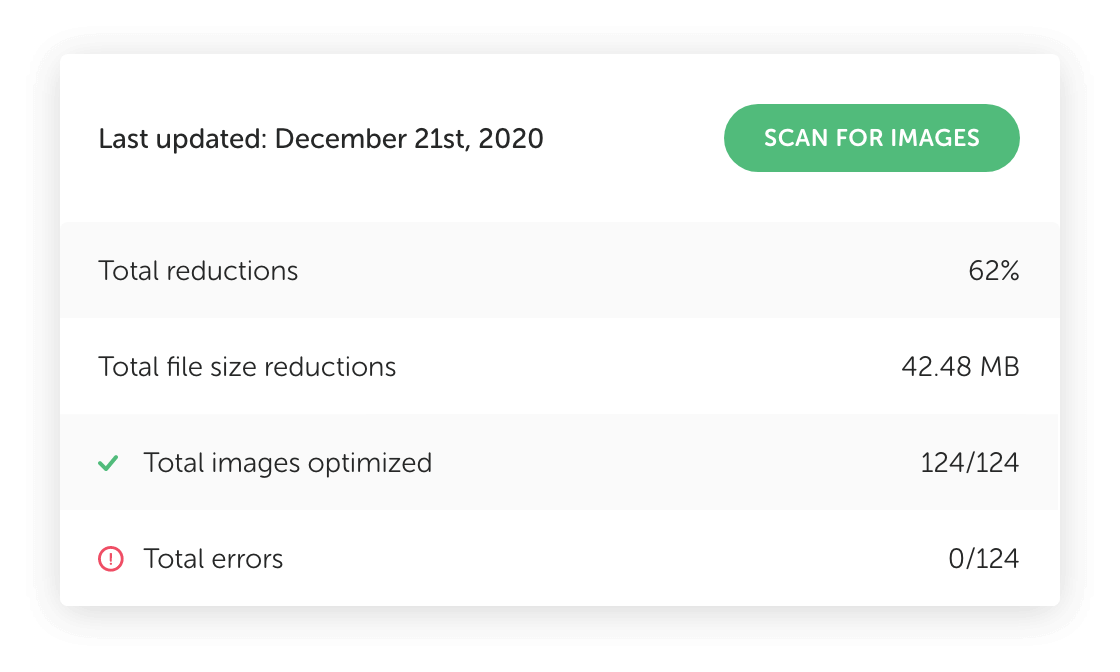
No more page performance headaches
Optimizing images is a great first step at reducing the size of a webpage and as a result, improving the performance of a site.
Optimize when it’s convenient for you
With Image Optimizer, the optimization process is happening on your machine, at your convenience. Your server can focus on serving your content instead of optimizing images.
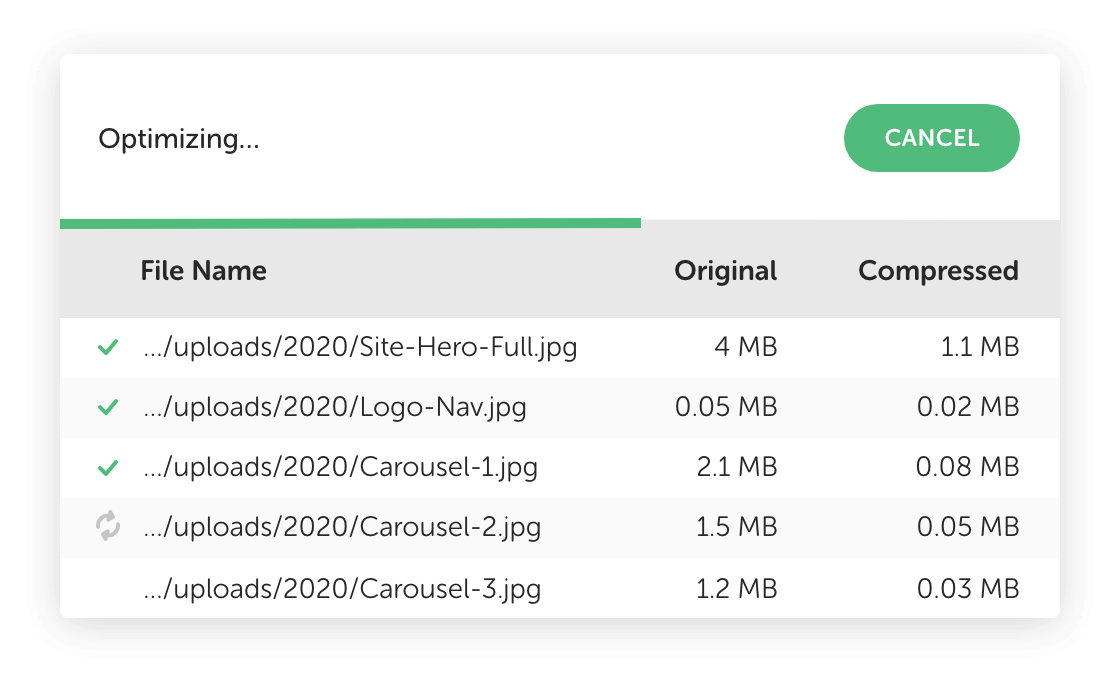
Have visibility & control
Need to stop the image optimization process midway through? That’s okay, Image Optimizer will pick up where it left off, and will regenerate and clean up the site's media!
Install Image Optimizer right from Local...
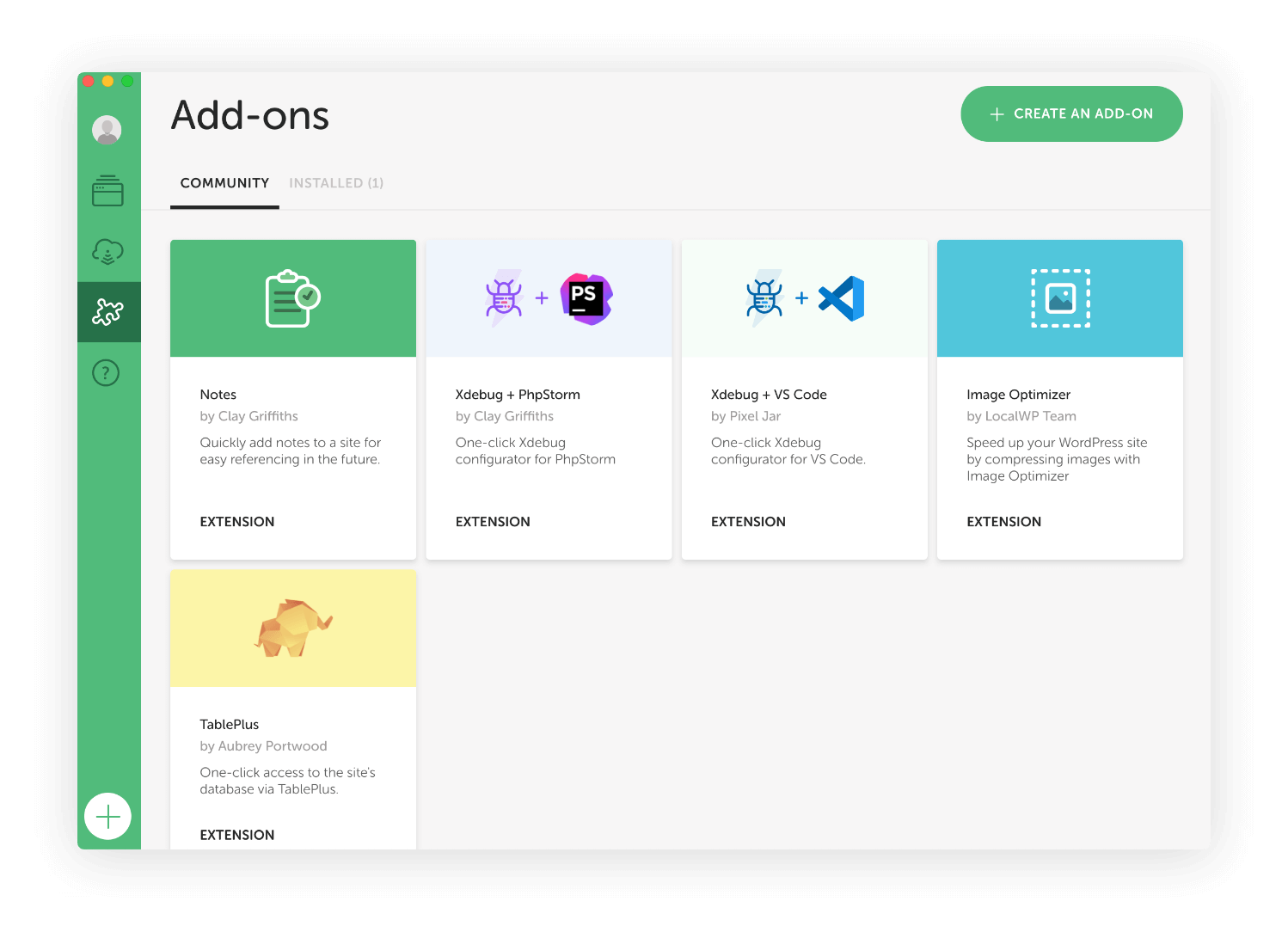
- Click on
 "Add-ons" in Local from the left nav bar
 - Click on the "Image Optimizer" card
- Click on "Install Add-on"
- After the install is complete click "Enable & Relaunch"
 "Add-ons" in Local from the left nav bar
FAQs
The high-level details about Local's Image Optimizer Add-on
- How do I install the Image Optimizer Add-on?
-
- Click on "Add-ons" in Local from the left nav bar
- Click on the "Image Optimizer" card
- Click on "Install Add-on"
- After the install is complete click "Enable & Relaunch"
- Click on
- Does Image Optimizer help with mobile as well?
-
Yes, Image Optimizer makes your site super speedy on mobile and improves page loads on desktop too, reliably boosting your site’s performance. Image Optimizer will scan your local site for JPEG image files, compress images offline without cloud-based services, and backup your image files to give you peace of mind.
- How much control do I have over the image optimization process?
-
Image Optimizer currently performs lossless optimizations on JPEG images. The result is a smaller file size without any loss of quality. Additionally, you can enable "Strip my Metadata'' from within "Preferences > Image Optimizer" to further decrease file size as well as remove potentially sensitive information.
- To confirm, Image Optimizer is a completely free Local Add-on?
-
That’s correct! This Add-on is installed and enabled for all Local users. See all Local Add-ons here.
- How do I start the image optimization process when I’m ready?
-
Simply click "Scan for images" under the Tools > Image Optimizer tab and Image Optimizer will scan your site for images. Select the images you want to optimize then press "Optimize Images" to initiate the optimization process. That's it!
 "Add-ons" in Local from the left nav bar
Looks like you're on a mobile device!
Local is only available as a desktop application, but no worries! Just enter your email in the box below and we'll send you a little reminder to download it via your desktop.
Thanks! Check your inbox for a link to download Local on your desktop.
© 2025 Local • Terms of Service • Privacy Policy • All Legal Stuff
1WP Engine is a proud member and supporter of the community of WordPress® users. The WordPress® trademarks are the intellectual property of the WordPress Foundation, and the Woo® and WooCommerce® trademarks are the intellectual property of WooCommerce, Inc. Uses of the WordPress®, Woo®, and WooCommerce® names in this website are for identification purposes only and do not imply an endorsement by WordPress Foundation or WooCommerce, Inc. WP Engine is not endorsed or owned by, or affiliated with, the WordPress Foundation or WooCommerce, Inc.
Download Local
It’s free and always will be.
Your download is starting!
Your download should start automatically. If it doesn’t, click here.