


| CARVIEW |
One-click admin
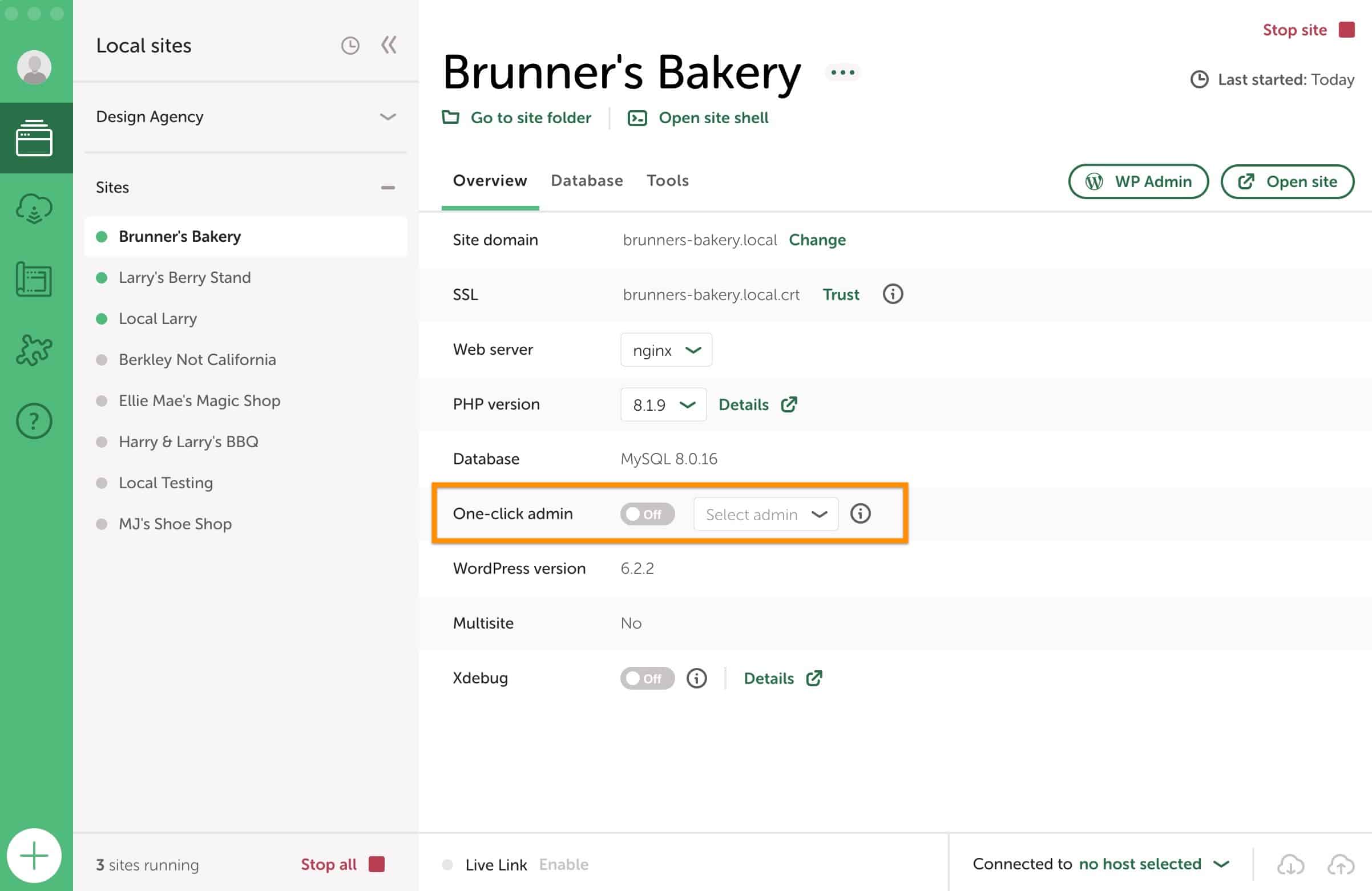
“One-click admin” allows you to log in to your site’s “WP-Admin” with just one click! Simply toggle the option to get started.
Table of Contents:
The “WP-Admin” button in Local is one of the most clicked buttons because of how often we’re managing our WordPress sites.
If you aren’t logged into the WordPress site, then clicking the “WP-Admin” button will prompt you for your username and password.
But you’re a busy dev, and likely are pulling down various client sites with different admin passwords. Those domains probably don’t align with your password manager. And you just want to get on with development.
Set up One-click admin
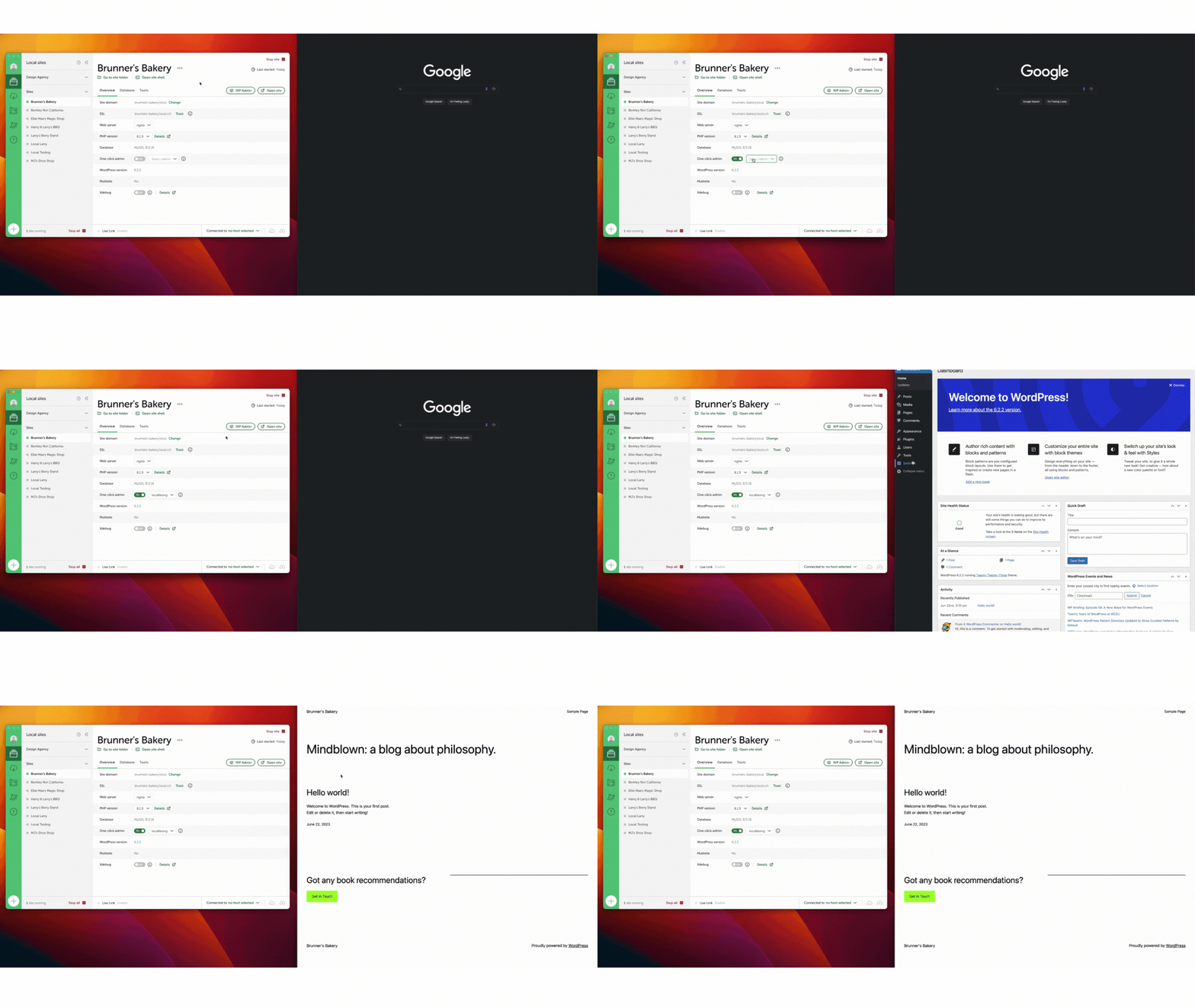
Using “One-click admin”allows you to streamline the process of logging into any site managed by Local.
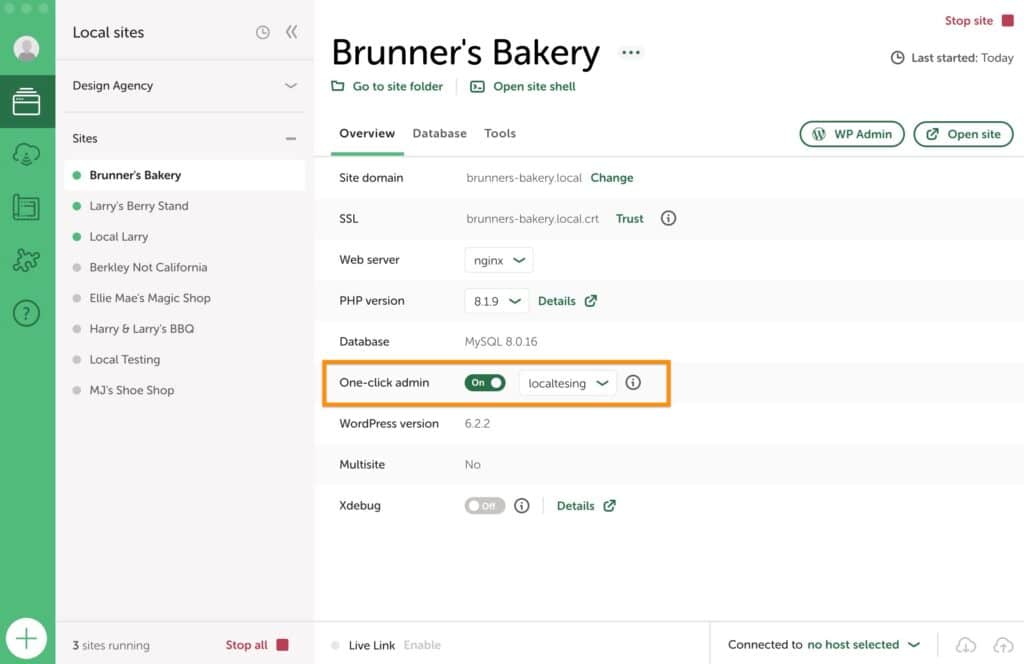
After toggling on the “One-click admin” feature, select the admin user you want to log in as, and click the “WP-Admin” button to navigate directly to the WordPress admin.
No more opening your password manager, resetting passwords using WP-CLI, or resetting passwords using the Lost Password workflow!
note
Switching Users
While testing functionality, you can quickly switch between multiple admin accounts by selecting a different user from the dropdown menu.
Any admin added through the users tab in the “WP-Admin” will automatically appear in the dropdown menu.
Disable One-click admin
You can disable “One-click admin” by clicking the on/off toggle. With “One-click admin” disabled, Local will no longer automatically log you in when clicking the “WP-Admin” button.
Local won’t do anything to log out of existing sessions, which means if you need to logout, you can do so from within the WordPress admin.
Live Links and One-click admin
Due to security concerns, “One-click admin” only works when working on the site directly on your local machine. This means that “One-click admin” will not work with Live Links.
One-click admin functionality
“One-click admin” only works for sites that Local is directly managing.
Local performs this magic by leveraging a PHP configuration option called auto_prepend_file, which only runs within the Local site’s environment.
This “One-click admin” won’t work on remote environments, but you can always pull a site down and use “One-click admin” to log into the local site.
note
If you are still being prompted to log in to the “WP-Admin” after toggling on “One-click admin” and you are using Site Domains for your Router Mode then we suggest switching from that to localhost. Another option is to do a search and replace for https > http.
Other Help Resources
Community Forum
Check out the Local Community forums for:
- Answers to frequently asked questions.
- Community support.
- Questions about Local Add-ons.
- Ideas for improving your workflow!
Looks like you're on a mobile device!
Local is only available as a desktop application, but no worries! Just enter your email in the box below and we'll send you a little reminder to download it via your desktop.
Thanks! Check your inbox for a link to download Local on your desktop.
© 2025 Local • Terms of Service • Privacy Policy • All Legal Stuff
1WP Engine is a proud member and supporter of the community of WordPress® users. The WordPress® trademarks are the intellectual property of the WordPress Foundation, and the Woo® and WooCommerce® trademarks are the intellectual property of WooCommerce, Inc. Uses of the WordPress®, Woo®, and WooCommerce® names in this website are for identification purposes only and do not imply an endorsement by WordPress Foundation or WooCommerce, Inc. WP Engine is not endorsed or owned by, or affiliated with, the WordPress Foundation or WooCommerce, Inc.
Download Local
It’s free and always will be.
Your download is starting!
Your download should start automatically. If it doesn’t, click here.