


| CARVIEW |
Join 1,000,000+ developers who've downloaded Local
Local is the world's fastest-growing local WordPress® development application!1
Build WordPress sites faster than ever before
Local is built for speed and simplicity. We’ve spent years designing it to make building, testing and deploying WordPress sites a breeze.
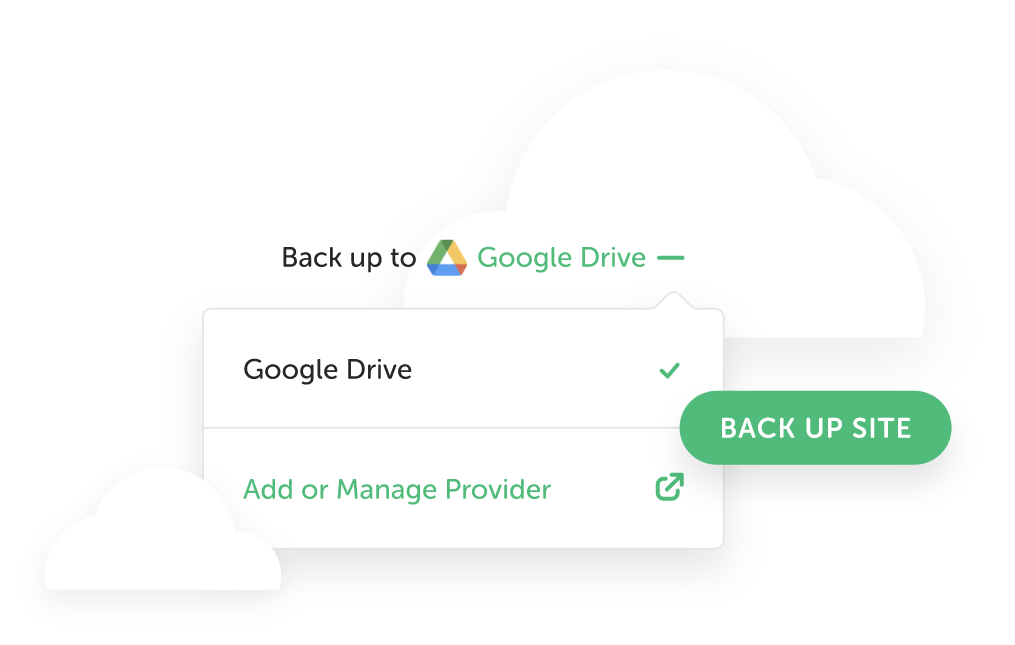
Cloud Backups
Keep your workspace clean and your site files safe with the ability to easily push and pull sites from Local to Google Drive or Dropbox.
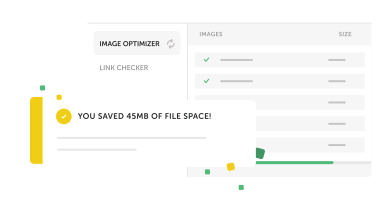
Image Optimizer
This Add-on optimizes your site for mobile to make it super speedy, while also improving page loads on desktop, resulting in a boost in site performance! It also scans your local site for image files, and compresses images offline without cloud-based services.
Local Connect
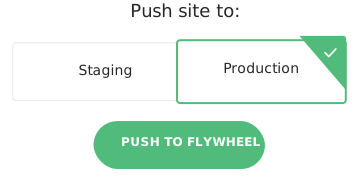
Push and pull sites with Local to Flywheel or WP Engine for a super streamlined offline-editing and go-live process. Learn more.
The #1 local WordPress
development tool
A effortless way to develop WordPress sites locally.
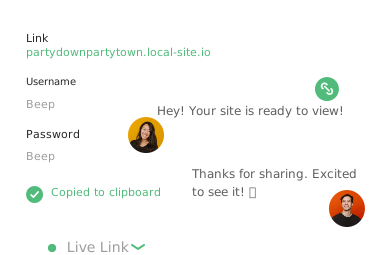
Live Links
Quickly review site responsiveness across devices with secure, persistent URLs. With longer timeouts and connection limits, your clients and coworkers can review work on their own time!
Hot swap
environments
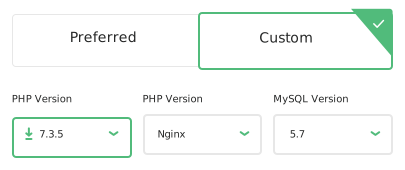
Changing environments has never been easier. Hot-swap multiple PHP environments or try out the latest version of MySQL right from Local. It’s that simple!
One-click admin
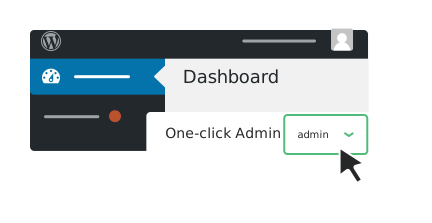
No need to manage various usernames and passwords, seamlessly log in to your WordPress site one-click admin in Local!
Go deeper with developer tools
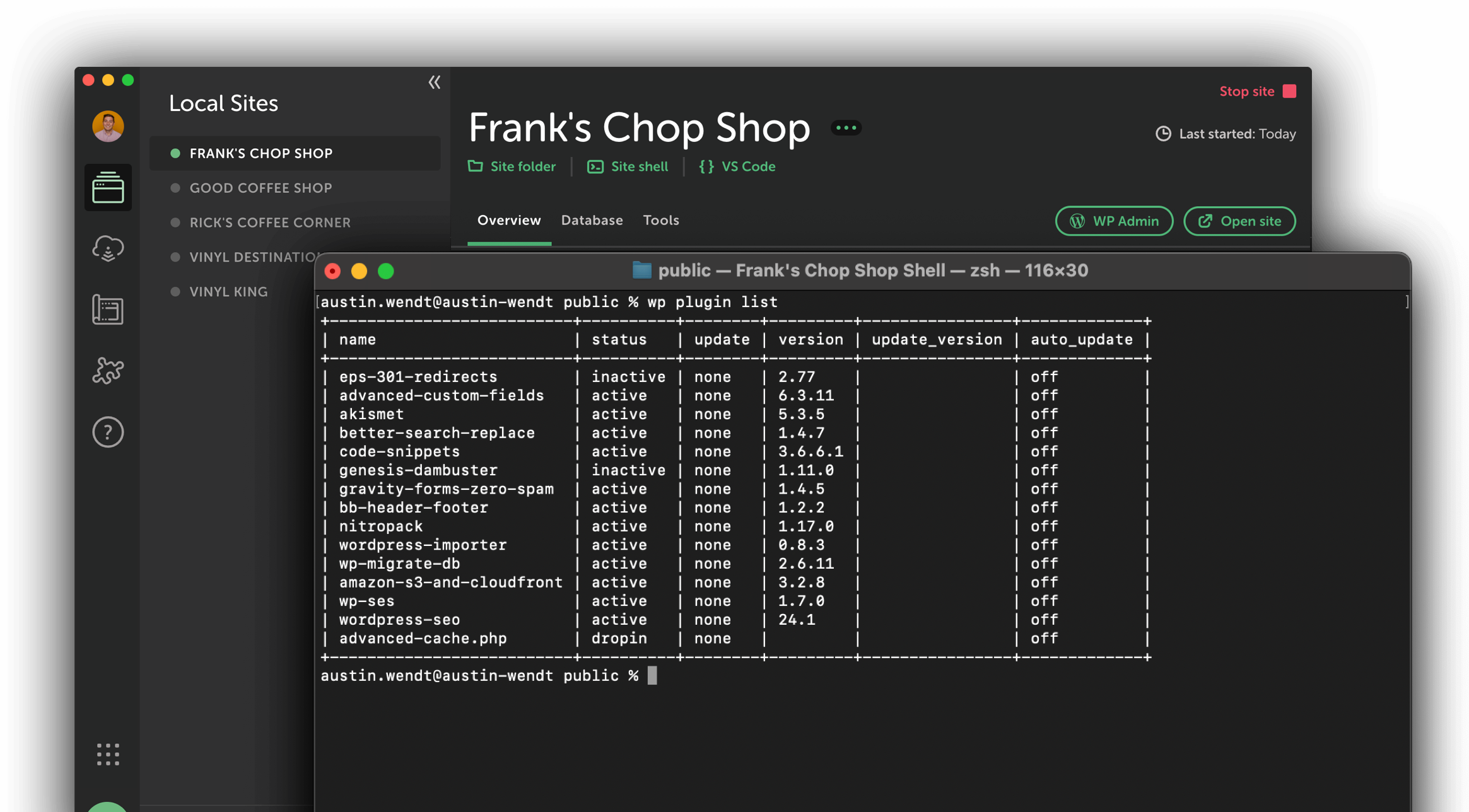
Local is the most delightful local WordPress tool, but it’s also the most powerful. As a developer, Local has everything you need to get more work done.
- Site Shell & WP-CLI One-click site shell access to individual sites
- Mailcatcher View, test and debug mail sending
- Log files PHP, NGINX, and MySQL logs available
All of our features
Here are a few (okay, many) of the reasons why Local is the best solution for local WordPress web development!
Site Services
- Native, OS-level PHP, MySQL, NGINX and Apache
Site management
- Hot-swap between NGINX or Apache
- Hot-swap between PHP versions
- Change site URL by simply typing in the new domain (the database will be safely updated!)
PHP
- Available versions: 7.3, 7.4, and 8.0+
- Improved errors and robust debugging with Xdebug
- Opcache included
Import/Export
- Export includes site files, databases, config files, log files, and Local settings
- Importing sites will restore all files, databases, and configs automatically
- Exclude files from your exports such as archives, PSDs, .git directories, etc
Site Blueprints
- Save any site as a Blueprint to re-use later
- All files, databases, config files, and Local settings will be restored
Sync and Deploy
- Deploy directly to Flywheel production or staging
- Deploy directly to WP Engine production, staging, or development
- Create and deploy to new sites on WP Engine without leaving Local
- MagicSync, our differential deployment technology
- One-click export and migration plugin compatible sites - deploy your site to a host of your choosing
HTTP/HTTPS Tunnel (Included Add-on)
- Basic site tunnels
- Live Links: persistent URLs with higher connection limits, built for testing as a team
- View your site on mobile devices, tablets, and other computers around the world as long as you have internet access
- Test Stripe WebHooks, PayPal IPN, and REST APIs
WP Engine Headless WordPress Platform
- Create headless-optimized WordPress sites (Available from the Add-ons Library)
- Automatically create and configure a Node.js frontend connected to a WordPress backend
- A Node.js process watching for code changes and compiling them for the browser
- One-click access to the frontend Node.js process output
Log Access
- Log files to individual PHP versions, NGINX, Apache, and MySQL are all conveniently exposed
Mailpit
- Mailpit is included to intercept any outgoing email from PHP sendmail for viewing and debugging (this also means you can test emails while offline)
Clone Sites
- All files, databases, configs, and Local settings will be cloned
- Site URL is automatically and safely changed
Config Access
- Config files to individual PHP versions, NGINX, Apache, and MySQL are all exposed for editing
TLS/HTTPS
- Self-signed certificates are automatically created for new sites
- Ability to trust self-signed certificates to suppress browser notices
WordPress Multisite
- Support for both subdomain and subdirectory installations
- One-click to sync subdomains to hosts file
Cloud Backups
- Save your projects directly to any Dropbox or Google Drive account with a click.
- Retrieve your site backups at any time from any computer with Local installed.
Site Shell + WP-CLI
- One-click site shell access to individual sites
- WP-CLI provided, simply type "wp" after opening site shell
Support
Pre Launch Tools
Looks like you're on a mobile device!
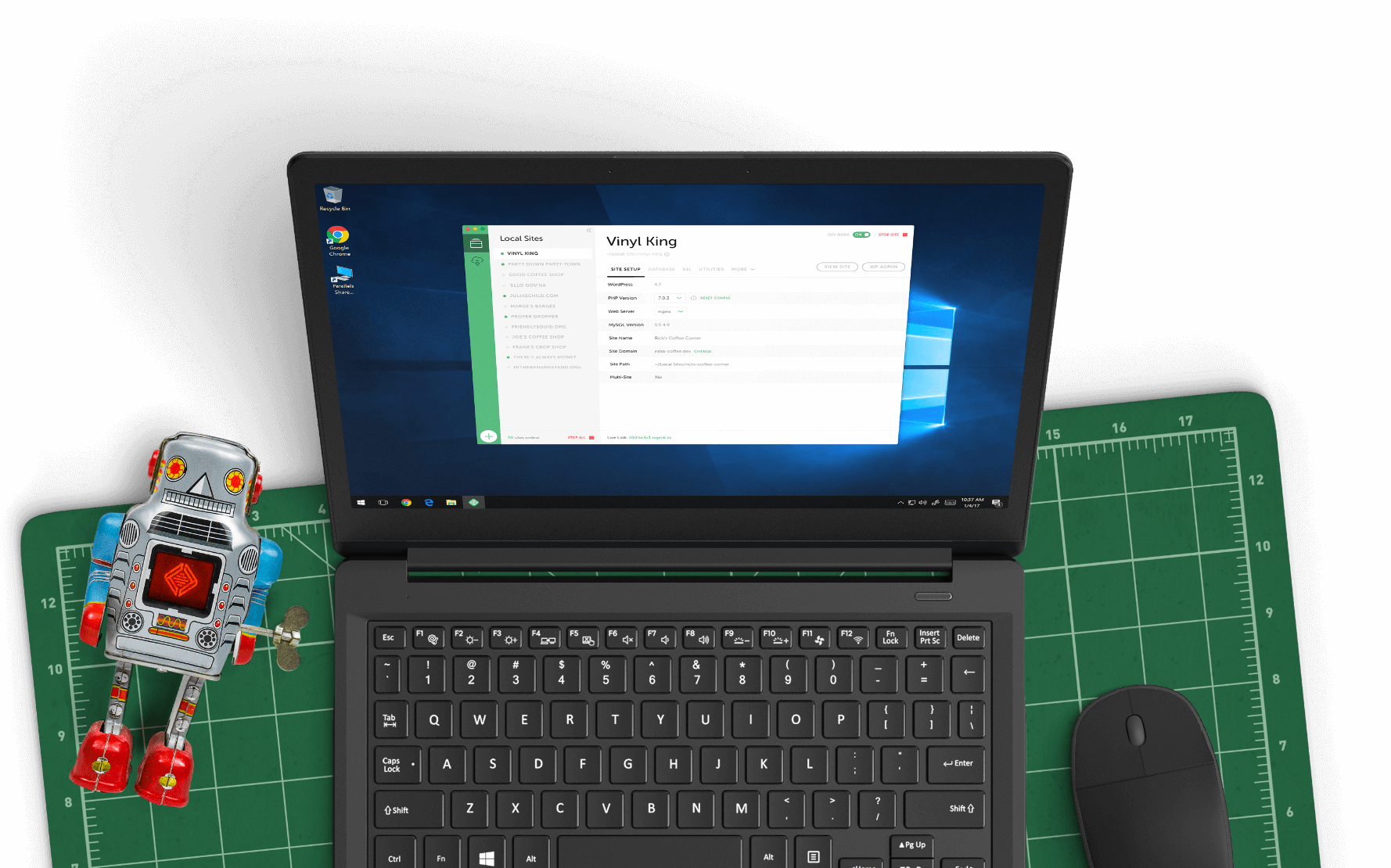
Local is only available as a desktop application, but no worries! Just enter your email in the box below and we'll send you a little reminder to download it via your desktop.
Thanks! Check your inbox for a link to download Local on your desktop.
© 2025 Local • Terms of Service • Privacy Policy • All Legal Stuff
1WP Engine is a proud member and supporter of the community of WordPress® users. The WordPress® trademarks are the intellectual property of the WordPress Foundation, and the Woo® and WooCommerce® trademarks are the intellectual property of WooCommerce, Inc. Uses of the WordPress®, Woo®, and WooCommerce® names in this website are for identification purposes only and do not imply an endorsement by WordPress Foundation or WooCommerce, Inc. WP Engine is not endorsed or owned by, or affiliated with, the WordPress Foundation or WooCommerce, Inc.
Download Local
It’s free and always will be.
Your download is starting!
Your download should start automatically. If it doesn’t, click here.