


| CARVIEW |
Menu
- Gravatar.com
- Developer API
- Support
-
Create a new Gravatar profile and make it your go to place on the web.
Claim your free profile Log in

Engaging Avatars & Profiles for WordPress
Power up your WordPress site with Gravatar Enhanced, the official Gravatar plugin.
Download Free PluginWhat's Included
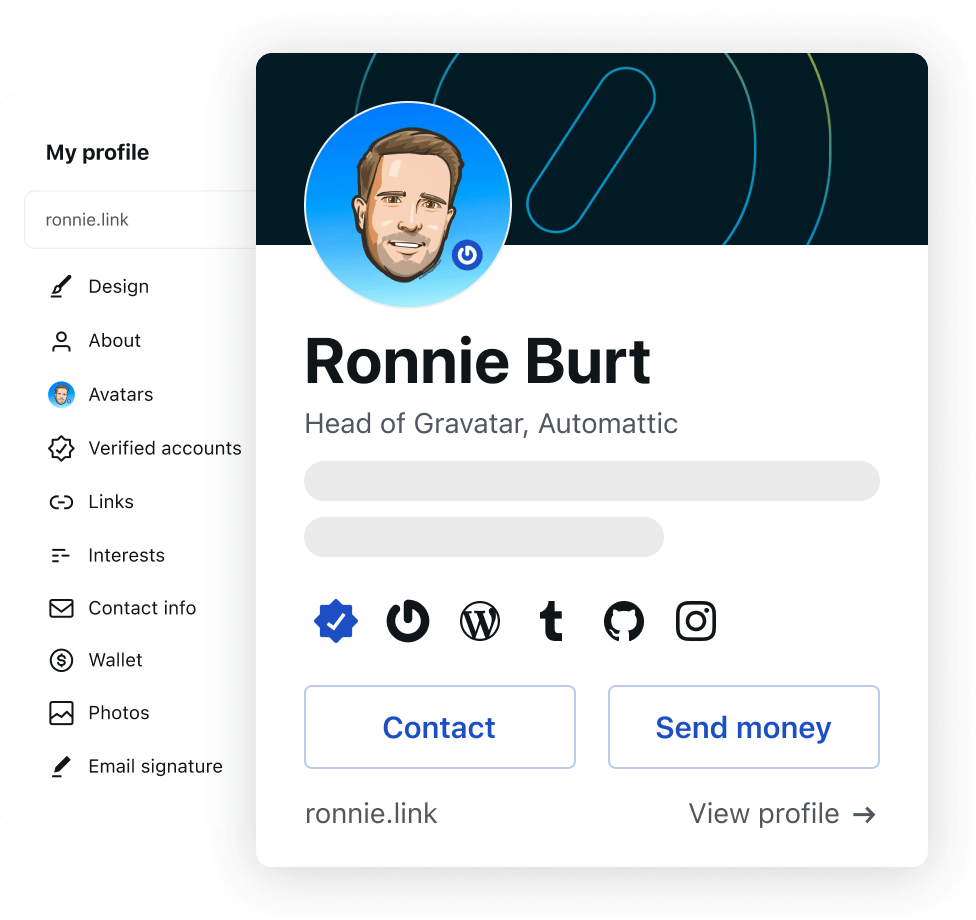
Simplified Profile Management
- Edit Gravatar profile under Users > Your Profile without leaving WordPress
- Preview your hovercard instantly before changes go live
- Update once, changes everywhere across the entire web

Versatile Gravatar Profile Block
- Add Gravatar profiles to any page or post with our custom block
- Patterns for team pages and author bios without giving WordPress access
- Showcase guest contributors with professional profile cards
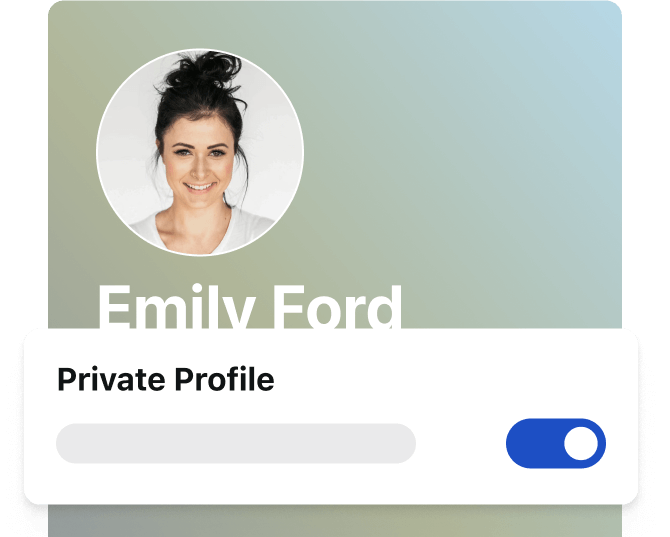
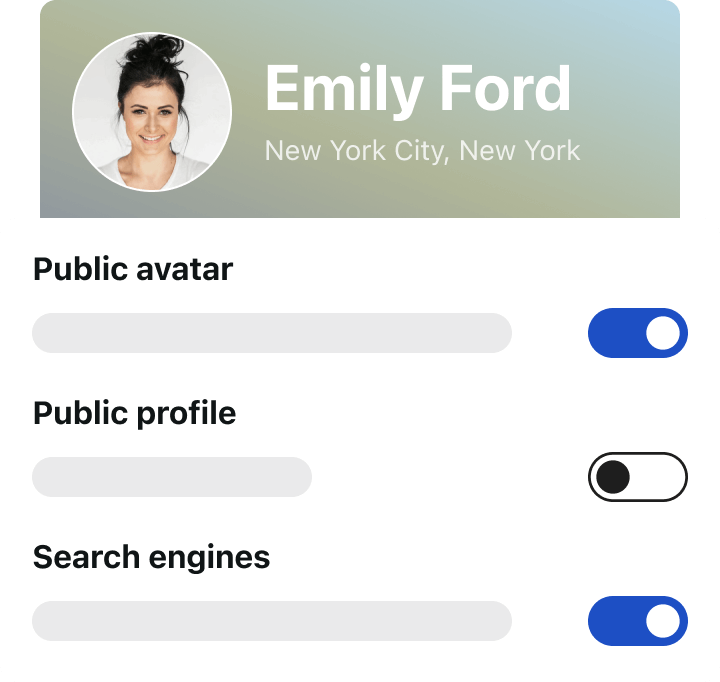
Privacy First Design
- Private by default with automatic referrer blocking for all users
- Optional proxy service keeps IP addresses hidden from being exposed or logged
- No tracking of user activity across sites

WooCommerce Ready
- Avatar display on My Account pages for a personalized experience
- Direct avatar management for customers without leaving your store
- Seamless integration - automatically works when WooCommerce is active
Quick Setup
WordPress Dashboard
- Go to Plugins > Add New
- Search "Gravatar Enhanced"
- Click Install Now
- Activate
- Visit Discussion settings
WordPress.org Download
- Download from wordpress.org
- Upload to wp-content/plugins
- Activate in WordPress
- Configure in Discussion settings
You Asked, We Answered
Do I need a Gravatar account to use this plugin?
You don't need an account or API keys to install and activate the plugin. And users only need Gravatar accounts if they want personalized avatars.
Does it work with WordPress multisite?
Yes! The plugin works seamlessly across your entire multisite network.
How does the commenter email notification work?
When someone leaves a comment without a Gravatar, they receive one polite email inviting them to create an avatar. You can customize this message or turn it off completely.
Is the WooCommerce integration automatic?
Yes. If you have WooCommerce installed, the integration activates automatically. Customers will see their avatars on account pages right away.
How do I enable the privacy proxy feature?
Go to Settings > Discussion and check the "Enable Gravatar privacy proxy" option. This prevents user IP addresses from being shared with Gravatar.
Boost Comment Engagement