You signed in with another tab or window. Reload to refresh your session.You signed out in another tab or window. Reload to refresh your session.You switched accounts on another tab or window. Reload to refresh your session.Dismiss alert
If you are not already using any other swift based modules in your app, install and run react-native-swift to configure your iOS project to support swift.
Install react-native-swift
npm install --save react-native-swift
After installing it, you will need to link it. Requires project to use Swift 5.0 and iOS SDK 13.4+
Manual installation
iOS
In XCode, in the project navigator, right click Libraries ➜ Add Files to [your project's name]
Go to node_modules ➜ react-native-pointer-interactions and add RNPointerInteractions.xcodeproj
In XCode, in the project navigator, select your project. Add libRNPointerInteractions.a to your project's Build Phases ➜ Link Binary With Libraries
Determines if the view should have a shadow when hovered
hoverScale
true
Determines if the view should scale up when hovered
hoverTing
true
Determines if the view should have an overlay tint when hovered
Examples
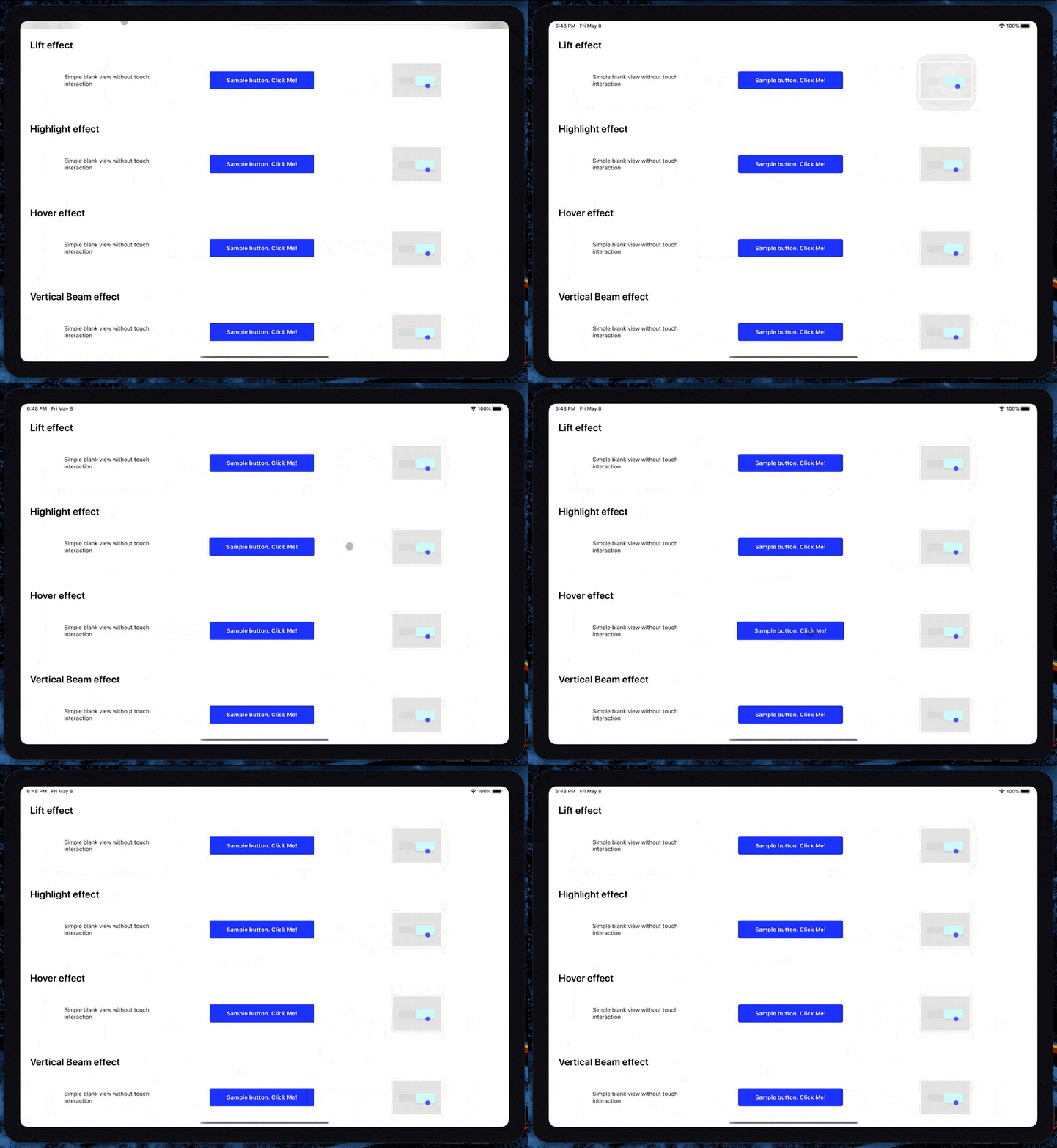
If you want to play with the API but don't feel like trying it on a real app, you can run the example project. Clone the repo, go to the example/ folder and run:
npm install
If you are running on ios, run pod install in the ios folder
Run react-native start to start the metro bundler
Run react-native run-ios (depending on which platform you want to run the example app on).
You will need to have an iOS device or emulator connected as well as react-native-cli package installed globally.
Troubleshooting
It doesn't work when wrapping react-native-gesture-handler buttons
About
Expose iPad mouse & trackpads interactions to React Native