You signed in with another tab or window. Reload to refresh your session.You signed out in another tab or window. Reload to refresh your session.You switched accounts on another tab or window. Reload to refresh your session.Dismiss alert
Open a file manager to your remote host (Midnight Commander should be installed)
Edit/Move/Delete connection
Copy SSH Key to remote host
More features coming soon..
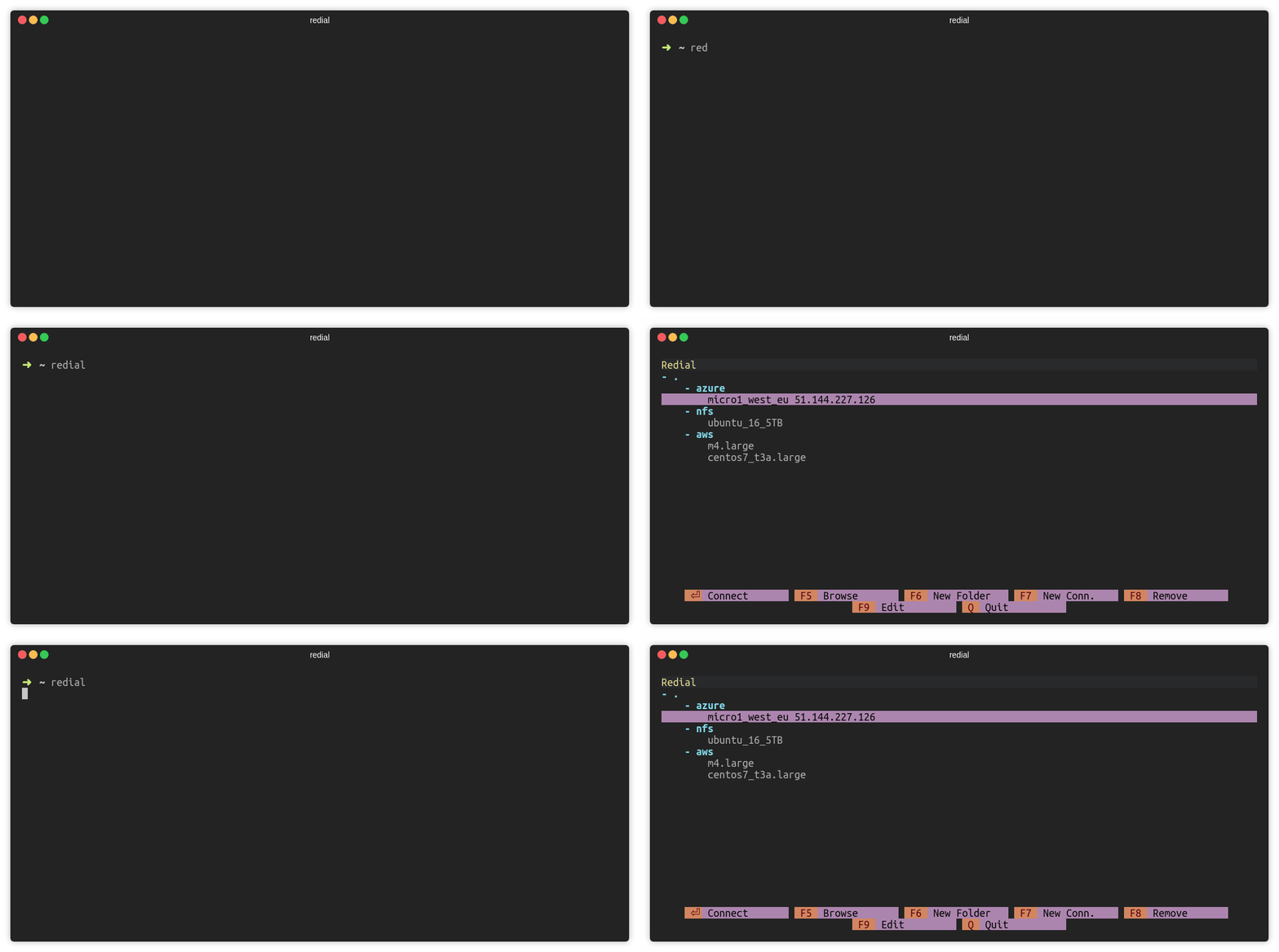
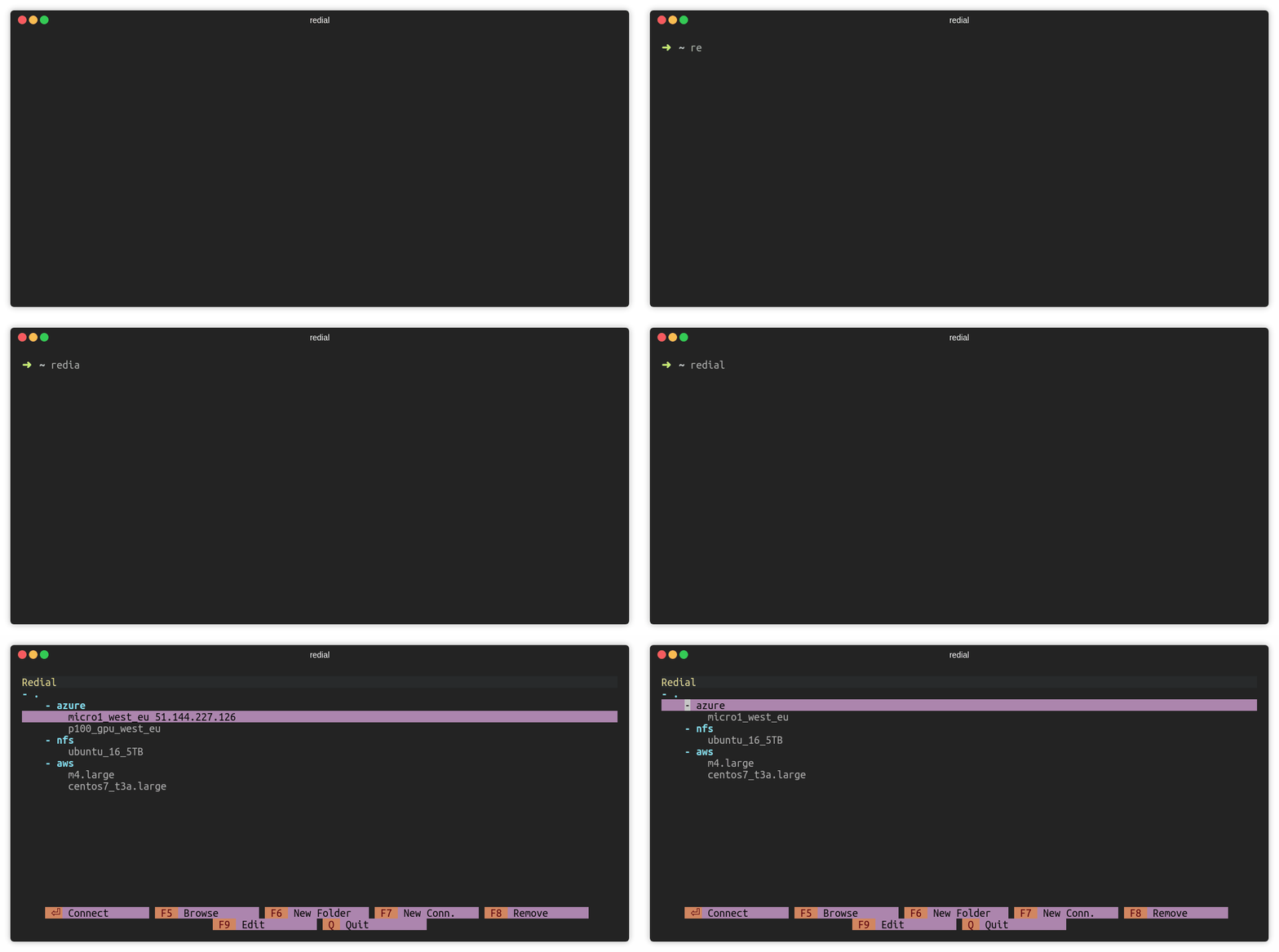
Connect to SSH Session (ENTER)
Press ENTER to connect a SSH session.
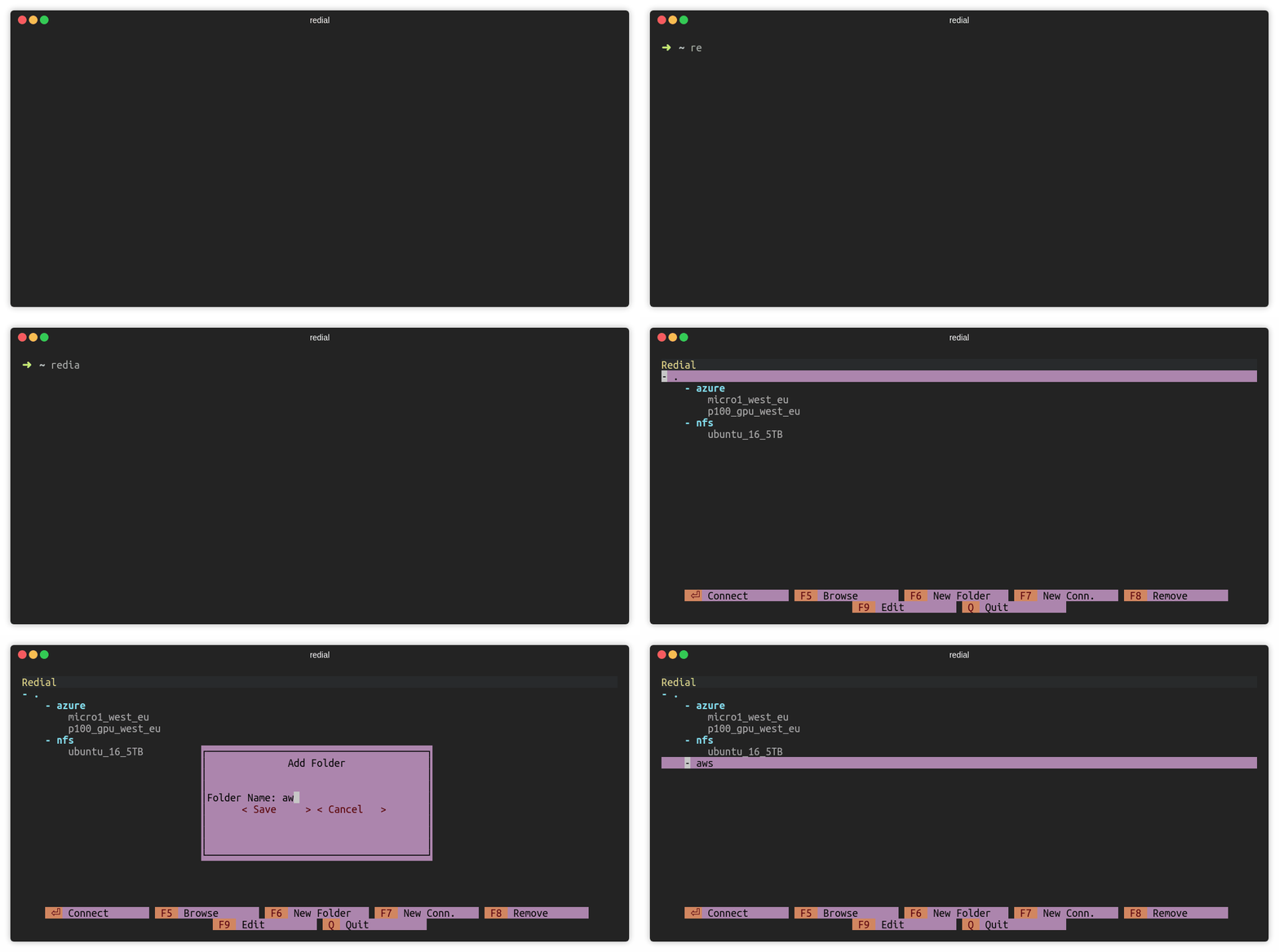
Add Folder (F6)
Press F6 or click F6 New Folder to add a folder. There must be at least
one connection under the folder.
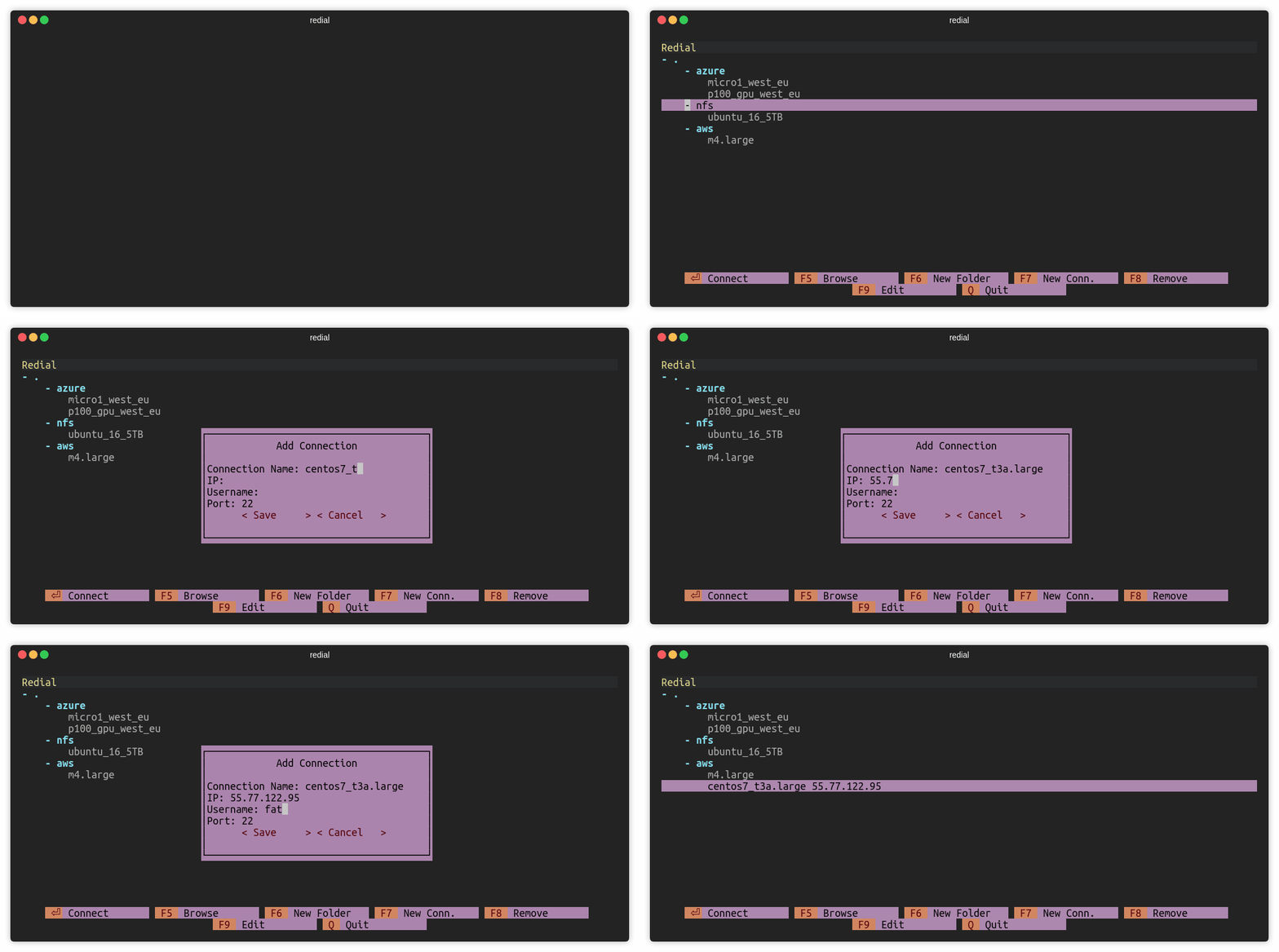
Add Connection (F7)
Press F7 or click F7 New Conn. to add a ssh connection.
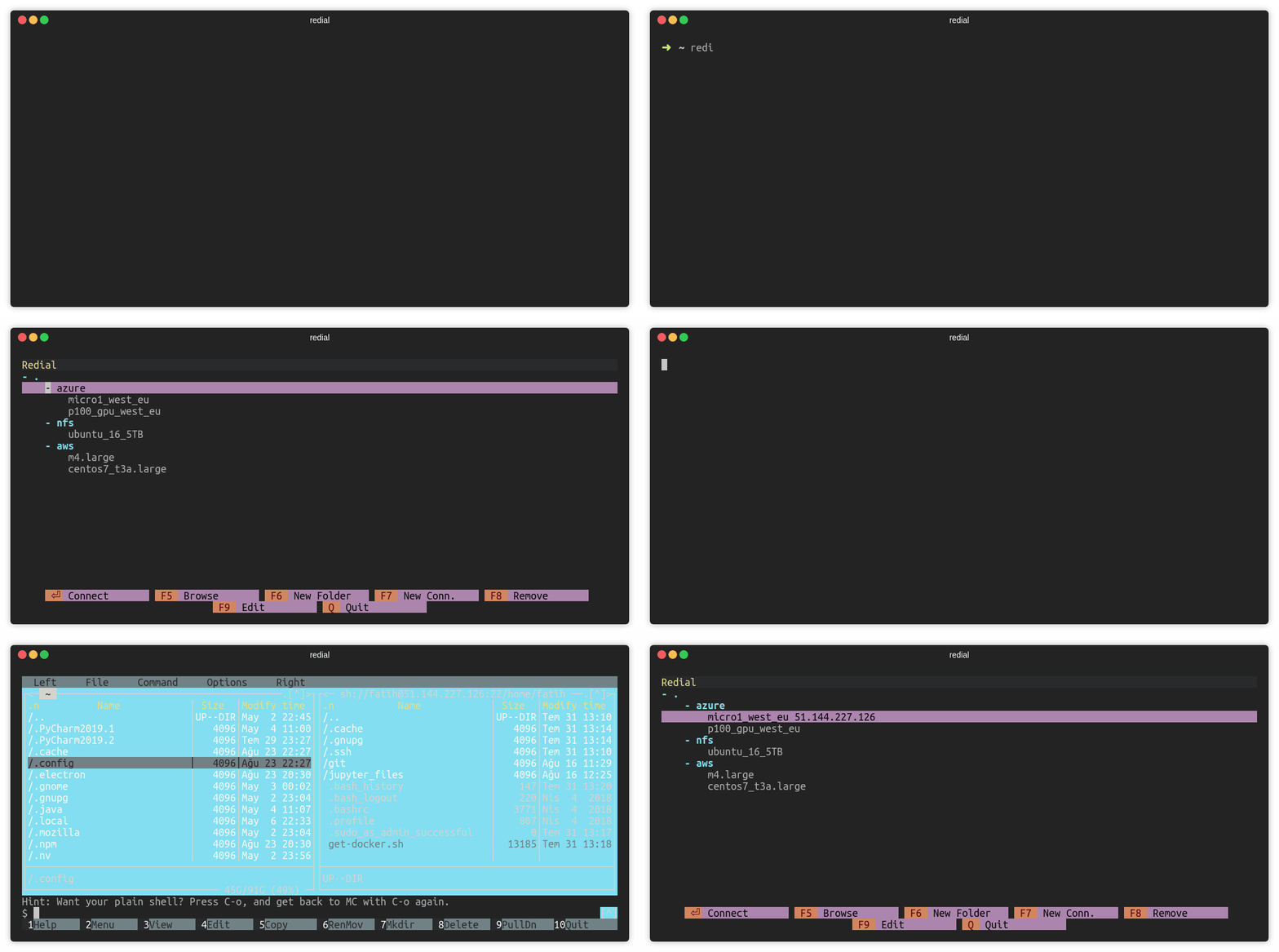
Browse over mc (F5)
Press F5 or click F5 Browse to open mc (Midnight Commander) session.
Remove Connection (F8)
Press F8 or click F8 Remove to remove a session.
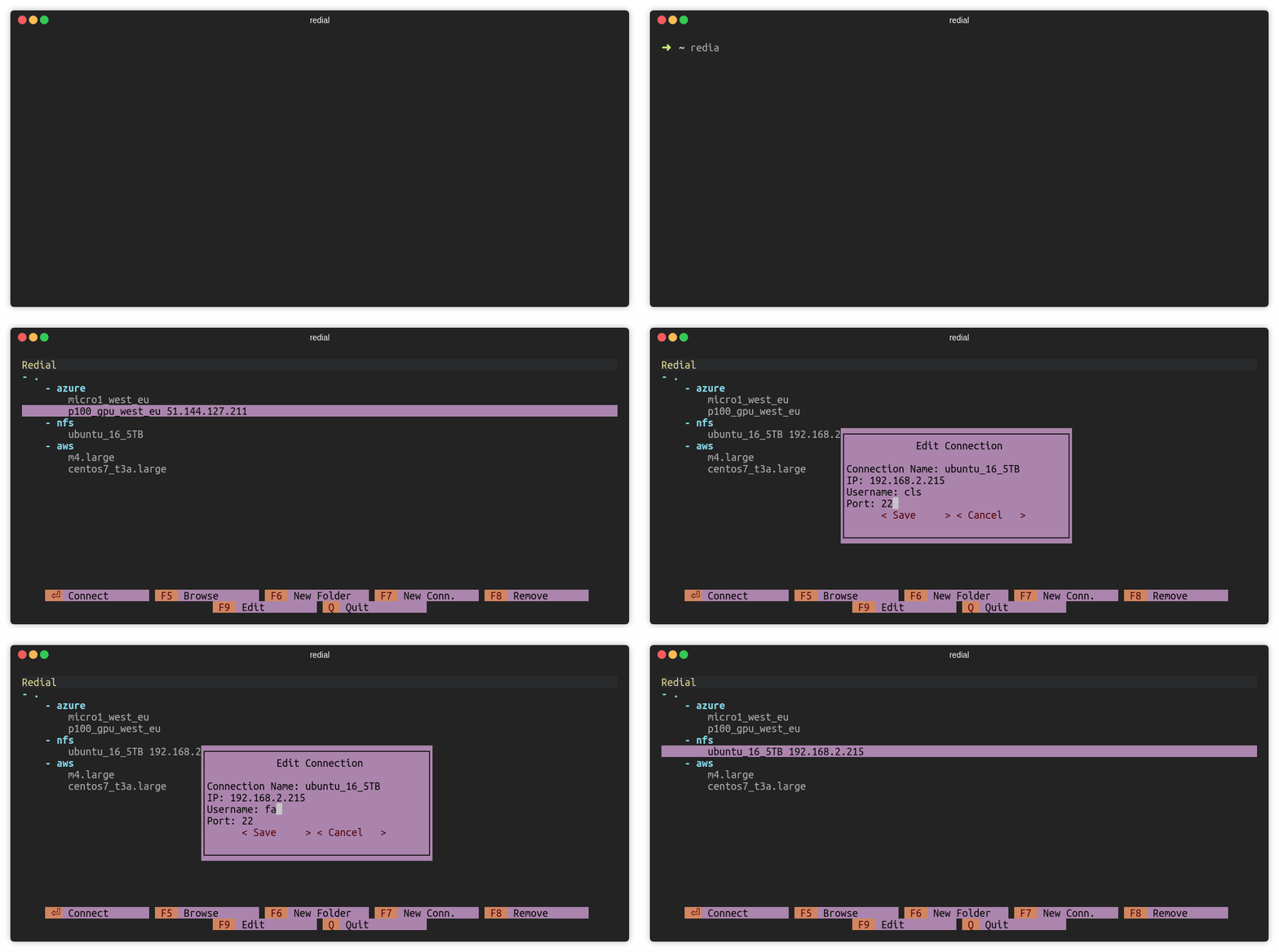
Edit Connection (F9)
Press F9 or click F9 Edit to edit a session.
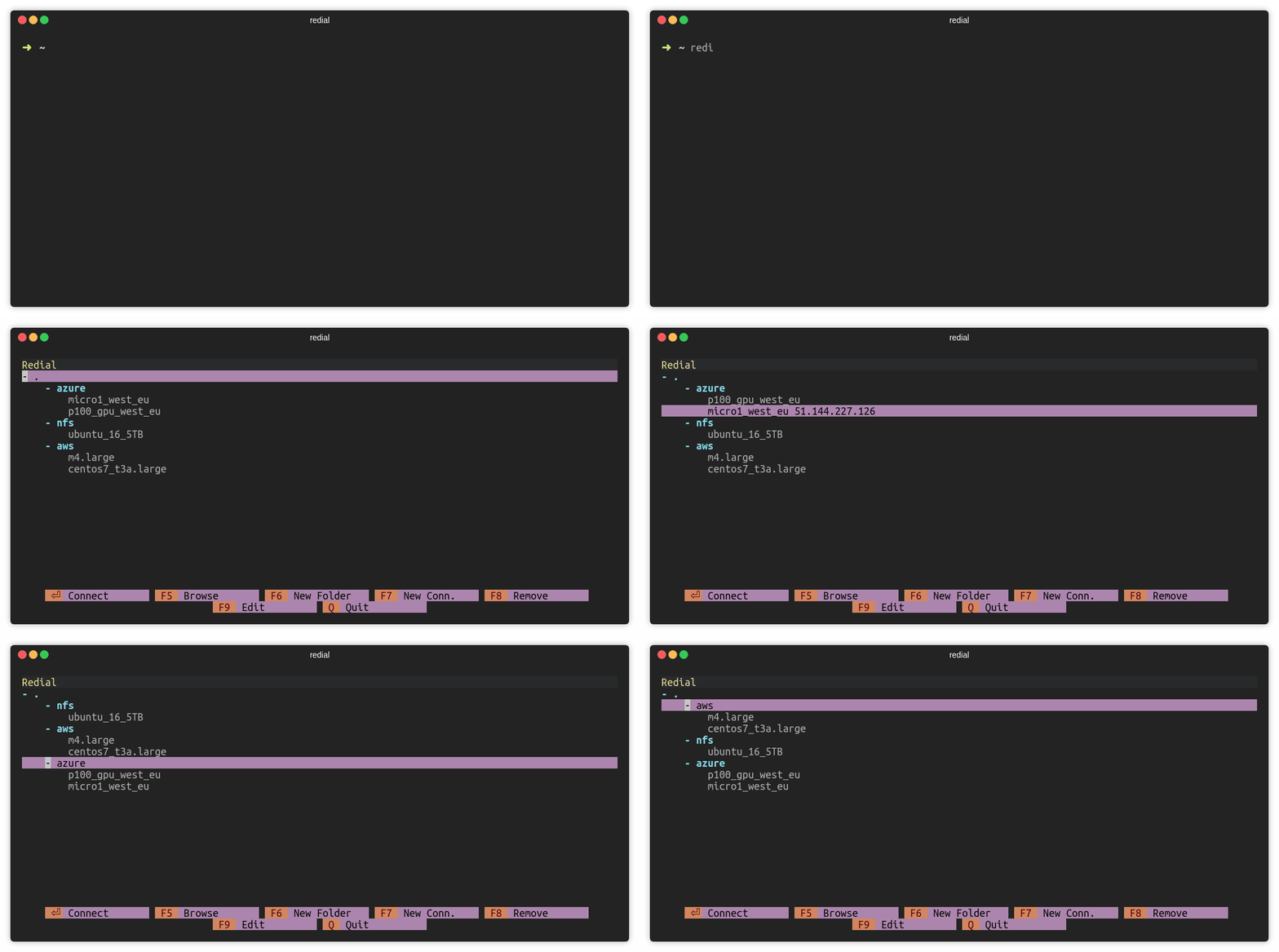
Move sessions and folders
Press CTRL and up/down keys to move session or folder. For macOS users: Use ALT and up/down keys.
Notes
Configuration file is stored in ~/.config/redial/sessions. File format
is same as the SSH config file. Configuration file can be included in
SSH config file with the following way (Make sure that ~/.ssh/config file exists):
sed -i -e '1iInclude ~/.config/redial/sessions'~/.ssh/config