You signed in with another tab or window. Reload to refresh your session.You signed out in another tab or window. Reload to refresh your session.You switched accounts on another tab or window. Reload to refresh your session.Dismiss alert
Paginate the HTML Output of R Markdown with CSS for Print. You only need a modern web browser (e.g., Google Chrome or Microsoft Edge) to generate PDF. No need to install LaTeX to get beautiful PDFs.
This R package stands on the shoulders of two giants to support typesetting with CSS for R Markdown documents: Paged.js and ReLaXed (we only borrowed some CSS from the ReLaXed repo and didn't really use the Node package).
This package requires a recent version of Pandoc (>= 2.2.3). If you use RStudio, you are recommended to install the latest version (>= 1.2.1335), which has bundled Pandoc 2.x, otherwise you need to install Pandoc separately.
Below are some existing R Markdown output formats and examples.
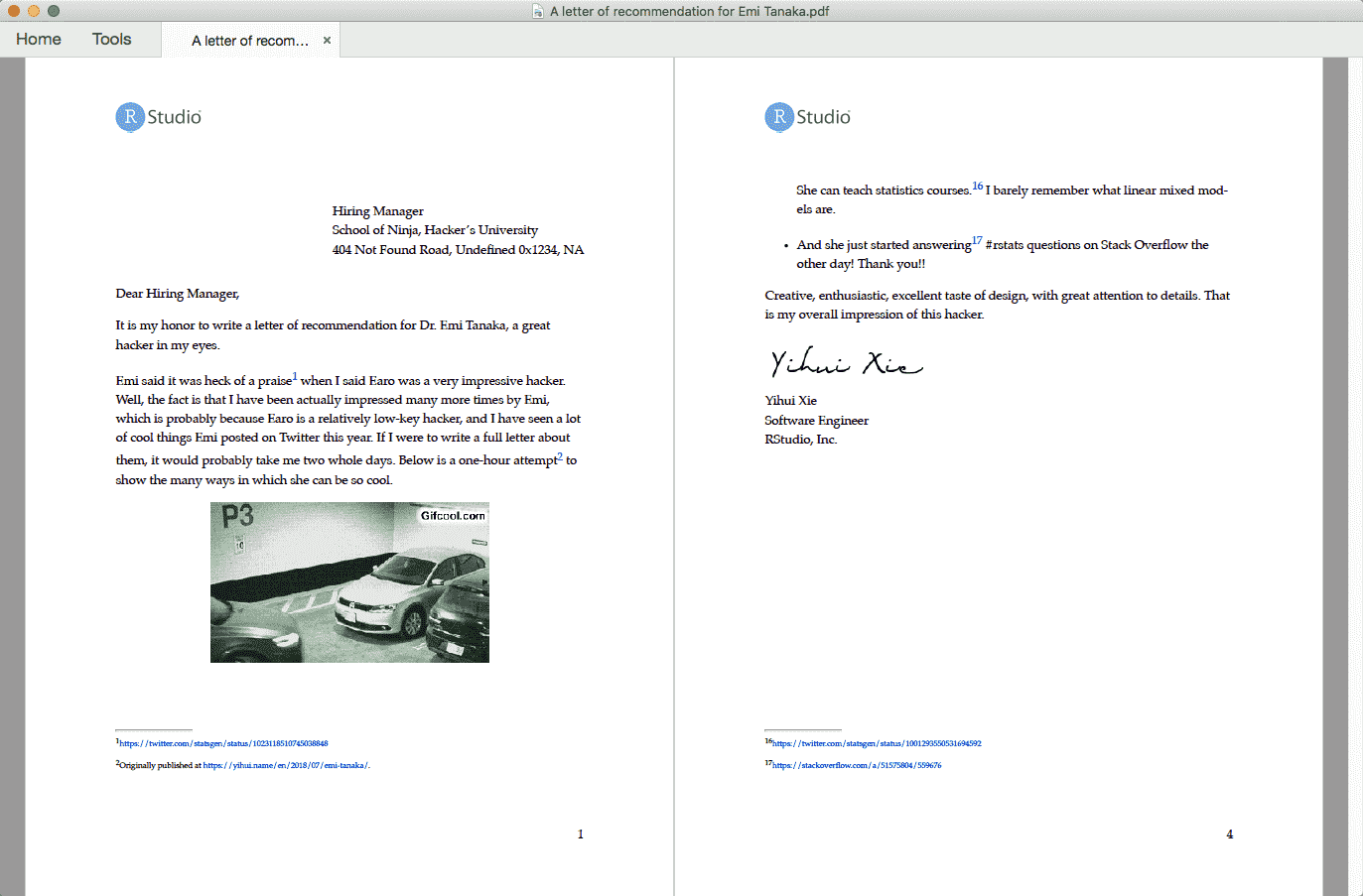
Paged HTML documents (pagedown::html_paged)
Thesis (pagedown::thesis_paged)
Journal of Statistical Software article (pagedown::jss_paged)
Resume (pagedown::html_resume)
You may want to check out the datadrivencv package, which allows you to build a CV using data from a spreadsheet and pagedown::html_resume.
The main authors of this package are Yihui Xie (RStudio) and Romain Lesur. Romain has received a grant from the Shuttleworth Foundation for his work on both Paged.js and pagedown.
You can find the full list of contributors of pagedown here. We always welcome new contributions. In particular, if you are familiar with CSS, we'd love to include your contributions of more creative and beautiful CSS stylesheets in this package. It is also very helpful if you don't know CSS but just tell us the creative and beautiful web pages you have seen, since other CSS experts may be able to port them into pagedown.
About
Paginate the HTML Output of R Markdown with CSS for Print