You signed in with another tab or window. Reload to refresh your session.You signed out in another tab or window. Reload to refresh your session.You switched accounts on another tab or window. Reload to refresh your session.Dismiss alert
crayon is still supported and will receive important bug fixes,
but no new features.
Stylish terminal output in R
With crayon it is easy to add color to terminal output, create styles for notes, warnings, errors; and combine styles.
ANSI color support is automatically detected and used. Crayon was largely
inspired by chalk.
Installation
Stable version:
install.packages("crayon")
Development version:
pak::pak("r-lib/crayon")
Styles
Crayon defines several styles that can be combined. Each style in the list
has a corresponding function with the same name.
General styles
reset
bold
blurred (usually called dim, renamed to avoid name clash)
italic (not widely supported)
underline
inverse
hidden
strikethrough (not widely supported)
Text colors
black
red
green
yellow
blue
magenta
cyan
white
silver (usually called gray, renamed to avoid name clash)
Background colors
bgBlack
bgRed
bgGreen
bgYellow
bgBlue
bgMagenta
bgCyan
bgWhite
Screenshot on OSX
Usage
The styling functions take any number of character vectors as arguments,
and they concatenate and style them:
library(crayon)
cat(blue("Hello", "world!\n"))
Crayon defines the %+% string concatenation operator to make it easy
to assemble strings with different styles.
cat("... to highlight the " %+% red("search term") %+% " in a block of text\n")
Styles can be combined using the $ operator:
cat(yellow$bgMagenta$bold('Hello world!\n'))
Styles can also be nested, and then inner style takes precedence:
cat(green(
  'I am a green line ' %+%
  blue$underline$bold('with a blue substring') %+%
  ' that becomes green again!\n'
))
It is easy to define your own themes:
error<-red$boldwarn<-magenta$underlinenote<-cyan
cat(error("Error: subscript out of bounds!\n"))
cat(warn("Warning: shorter argument was recycled.\n"))
cat(note("Note: no such directory.\n"))
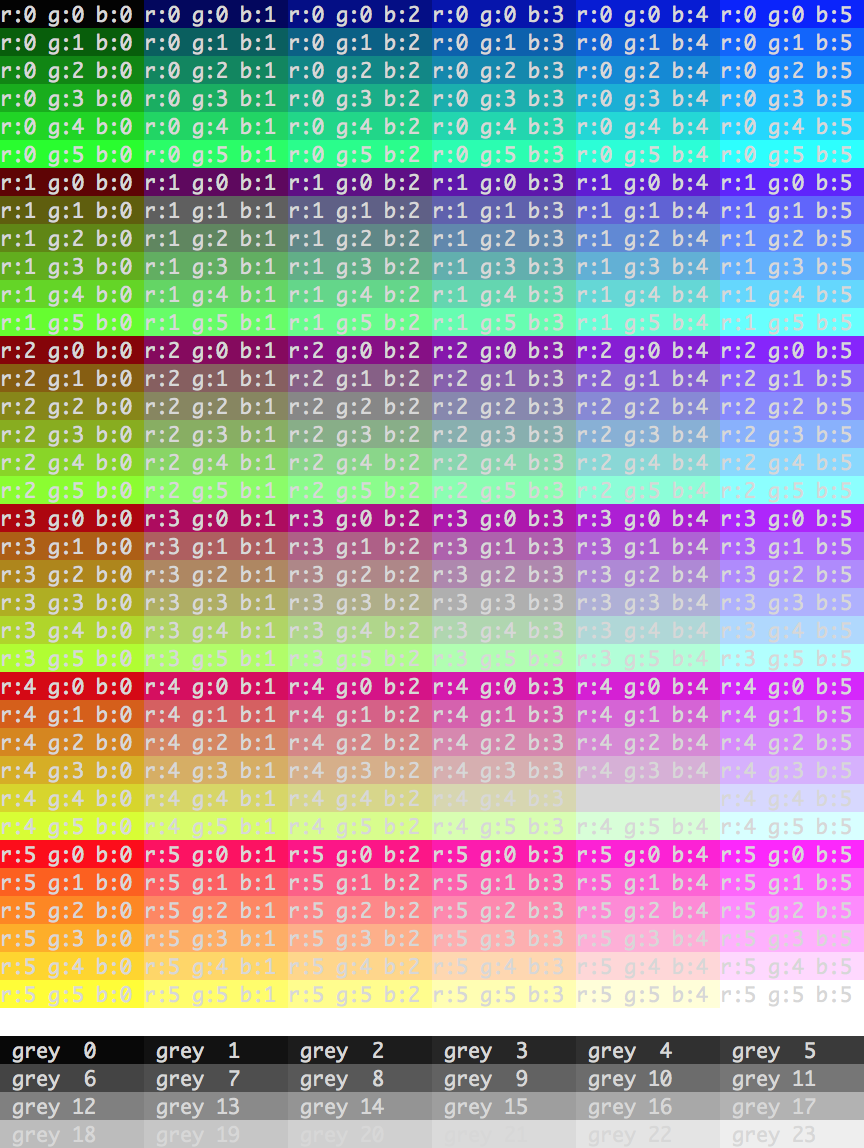
256 colors
Most modern terminals support the ANSI standard for 256 colors,
and you can define new styles that make use of them. The make_style
function defines a new style. It can handle R's built in color names
(see the output of colors()) as well as RGB specifications via the
rgb() function. It automatically chooses the ANSI colors that
are closest to the specified R and RGB colors, and it also has
a fallback to terminals with 8 ANSI colors only.
ivory<- make_style("ivory")
bgMaroon<- make_style("maroon", bg=TRUE)
fancy<- combine_styles(ivory, bgMaroon)
cat(fancy("This will have some fancy colors"), "\n")
License
MIT @ Gábor Csárdi
About
🖍️ R package for colored terminal output — now superseded by cli