You signed in with another tab or window. Reload to refresh your session.You signed out in another tab or window. Reload to refresh your session.You switched accounts on another tab or window. Reload to refresh your session.Dismiss alert
files_antivirusis an antivirus app for Nextcloud using ClamAV or Kaspersky.
Features
🐿️ When the user uploads a file, it's checked
☣️ Infected files will be deleted and a notification will be shown and/or sent via email
🔎 It runs a background job to scan all files
🦺 It will block all uploads if the file cannot be checked to ensure all files are getting scanned.
Requirements
One of
ClamAV as binaries on the Nextcloud server
ClamAV running in daemon mode
Kaspersky Scan Engine running in HTTP mode
Any virus scanner supporting ICAP (ClamAV and Kaspersky are tested, others should work)
Install
Documentation about installing ClamAV and this app can be found in our documentation.
ClamAV Details
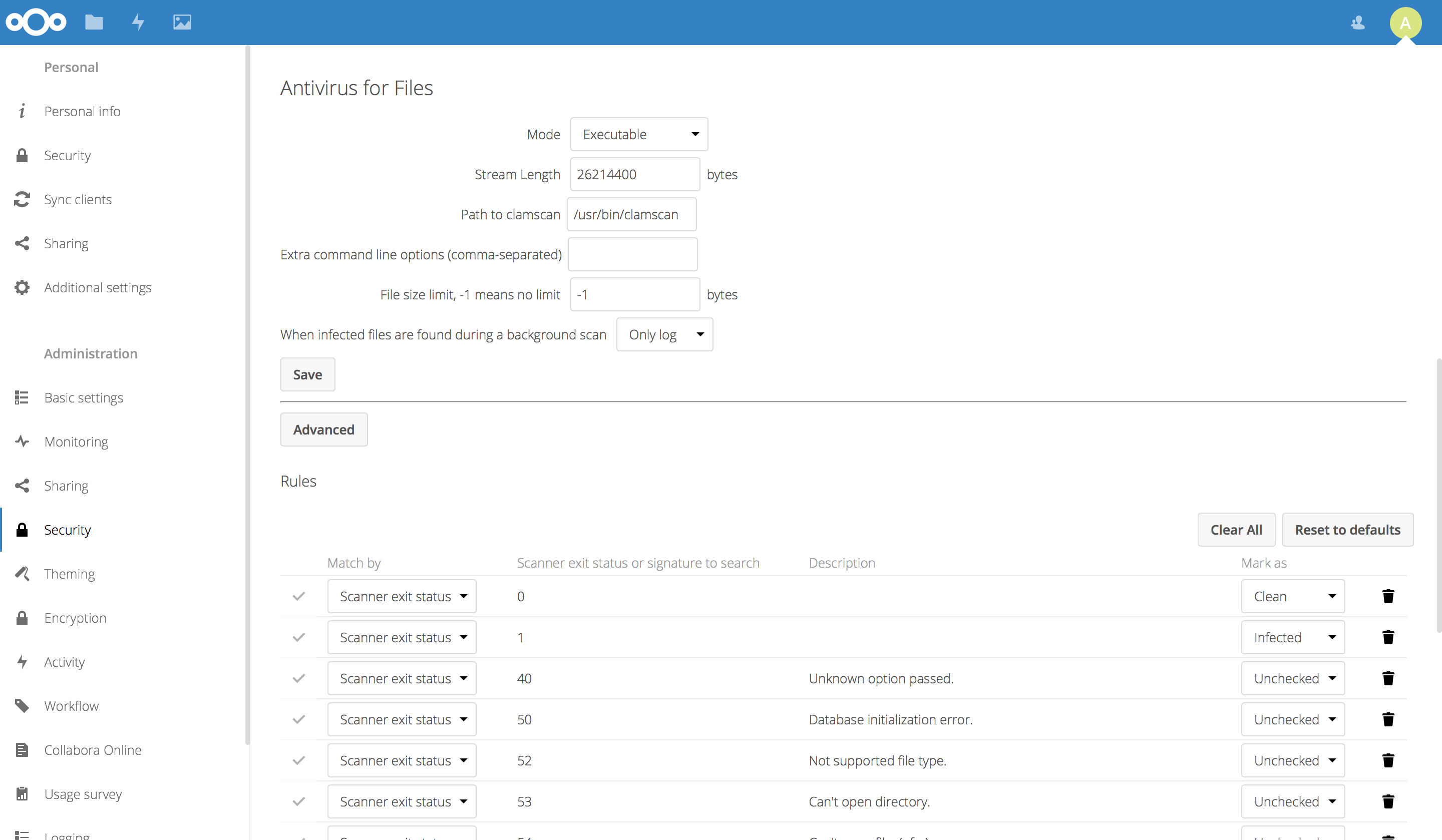
This app can be configured to work with the executable or the daemon mode (recommended ❤️) of ClamAV. If this is used in daemon mode, it can connect through network or local file-socket. In daemon mode, it sends files to a remote/local server using the INSTREAM command.
Kaspersky HTTP Details
When running Kaspersky in HTTP mode the SessionTimeout will need to be set to a value higher than default, a value of 10 minutes (600000 millisecond) or higher is recommended to properly deal with larger uploads
ICAP (version 5.0 and later)
The app support the ICAP protocol which is a standard supported by various antivirus software products.
Some additional configuration is required depending on the antivirus software used:
ICAP service: The name of the service the antivirus software expects
ICAP virus response header: The name of the header the antivirus software send the details of the detected virus in
ClamAV ICAP
ICAP service: avscan
ICAP virus response header: X-Infection-Found
Kaspersky ICAP
ICAP service: req
ICAP virus response header: X-Virus-ID
Additionally, the Kaspersky scan engine needs some additional configuration:
Using TLS encryption for the ICAP connection is supported, this requires the ICAP server to use a valid certificate.
If the certificate isn't signed by a trusted certificate authority, you can import the certificate into Nextcloud's
certificate bundle using
For the background scan to work reliably when using php-fpm for Nextcloud, you need to adjust the default_socket_timeout in php-fpm to a bigger value than the default of 60 seconds. Depending on how long the scan takes, a value of 600 or even higher is recommended.