You signed in with another tab or window. Reload to refresh your session.You signed out in another tab or window. Reload to refresh your session.You switched accounts on another tab or window. Reload to refresh your session.Dismiss alert
This is a sample project illustrating the use of Goby, which is some glue code facilitating the creation of iOS apps in ClojureScript.
This repo is really two projects in one:
An iOS app which contains the Storyboards and which loads the compiled JavaScript.
A ClojureScript project which contains implementations for the view controllers.
This project illustrates how UIKit elements are injected into ClojureScript and how Objective-C protocols such as UITableViewDataSource are implemented. It also shows how CoreData can be used, injecting (mutable) CoreData objects into ClojureScript.
This blog post delves into more of the detail on how the Ambly REPL is integrated into Shrimp.
Running
To set up the Shrimp Xcode project, go into shrimp/iOS and do pod install.
To run Shrimp, first go into the ClojureScript directory and run
clojure -m cljs.main -t none -c shrimp.core
This will produce the main.js file and out directory referenced in the iOS project workspace.
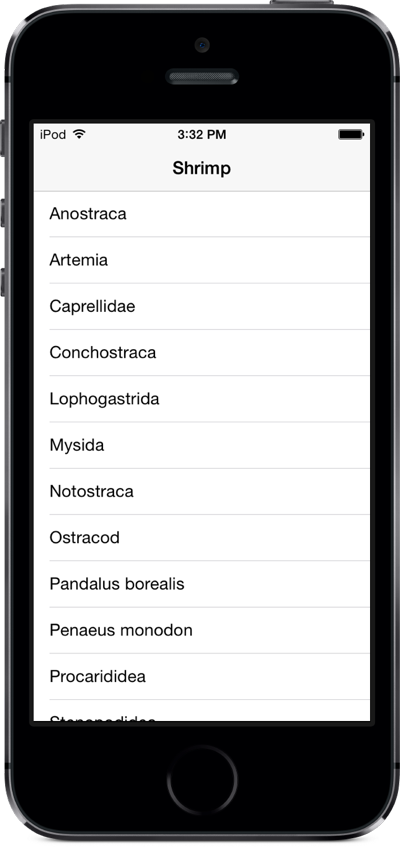
Then open iOS/Shrimp.xcworkspace in Xcode and run the project in an iPhone simulator. You should see the main UI come up with a list view showing a list of shrimp names. Tap on any of these to see editable details.
REPL
To interact with the app via the Ambly REPL:
Run ./repl.sh in the ClojureScript directory
Choose [1] Shrimp on iPhone Simulator (<computer name>).
In the REPL, do (in-ns 'shrimp.detail-view-controller).
In the app, tap on one of the shrimp names to go to a detail view.
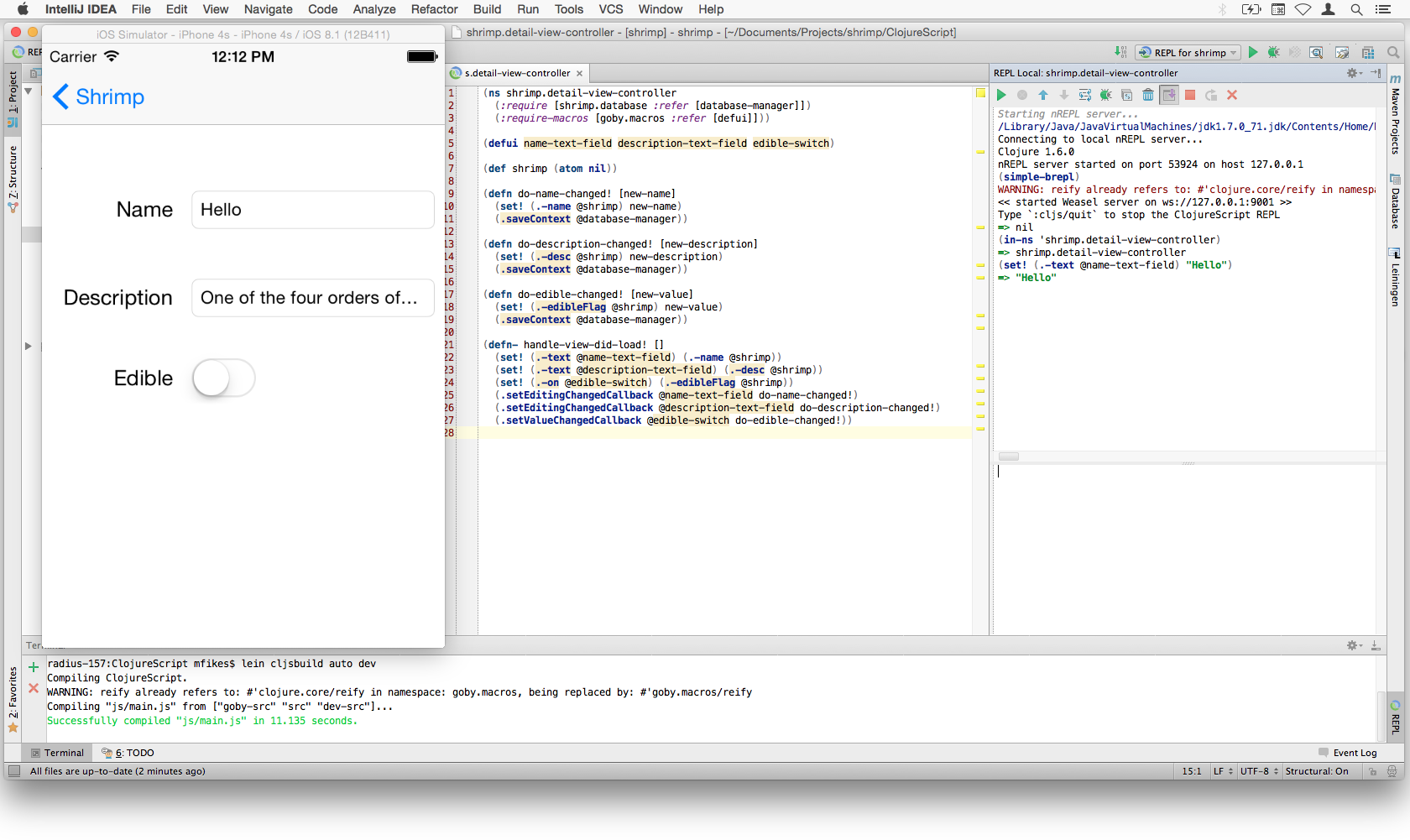
Try updating the text in one of the fields with (set! (.-text @name-text-field) "Hello").
You can also establish a REPL with a test device; simply follow the same steps but run the app on a device and choose the device when starting the REPL.
Here is what this all looks like in Cursive (using a previous copy that worked with Weasel):