You signed in with another tab or window. Reload to refresh your session.You signed out in another tab or window. Reload to refresh your session.You switched accounts on another tab or window. Reload to refresh your session.Dismiss alert
{{ message }}
Code Review
Write better code
On GitHub, lightweight code review tools are built into every pull request. Your team can create review processes that improve the quality of your code and fit neatly into your workflow.
Start a new feature or propose a change to existing code with a pull request—a base for your team to coordinate details and refine your changes.
Pull requests are fundamental to how teams review and improve code on GitHub. Evolve projects, propose new features, and discuss implementation details before changing your source code.
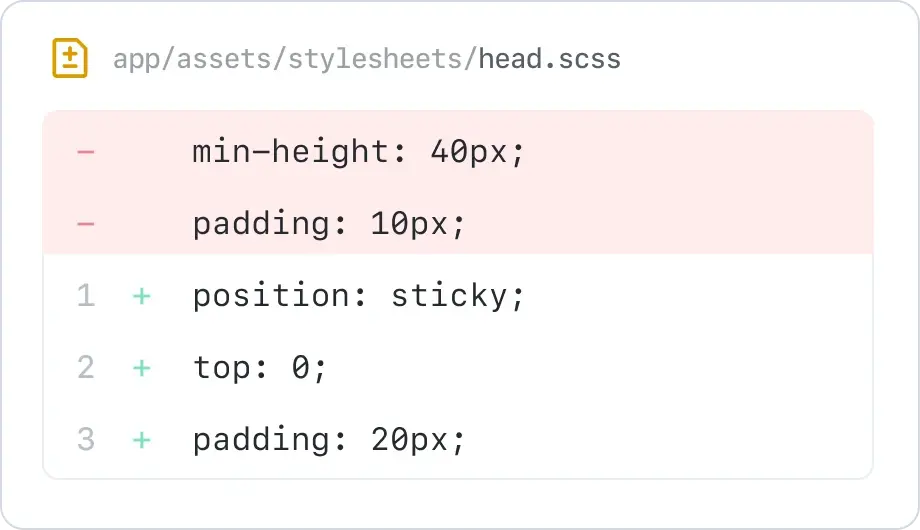
Preview changes in context with your code to see what is being proposed. Side-by-side Diffs highlight added, edited, and deleted code right next to the original file, so you can easily spot changes.
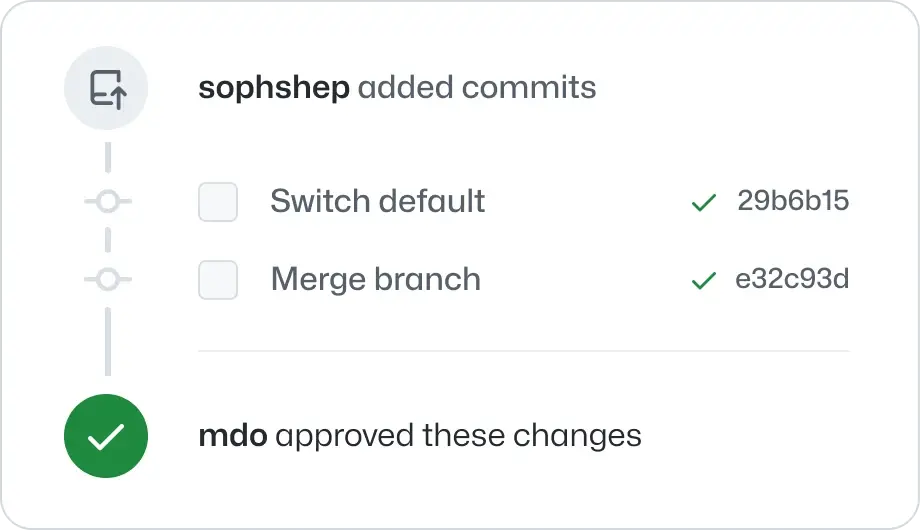
Browse commits, comments, and references related to your pull request in a timeline-style interface. Your pull request will also highlight what’s changed since you last checked.
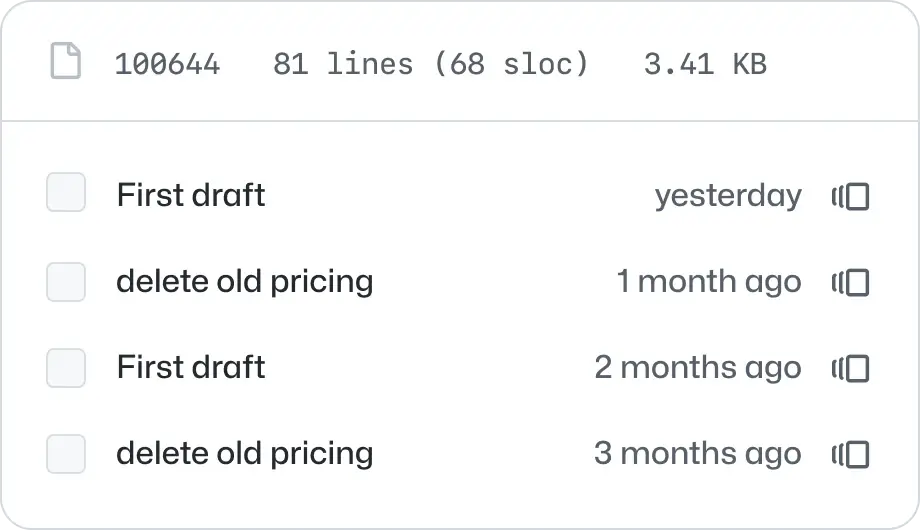
See what a file looked like before a particular change. With blame view, you can see how any portion of your file has evolved over time without viewing the file’s full history.
Learn more
Discuss code within your code
Comments
On GitHub, conversations happen alongside your code. Leave detailed comments on code syntax and ask questions about structure inline.
Review requests
If you’re on the other side of the code, requesting peer reviews is easy. Add users to your pull request, and they’ll receive a notification letting them know you need their feedback.
Reviews
Save your teammates a few notifications. Bundle your comments into one cohesive review, then specify whether comments are required changes or just suggestions.
You can’t always avoid conflict. Merge pull requests faster by resolving simple merge conflicts on GitHub—no command line necessary.
Reviews can improve your code, but mistakes happen. Limit human error and ensure only high quality code gets merged with detailed permissions and status checks.
Give collaborators as much access as they need through your repository settings. You can extend access to a few teams and select which ones can read or write to your files. The options you have for permissions depend on your plan.
Protected Branches help you maintain the integrity of your code. Limit who can push to a branch, and disable force pushes to specific branches. Then scale your policies with the Protected Branches API.
Create required status checks to add an extra layer of error prevention on branches. Use the Status API to enforce checks and disable the merge button until they pass. To err is human; to automate, divine!