You signed in with another tab or window. Reload to refresh your session.You signed out in another tab or window. Reload to refresh your session.You switched accounts on another tab or window. Reload to refresh your session.Dismiss alert
RSS master[rsm] is a RSS subscription function aggregation tool, You can use it easily!
How to start? 🚁
Start rsm with rsm run
-c,--cfg [rssConfig list] defaults to rss.json, you can specify the configuration file, the configuration file
defaults to rss.json, you can customize the configuration name, supports the following
formats .toml .yaml.tomlhcl etc.
-p,--page [generate html address list] defaults to rss.html, you can specify the file name to copy
-s,--server [port] can specify the UI interface for starting the server, online preview and addition, deletion,
modification and checking.
-t,--telegram [telegramHookPath list] can specify the telegram receiving address
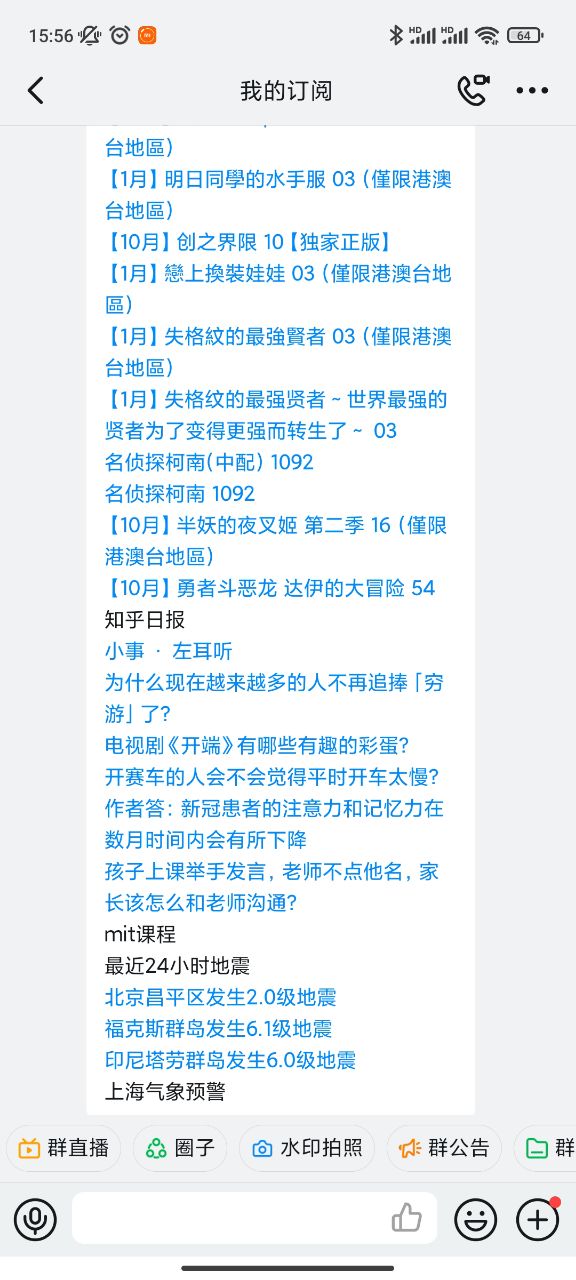
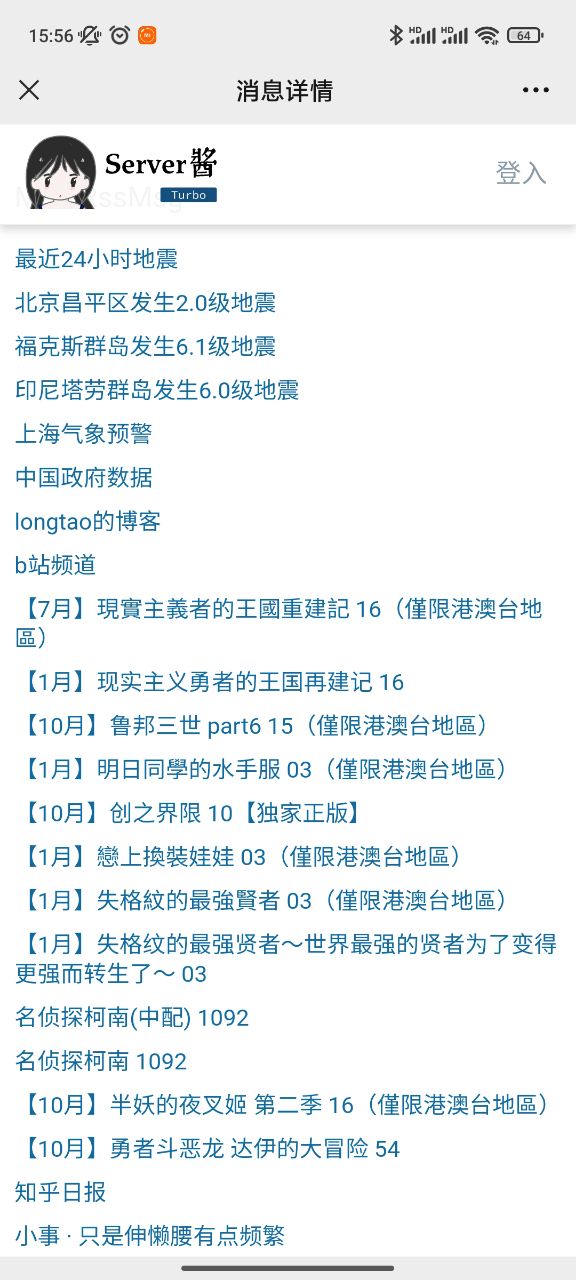
-j,--jiang [serverJiangHookPath list] can specify the server sauce address, and then push WeChat and other places
-m,--manbu [manbuHookPath list] can specify the receiving address of the Walking Technology Life public account,
follow the public account to receive messages
-g,--gapTime [time interval to get, default 24 hours] specifies how many hours before the current start, todo: any
time range
How to operate rss List ⛽
You can modify the rss.json file directly, or you can customize the json subscription list and
use -c,--cfg [rssConfig] to specify the subscription list you want to use at startup
You can also manipulate the subscription list with the following commands
rsm list -c [rssConfig] displays a list of subscriptions