You signed in with another tab or window. Reload to refresh your session.You signed out in another tab or window. Reload to refresh your session.You switched accounts on another tab or window. Reload to refresh your session.Dismiss alert
If localtileserver saves you time, powers your work, or you need direct help, please consider supporting the project and my efforts:
🌐 Local Tile Server for Geospatial Rasters
Need to visualize a rather large (gigabytes+) raster?This is for you.
A Python package for serving tiles from large raster files in
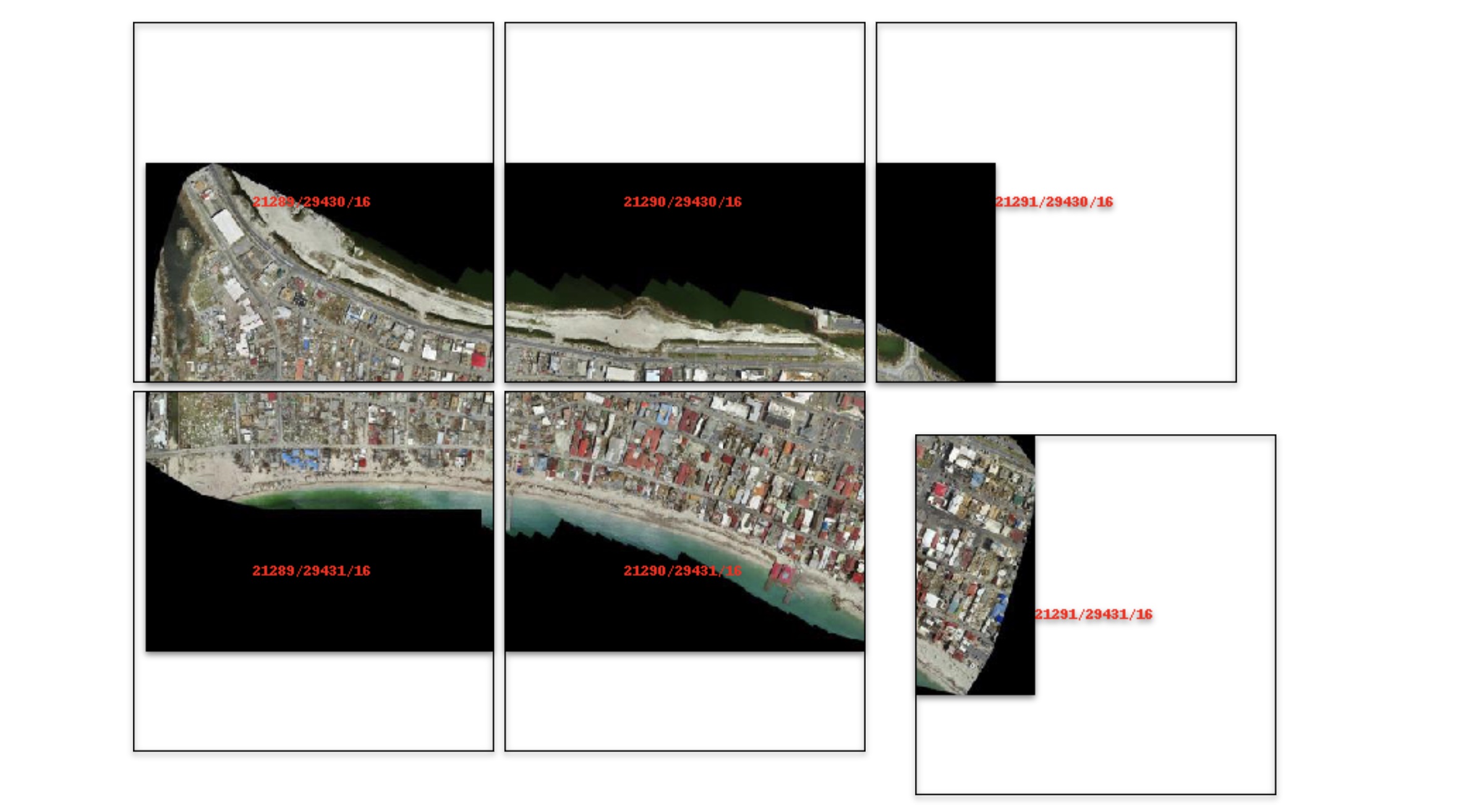
the Slippy Maps standard
(i.e., /zoom/x/y.png) for visualization in Jupyter with ipyleaflet or folium.
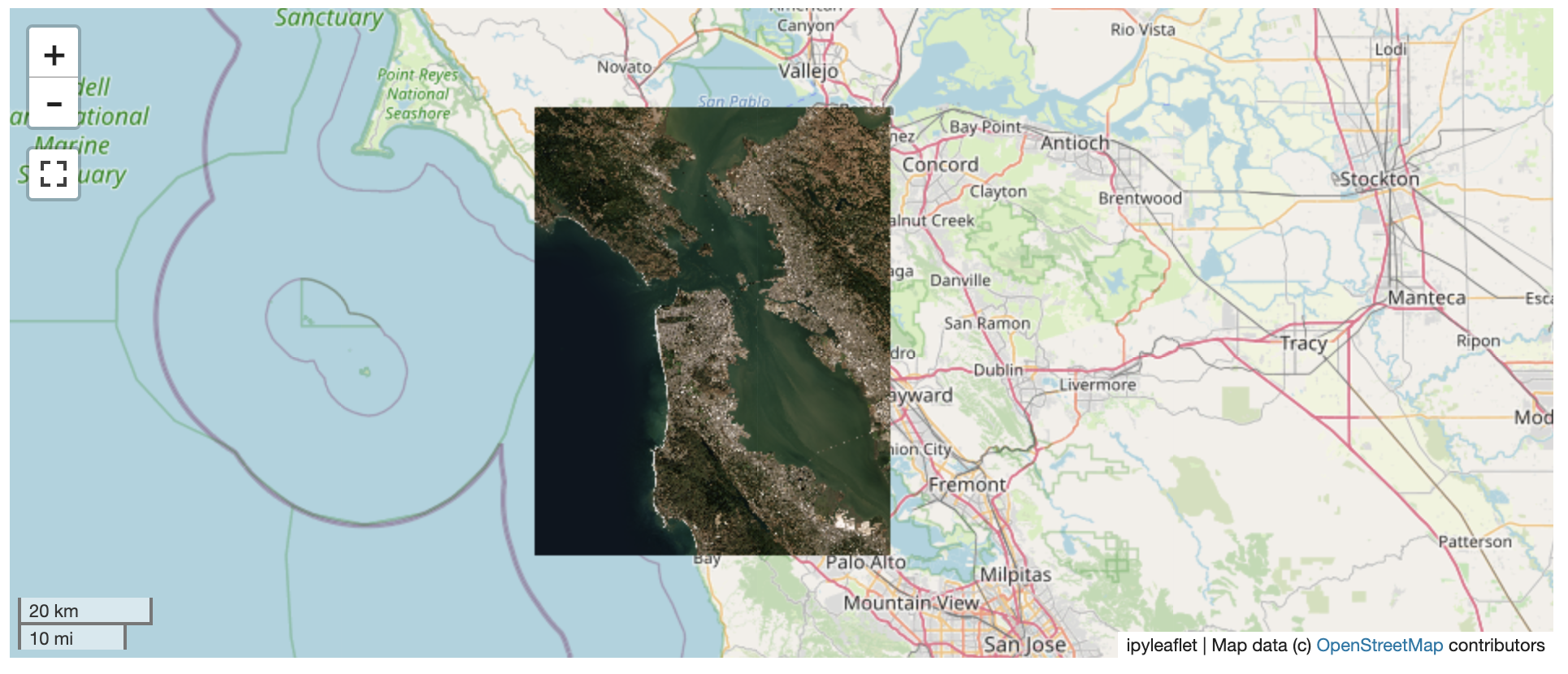
The following is a minimal example to visualize a local raster file with
ipyleaflet:
fromlocaltileserverimportget_leaflet_tile_layer, TileClientfromipyleafletimportMap# First, create a tile server from local raster fileclient=TileClient('path/to/geo.tif')
# Create ipyleaflet tile layer from that servert=get_leaflet_tile_layer(client)
m=Map(center=client.center(), zoom=client.default_zoom)
m.add(t)
m
ℹ️ Overview
The TileClient class can be used to to launch a tile server in a background
thread which will serve raster imagery to a viewer (usually ipyleaflet or
folium in Jupyter notebooks).
This tile server can efficiently deliver varying resolutions of your
raster imagery to your viewer; it helps to have pre-tiled,
Cloud Optimized GeoTIFFs (COGs).
There is an included, standalone web viewer leveraging
CesiumJS.
⬇️ Installation
Get started with localtileserver to view rasters in Jupyter or deploy as your
own Flask application.
🐍 Installing with conda
Conda makes managing localtileserver's dependencies across platforms quite
easy and this is the recommended method to install:
Please share your thoughts and questions on the Discussions board.
If you would like to report any bugs or make feature requests, please open an issue.
If filing a bug report, please share a scooby Report: