You signed in with another tab or window. Reload to refresh your session.You signed out in another tab or window. Reload to refresh your session.You switched accounts on another tab or window. Reload to refresh your session.Dismiss alert
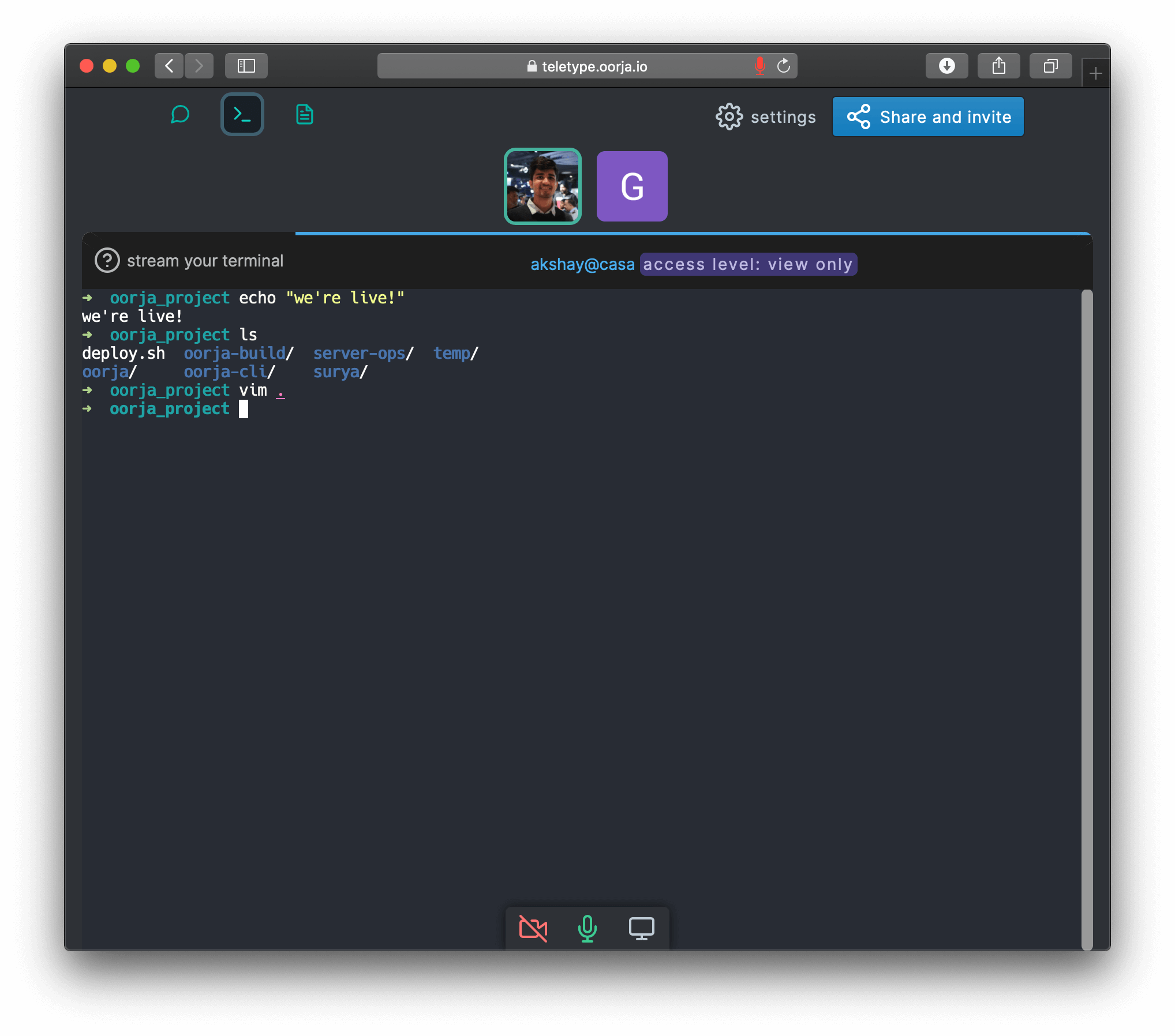
cli tool that allows you to share your terminal online conveniently. Check out oorja.io - show off mad cli-fu, help a colleague, teach, or troubleshoot.
Your stream can be view-only or collaboration enabled (command-line flag).
Package does fail on some systems because of node-pty compilation failures. I'm thinking it's better to package the whole thing
as a binary in future releases (i.e. not available via npm but via a script or manual install).
npm install -g oorja
teletype
teletype -m (for collaboration mode)
Misc: If you have issues installing on apple M1 or similar systems:
sudo xcode-select --install
CXXFLAGS="--std=c++17" npm install -g oorja
your stream is end-to-end encrypted
PRO TIP:
Any participant in the room can stream their terminal(s) i.e there can be multiple streams at the same time, and you can switch between them like terminal tabs!
For options: teletype -h
Note
This is the cli companion for oorja.io which is a privacy focussed collaboration tool with more features like voice, notes, and chat - privacy policy.
TLDR: Your data is end-to-end encrypted, no prying eyes 🍻.
USAGE
  $ oorja help [COMMAND...] [-n]
ARGUMENTS
  COMMAND...  Command to show help for.
FLAGS
  -n, --nested-commands  Include all nested commands in the output.
DESCRIPTION
  Display help for oorja.
oorja teletype [STREAM_KEY]
Launch a terminal streaming session in oorja.
USAGE
  $ oorja teletype [STREAM_KEY] [-h] [-s <value>] [-m] [-n]
FLAGS
  -h, --help           Show CLI help.
  -m, --multiplex      Allows users to WRITE TO YOUR SHELL i.e enables collaboration mode. Make sure you trust space
                       participants. Off by default
  -n, --new_space      Create new space
  -s, --shell=<value>  [default: /usr/bin/bash] shell to use. e.g. bash, fish
DESCRIPTION
  Launch a terminal streaming session in oorja.
ALIASES
  $ oorja tty
EXAMPLES
  $ teletype
  Will prompt to choose streaming destination - existing space or create a new one.
  $ teletype $stream-key
  Will stream to the space specified by secret link.
  $ teletype -m
  Will also allow participants to write to your terminal!