You signed in with another tab or window. Reload to refresh your session.You signed out in another tab or window. Reload to refresh your session.You switched accounts on another tab or window. Reload to refresh your session.Dismiss alert
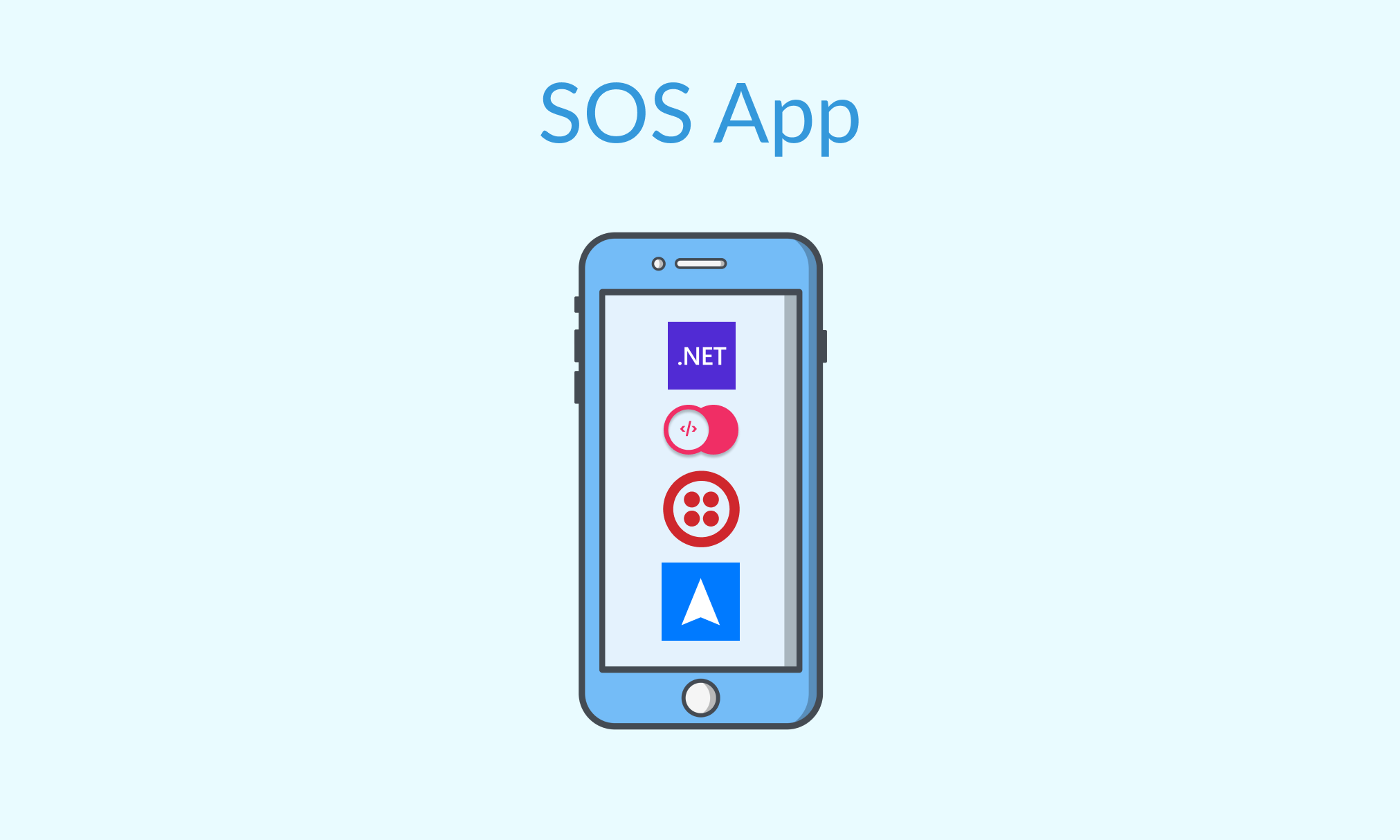
SOS App is a cross-platform app that allows the user to send an SOS message with their location to a saved phone number in times of distress.
Components
The main branch contains the .NET MAUI 6 project used to build the app that gets the coordinates of the phone through the .NET MAUI Essentials Geolocation API and call the SOS Appwrite Function.
The appwrite-function branch contains the Appwrite Function that reverse geocodes the coordinates to get the address from the Radar Geocoding API and uses Twilio Programmable Message to send an SOS message to predecided number.
Create an account on Twilio, obtain your Twilio Account SID and Auth Token from your Twilio console, and await a Phone Number (using this guide)
Create an account on Radar and grab an API key (Test secret(server) should be fine)
Visit the SOS Appwrite Function Readme in the appwrite-function branch for more details on setting up and deploying the function
Visit the SOS Function's Settings page and add Execute Access for any role
Note: In order to enable the .NET runtime for Appwrite Functions, you need to update the .env file in the Appwrite installation folder. Find the file and add dotnet-6.0 to the comma-separated list in the environment variable _APP_FUNCTIONS_RUNTIMES. This will make the .NET runtime available in Appwrite Functions. You can then load the updated configuration using the docker-compose up -d command.
For .NET MAUI App
Install latest version of Visual Studio 2022 with the .NET Multi-platform App UI development workload (Reference)
Clone this repo
Open the SOS\ folder and run the following command
dotnet restore
Visit the SOS\Constants folder and create a class AppwriteConstants.cs as follows:
namespaceSOS.Constants{publicstaticclassAppwriteConstants{publicconststringAppwriteUrl="<Enter Appwrite API Endpoint>";publicconststringProjectId="<Enter Appwrite Project Id>";publicconststringFunctionId="<Enter Appwrite Function Id>";}}
Build your app and deploy it to your preferred mobile platform (Reference)
Attribution
Thanks to Freepik for the menu, settings, and sos icons used in the flyout menu in the app
About
App that lets a user send an SOS message to a saved contact