You signed in with another tab or window. Reload to refresh your session.You signed out in another tab or window. Reload to refresh your session.You switched accounts on another tab or window. Reload to refresh your session.Dismiss alert
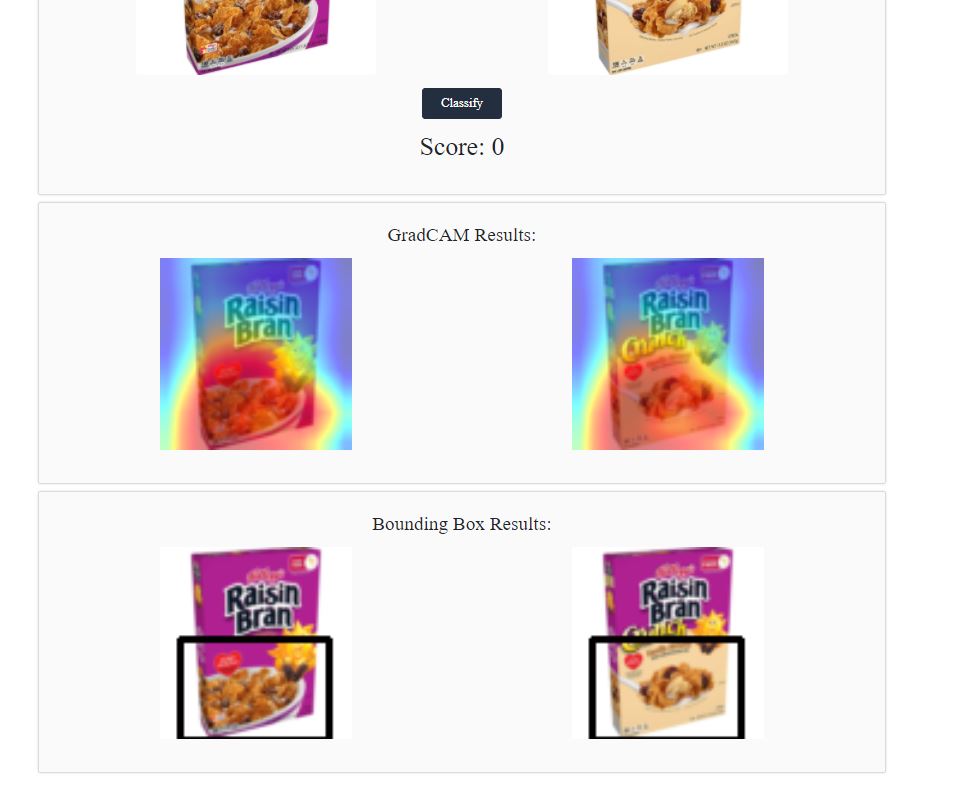
Given the large size of Amazon’s catalog, there are many products that look very similar but contain small yet important differences that can only be found upon close inspection. A model that only analyzes trivial pixel-level differences would be inadequate, considering the variety of images that could be encountered. Thus, we developed a robust object detection model that detects big picture differences in product image pairs, if they exist. Utilizing a convolution neural network followed by GradCAM, our model determines if there are differences across images and places bounding boxes around the areas of difference for visualization. Additionally, we built a web-based UI that allows for humans to seamlessly use the model to analyze their own pictures.
Project was largely inspired by J. Wu, Y. Ye, Y. Che, and Z. Weng. Spot the Difference by Object Detection. 2018. https://arxiv.org/abs/1801.01051v1.
Usage
GradCAM Demo
To demo the project with the existing models, go into the folder 'model' and run 'python3 test_gradcam.py'. If you want to use a specific model, edit the dataset_size parameter in test_gradcam.py. If you are using Windows Subsystem for Linux make sure you can display images using a tool such as XLaunch. Feel free to experiment with different GradCAM settings in test_gradcam.py such as using XGradCAM or experiment with the smooth settings.
Example
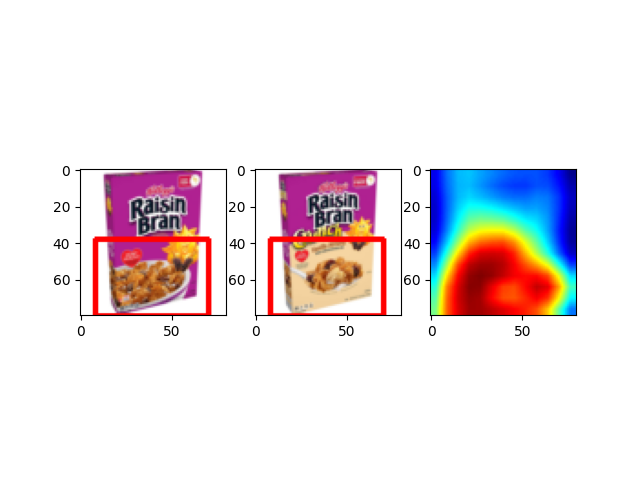
The demo will run the gradcam model on all image pairs in the Test_GradCAM folder. If you want to test your own images, place your image pair in a folder and place that folder inside Test_GradCAM. The following is a result we get when running test_gradcam.py using the default small model, GradCAMPlusPlus, aug_smooth=True, eigen_smooth=False.
UI Demo
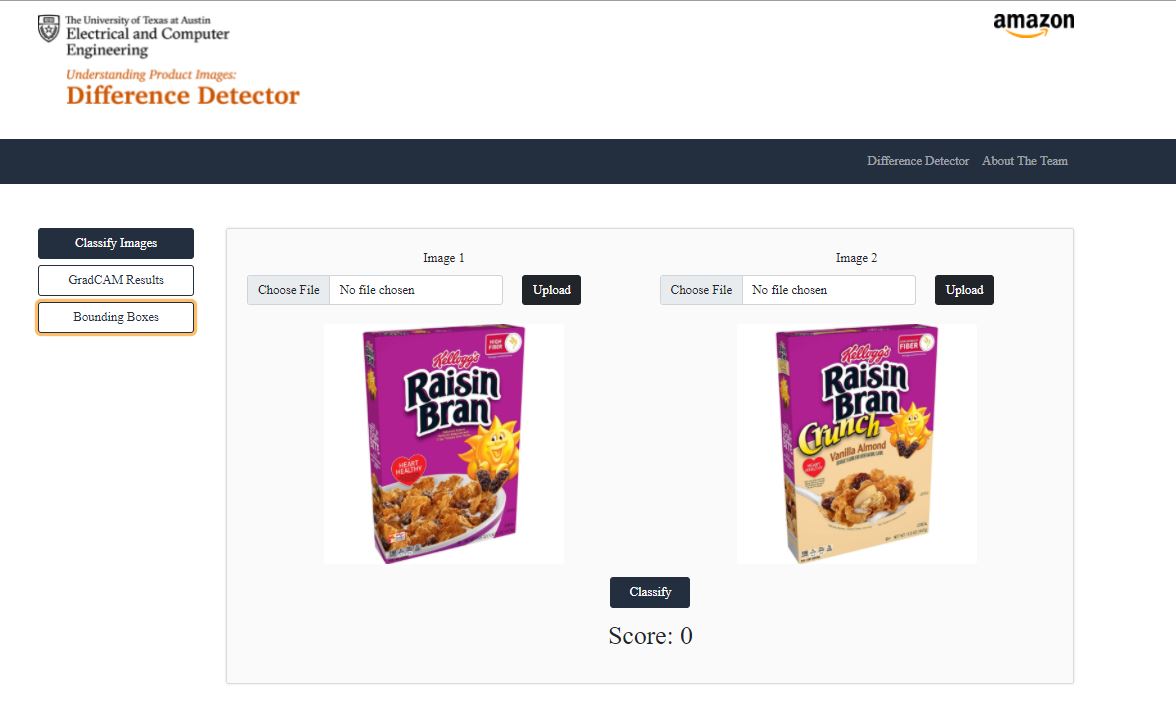
To run the UI, go to the UserInterface folder and run 'python3 manage.py runserver' and in your browser go to localhost (https://128.0.0.1:8000/).