You signed in with another tab or window. Reload to refresh your session.You signed out in another tab or window. Reload to refresh your session.You switched accounts on another tab or window. Reload to refresh your session.Dismiss alert
VSCode extension and LSP implementation for the SourcePawn programming language written in Rust
Features
Feature
Status
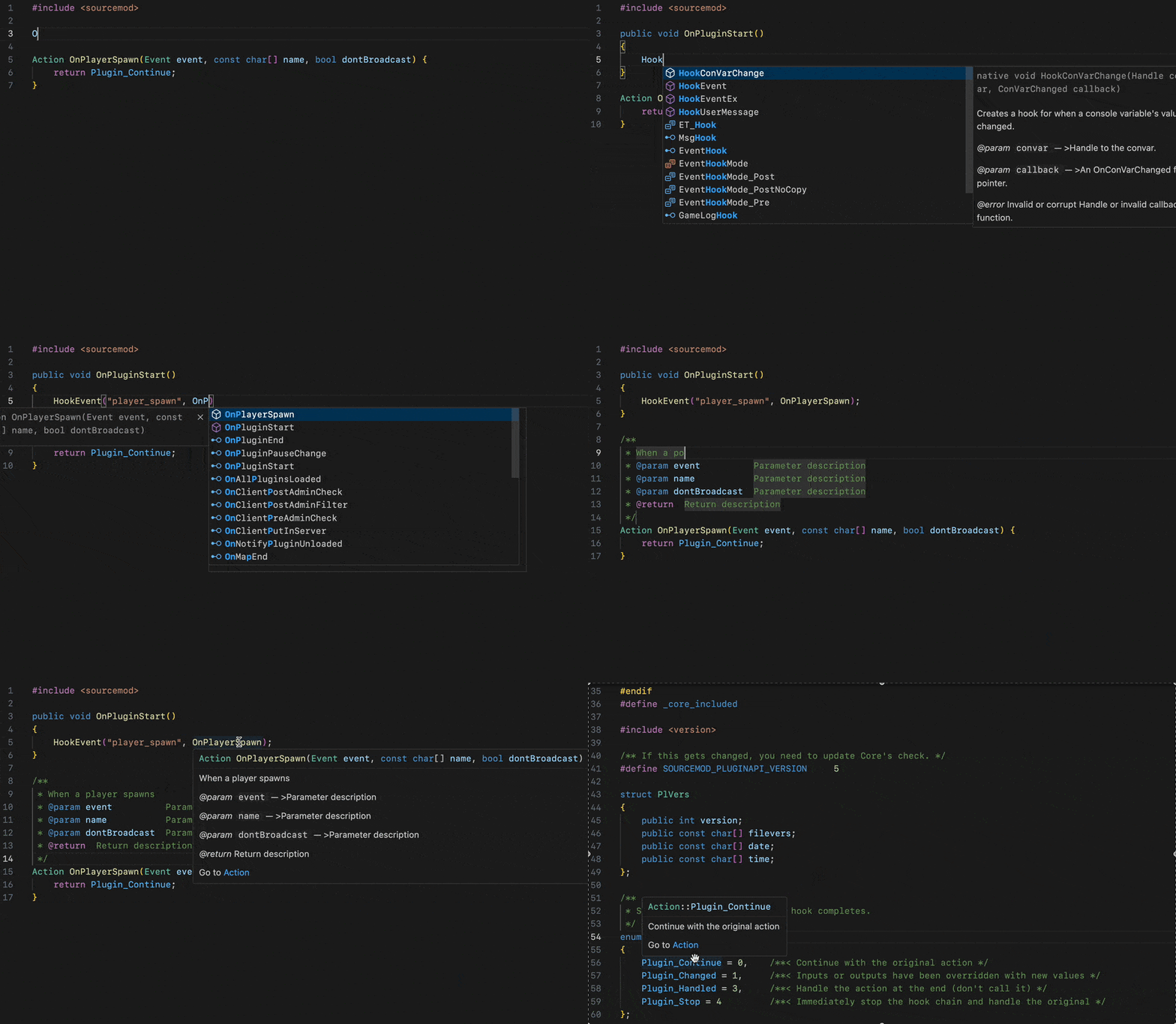
Completion
✅
Go To Definition
✅
Find References
✅
Hover
✅
Rename
✅
Semantic Highlighting
✅
Document Symbols
✅
Call Hierarchy
✅
Signature Help
✅
Reference
✅
Diagnostics
✅
Text editor support
The Language Server is compatible with any text editor that implements the Language Server Protocol.
VSCode support
For ease of use with Visual Studio Code, the extension bundles a binary of the Language Server for each major platform and OS. You can download it from the marketplace here.
AMXXPawn support
Partial support for AMXXPawn is implemented through the --amxxpawn-mode flag. The only difference between, the "SourcePawn mode" and the "AMXXPawn mode" boils down to what file extension the server will be looking for (.sp vs .sma).
A VSCode extension exists which bundles the server with the correct launch flags. You can find it here.
Thanks for considering this. But please remember that all of this wouldn't be possible without the Alliedmodders community. If you wish to make a donation for this community, you can make it here.
If you prefer to make a donation to me for this project, you can buy me a coffee
How to contribute ?
Pull requests and suggestions are welcome.
To make a suggestion or to report an issue, please create a new issue here.
To make a contribution, fork the repository, make the desired changes, and open a pull request.
How to run the Language Server from its source code ?
To run the Language Server, with the VSCode extension, from source, do the following:
Install node.js on your machine (v20 LTS and up). Make sure npm is installed as well.
Fork this repository and clone it on your machine (do this with VSCode for easier manipulation).
From the root of the repository, run the following commands to install npm dependencies: cd editors/code && npm i.
Press f5 and select the Run Extension (Debug Build) launch task in the prompt. This will compile the Language Server server from the source code and package the VSCode extension's source code.
(Optional) You can attach a debugger to the Language Server by doing the step above, then running another task called Attach To Server or Win Attach To Server on Windows and typing sourcepawn-studio in the prompt.