


| CARVIEW |


- Home
- Software & Services
- The Best SEO Tools in 2026: Free and Paid Options Reviewed
Top 21 SEO Tools & Software (Free & Paid)
Search engine optimization keeps changing, and relying on guesswork no longer works. Google updates are more frequent, competition is tighter, and small mistakes can cost valuable rankings. That is why using the right SEO tools matters more than ever going into 2026.
The best SEO tools for 2026 go beyond basic keyword tracking. They help identify real ranking opportunities, uncover technical issues, analyze competitors, and track progress in a clear and actionable way. This guide reviews the most reliable free and paid SEO tools based on real use cases, not hype.
This list is designed for bloggers, business owners, in-house teams, and agencies who want tools that are easy to understand and practical to use. Each tool is reviewed based on what it does best, who it is best for, and how it fits into a modern SEO workflow.
What the right SEO tools help with
The right SEO software makes it easier to build and manage a data-driven strategy. These tools help with:
- Understanding what competitors are ranking for
- Running automated technical SEO audits
- Finding keywords that bring qualified traffic
- Tracking rankings and performance over time
- Turning SEO data into clear next steps
- Measuring the impact and return of SEO efforts
This guide breaks everything down step by step, with simple explanations and clear comparisons, so choosing the right SEO tools for 2026 is easier and faster.
EDITORS’ CHOICE

Choosing the best SEO tool for your operation is of vital importance. Below you will find everything you need to make an informed decision and find a tool that suits your needs and goals.
The Top 21 Most Popular SEO Tools for 2026
There is no shortage of SEO tools available today. New platforms launch every year, and many older tools continue to evolve. However, not every tool delivers the depth, accuracy, or reliability needed to support real SEO growth.
Only a small group of SEO tools consistently provide the features that matter most. These include accurate keyword data, reliable site audits, competitor insights, and clear performance tracking.
This curated list highlights 21 of the most popular and trusted SEO tools for 2026. Each tool was selected based on practical use cases, feature depth, and its ability to support modern SEO workflows.
Some tools focus on keyword research, others specialize in technical audits, rank tracking, or backlink analysis. Together, they cover the full range of SEO needs, making it easier to compare options and choose tools that match specific goals.
The sections below break down what each tool does best, who it is best suited for, and how it fits into an effective SEO strategy in 2026.
- Semrush Best all-around solution for businesses
- Ahrefs The tool with an intuitive user interface
- Searchant SEO That Drives Organic Growth
- SEO PowerSuite All-in-one toolkit for SEO workflow
- Mangools KWFinder In-depth keyword research
- Moz PRO All-in-one SEO toolset solution
- Majestic Best for creating detailed presentations
- Answer The Public Discovering keyword trends
- Screaming Frog Streamlining fast audits
- SE Ranking Keeping an eye on the competition
- Serpstat Best for optimizing and running campaigns
- Authority Labs Best for monitoring multiple websites
- SpyFu Identifying the most profitable keyword
- WooRank Review and SEO strategy monitoring
- Advanced Web Rankings in real-time
- Seobility Best for real-time website monitoring
- SEOQuake Best for quickly discovering trends
- PageSpeed Insights Optimize page load speed
- Wordtracker Free keyword research tool
- SiteChecker Free online website SEO score
- Netpeak Spider Best for in-depth SEO audits
1. Semrush — Best All-around Solution For Businesses
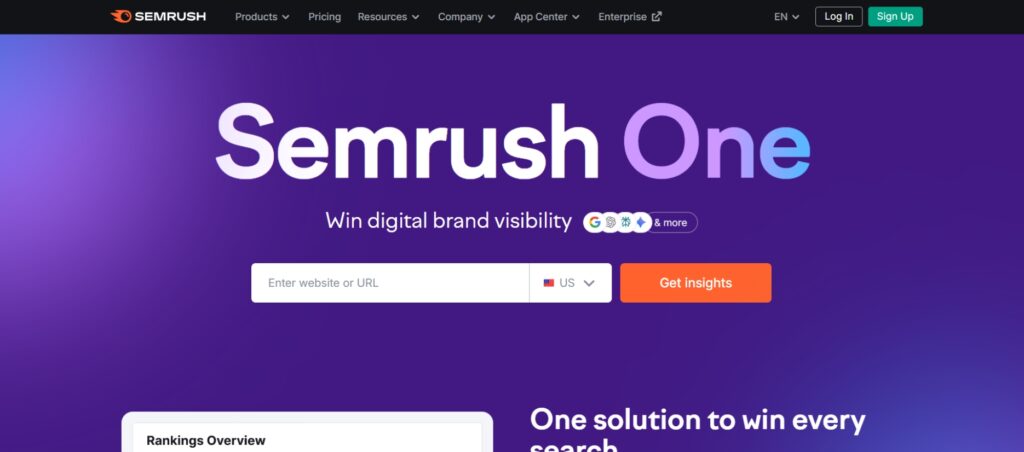
Semrush is one of the most complete SEO platforms available going into 2026. It combines keyword research, competitor analysis, site audits, rank tracking, and content optimization into a single dashboard, making it easier to manage SEO without juggling multiple tools.
This platform works well for businesses at every stage. Freelancers use it for keyword research and audits, while agencies and in-house teams rely on it for competitor tracking, reporting, and long-term SEO planning.
Best for
- Businesses that want one tool to handle most SEO tasks
- Teams managing content, technical SEO, and competitor research together
- Agencies that need reporting, tracking, and scalability
Key Features
- Organic research – Identifies top organic competitors and the keywords driving their traffic.
- Keyword research – Finds keywords for SEO and PPC with data on volume, difficulty, and intent.
- Backlink analysis – Analyzes backlink profiles, authority scores, and link quality.
- Site audits – Detects technical SEO issues and provides clear fix recommendations.
- Traffic analytics – Compares traffic trends across multiple competitors and industries.
- Advertising research – Tracks paid search strategies, ads, and landing pages.
Plans and pricing
Starter
-
$165.17 monthly
billed annually
Core SEO and AI visibility tools for bloggers starting to grow search traffic.
Pro+
-
$248.17 monthly
billed annually
Expanded keyword tracking, historical data, and deeper insights for growing blogs.
Advanced
-
$455.67 monthly
billed annually
Advanced reporting, automation, and scaling features for large blogs and teams.
2. Ahrefs — The Fastest Tool With An Intuitive User Interface
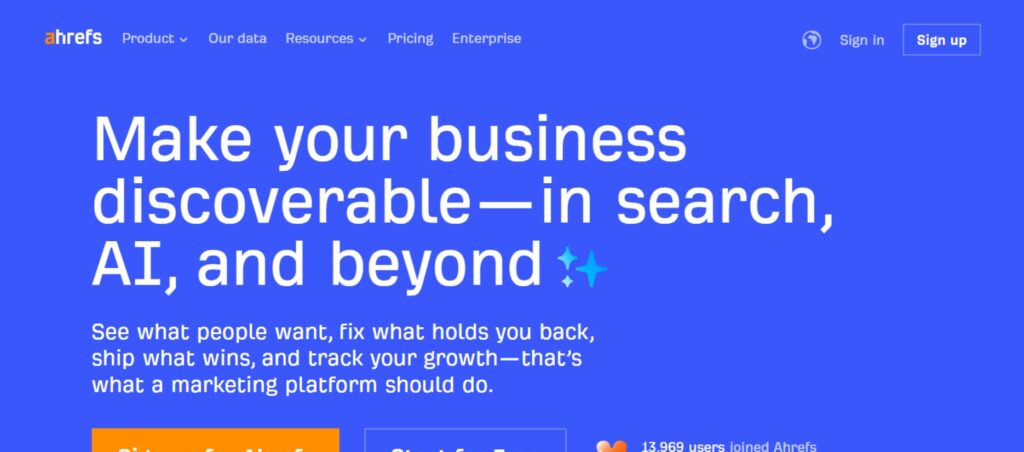
Ahrefs is widely known for its powerful backlink data and competitive research capabilities. It uses one of the largest and fastest web crawlers available, which allows it to deliver up-to-date insights on links, keywords, and search performance.
This tool is especially useful for understanding why competitors rank well. It helps identify which keywords drive traffic, which pages earn backlinks, and where SEO opportunities exist. The interface is clean and straightforward, making complex data easier to interpret.
Key features
- Competitive analysis – Reveals the keywords competitors rank for and the pages bringing in traffic.
- Keyword research – Generates keyword ideas with difficulty, volume, and traffic potential data.
- Backlink analysis – Provides detailed backlink reports, referring domains, and link quality metrics.
- Content research – Identifies top-performing content by topic, backlinks, and traffic value.
- Rank tracking – Tracks keyword rankings across desktop and mobile search results.
- Web monitoring – Sends alerts for new backlinks, lost links, and brand mentions.
Plans and pricing
Lite
- ($129 monthly)
Entry level access for small blogs and solo creators.
Lite
- $129 per month
Entry level access for small blogs and solo creators.
Standard
- ($249 monthly)
Expanded keyword limits and content analysis tools.
Advanced
- ($449 monthly)
Designed for growing blogs and teams.
3. Searchant — SEO That Drives Organic Growth
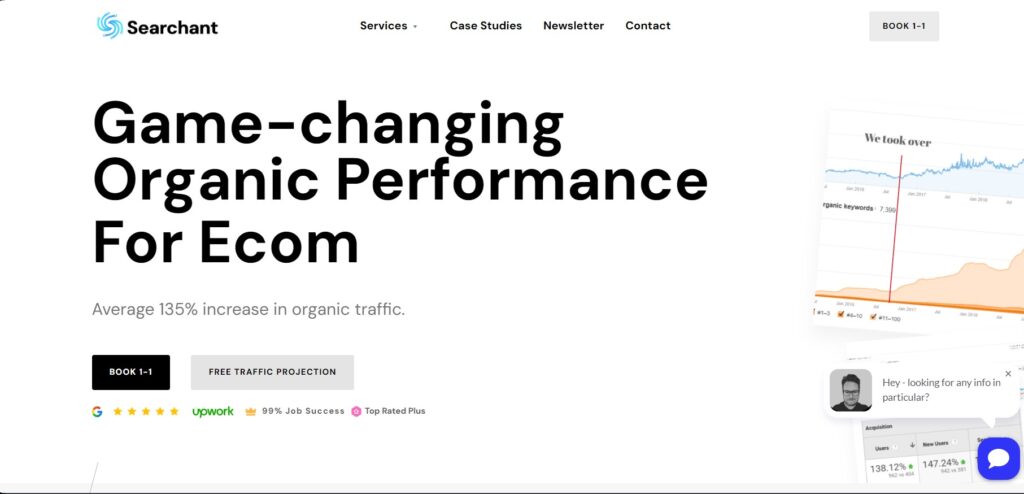
Searchant is a managed SEO service rather than a traditional self-serve software platform. It focuses on hands-on SEO execution, making it a strong option for businesses that want professional support instead of managing tools internally.
This service is built around technical audits, content optimization, and link building. It is designed for brands that prefer done-for-you SEO with clear growth planning and ongoing performance monitoring.
Best for
- Companies looking for strategy and execution combined
- Businesses that want managed SEO instead of DIY tools
- Brands focused on long-term organic traffic growth
- Teams without in-house SEO specialists
Key Features:
- Custom SEO plans – SEO strategies tailored to business goals, industry, and competition.
- Holistic SEO audits – Full technical and on-page audits to identify ranking and performance issues.
- Content optimization – Improvements to existing content to increase relevance, engagement, and rankings.
- Strategic link building – Authority-focused backlink acquisition to strengthen domain trust.
- Traffic projections – Growth forecasting to help plan SEO investment and timelines.
- Performance monitoring – Ongoing tracking and adjustments based on ranking and traffic changes.
Plans and pricing
Searchant offers custom SEO plans instead of fixed pricing. You can book a Free Organic Traffic Projection to get a tailored plan.
- Skyscraper Link Building: $2,500 per campaign (bulk discounts available).
- eCommerce SEO: More affordable than competitors (£1,500 – £7,000/month).
- WooCommerce SEO: Cheaper than competitors (£1,000 – £5,000/month).
4. SEO PowerSuite — All-in-one Toolkit For A Complete SEO Workflow
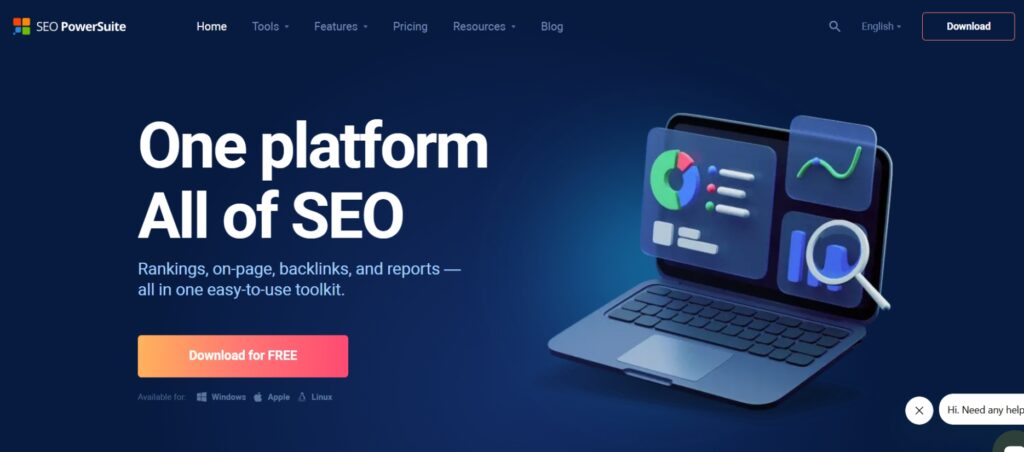
SEO PowerSuite is a desktop-based SEO toolkit built for users who want full control over their SEO workflow. Unlike browser-based platforms, it runs locally and offers unlimited projects, making it a strong option for long-term SEO work.
The toolkit includes four core tools: Rank Tracker, Website Auditor, SEO SpyGlass, and LinkAssistant. Together, they cover keyword research, technical audits, backlink analysis, outreach, and rank tracking in one system.
Best for
- Users focused on technical SEO and link building
- SEO professionals who prefer desktop software
- Agencies managing multiple websites and projects
- Teams that want unlimited projects and data ownership
Key features
- Keyword research – Uses over 20 research methods with autosuggestions and difficulty metrics.
- Rank tracking – Tracks local and global rankings across desktop and mobile search results.
- Site and page audits – Scans websites for technical issues with clear, actionable fix recommendations.
- Backlink analysis – Evaluates backlink profiles using link quality and authority metrics.
- Link outreach tools – Includes a built-in email client for managing link-building campaigns.
- SEO vs PPC comparison – Pulls data from Google Search Console, Google Analytics, and Google Ads.
- Automation and reporting – Supports scheduled tasks, tagging, filtering, and customizable reports.
Plans and pricing
SEO PowerSuite offers four plans designed for different SEO needs, from free testing to full agency-level workflows. All paid plans are billed annually.
Free Forever
- $0
This plan allows unlimited evaluation but does not support saving projects. It is useful for basic testing and learning the interface.
Includes:
- Work on 1 project (no saving)
- Check rankings (no saving)
- Crawl and audit up to 500 URLs
- Track and analyze 1,100 backlinks
- Monitor 1 competitor per project
- Track Google AI Overviews
Professional
-
$29.10 per month
$349 billed yearly
Designed for small businesses and solo SEO users who need full functionality without agency-level limits.
Includes:
- Google AI Overviews tracking
- Unlimited projects
- Unlimited keyword tracking
- Crawl and audit entire websites
- Track and analyze unlimited backlinks
- Monitor up to 5 competitors per project
- Access to 216 million keywords
- Access to 6.5 trillion backlinks
Enterprise
-
$49.95 per month
$599 billed yearly
Built for SEO professionals and agencies managing multiple clients and competitors.
Includes everything in Professional, plus:
- Advanced reporting and automation features
- Monitor up to 40 competitors per project
- White-label SEO reports
Max
-
$74.95 per month
$899 billed yearly
Best suited for professionals and agencies that need extended limits and premium add-ons.
Includes everything in Enterprise, plus:
- Additional reporting and workflow enhancements
- Extended integrations and data access
- Priority feature availability
5. Mangools KWFinder — In-depth Keyword Research
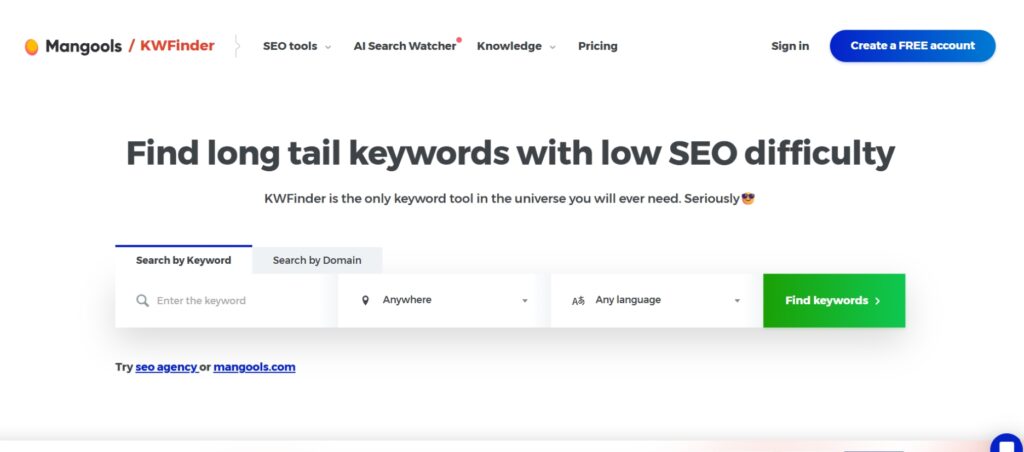
KWFinder is a keyword research tool designed to make SEO data easy to understand. It focuses on finding keywords with realistic ranking potential, especially long-tail terms with lower competition.
This tool works well for bloggers, small businesses, and content teams who want clear keyword insights without advanced technical setup. The interface is clean, and most keyword metrics are explained visually, making it easier to act on the data.
Best for
- SEO beginners and non-technical users
- Keyword research for blogs and content sites
- Finding low-competition, long-tail keywords
- Local keyword research by city or region
Key features
- Long-tail keyword discovery – Identifies keyword variations with lower competition and clearer ranking opportunities.
- Competitor keyword analysis – Shows which keywords competitors are ranking for in search results.
- Google Suggest integration – Pulls keyword ideas directly from Google autocomplete data.
- SERP analysis – Displays keyword difficulty, competition level, and top-ranking pages.
- Search volume and trend data – Highlights seasonal trends and average monthly searches.
- Keyword list management – Allows saving, organizing, and importing keyword lists in bulk.
- Local keyword research – Supports location-based keyword analysis for cities and regions.
Plans and pricing
Mangools comes in three different plans – Entry, Basic, Premium, and Agency:
Basic + AI SW PRO
-
$18.85 per month
($226.20 yearly)
Best for solopreneurs and freelancers who need simple, reliable keyword research.
Premium + AI SW PRO
-
$26.35 per month
($316.20 yearly)
Designed for marketing teams that need higher limits and more flexibility.
Agency + AI SW PRO
-
$48.85 per month
($586.20 yearly)
Built for professional SEOs and agencies managing multiple client projects.
💡 Annual billing saves you around 35%!
Visit Mangools KWFinder for additional information >>6. Moz PRO — All-in-one SEO Toolset Solution
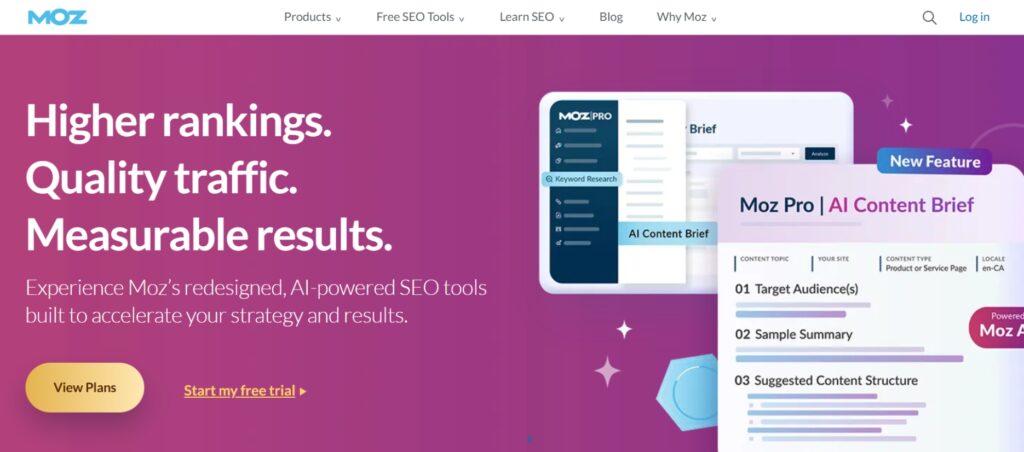
Moz Pro is an all-in-one SEO platform designed to make optimization easier to understand and manage. It focuses on clear recommendations, structured reports, and practical insights that help teams improve rankings without advanced technical setup.
This tool works well for businesses that want guidance rather than raw data. It combines keyword research, site audits, rank tracking, and link analysis into a single dashboard, with explanations that help users act on issues faster.
Best for
- Ongoing site health and ranking monitoring
- Small to mid-sized businesses
- Teams that want clear SEO recommendations
- Users learning SEO fundamentals
Key features
- Keyword research – Helps identify and prioritize keywords based on difficulty and opportunity.
- Rank tracking – Tracks keyword performance over time across search results.
- Site crawl and audits – Detects technical SEO issues and highlights areas that need attention.
- On-page optimization – Provides suggestions to improve page-level SEO and content relevance.
- Link research – Analyzes backlink profiles and identifies link-building opportunities.
- Custom reporting – Generates automated reports for tracking progress and sharing results.
Plans and pricing
Moz Pro offers four plans with flexible monthly or discounted annual billing, designed for businesses at different stages.
Starter
-
$49 per month
($39 per month when billed annually)
Best for small businesses or startups managing a single website and basic SEO tracking.
Standard
-
$99 per month
($79 per month when billed annually)
Ideal for small teams that need core SEO features with moderate keyword and site tracking.
Medium
-
$179 per month
($143 per month when billed annually)
Best for growing teams that need full access to keyword research tools and higher tracking limits.
Large
-
$299 per month
($239 per month when billed annually)
Designed for larger businesses and agencies that need advanced data access and higher usage limits.
7. Majestic — Best For Creating Detailed Presentations
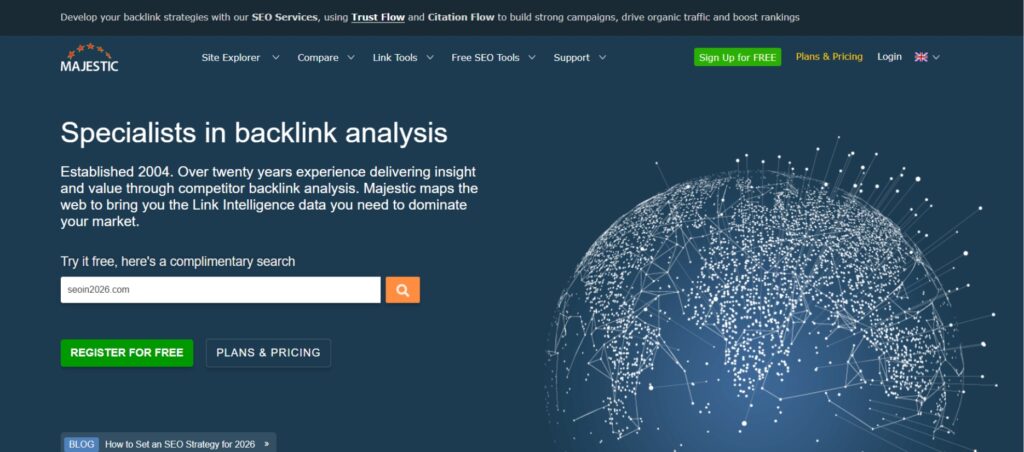
Majestic is a specialized SEO tool built entirely around backlink analysis. It focuses on link quality, link context, and topical relevance, making it especially useful for understanding how backlinks contribute to authority and rankings.
This platform is often used by SEO professionals who want deeper insight into link profiles rather than broad all-in-one features. Its metrics help evaluate trust, relevance, and competitive backlink strength across industries.
Best for
- SEO professionals focused on off-page SEO
- Backlink analysis and link audits
- Competitive link research
- Authority and trust evaluation
Key features
- Site Explorer – Analyzes backlink profiles, referring domains, and trust metrics.
- Link Context – Shows how and where links appear within page content.
- Campaign tracking – Monitors backlink growth and changes over time.
- Competitor backlink analysis – Identifies backlink sources competitors rely on.
- Topical Trust Flown – Measures authority strength by topic and niche relevance.
- Metric comparison – Compares backlink profiles across multiple domains.
Plans and pricing
Majestic is offering their services through three different plans – Lite, Pro, and API:
Lite
- $49.99 per month
- $41.67 per month (billed annually at $499.99)
The Lite plan is aimed at light users and domainers. It allows 1 user per account and provides 1 million analysis units.
Pro
- $99.99 per month
- $83.33 per month (billed annually at $999.99)
The Pro plan is designed for professionals. It allows 1 user per account and offers 20 million analysis units.
API
- $399.99 per month
- $333.33 per month (billed annually at $3,999.90)
The API plan is created for developers and agencies. It allows 5 users per account and includes 100 million analysis units.
They also offer additional API plans for 300 million and 1 billion analysis units.
Visit Majestic for additional information >>8. Answer The Public — Discovering Keyword Trends
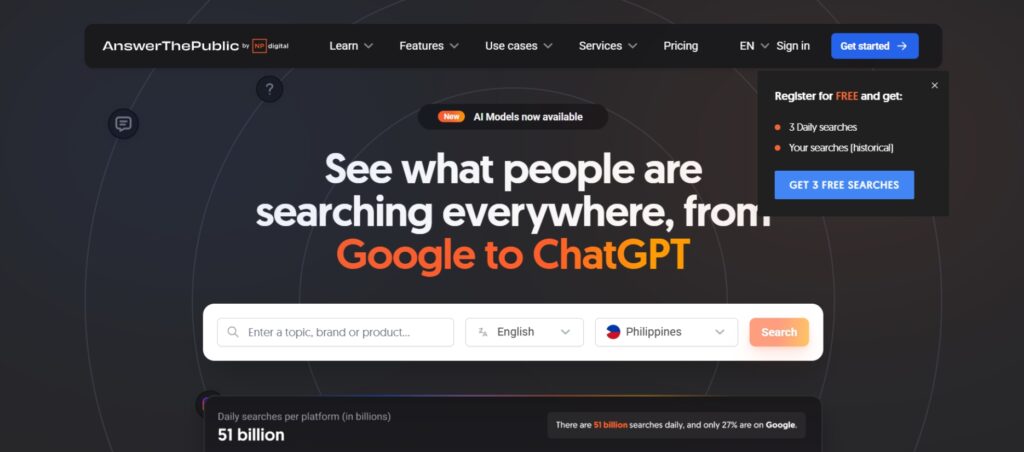
AnswerThePublic is a keyword research tool focused on how people phrase real search questions. Instead of showing only keyword metrics, it visualizes queries based on what users ask, compare, and want to know around a topic.
This tool is especially useful during content planning and early SEO research. It helps surface question-based searches, problem-focused queries, and topic variations that often do not appear in traditional keyword tools.
AnswerThePublic works well alongside other SEO platforms. It fills the gap between raw keyword data and content creation by turning search behavior into clear content ideas for blogs, FAQs, and landing pages.
Best for
- Early-stage keyword discovery
- Content ideation and topic planning
- Understanding search intent and user questions
- Blog outlines and FAQ development
Key features
- Search question discovery – Reveals questions, comparisons, and phrase-based searches related to a keyword.
- Trend tracking – Shows how interest in topics changes over time.
- Niche discovery – Helps uncover content gaps and emerging topics.
- Unlimited searches – Supports ongoing topic research without complex setup.
- Search alerts – Sends updates when new search trends appear.
Plans and pricing
AnswerThePublic offers three plans focused on search intent research and content discovery, with discounted pricing available through annual billing.
Starter
-
$13.33 per month
($160 billed yearly)
Best for entrepreneurs and small businesses who need basic keyword and question research for content planning.
Growth
-
$26.67 per month
($320 billed yearly)
Designed for teams that monitor multiple topics and need more searches and prompt suggestions.
Business
-
$40 per month
($480 billed yearly)
Built for teams that track brand perception, content trends, and high-volume search behavior.
9. Screaming Frog SEO Spider — Streamlining Fast Audits
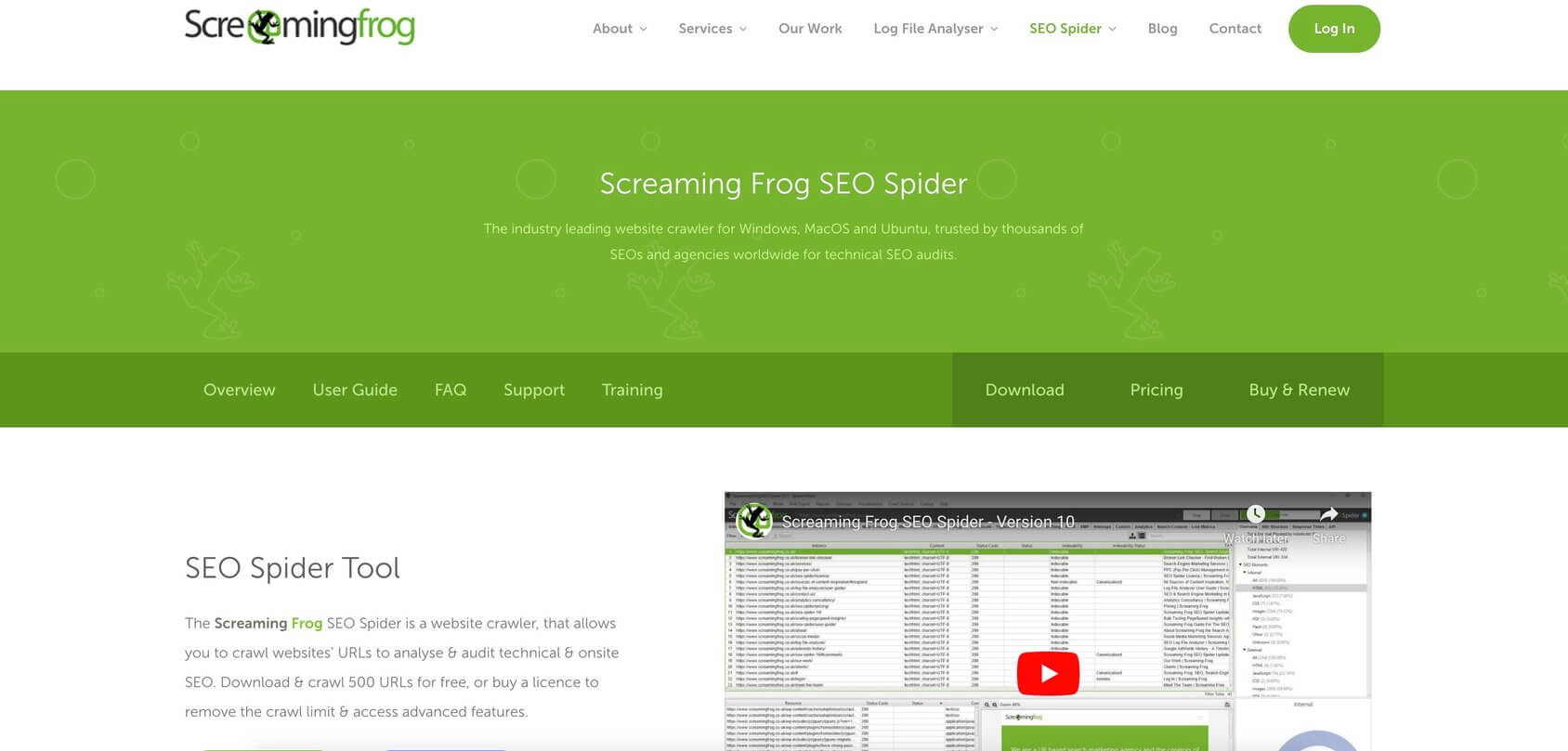
Website audits don’t have to be complicated. Screaming Frog SEO Spider simplifies the process by delivering fast, efficient site analysis in just minutes. Whether you’re tracking broken links, duplicate content, or optimizing meta tags, this tool streamlines SEO-friendly audits to help you maintain a healthy, high-performing website.
Key features
- Full site crawling
- Broken link detection
- Duplicate titles and descriptions
- Redirect and canonical checks
Plans and pricing
Screaming Frog SEO Spider offers two versions for their users – Free and Paid:
Free version
- Free of charge
Limited to crawling up to 500 URLs
Paid License
- ($279 yearly)
Unlimited crawling and advanced features.
10. SE Ranking — Keeping An Eye On The Competition
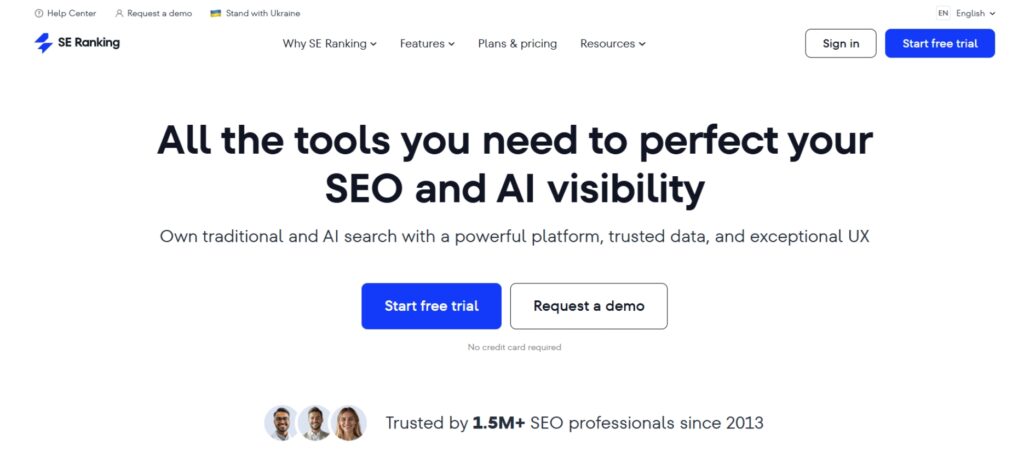
SE Ranking is a full SEO platform designed to support keyword research, competitor analysis, website audits, and rank tracking from a single dashboard. The interface is clean and easy to navigate, making it accessible for both beginners and experienced SEO professionals.
This tool is especially strong in competitor monitoring. It helps track keyword positions across search engines, analyze competing domains, and identify gaps in SEO and PPC strategies that can be turned into opportunities.
SE Ranking also works well for agencies and teams that manage multiple clients. White-label reporting, user controls, and API access make it easier to scale SEO workflows while keeping reports client-ready and easy to understand.
Best for
- Teams that need white-label SEO reporting
- Competitor research and monitoring
- Keyword rank tracking across multiple search engines
- Agencies managing multiple clients
Key features
- Keyword research and grouping – Generates keyword ideas and organizes them into strategic clusters.
- Website audits – Identifies technical and on-page SEO issues with clear recommendations.
- Rank tracking – Monitors keyword positions in real time across desktop and mobile results.
- Competitor analysis – Compares SEO and PPC strategies used by competing websites.
- Backlink monitoring – Tracks backlinks and evaluates link-building performance.
- Reporting and white label tools – Creates customizable reports that can be branded for clients.
- API access – Supports deeper integrations and advanced SEO workflows.
Plans and pricing
SE Ranking offers three plans with a free trial available, designed for individual SEO professionals, agencies, and enterprise teams.
Essential
- $52.00 per month
Best for individual SEO professionals who need core tools for rank tracking, keyword research, audits, and backlink monitoring.
Pro
- $95.20 per month
Designed for agencies and small teams that need higher keyword limits, more projects, advanced reporting, and AI-powered insights.
Business
- $207.20 per month
Built for large agencies and enterprises that require unlimited projects, expanded data access, historical data, and API usage.
11. Serpstat — Best For Optimizing And Running Campaigns
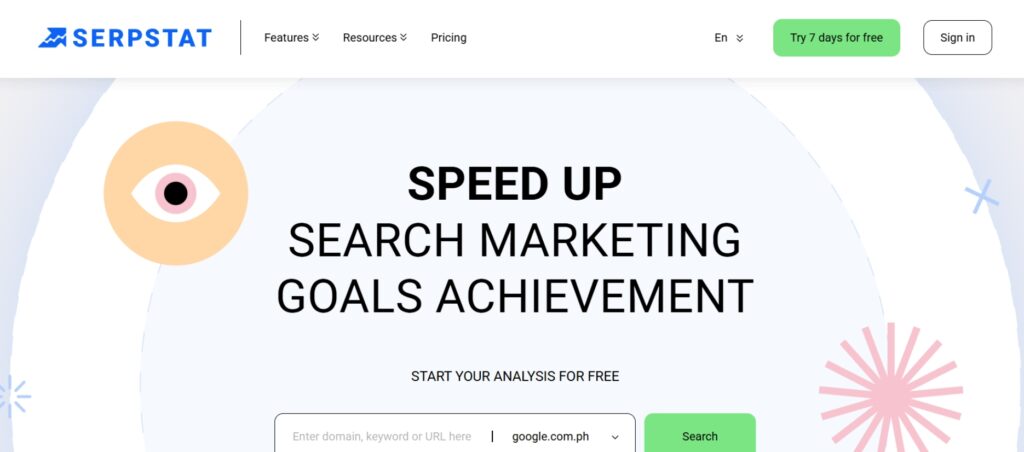
Serpstat is yet another all-in-one SEO tool that has found its place on our list. It was developed to benefit SMBs, enterprises, in-house SEO teams, and digital marketing agencies. To do this, Serpstat offers all of the high level features. This tool can track positions, do keyword research and backlink analysis, and much more.
The dashboard is clean and easy to use. You can add multiple projects and manage them on the go without any issues. If you want a taste of a complete SEO solution without investing in one of the mainstream tools, Serpstat is definitely worth considering.
Key features
- Rank and position tracking – Tracks keyword positions with historical data and tagging support.
- Keyword research – Analyzes search queries, URLs, and keyword variations with filtering options.
- Backlink analysis – Reviews backlink profiles and evaluates referring domain quality.
- Site audits – Identifies technical SEO issues and provides optimization insights.
- Competitor research – Compares SEO strategies and keyword visibility across competing domains.
Plans and pricing
Serpstat offers three plans designed for freelancers, growing teams, and large agencies, with free trials available on selected plans.
Individual
- $50 per month
Best for freelancers and beginners who need core SEO tools for keyword research, rank tracking, site audits, and competitor analysis.
Team
- $169 per month
Designed for agencies and teams that manage unlimited projects and need higher daily search limits, expanded audits, and deeper keyword tracking.
Agency
- $410 per month
Built for large agencies and businesses that require high-volume searches, large-scale audits, advanced exports, and full feature access.
12. Authority Labs — Best For Monitoring Multiple Websites
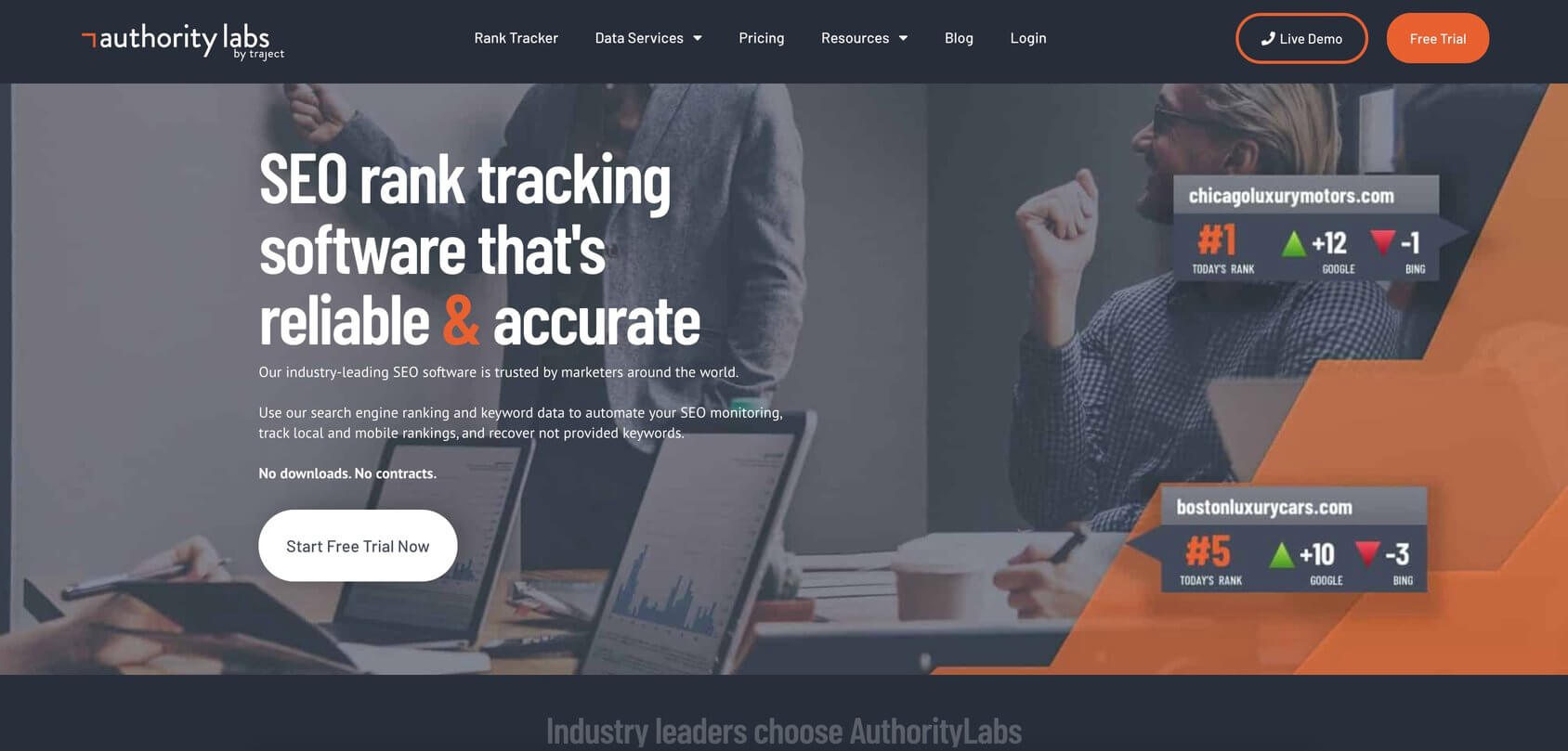
Authority Labs is a rank tracking platform focused on continuous SEO performance monitoring. It helps track keyword positions across desktop, mobile, and local search results, making it easier to understand how websites perform over time.
This tool is especially useful for monitoring multiple websites and locations. It supports city-level, ZIP code, and country-based tracking, allowing teams to measure visibility across different markets and devices without manual checks.
Authority Labs is commonly used by agencies and SEO professionals who need reliable, automated rank data. Its reporting and monitoring capabilities make it easier to identify ranking changes, track featured snippets, and analyze competitors consistently.
Best for
- Agencies managing recurring SEO campaigns
- Monitoring multiple websites and locations
- Local and mobile rank tracking
- Ongoing SEO performance reporting
Key features
- Local rank tracking – Tracks keyword positions by country, city, and ZIP code.
- Mobile rank tracking – Monitors mobile rankings across major search engines.
- Featured snippet tracking – Identifies keywords that trigger featured snippets.
- Competitor monitoring – Compares ranking performance against competing domains.
- Not provided keyword recovery – Helps uncover organic keywords hidden in analytics data.
Plans and pricing
Authority Labs has four different plans – Plus, Pro, Pro Plus, and Enterprise. They also offer a 14-day free trial.
Plus
- $65 per month
Best for small teams that need daily local and mobile rank tracking for a limited number of keywords and domains.
Pro
- $129 per month
Designed for growing SEO teams that require white-label reports, more tracked keywords, and Google Data Studio integration.
Pro Plus
- $295 per month
Built for agencies managing multiple clients and locations, offering higher keyword and domain limits with white-label reporting.
Enterprise
-
$585 per month
Ideal for large agencies and enterprises that need unlimited domains, advanced reporting, and full API access.
13. SpyFu — Identifying The Most Profitable Keyword

SpyFu is a competitive research tool focused on uncovering the keywords and ads that drive traffic for competing websites. By entering a domain, it reveals organic keywords, paid search terms, ranking history, and advertising strategies in a single view.
This platform is especially useful for identifying profitable keywords and proven ad campaigns. It shows which keywords competitors have consistently invested in, making it easier to prioritize search terms that are more likely to convert.
SpyFu stands out for its historical data. With access to over a decade of SEO and PPC insights, it helps teams understand long-term trends, past strategies, and performance patterns that inform smarter campaign decisions.
Best for
- Historical SEO and ad data analysis
- Competitive keyword research
- PPC and paid search analysis
- Identifying profitable SEO opportunities
Key features
- SEO competitor research – Analyzes competitor keywords, backlinks, rankings, and domain comparisons.
- PPC research – Tracks paid keywords, ad history, and competitor advertising strategies.
- Keyword research tools – Groups and evaluates keywords based on profitability and competition.
- SERP analysis – Reviews search results to identify patterns among top-ranking pages.
- Domain overview – Summarizes SEO and PPC strengths and weaknesses for any website.
Plans and pricing
SpyFu has three different data plans – Basic, Professional, and Team:
Basic
- $39 per month
Best for individuals and small teams that need core competitor keyword research, limited exports, and basic rank tracking.
Pro + AI
-
$59 for the first month
($119 per month thereafter)
Designed for growing teams that need unlimited search results, extended historical data, AI-powered insights, and ChatGPT integration.
Team / Agency
- $249 per month
Built for agencies and larger teams that require unlimited projects, higher keyword tracking limits, advanced reporting, and full AI feature access.
All plans include unlimited access to U.S. and international data. Additionally, SpyFu offers a 30-day, no-questions-asked, money-back guarantee, allowing you to try any plan risk-free.
Visit SpyFu for additional information >>14. WooRank — Review and SEO Strategy Monitoring
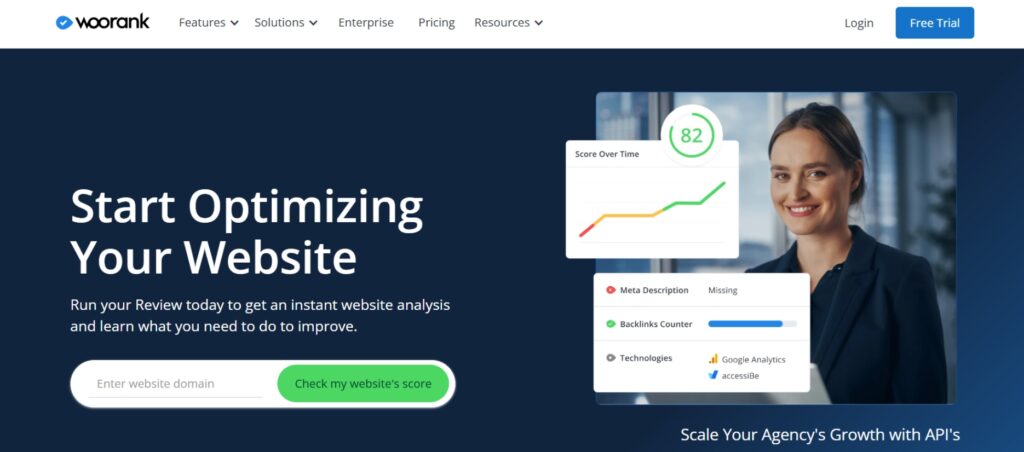
WooRank is a cloud-based SEO platform designed to help users audit websites, monitor rankings, and improve overall search visibility. It combines technical SEO checks with usability and performance insights, making it easier to understand how a site performs across key ranking factors.
This tool is especially useful for beginners and small teams who want guided SEO insights without a steep learning curve. WooRank highlights issues clearly, explains why they matter, and provides actionable recommendations to improve site health and keyword performance.
WooRank also supports ongoing SEO monitoring and lead generation. Its visual reports and tracking tools help teams monitor rankings locally and globally while using SEO data to identify sales and conversion opportunities.
Best for
- Small teams and marketing-focused users
- Beginners learning SEO fundamentals
- Website audits and SEO health checks
- Ongoing keyword and traffic monitoring
Key features
- Project management
Tracks multiple SEO projects from a single dashboard. - Keyword research tools
Identifies keyword opportunities and organizes keywords by priority. - Site crawling and audits
Detects technical SEO issues that affect rankings and usability. - SEO monitoring
Tracks keyword positions, site performance, and traffic trends. - Sales and lead generation tools
Evaluates website usability and helps identify conversion opportunities.
Plans and pricing
WooRank offers three plans designed for individuals, teams, and enterprises, with free trials available on paid tiers.
Pro
-
$89.99 per month
($53.25 per month when billed yearly)
Best for individuals and small businesses managing a single website who need SEO audits, keyword tracking, and performance monitoring.
Premium
-
$199.99 per month
($133.25 per month when billed yearly)
Designed for professionals, teams, and agencies working on multiple websites with higher keyword and crawl limits.
Enterprise
- Custom pricing
Built for agencies and enterprises that require unlimited projects, advanced automation, benchmarking tools, and full API access.
15. Advanced Web Ranking — Rankings In Real-time
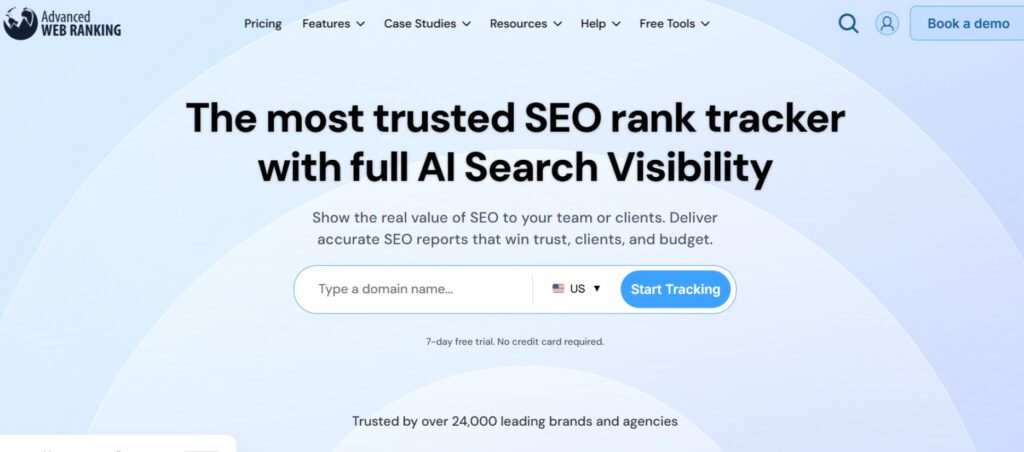
Advanced Web Ranking is a dedicated rank tracking platform built for monitoring keyword positions with high accuracy and frequency. It allows teams to check rankings on demand and receive updates as often as hourly, making it ideal for fast-moving SEO campaigns.
This tool supports desktop, mobile, and local rank tracking across search engines. It also tracks SERP features such as featured snippets, local packs, and other enhanced results, helping teams understand how visibility changes beyond standard rankings.
Advanced Web Ranking is commonly used by agencies and SEO professionals managing multiple projects. Its flexible reporting and competitor tracking features make it easier to measure performance, share insights with clients, and react quickly to ranking changes.
Best for
- Agencies managing multiple SEO projects
- Real-time keyword rank tracking
- Monitoring local and mobile search results
- SERP feature tracking
Key features
- Real-time rank tracking
Checks keyword positions on demand and provides frequent updates. - SEO reporting
Creates customizable ranking reports for internal teams or clients. - Competitor analysis
Identifies competing domains and tracks their keyword performance.
Plans and pricing
Advanced Web Ranking offers multiple plans designed for SEO professionals, agencies, and enterprises that need high-frequency, large-scale rank tracking.
Pro Plan
- $139 per month
Best for SEO professionals who need real-time rank tracking, unlimited projects and users, local and mobile rankings, and core SERP feature analysis.
Agency Plan
- $279 per month
Designed for agencies that manage multiple clients and require higher keyword limits, hourly on-demand updates, custom dashboards, and API access.
Enterprise Plan
- $699 per month
Built for large teams that need advanced reporting, cross-project insights, third-party integrations, automated exports, and training support.
Enterprise Plus 50k
- $980 per month
Ideal for enterprises that require very high keyword volumes, unlimited historical data, advanced security features, SSO, and a dedicated account manager.
16. Seobility — Best For Real-time Website Monitoring
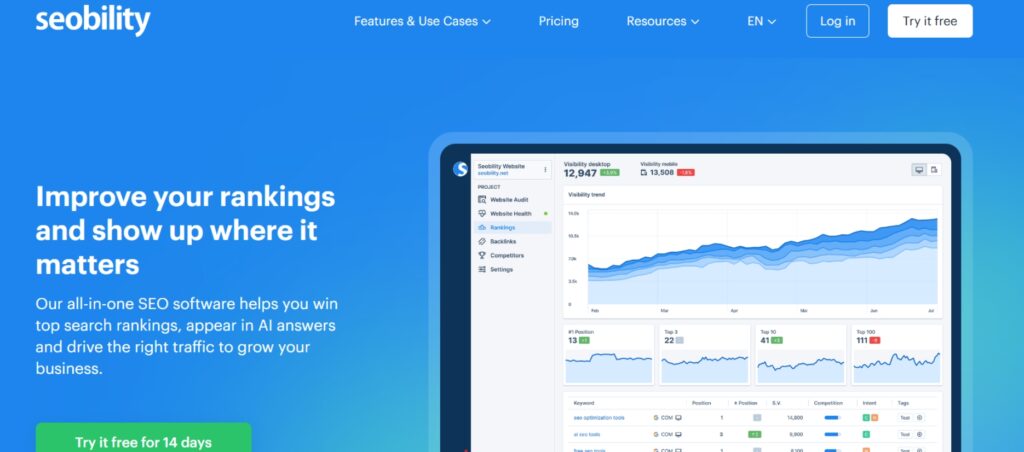
Seobility is an all-in-one SEO platform designed to support continuous website monitoring, audits, and optimization. It combines keyword research, rank tracking, site audits, and reporting into a single dashboard that stays updated automatically.
This tool is especially useful for teams that want real-time visibility into website performance. Projects continue updating in the background, ensuring that SEO metrics, rankings, and site health data are ready to review without manual refreshes.
Seobility balances depth and usability. The interface is easy to navigate while still offering advanced tools like content optimization analysis and white-label reporting, making it suitable for both in-house teams and agencies.
Best for
- Teams that want automatic data updates
- Real-time SEO monitoring and reporting
- Ongoing website audits and health checks
- Agencies that need white-label SEO reports
Key features
- Site auditing tools
Analyzes website structure, internal links, and technical SEO issues. - Link building support
Identifies backlink opportunities and evaluates link profiles. - Real-time monitoring
Keeps SEO metrics and rankings updated automatically. - White-label reporting
Creates customizable reports for client-facing use. - Keyword and ranking checks
Tracks keyword optimization and ranking performance. - Content optimization analysis
Uses TF-IDF insights to align content with top-ranking pages.
Plans and pricing
Seobility is available in three plans – Basic, Premium, and Agency:
Basic
- Free of charge
This plan allows users to analyze up to 1,000 sub-pages per project, track 10 keywords, and monitor one project/domain.
Premium
- $49.90 per month
- $499 per year (billed annually)
The Premium plan includes three projects/domains, analysis of up to 25,000 sub-pages per project, tracking for 300 keywords, advanced backlink analysis, and customizable PDF reports with branding options.
Agency
- $200 per month
- $1,680 per year (billed annually)
The Agency plan provides support for up to 15 projects/domains, analysis of up to 100,000 sub-pages per project, tracking for 1,500 keywords, advanced backlink analysis and link-building tools, and white-label PDF reports for agencies.
17. SEOQuake — Best For Quickly Discovering Trends
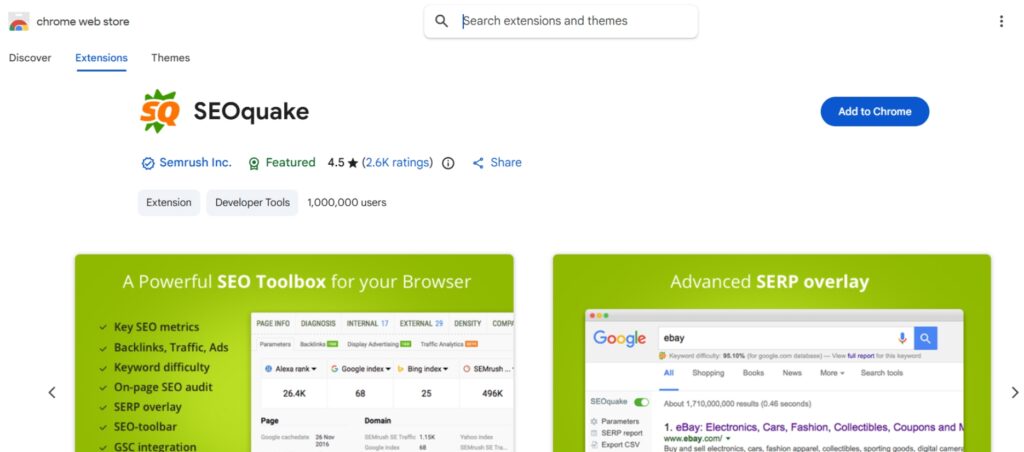
SEOQuake is a lightweight browser extension that provides instant SEO data while browsing any website. It installs directly into Chrome, Firefox, Opera, or Edge and displays key SEO metrics without the need to open a separate platform.
This tool is especially useful for quick analysis. It allows users to view page-level SEO data, internal and external links, keyword usage, and SERP information in real time, making it ideal for fast research and on-the-spot checks.
SEOQuake works well as a supporting tool alongside larger SEO platforms. While it is not a full SEO suite, it adds value by delivering immediate insights, making it a practical tool on this list for both beginners and experienced SEO pros.
Best for
- Daily SEO spot checks
- Quick on-page SEO checks
- Instant SERP analysis while browsing
- SEO beginners and professionals
Key features
- SEObar
Displays a summary of SEO metrics directly on any web page. - SEO dashboard
Opens a detailed SEO overview in a lightbox view. - SERP overlay
Adds SEO data directly into search engine results pages. - Keyword analysis
Identifies keywords used on a page for fast content evaluation. - Domain comparison
Compares SEO metrics between two domains in real time.
Plans and pricing
SEOQuake is free to use.
Visit SEOQuake for additional information >>PageSpeed Insights — Optimize page load speed
Google PageSpeed Insights evaluates how quickly blog pages load on mobile and desktop devices. It highlights performance issues that impact user experience and search rankings.
For bloggers, this tool helps prioritize fixes that improve speed without over-optimizing. Faster pages reduce bounce rates and support better engagement, especially for mobile visitors.
Key features
- Mobile and desktop speed scores
- Core Web Vitals data
- Performance improvement suggestions
Plans and pricing
PageSpeed Insights is free to use.
Visit PageSpeed Insights for additional information >>19. Wordtracker — Free Keyword Research Tool

Wordtracker is a keyword research tool designed to help identify search terms based on real user queries. It combines data from multiple sources to show keyword demand, competition level, and commercial intent, making it useful for planning SEO and PPC strategies.
This tool is especially helpful for uncovering keyword opportunities beyond the most obvious terms. By analyzing niche trends and competitor usage, Wordtracker supports smarter keyword selection for seo content and long-term search visibility.
Wordtracker works well as a lightweight research tool alongside larger SEO platforms. It is often used during the planning phase to validate ideas and identify gaps before content creation or campaign execution begins.
Best for
- Content ideation and optimization
- Keyword discovery and validation
- Niche and market research
- SEO and PPC planning
Key features
- Keyword research tool
Discovers relevant keywords based on real search behavior. - Niche explorer
Identifies trending keywords within specific industries or markets. - Competitor inspection
Reveals which keywords competing websites are targeting. - Custom reporting
Generates keyword reports using aggregated search engine data.
Plans and pricing
Wordtracker offers three plans: Bronze, Silver, and Gold, all with a 7-day free trial.
Bronze
- $17/month
1,000 keyword results, 10 competitors, 1 ranking list, 7 territories.
Silver
-
$38/month
(Recommended)
1,000 keyword results, 20 competitors, 5 ranking lists, 21 territories.
Gold
- $54/month
2,000 keyword results, 50 competitors, 10 ranking lists, 200+ territories.
All plans include Search Console integration, domain keyword analysis, and competition metrics.
Visit Wordtracker for additional information >>20. SiteChecker — Free Online Website SEO Score

Sitechecker is an SEO platform designed to help website owners monitor, audit, and maintain SEO performance over time. It evaluates pages across more than 100 SEO parameters and provides clear, actionable recommendations to fix technical and on-page issues.
One of Sitechecker’s strongest features is continuous website monitoring. It alerts users to indexing problems, content changes, ranking shifts, and unexpected issues such as broken pages or suspicious activity, helping prevent SEO problems before they escalate.
Sitechecker integrates directly with Google Search Console and Google Analytics, allowing SEO data to be viewed in one place. This makes it a practical choice for maintaining long-term SEO performance without running manual audits every time changes are made.
Best for
- Website maintenance and diagnostics
- Continuous SEO monitoring
- Technical SEO issue detection
- Tracking ranking and content changes
Key features
- SEO audit reports
Scans websites across 100+ SEO factors with fix-it guidance. - Website change monitoring
Detects content, technical, and indexing changes automatically. - Keyword rank tracking
Monitors keyword positions and SERP movement. - Backlink tracking
Keeps track of new and lost backlinks over time.
Plans and pricing
Sitechecker.pro is available in three different plans – Basic, Startup, Growing and Enterprise:
Basic
- $89/month
Best for consultants and small teams that need weekly site monitoring, rank tracking, site audits, and Google Search Console insights across up to 5 websites.
Standard
- $199/month
Ideal for growing agencies managing multiple clients, with daily monitoring, competitor rank tracking, Looker Studio integration, alerts, and support for up to 20 websites.
Premium
- $449/month
Designed for mid-size and niche agencies that need advanced monitoring every 12 hours, higher keyword limits, custom branding, extended historical data, onboarding support, and API access for up to 50 websites.
21. Netpeak Spider — Best For In-depth SEO Audits
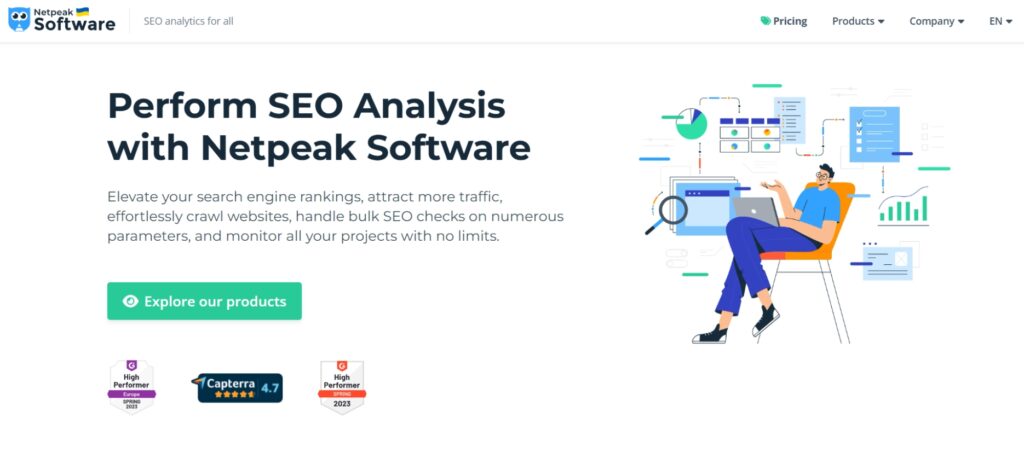
Netpeak Spider is a desktop-based SEO crawling tool built for speed and large-scale audits. It is designed to scan massive websites quickly, making it suitable for projects with hundreds of thousands or even millions of pages.
The tool detects technical SEO issues, duplicate content, broken pages, redirects, and metadata problems while providing clear insights into how pages are structured and linked. Its ability to generate audits and white-label reports in one click makes it especially useful for agencies and SEO professionals.
Netpeak Spider integrates with Google Search Console and Google Analytics, allowing crawl data to be combined with real performance metrics. This makes it a strong choice for advanced SEO audits where technical accuracy and scale matter most.
Best for
- Agency and enterprise SEO workflows
- Large and complex websites
- Technical SEO audits
- Desktop-based crawling
Key features
- Full-site SEO crawling
Detects technical errors, duplicates, and crawl issues at scale. - On-page SEO analysis
Reviews titles, descriptions, redirects, and broken pages. - HTML and XML sitemap generation
Automatically creates sitemaps for improved indexing. - Site scraping and data extraction
Pulls structured data for advanced SEO analysis. - Internal PageRank analysis
Shows how link equity flows across pages.
Plans and pricing
Netpeak Spider comes in three plans – Starter, Advanced, and Pro:
Netpeak Spider
- $20/month
With the Starter plan, you can crawl websites and Best for SEO professionals and agencies that need fast, desktop-based crawling for in-depth technical SEO audits, including large websites, one-click reports, and integrations with Google Search Console and Google Analytics.70+ SEO parameters, check 100+ technical issues, and you can change the data view in the program, limiting it to a particular segment (just like in Google Analytics).
Includes a 3-day free trial.
Visit Netpeak Spider for additional information >>How To Choose The Right SEO Tools
Choosing the right SEO tools starts with understanding actual SEO needs, not trends or hype. With so many SEO tools on the market, the goal is to select tools that support real workflows, whether that means improving SEO performance, fixing broken links, or gaining clearer SEO insights from analytics data.
Start by identifying the core tasks that matter most. A keyword research tool helps uncover keyword data and content opportunities, while a technical SEO audit tool focuses on site health, crawl issues, and on-page SEO fixes. Business owners and SEO professionals managing WordPress sites may prioritize ease of use, while advanced SEO users may need deeper analysis tools and automation.
Tool selection should also consider scale and focus. Local SEO tools matter more for service-based businesses, while competitor analysis and advanced SEO platforms are better suited for agencies and large websites. The best SEO tool is not the most expensive one, but the one that fits seamlessly into an existing SEO workflow and supports long-term search engine optimization goals, including emerging areas like AI SEO and SEO and AI visibility.
Quick checklist before choosing
- Treat SEO software as a growth investment, not a one-time fix
- Define primary goals such as keyword research, technical SEO audit, or competitor analysis
- Match tools to site size, industry, and competition level
- Avoid overlapping tools that do the same job
- Choose tools that improve SEO performance and reporting clarity
Top SEO Tools: The Best of the Best for Optimization
With so many SEO tools on the market, some platforms consistently stand out as reliable, go-to solutions. These tools cover essential SEO needs and can be used with minimal setup, making them ideal starting points for building a strong SEO workflow.
Below are the top SEO tools grouped by their primary use cases, based on performance, reliability, and real-world adoption.
Best Keyword Research Tool
Keyword research is the foundation of effective search engine optimization. Choosing the right keyword research tool makes it easier to identify keyword data, evaluate competition, and uncover opportunities that drive sustainable traffic.
Semrush
When it comes to SEO tools, Semrush is the most useful for keyword research. It’s also one of the best tools for the job. It can help you to discover the most relevant keywords for your products, services, and target audience. You can take a deep dive into keyword metrics such as search volume and competitiveness to choose the highly profitable ones.
Best rank tracking tool
Rank tracking is essential for measuring SEO performance and understanding how optimization efforts impact search results over time.
SERPWatcher
SERPWatcher by Mangools is a user-friendly rank tracking tool that provides clear visibility into keyword movements. It supports location-based tracking, allowing users to monitor how rankings change across different geographic areas.
This tool is ideal for teams that want accurate rank data without overwhelming dashboards or complex configuration.
Best link building tool
Link building remains one of the most influential SEO strategies for improving domain authority and organic visibility.
Linkody
Linkody simplifies backlink monitoring by tracking link gains, losses, and quality metrics such as Trust Flow and Citation Flow. It provides a clear overview of backlink profiles while making competitor backlink analysis easy to understand.
This tool works well for SEO teams that want focused backlink tracking without paying for a full SEO platform.
Best technical SEO tool
Technical SEO ensures that websites can be properly crawled, indexed, and rendered by search engines, especially at scale.
Lumar
Lumar, previously known as DeepCrawl, is designed for large-scale technical SEO audits. It supports multi-domain monitoring, real-time alerts, and deep crawl diagnostics to uncover performance and indexing issues.
This platform is best suited for enterprises, large agencies, and advanced SEO teams managing complex websites and demanding technical SEO workflows.
Best backlink analysis tool
Backlinks play a major role in how search engines evaluate trust, authority, and relevance. A strong backlink analysis tool helps distinguish high-quality links from harmful ones while revealing how competitors are earning authority in search results.
Ahrefs
Ahrefs is one of the most trusted tools for backlink analysis, offering a massive live backlink index that updates frequently to reflect changes across the web. It helps identify high-quality backlinks, analyze referring domains, track anchor text, and uncover which links drive the most traffic, while also making competitor backlink research clear and actionable for SEO teams and agencies.
Final Thoughts on Choosing the Best SEO Tools
Choosing the right SEO tools comes down to understanding what actually supports long-term growth rather than chasing every new feature. With so many seo tools on the market, the most effective approach is to focus on solutions that match current needs while remaining flexible enough to evolve as strategies change.
Not every workflow requires dozens of platforms. Sometimes a single seo tool that helps streamline research, audits, or reporting can be more effective than stacking multiple subscriptions. The goal is to identify great seo tools that improve clarity, save time, and support consistent decision-making.
As the seo space continues to shift, modern strategies now extend beyond traditional seo and place more emphasis on data, automation, and seo and content optimization working together. This is why many seo pros prioritize tools that support both technical accuracy and content performance.
In the end, success comes from using tools intentionally, reviewing results regularly, and adapting strategies based on real data. When chosen carefully and used well, the right SEO tools become a long-term asset rather than just another expense.
Frequently Asked Questions
SEO tools are software platforms designed to help improve search visibility through keyword research, site audits, backlink analysis, and performance tracking. They range from free utilities to premium tools used by SEO pros and agencies to manage large-scale optimization.
SEO can be learned through a mix of tutorials, blogs, and hands-on practice using real websites. Many beginners start by studying updates shared across the SEO community and experimenting with tools that explain data clearly rather than relying on guesswork.
Yes, handling SEO independently is possible by using free tools and learning the fundamentals step by step. While advanced strategies may take time, consistent practice with the right tools can deliver meaningful results without hiring a digital marketing agency.
SEO metrics are data points used to measure how well a website performs in search results. These metrics help guide decisions related to traffic growth, engagement, and ongoing optimization efforts.
Key SEO metrics include organic traffic, keyword rankings, click-through rate, backlinks, and page speed. Tracking these consistently helps balance seo and content optimization while identifying areas that need improvement.
Yes, WordPress benefits from an SEO plugin because core features alone do not fully cover technical SEO, schema markup, or content optimization. Plugins also help manage metadata, XML sitemaps, and word count recommendations for content structure.
Two of the most widely used WordPress SEO plugins are Yoast SEO, which focuses on on-page optimization and readability, and All in One SEO Pack, which offers strong technical SEO and automation features. Both support modern workflows that increasingly include automated seo and best ai enhancements.
19 comments on “The Best SEO Tools in 2026: Free and Paid Options Reviewed”
Leave a Reply Cancel reply


Great article. Thanks for sharing the post.
Thank you for providing such a valuable resource to the online community
You’re so welcome!
Answer The Public is very useful for discovering long-tail searches, especially if you’re building a FAQ section or targeting quick answers.
Great article, thank you. I have been using KW finder until now. I will also go through the other sites as well.
Thanks Clara. Glad that you find the list useful.
Thanks for sharing this list…it is very helpful!
Thanks Dane. Glad that you find it useful!
Thank you for sharing amazing information about the best SEO tools to be used for the website. I am using search console till now but I will try other tools which you mention here in this article. Keep up the good work.
Thanks Riya!
Hey Anya, these are the great tools you have mentioned in this post. I was not familiar about Serpstat 🙂
Thanks Chris. Hope they will be of use for you. Let us know if you have any other questions!
Hi, Thanks for listing out different tools which am not familiar with. I just heard about SemRush. After reading your article I learned about different tools in SEO.
There are many great SEO tools and I’m glad you got familiar with something new!
Speaking of SEMRush it’s a good tool to use as it’s specific to finding profitable keywords.
Hey Anya, Thanks for your response and also for your suggestion to use SEMRush tool. Surely I will use this from now.
Anytime! 🙂 Do not hesitate to reach out if you need any further help about anything else – we are here for you.
Hey, Thank you for such a great article. I found Semrush through your blog and now it’s on the top of my favorite SEO tools list. Thank you once again.
KWfinder is the best tool for me. It’s finding keyword difficulty, competitor and search volume. So, I like it.
Nice article. Semrush is the best seo tool to figure out website traffic and keywords.