


| CARVIEW |
Select Language
HTTP/2 301
date: Mon, 29 Dec 2025 01:04:18 GMT
content-type: text/html; charset=UTF-8
location: https://elementor.com/features/
server: cloudflare
cf-ray: 9b5561edf960c19a-BLR
cf-cache-status: DYNAMIC
cache-control: max-age=3600
expires: Mon, 29 Dec 2025 02:04:18 GMT
set-cookie: __cf_bm=zqkAsEyPIyDn.6sRe8pOFkGfl3SxZwN0sPGhfHJgGK8-1766970258-1.0.1.1-xC7Pj0VEuG5q4UHVKibj5FIE_7rweZMZS5PblhfSMIIx5FvrqSWFeEWd_ii7S1h.Zv9A1A9WZSmOMuvg_ufLzq7xxXTVNCkk5lHLCFxwh5Q; path=/; expires=Mon, 29-Dec-25 01:34:18 GMT; domain=.elementor.cloud; HttpOnly; Secure; SameSite=None
set-cookie: __cf_bm=5JEDw3qOL3h_OVulEM7TcEHUgKPFbHmIG39EZl1bgrM-1766970258-1.0.1.1-KA1i6pOfC7Ol9DFnoH4qvNhjwDbBsngiOOPuJMVOaS_BrQsip8.DE8MQHfPbnNtdSt8s3EA45I3agen1VgAoIoIRcI7v5XvRTIgjxjIOy6E; path=/; expires=Mon, 29-Dec-25 01:34:18 GMT; domain=.elementor.com; HttpOnly; Secure; SameSite=None
strict-transport-security: max-age=15552000
vary: Accept-Encoding
x-redirect-by: WordPress
ec-cdn-cache-control: public, max-age=300, s-maxage=604800
ec-cdn-status: dynamic
ec-cdn-status-reason: status not ok
ec-cdn-supported: 1
ec-coldstart:
ec-source: dynamic
traceparent: 00-9b5561ee07a67fa80000001766970257-9b5561ee07a67fa8-01
x-powered-by: Elementor Cloud
HTTP/2 200
date: Mon, 29 Dec 2025 01:04:18 GMT
content-type: text/html; charset=UTF-8
content-encoding: gzip
cf-ray: 9b5561f5daabc19a-BLR
cf-cache-status: HIT
age: 28064
cache-control: public, max-age=300, s-maxage=604800
last-modified: Sun, 28 Dec 2025 17:16:34 GMT
link: ; rel="alternate"; title="JSON"; type="application/json"
set-cookie: __cf_bm=1rA3h867KUpRH7XWjFGPxXt4JdrtkvSh_M1_R_iO6rQ-1766970258-1.0.1.1-FXR31kHeOC1BZei4d9kc51ap7mgPN55bdJLMWeI7S4289Re6k4f4IO25TB.hbJvaKpwRSYiPBZIJqga9NFaFElZBp6o0saUGHfXHcvWOtYE; path=/; expires=Mon, 29-Dec-25 01:34:18 GMT; domain=.elementor.cloud; HttpOnly; Secure; SameSite=None
strict-transport-security: max-age=15552000
vary: Accept-Encoding
ec-cdn-cache-control: public, max-age=300, s-maxage=604800
ec-cdn-status: hit
ec-cdn-supported: 1
ec-coldstart:
ec-source: dynamic
traceparent: 00-9b5561f5e0527fa80000001766970258-9b5561f5e0527fa8-01
x-powered-by: Elementor Cloud
server: cloudflare
Elementor Features | The #1 Drag and Drop Website Builder
300+ Designer Made


Hosted with
Browse All Elementor Features
All features
The Editor
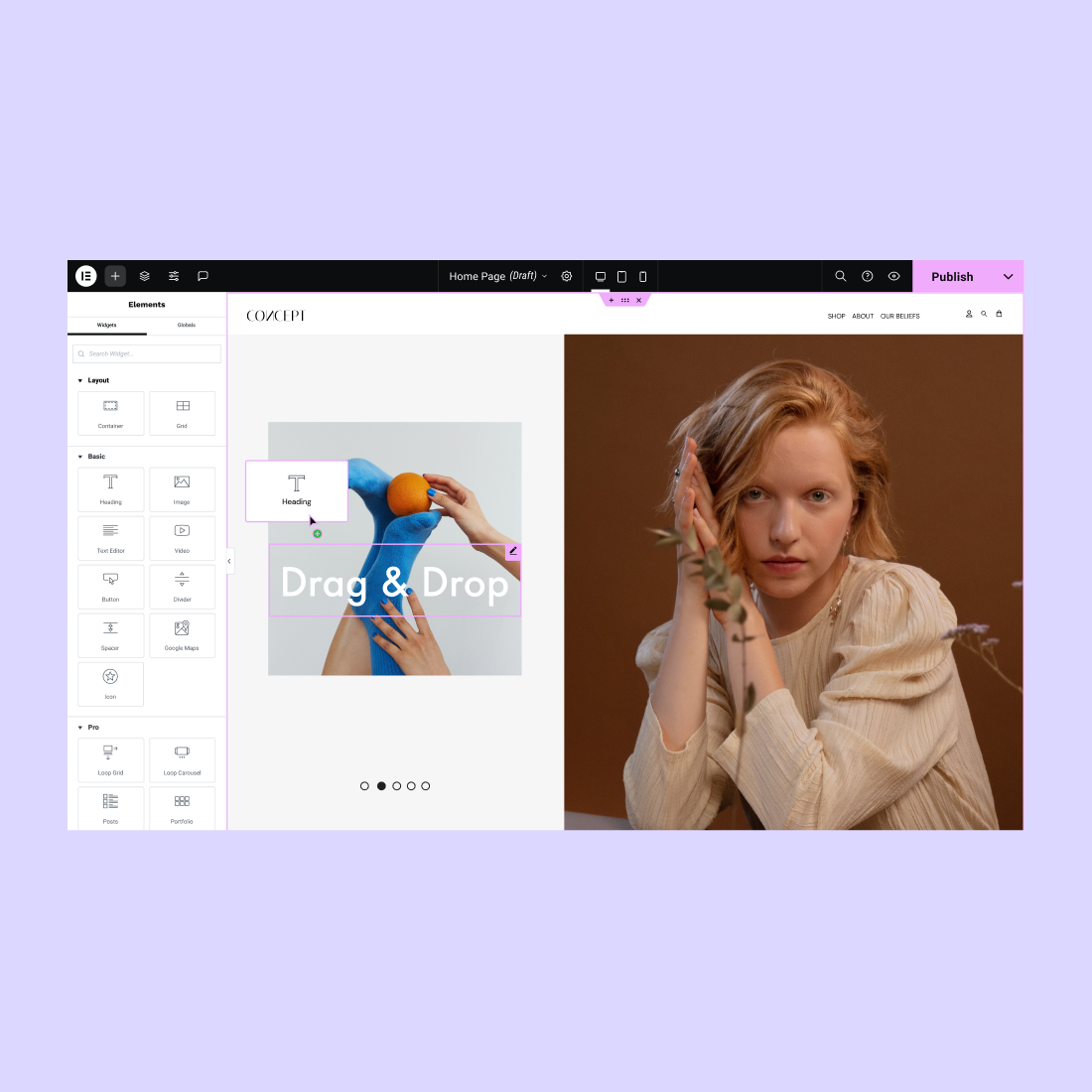
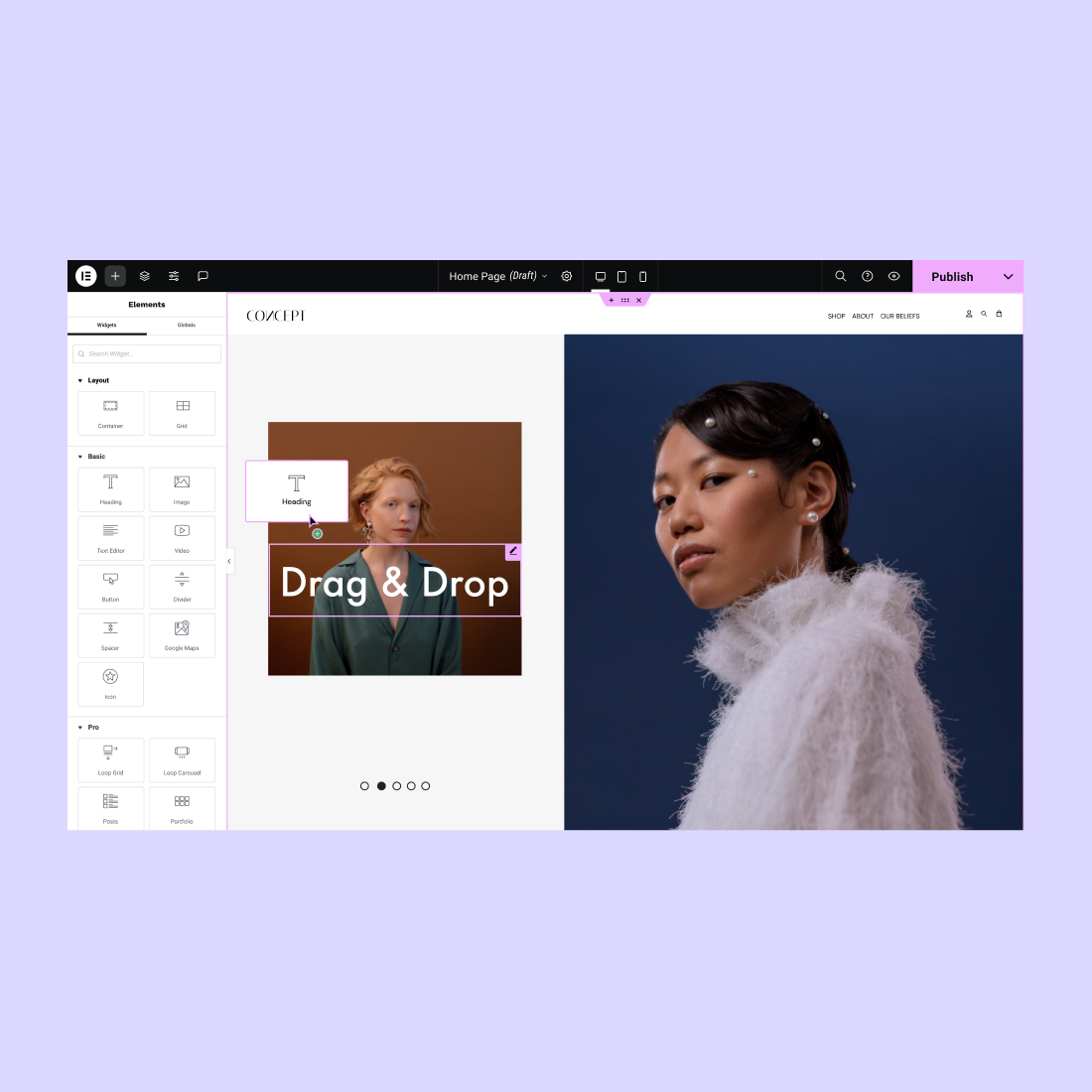
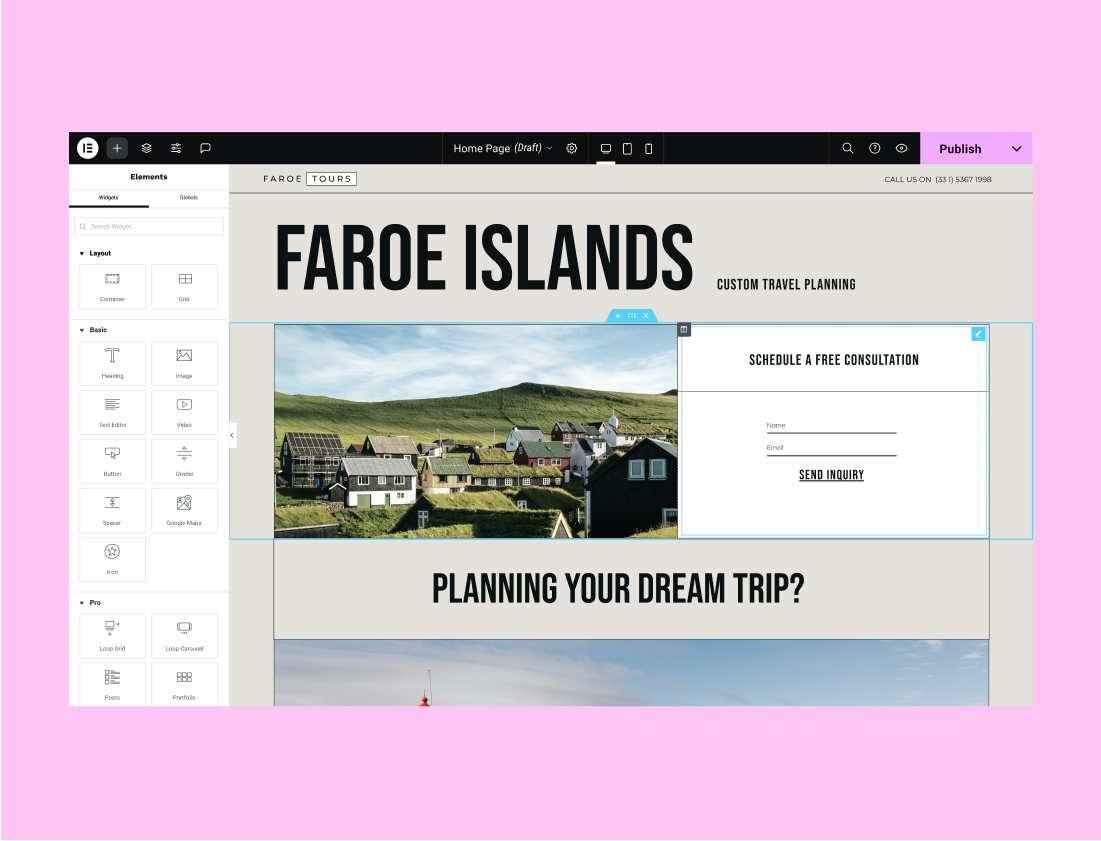
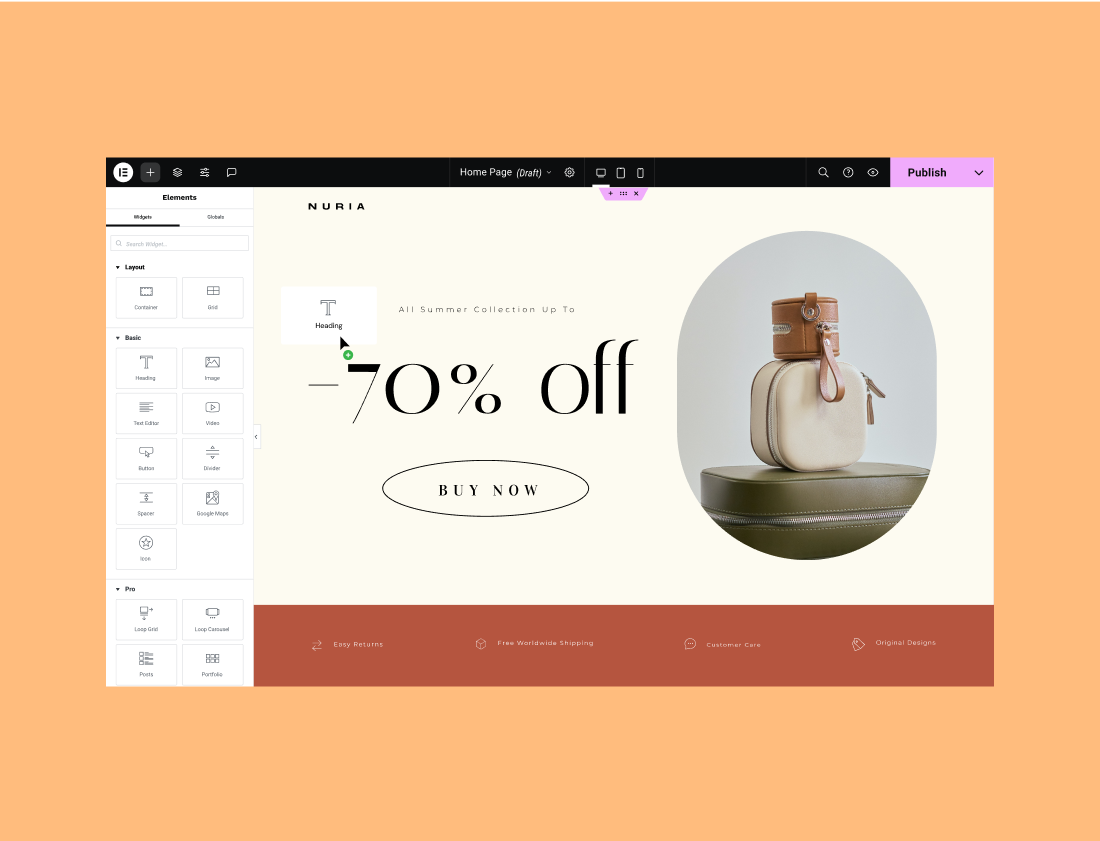
Drag & Drop Editor
Build every part of your website visually. Simply drag, drop and customize without writing a single line of code.
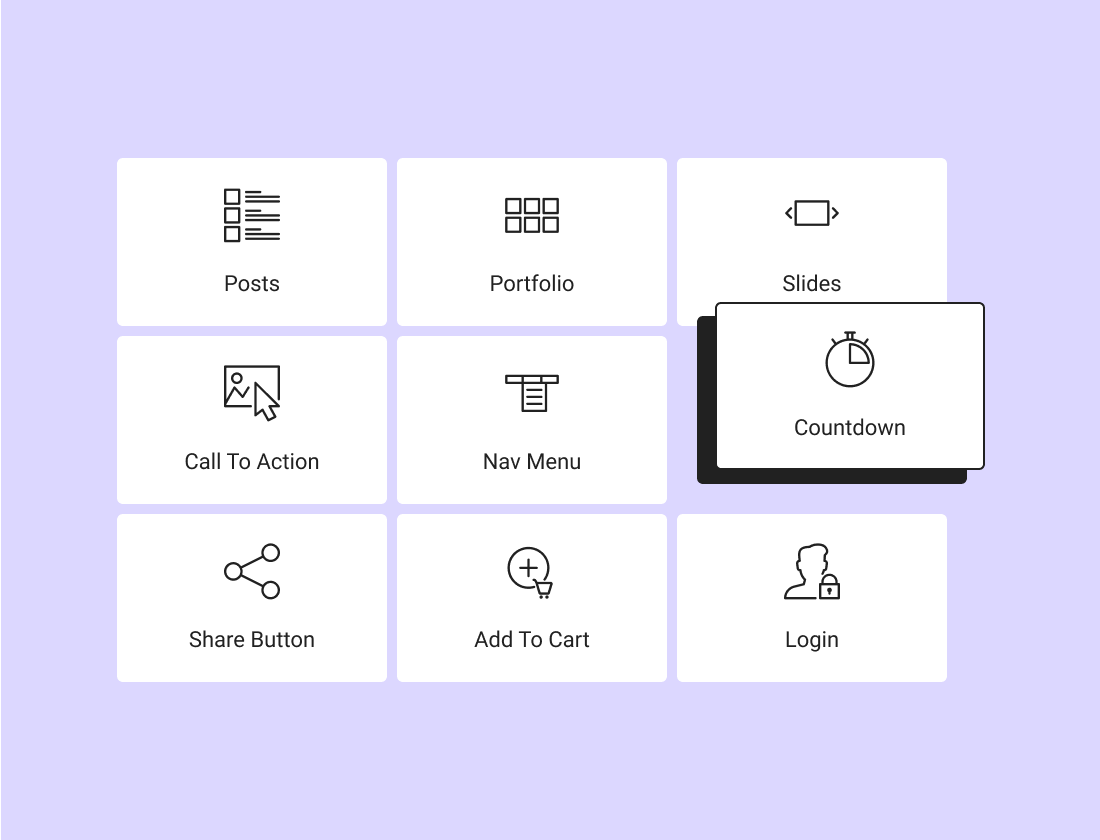
100+ Widgets
Choose from dozens of widgets to help you build every part of your page, from complex designs to ecommerce capabilities.
Live Editing
View your website as you build it and see your designs come to life in real-time.
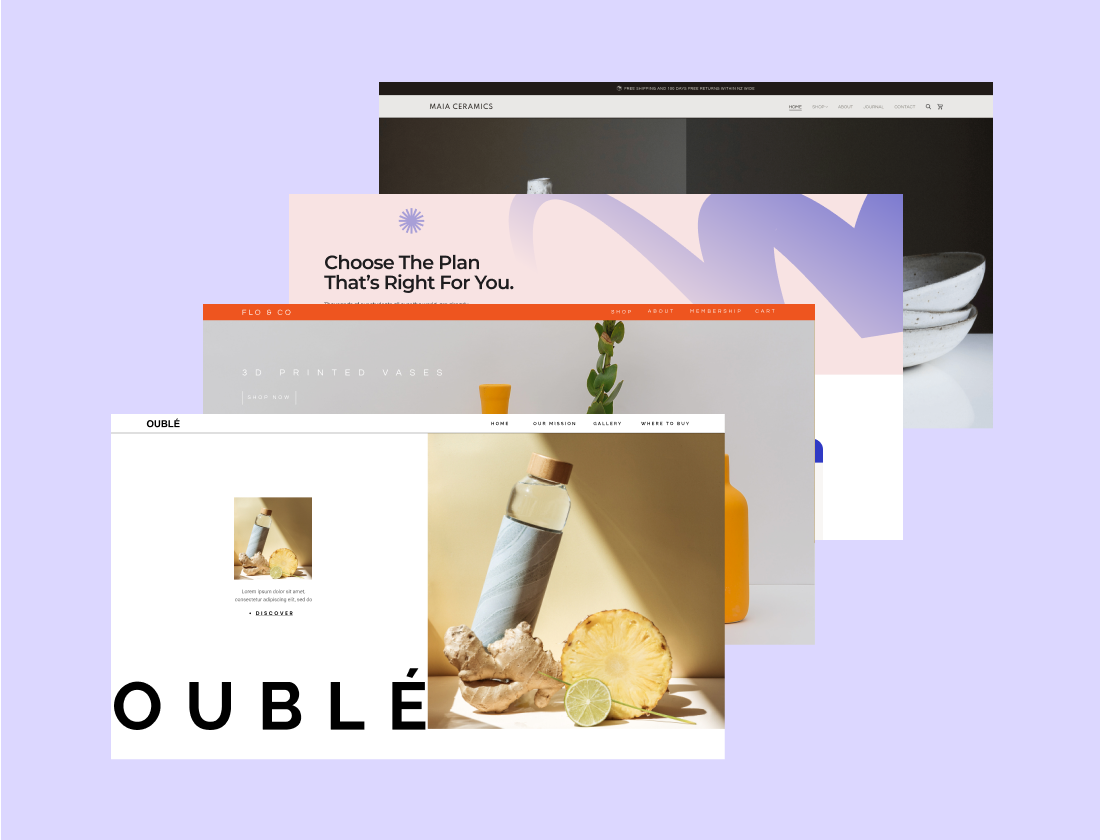
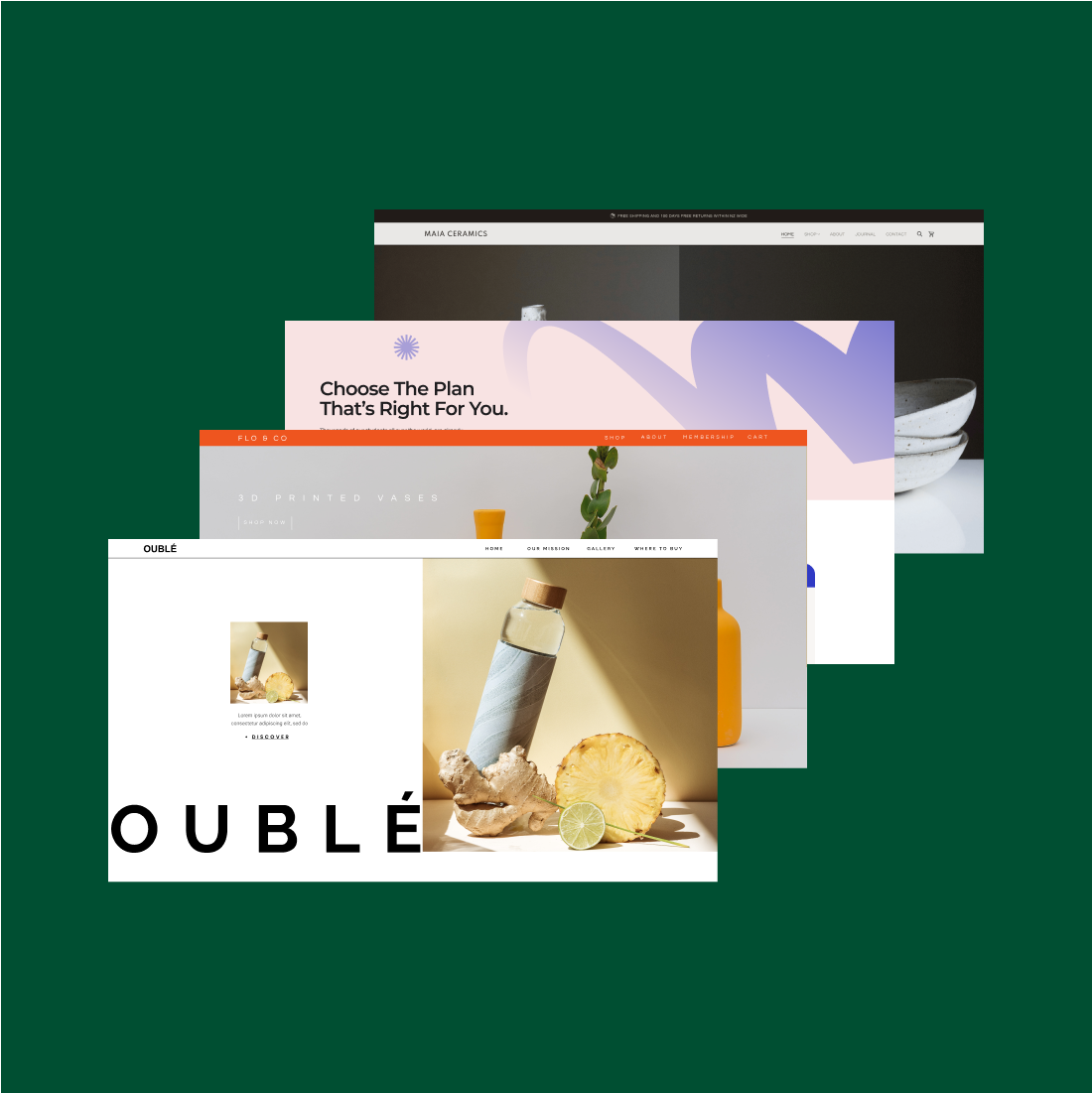
300+ Designer Made
Templates
Choose a beautifully crafted template designed to fit every industry and need. Always responsive and fully customizable.
30+ Container Kits, and 100+ Section-based Kits available in the Editor.
Responsive Editing
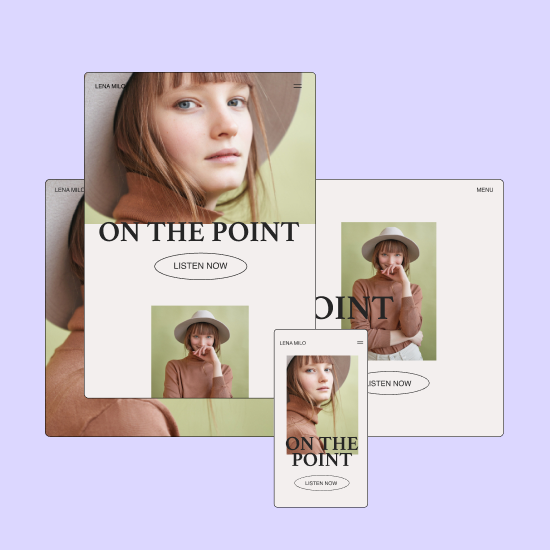
Adjust your website to make it look perfect on every screen and design for up to 7 devices.
Elementor & WordPress
Cover all your bases with a widget for every need and endless customization options.
Workflow Optimization
Management
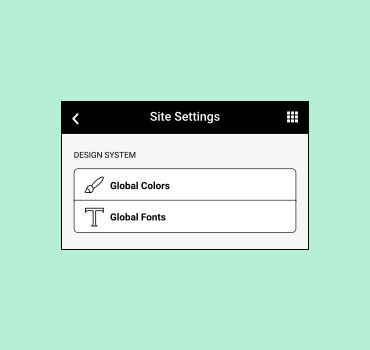
Site Settings
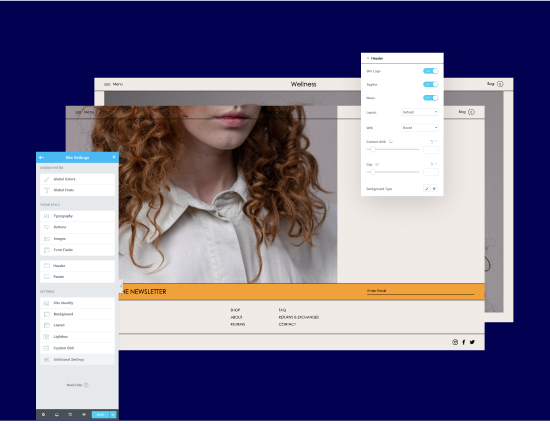
Control all global elements of your website from one convenient place - including site identity, lightbox settings, layout, and theme styles.
Global Editing
Design your entire website from one place, including the header, footer, and content. Set global fonts, colors, and widgets to reuse them anywhere on your website.
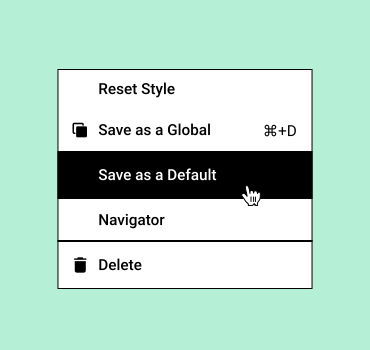
Save as Default
Customize all the default settings of any element and adjust it to your liking. Including style, settings, placeholder text, image, and more.
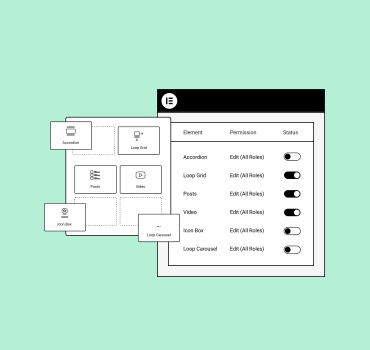
Element Manager
Customize your workspace and Improve Editor loading performance by disabling widgets you don’t need. You can also assign role permission for widgets.
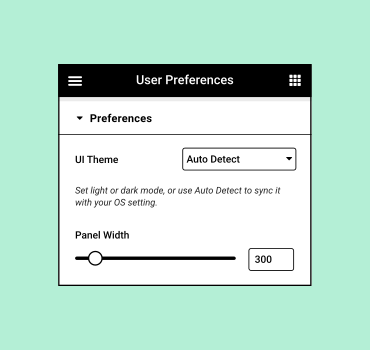
User Preferences
Use Elementor’s Global Settings to control your website’s Name, Description, Logo, and Favicon. Additionally, set the website's background and mobile background as well.
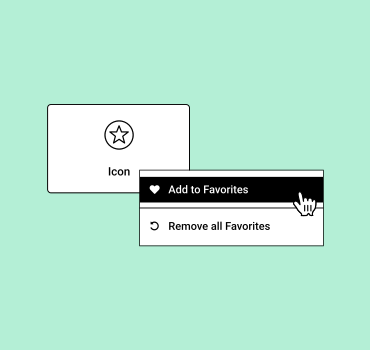
Mark Widgets as Favorites
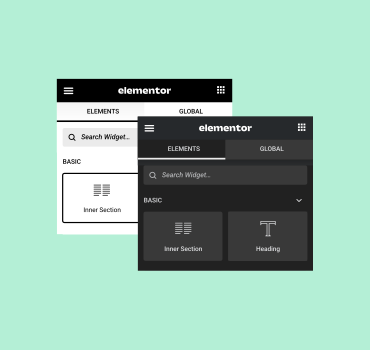
Personalize the Editor's Panel to streamline your workflow by pinning your most used widgets to the 'Favorites' section.
Dark Mode
Design in darker environments and save power by designing with Elementor’s Dark Mode feature, Plus, it’s great for the environment.
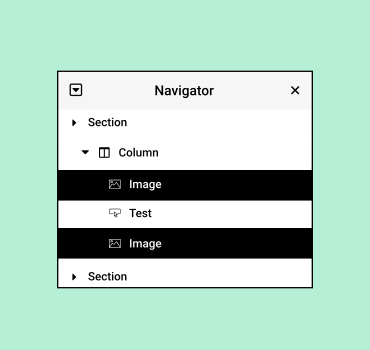
Navigator
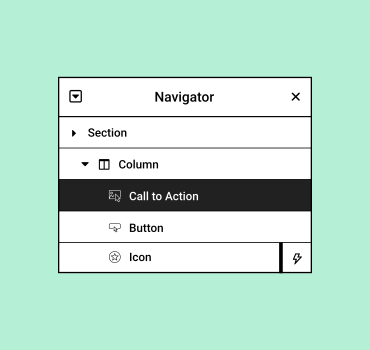
Navigate between all page elements or layers, quickly visualize custom changes, and access them easily via indicators
Finder
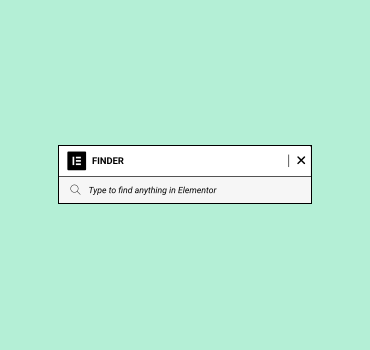
Easily navigate between different pages and dashboard settings with the search bar finder, saving you time and effort.
Notes
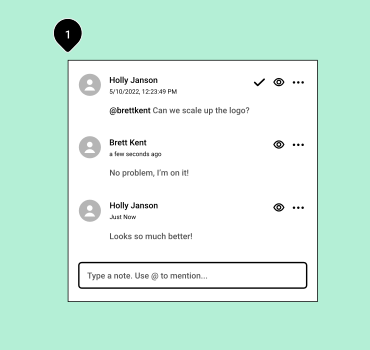
Work collaboratively with your team or clients by leaving them contextual Notes within the Editor.
Web Creation
Contextual Editing
Quickly copy any element, styling, widget, column, or section and paste it anywhere on your website.
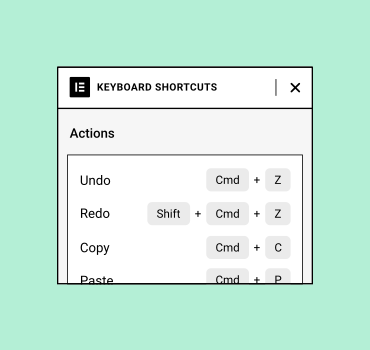
Shortcuts
Use Hotkeys keyboard shortcuts to save you time. This Cheatsheet window will pop up and show you the full list.
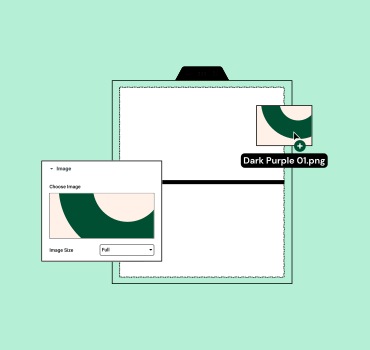
Drag & Drop from Desktop
Reduce redundant tasks by dragging media and template files directly onto the editor.
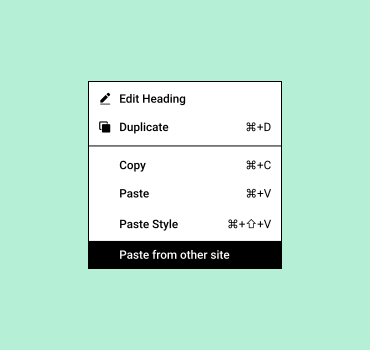
Copy & Paste Between Sites
Streamline your workflow by copying and pasting elements from one Elementor website to another
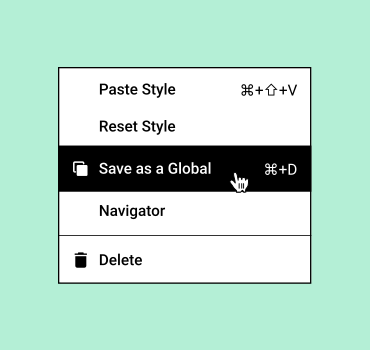
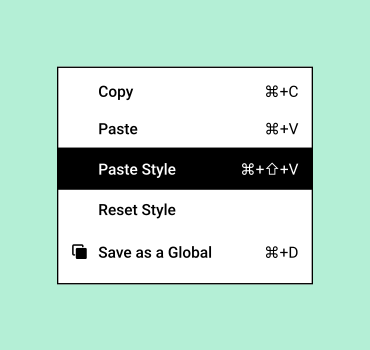
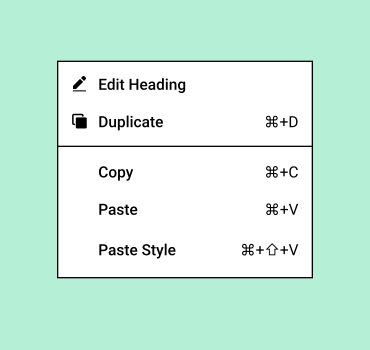
Right Click Menu
Find options such as copy, past, delete, duplicate, and more for any element on your website with a right-click.
Multi Select
Impact multiple page elements at once. Copy, delete, duplicate, paste, or reset style simultaneously.
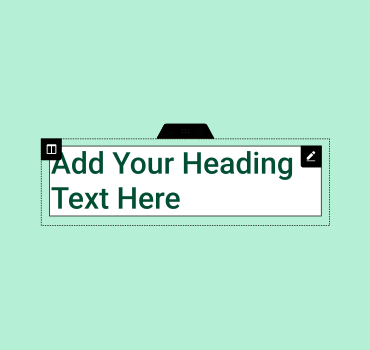
In-line Editing
Type directly on-screen, and transform blog and content writing into an easy and intuitive process.
Save & Backup
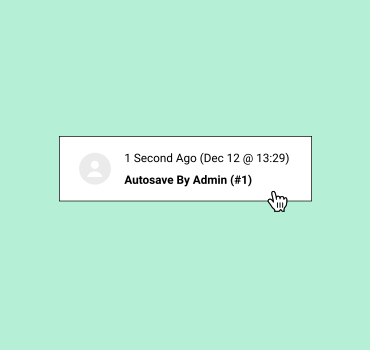
Auto Save
Eliminate the need to click and save. With Elementor, your work is automatically saved and backed up.
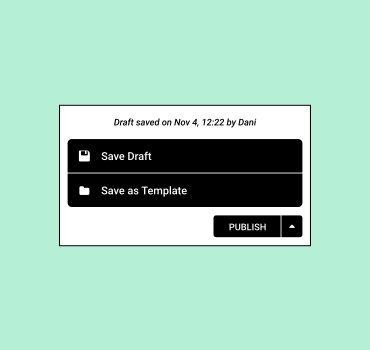
Draft Mode
Save a page as a draft to continue working on it even after it’s published.
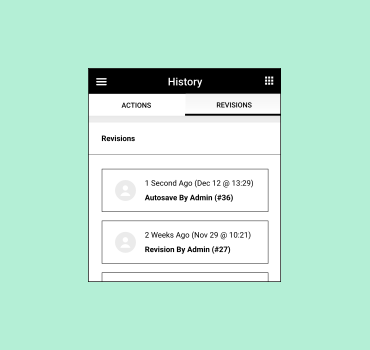
Revision History
Quickly redo or undo any mistakes with a simple CTRL / CMD Z and easily save or retrace anything you create.
Kits Library
Full Website Kits
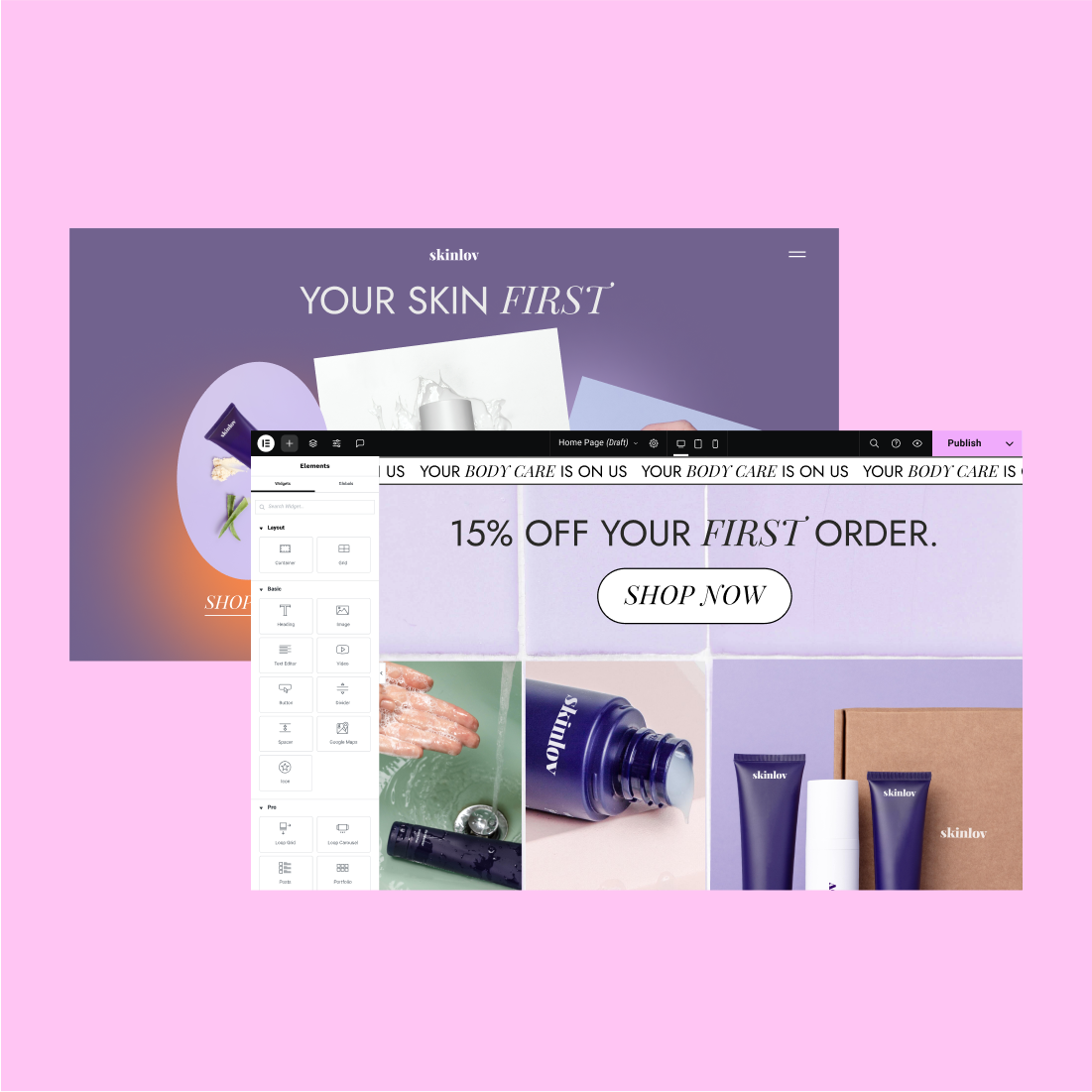
Jumpstart your creation process with kits. Import a fully designed website, wireframe, or choose specific elements to add to your new website.
Page Templates
Choose from a variety of pre-designed page templates and quickly build a Home Page, About Page, and more.
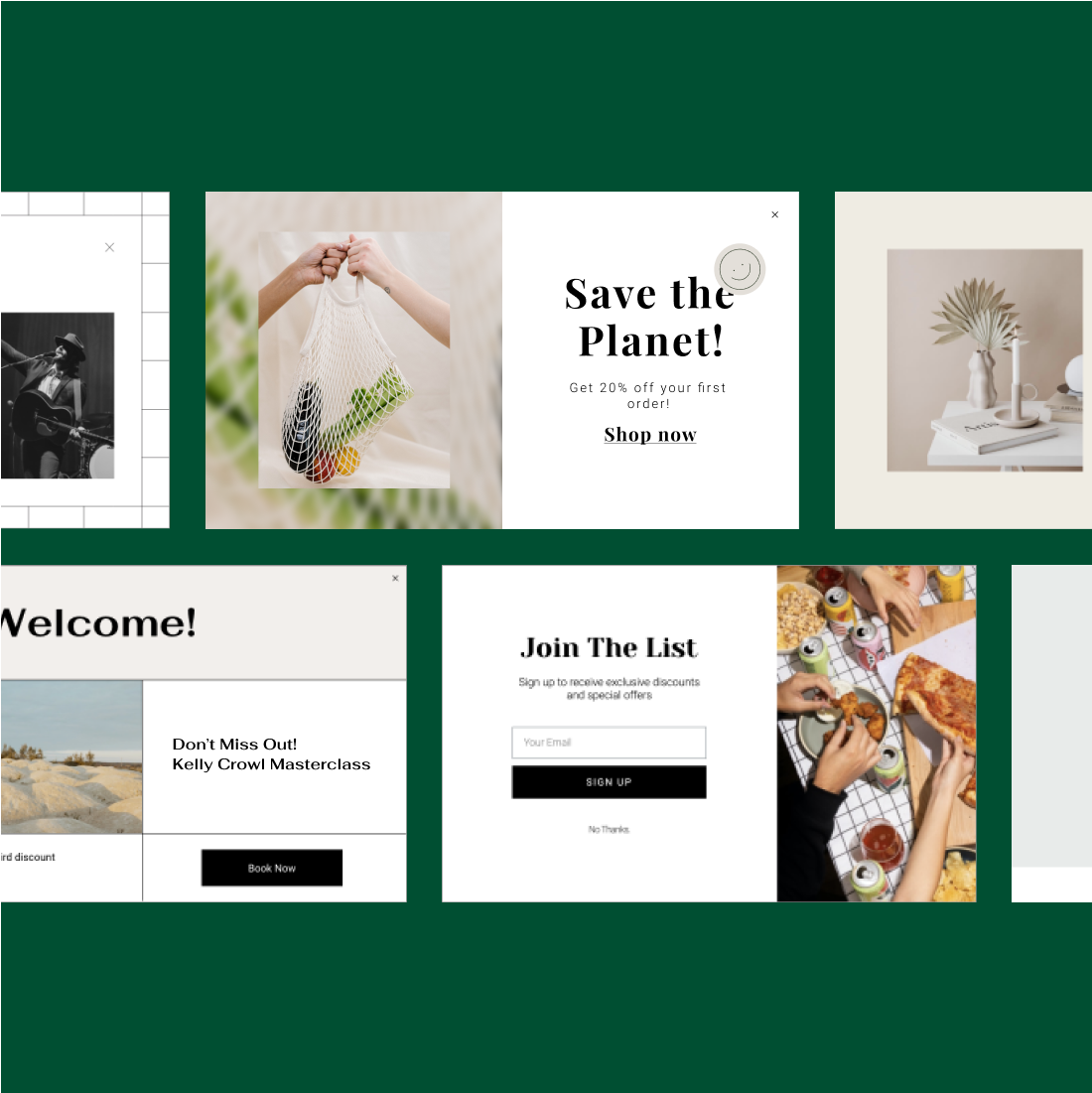
Pop-up Templates
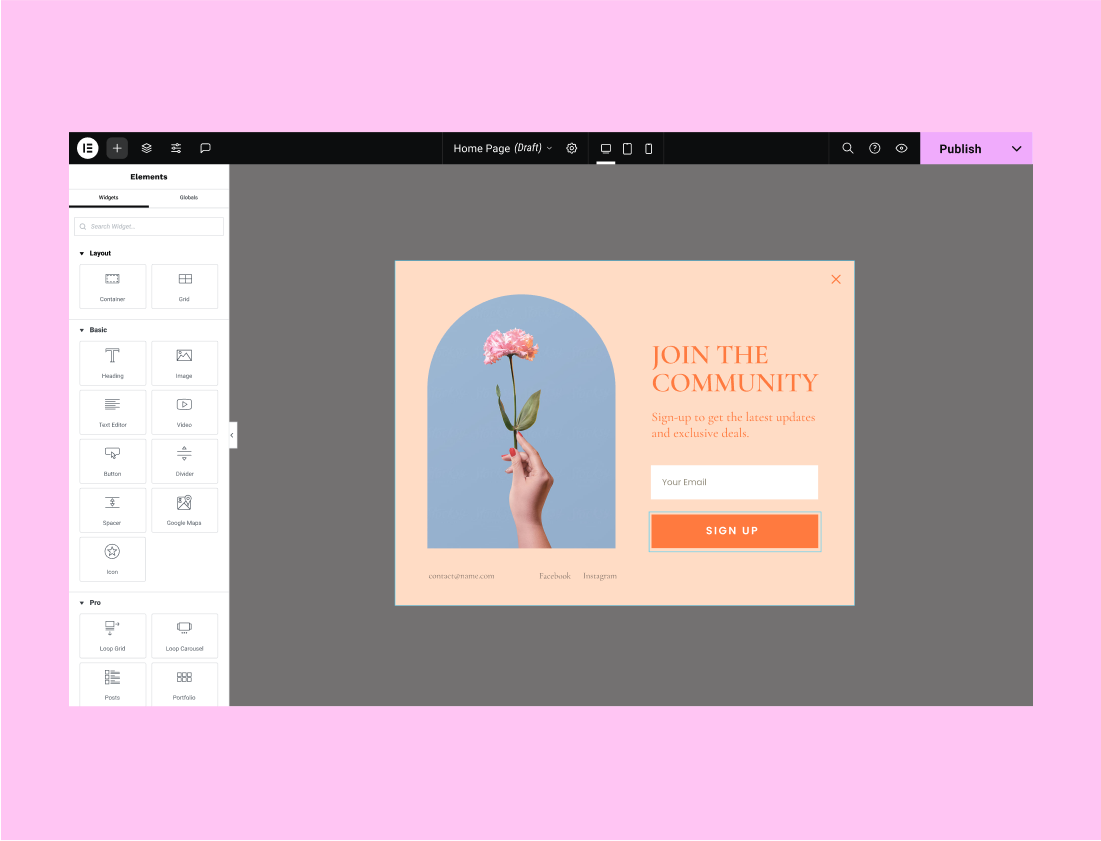
Create professional popups using an ever-growing selection of designer-made popup templates.
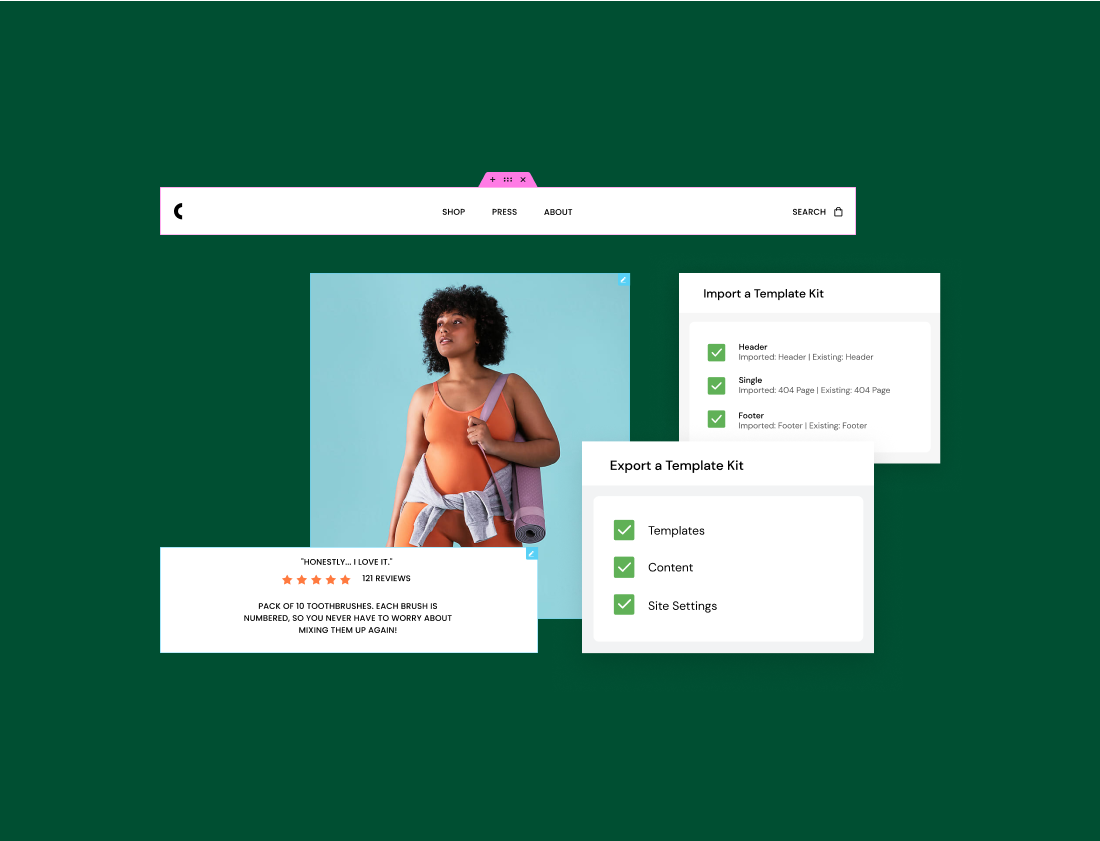
Import / Export
Export your template and import all of its parts, including images, to any other website.
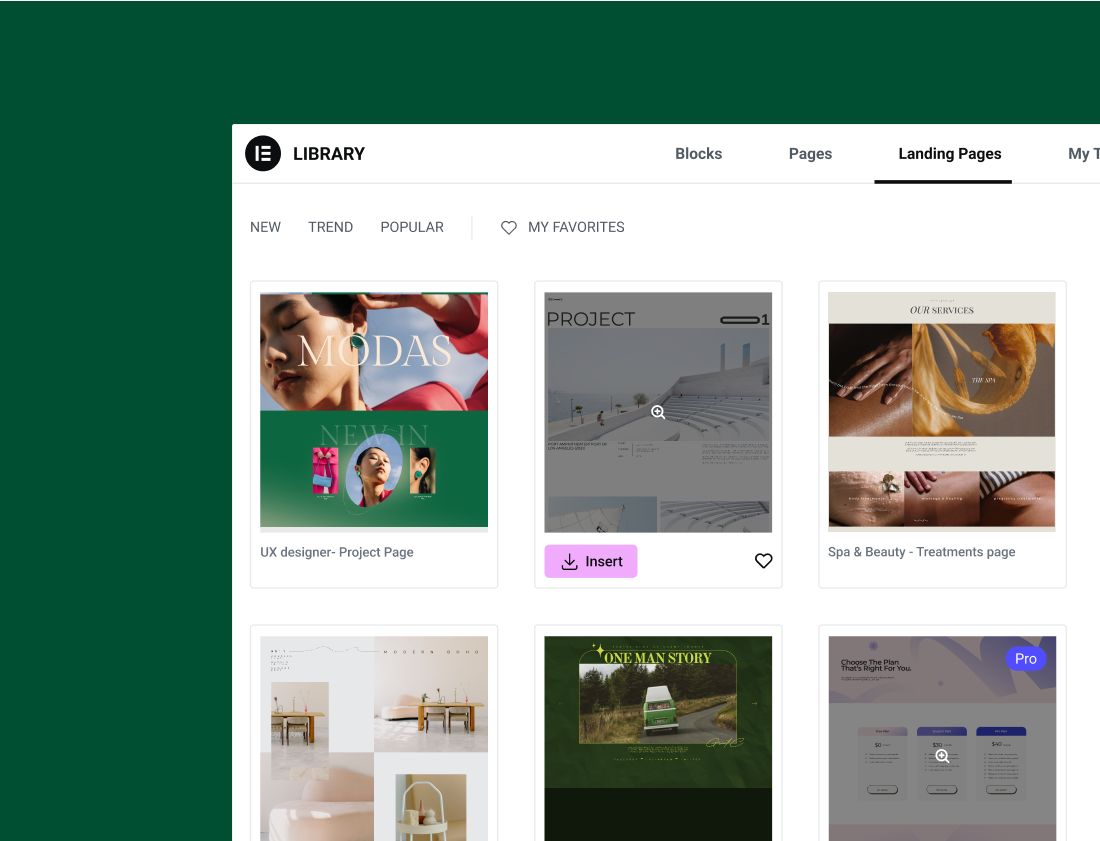
Landing Page Templates
Create high-converting landing pages using beautiful, pre-designed responsive templates.
Blocks Templates
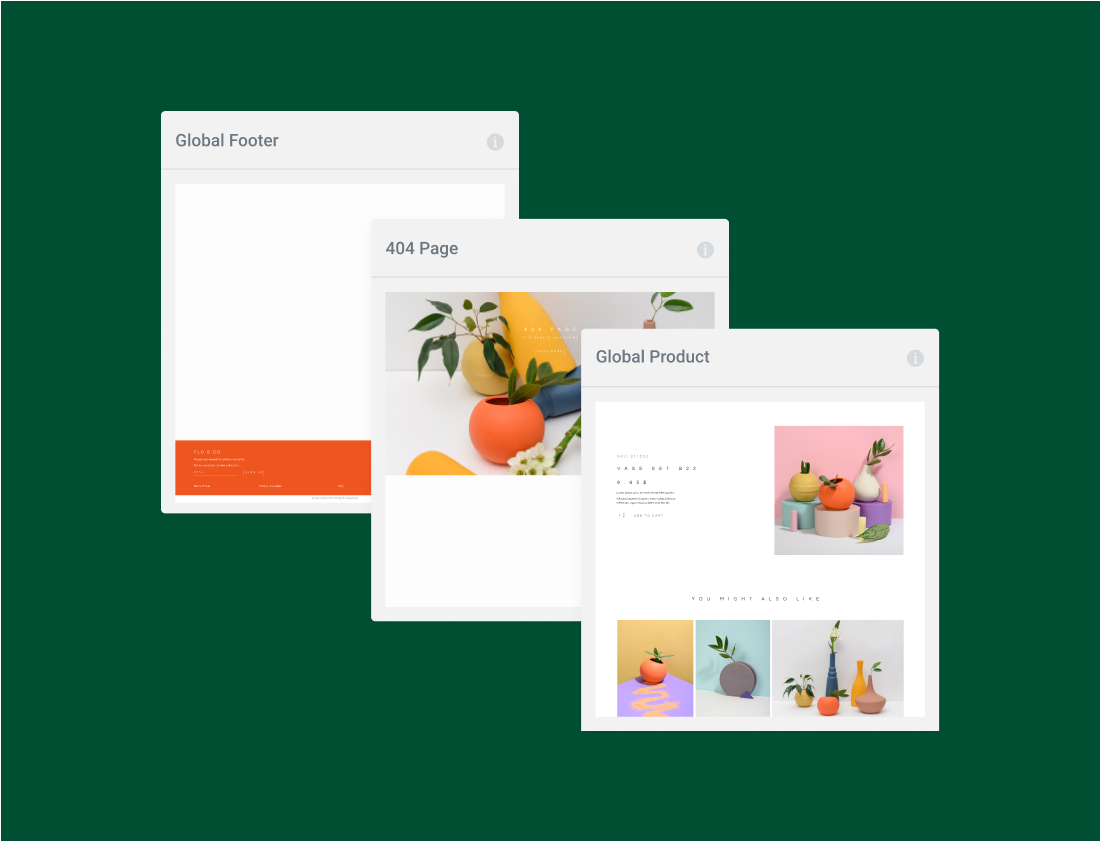
Build your page piece by piece with Blocks. Use pre-designed, simple section templates such as 404, Testimonials, and more.
Compatibility with Envato kits
Access 1000+ Elementor-ready, fully designed website kits on Themeforest and have a new website in a click.
Save & Reuse
Save a page to the library after you’ve created it and reuse in one click.
Search & Filter
Search or filter the templates to easily find the one that best fits your needs.
Template Shortcode
Get the shortcode for any template and embed it anywhere you like.
Design Capabilities
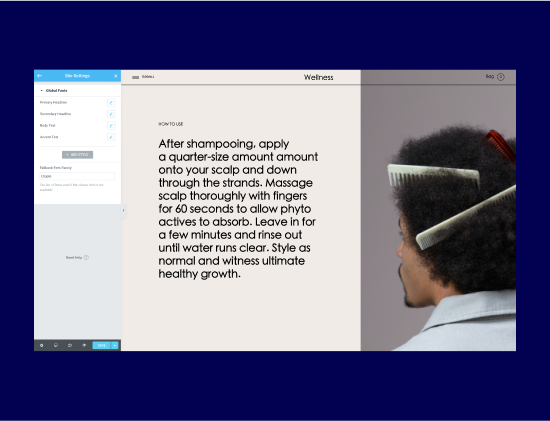
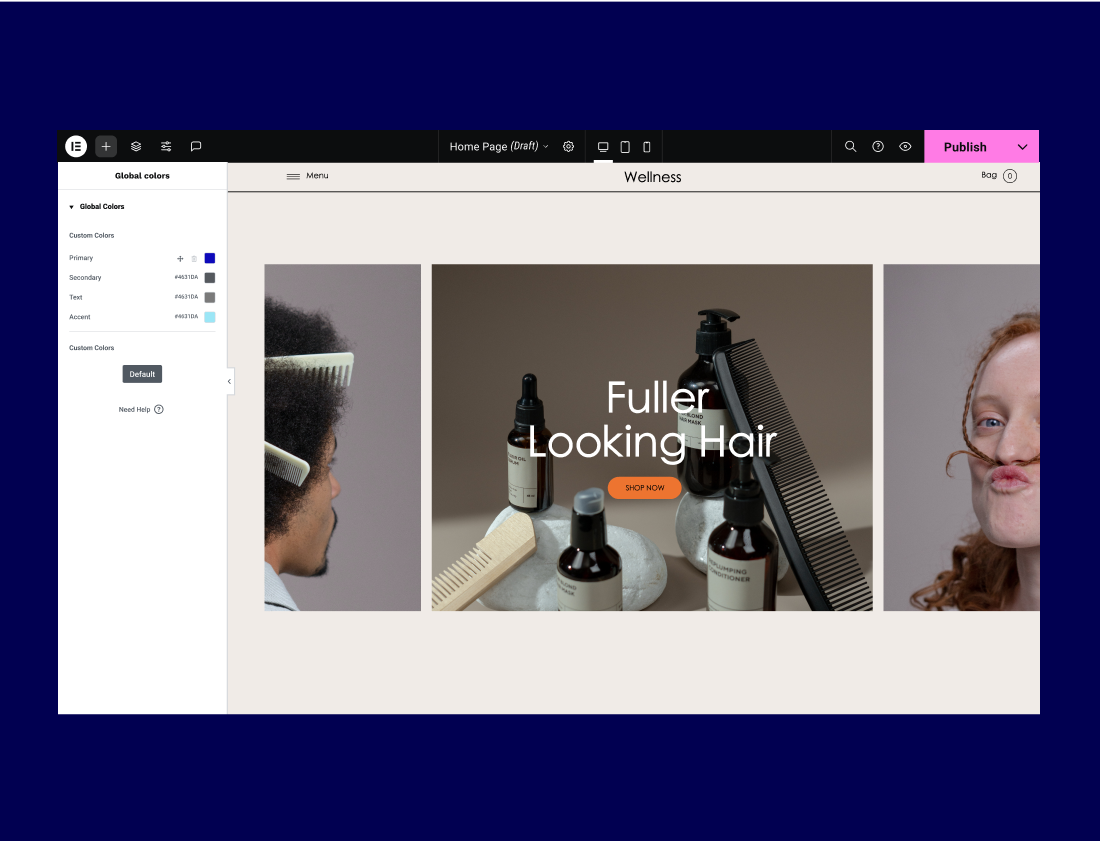
Global Colors
Define your website’s design system with global colors. Save them once and apply them to any element on your website.
Theme Style
Set default styling options for various elements including headings, buttons, form fields, background, and image styles.
Assets & Media
Icon Library
Choose from 1500+ icons and apply them across your website design, or upload your own.
SVG Icons
Create smart, flexible, light, and completely customizable icons in any size.
Background Videos
Bring your background to life by adding interesting videos to your sections.
Background Slideshow
Create a slideshow and use it as the background for any section or column on your website.
Shape Divider
Separate the sections of your page using shapes, and make them pop by adding SVG, Icons, or texts inside.
Mask Shapes
Turning any element, like an image or video, into whatever shape you desire to create standout designs.
Color & Effects
Gradients
Use gradient colors across your website, from pages to buttons, and create design consistency.
Background Overlay
Add another layer of color, gradient, or image above your background.
Blend Modes
Mix up your background and background overlays to create spectacular blend mode effects.
CSS Filters
Use CSS filters to adjust image settings and create amazing effects.
Color Sampler
Sample a specific color from your widgets or fetch the primary colors from any image on your page.
Box Shadow
Set custom-made box shadows visually without involving CSS.
Typography
Typography Control
Play with the font family, size, weight, transform, style, decoration, line-height, letter spacing and word spacing.
Font Preview
See a preview of fonts in the panel, making it is easier to choose the right one.
Custom Fonts
Add your custom and Typekit fonts and use them throughout your projects.
Google Fonts
Choose from hundreds of Google fonts available for every widget with text.
Font size: PX, EM, REM
Set your typography to be scaled using PX, EM or REM, for better responsive design.
Text stroke
Add an outline to any heading you wish by using Text Stroke.
Adobe Fonts integration
Upload your own custom and Adobe fonts and use them throughout your projects.
Drop Cap
Make the first letter of your blog post larger to create a stylish and distinguished look.
Text Shadow
Emphasize your content by adding a text shadow effect to any widget with text.
Text Editor Columns
Divide your Text Editor widget into responsive columns, and set the gap between the columns for a better layout.
Layout
Layout Customization
Control section Width and Height, easily creating full-width pages. Customize column width as well as the gaps between columns.
Absolute Positioning
Drag a widget to any location on the page, regardless of the grid. Set your widget to have a fixed position, place it wherever you like, and have it scroll alongside your user.
Margins & Padding
Set the padding & margin for sections, columns and widgets. Define the space between elements, and direct users’ focus to specific areas on the page.
Z-Index
Put any section, column, or widget in the front or back. Set the order that elements are displayed using the Z-index feature.
Flexbox Alignment
Align and distribute widgets across each column, either vertically or horizontally, and acieve a “stretch-to-fill” layout using the power of flexbox.
Inline Elements
Place two widgets side-by-side within the same column using inline or custom width. Choose between Start, Center, Space Evenly, and more.
Nested Columns
Create advanced layouts by nesting columns inside a section. Build complex designs such as an inner section between columns.
Canvas Templates
Design your entire landing page without involving the header or footer by using the Elementor Canvas template.
Responsive Design
Custom Breakpoints
Design for up to seven devices with full customization freedom to fit any screen.
Reverse Columns
Reverse the order of columns so that the last column appears at the top on mobile.
Hide and Show Elements
Select which sections and widgets you want to show on any device.
Visible Responsive Values
View the starting values for each screen and change breakpoints accordingly to keep your designs consistent.
Mobile Browser Background
Choose the image or color of your website’s background on mobile, and adjust the display options for full control.
Motion & Interactions
Motion Effects
Add interactions and animations to your website using Scrolling and Mouse Effects.
Scrolling Effects
Set a sticky header, footer or other section, and make sure your message follows your users as they scroll.
Hover Animations
Create magnificent hover animations that add another layer of interaction to your website.
Entrance Animations
Include hover and entrance animations and make your widgets appear interactively.
CSS Transform
Rotate, scale, skew, offset and flip any element on your page without writing a single line of code.
Parallax
Create amazing animations and interactions when the user scrolls through the page.
Mouse Effects
Add depth to your website by making elements shift in relation to the mouse movement.
3D Tilt Effect
Cause elements to float and glide slightly as the user moves their cursor over each item.
Exit Animation
Choose the popup’s exit animation, such as fade and zoom, from the dropdown selections.
Page Transitions
Upon page transitions, change the color of the Canvas, add an icon, logo or animation from the Elementor library
Scroll Snap
Control the customer’s experience as they scroll through your website by snapping to any section on the page
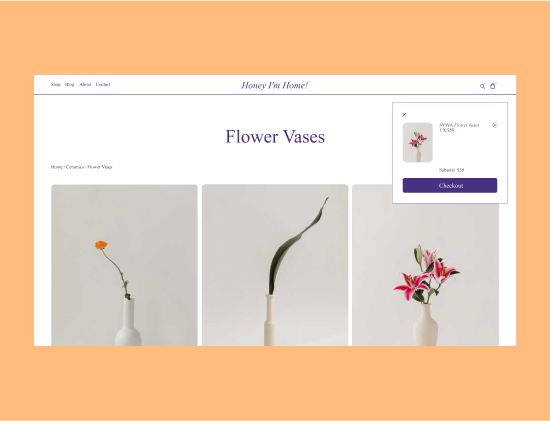
Cart Customization
Customize your cart layout and style including the section titles, labels, and placeholders of the form fields, and add a branded custom template for the Empty Cart state.
Checkout Customization
Edit the section titles, labels, and placeholders of the form fields. Style everything as a whole or by section.
WooCommerce Site Settings
Configure the required WooCommerce transactional pages directly within Elementor.
Dynamic WooCommerce Tags
Change product features once and have them applied everywhere the tags appear across your website.
My Account Customization
Design WooCommerce’s My Account page, changing the layout, style, tab names & alignment, and add a custom template for the Dashboard tab, and more.
Product Page Customization
Control the design and layout of your single product template with full customization options.
Product Archives Customization
Design your WooCommerce product archives template for full control over your display conditions.
Payment Processing Integration
Sell few items online and Integrate with PayPal/Stripe to process the transactions without setting up an entire store.
Marketing Features
Landing Pages
Build high-converting landing pages from within your current WordPress website and turn viewers into engaged users.
Popup Builder
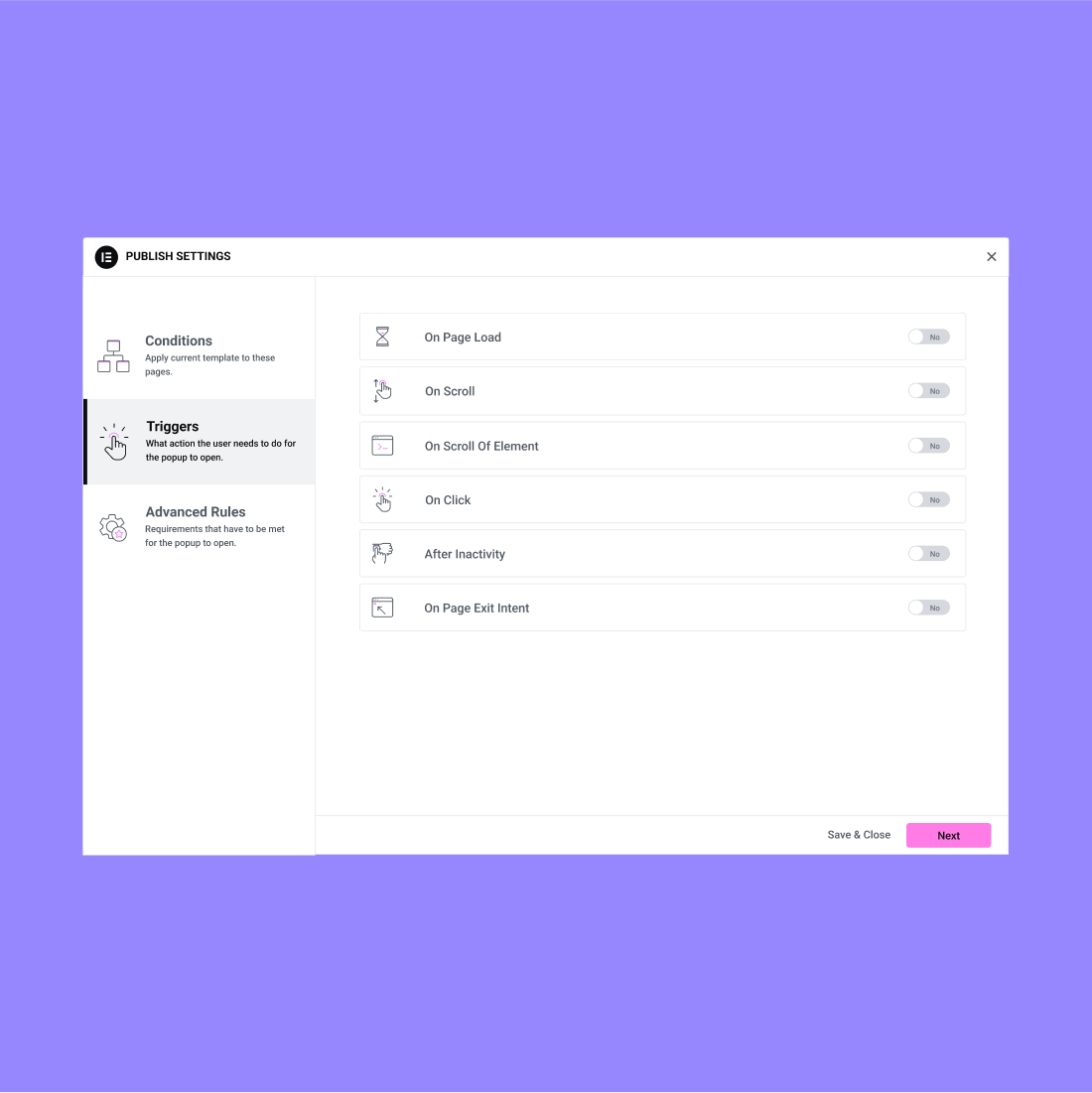
Create pixel-perfect, high-converting popups with advanced targeting options.
Link in Bio Widgets
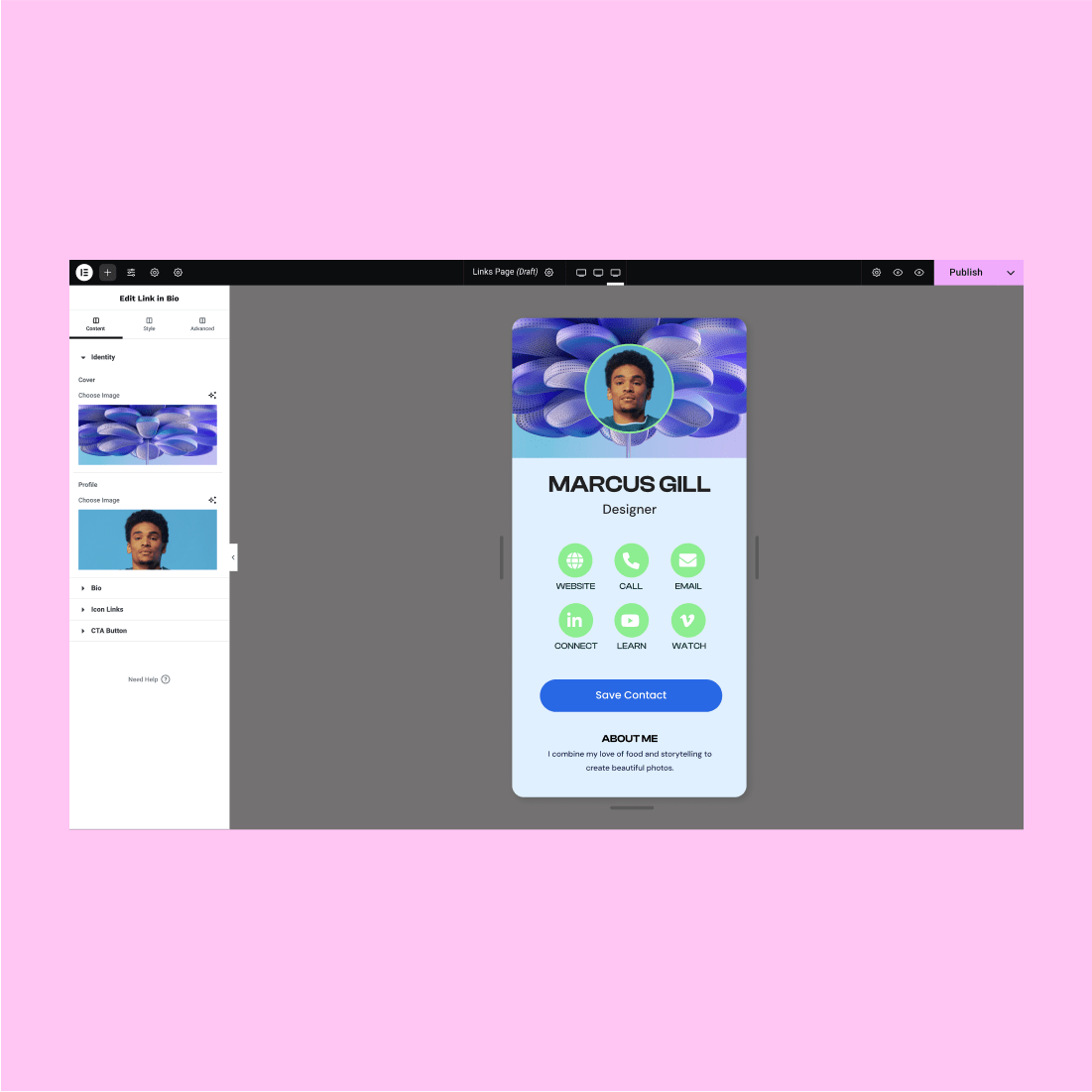
Highlight info, links, and contact details with these beautifully designed mobile-first widgets. One Link to Showcase it All.
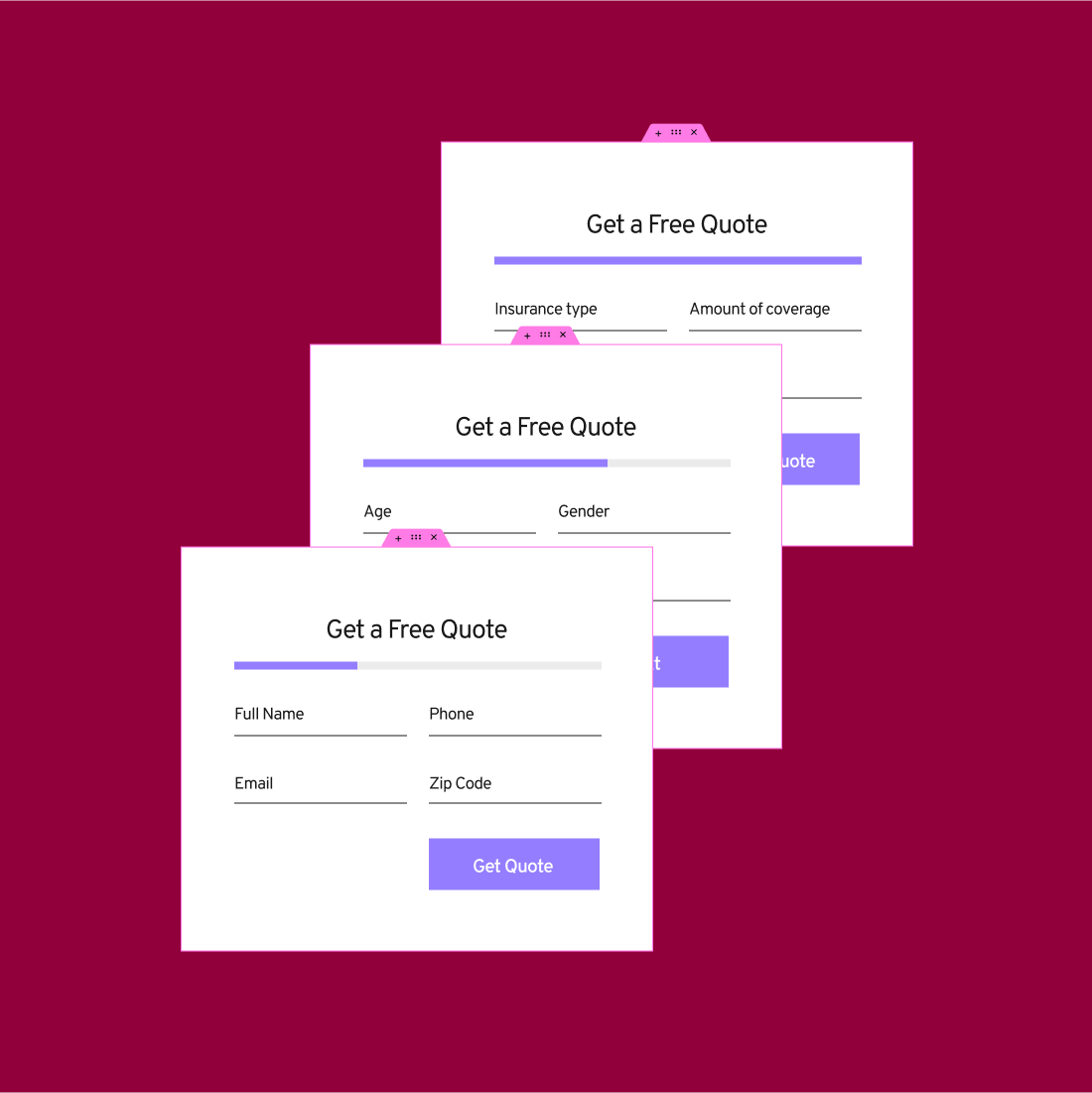
Form Builder
Create eye-catching forms that grab visitors’ attention. Collect, store and manage your data all within Elementor.
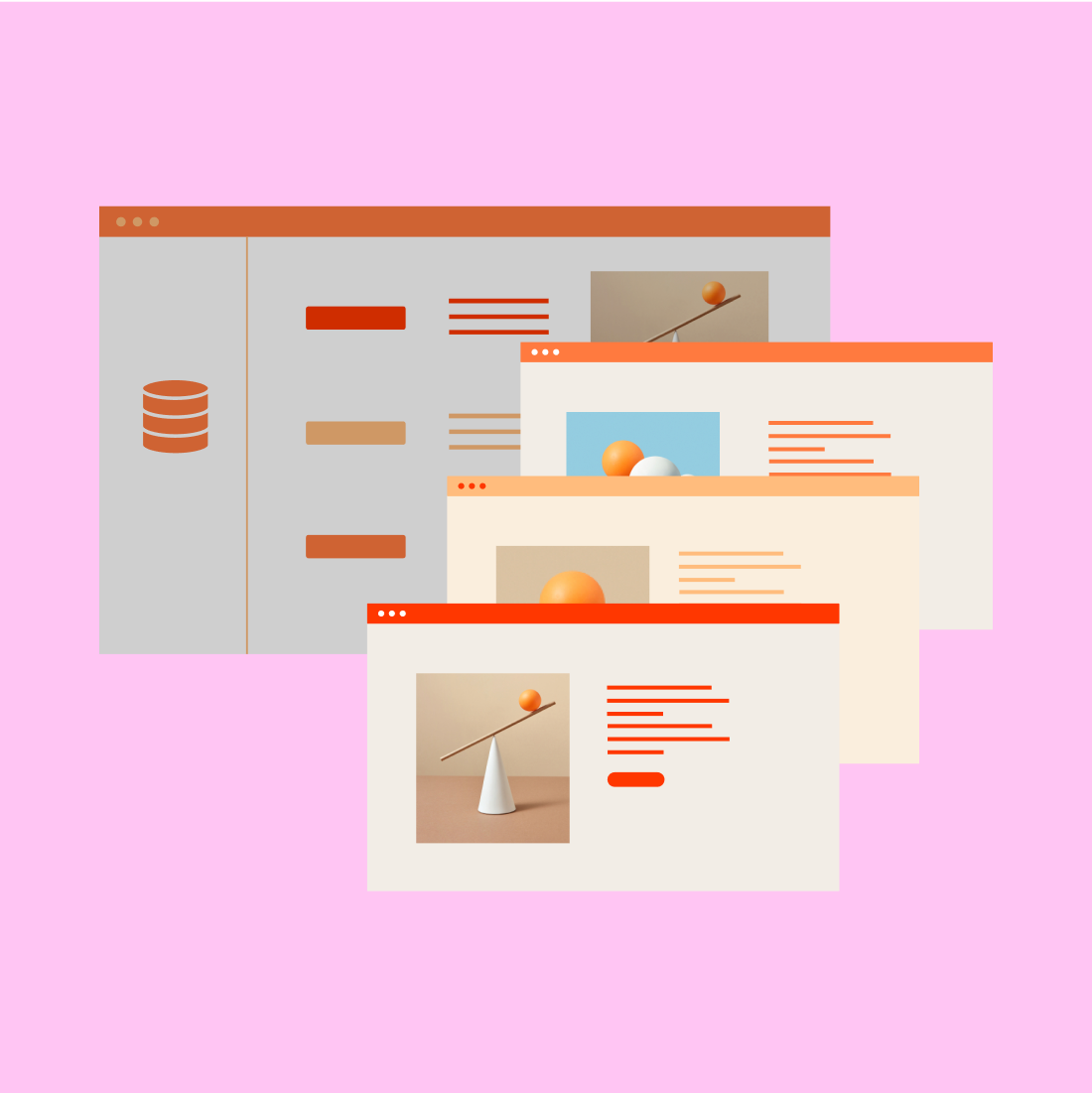
Dynamic Content
Design multiple pages from one layout, apply them across your website or show personalized content to different users.
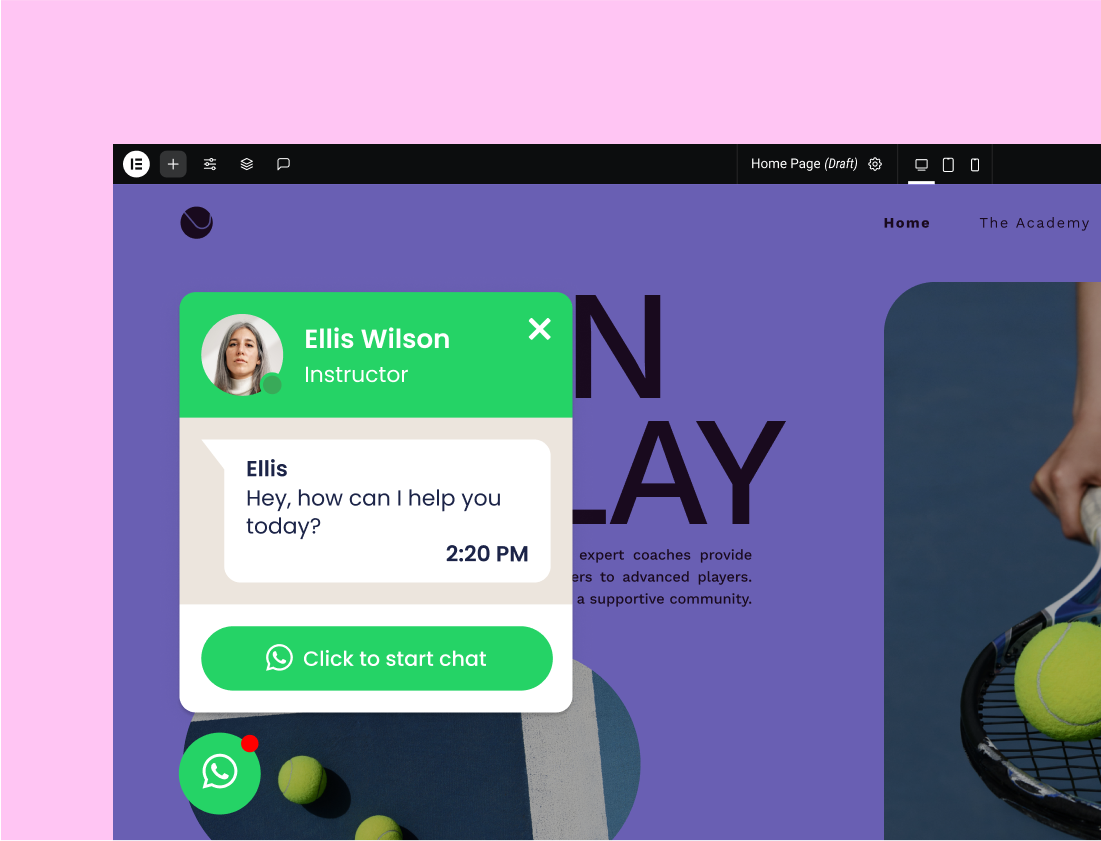
Contact Buttons
Let visitors initiate a WhatsApp chat to trigger a conversation, access links, open an info button with important details, and so much more.
Action Links
Easily connect with your audience via WhatsApp, Waze, Google Calendar & more apps.
Social Proof
Add icon links to all your social media profiles and completely control the appearance of the social icons.
Highlight Reviews
Display social proof using a sliding carousel of user reviews.
Ratings
Display author-assigned star ratings within your content and customize the size, color, and typography.
Customizable HTML tags
Set the correct HTML tag for the title for better search engine optimization.
Forms
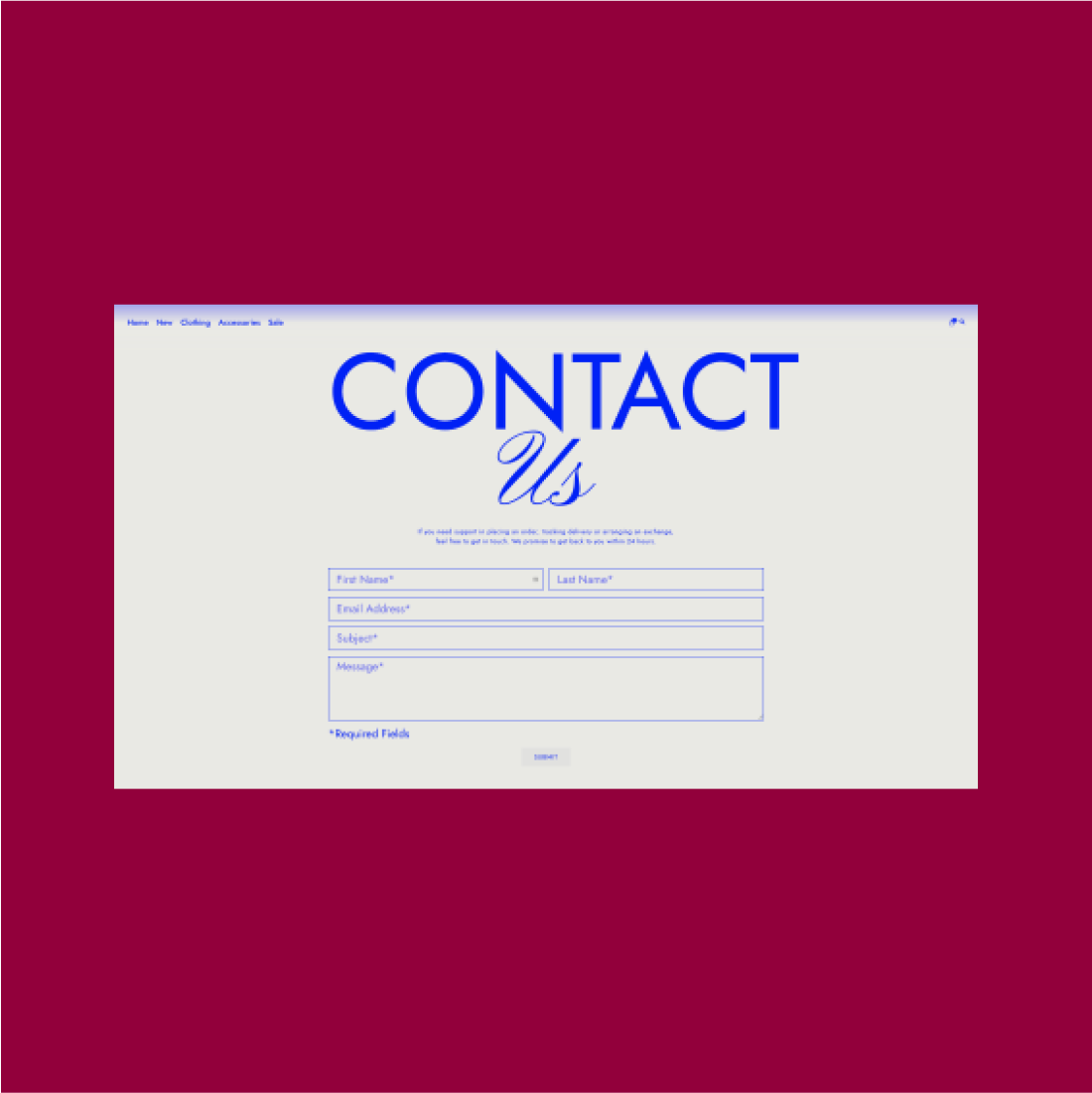
Action After Submit
Decide what happens after your visitor submits a form, including the triggered integrations.
Confirmation Email
Send an HTML or plain text confirmation email to your visitors after they submit a form.
Custom Validation Messages
Create a custom message that is displayed in the form when the user interacts with it.
Advanced Form Fields
Upload files, add a date picker, or use Elementor's other advanced form fields.
Hidden Fields
Incorporate hidden fields in your forms and add tracking to form submissions.
Acceptance Field
Include an acceptance field to your forms, ensuring visitors accept your terms.
Honeypot
Use this simple yet effective security measure to prevent your forms from being spammed by spambots.
Form Submissions
View, manage, and edit your Form Submissions in Elementor.
WebHook Capabilities
Implement a webhook to automate the form submissions that are added to your email marketing app.
Theme Builder
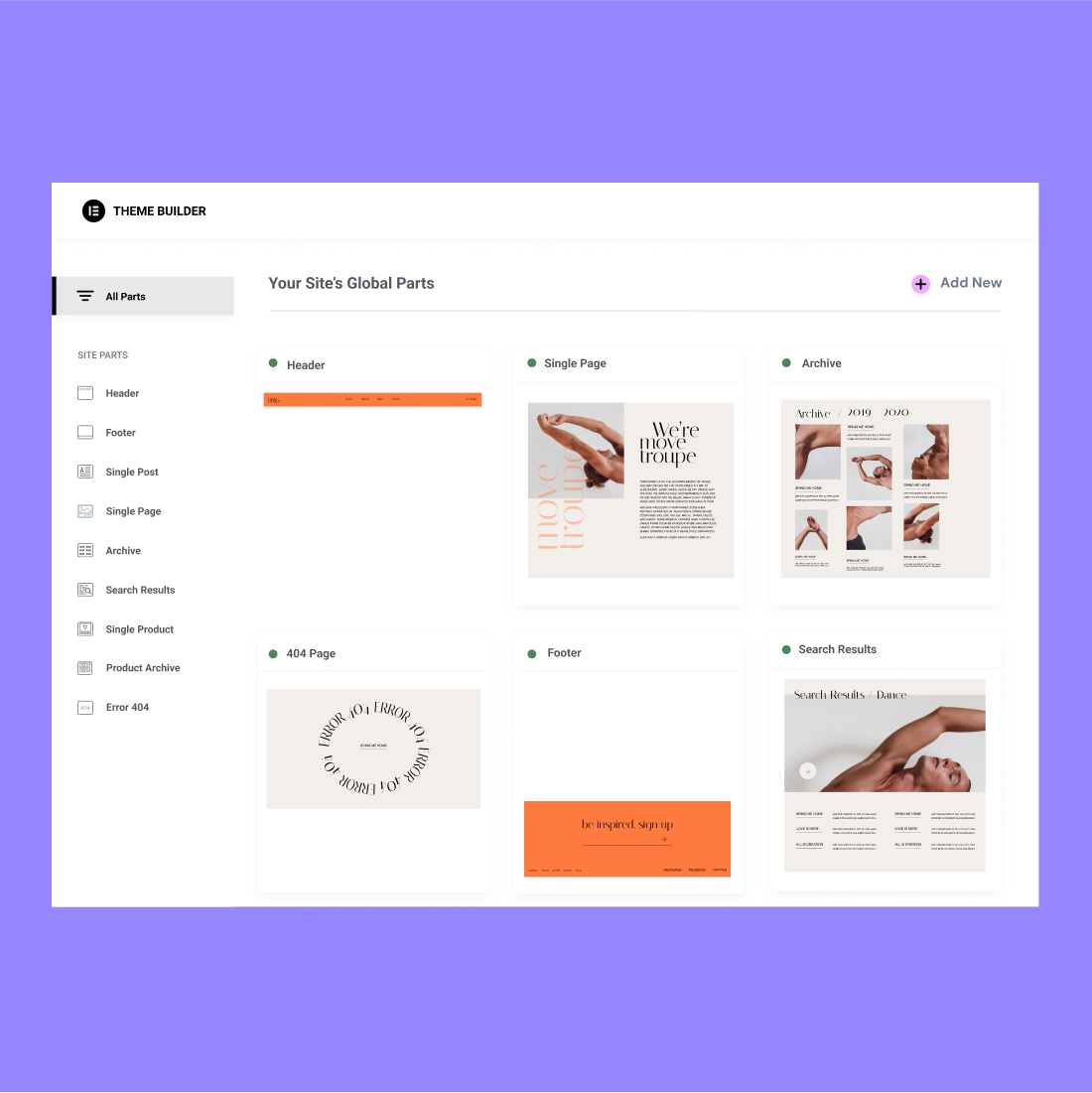
Theme Builder
Build high-converting landing pages from within your current WordPress website and turn viewers into engaged users.
Loop Builder
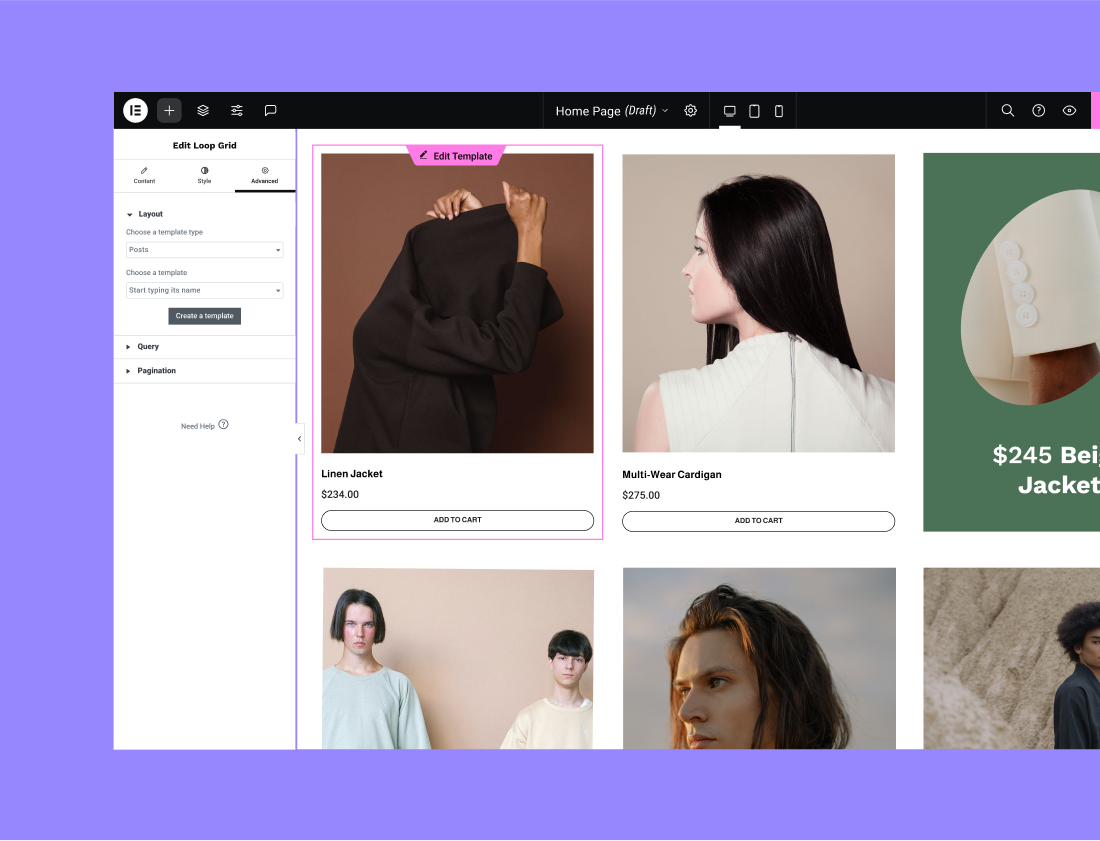
Create your own main item template and use it to display your posts, listings, or product archives.
Visual Guide
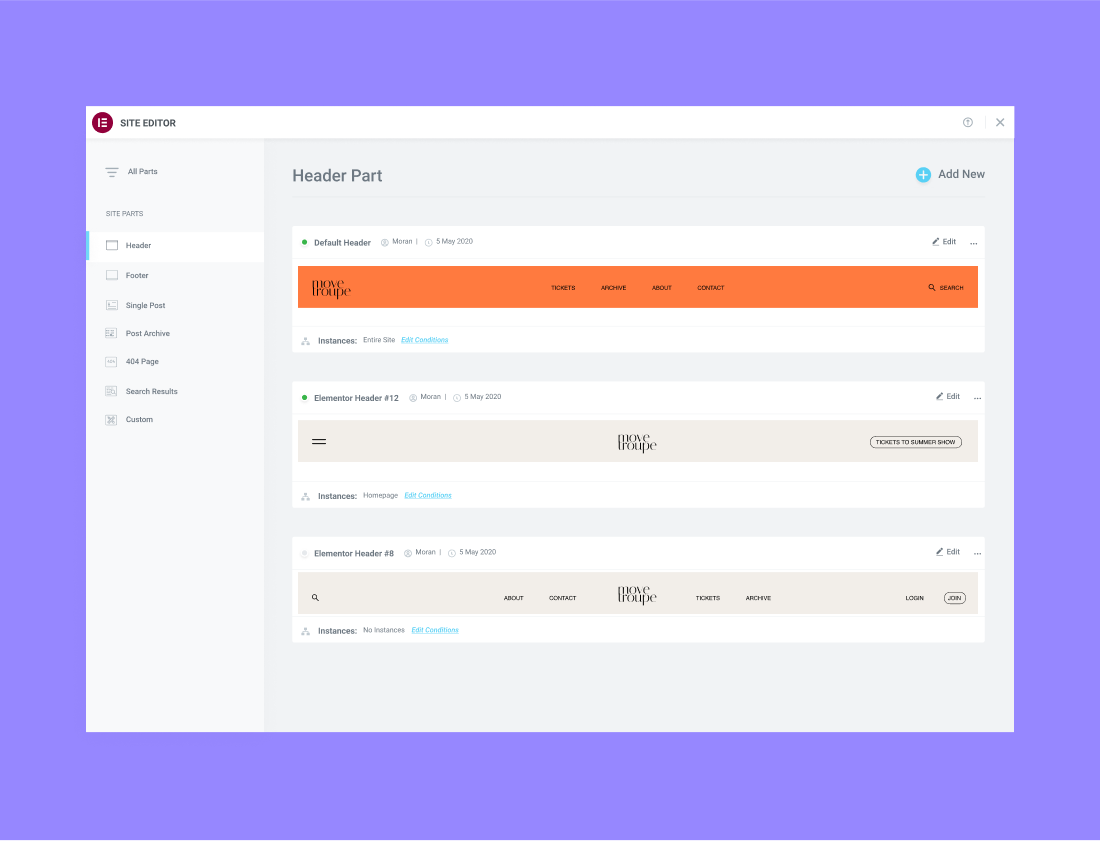
Review and edit each component of your website individually, from Headers & Footers to Post, product pages, and more.
Display Conditions
Determine exactly where your global templates appear across your website.
Header and Footer
Customize the header and footer areas of your website visually, without any code.
Sticky Header
Add a sticky header to any page, or across your website, with a click of a button. No additional plugins needed.
404 Page
Direct your visitors to custom 404 pages that can be built entirely inside Elementor.
Archive Page
Design your entire blog in Elementor, or designate different templates to separate areas of your blog.
Single Post
Create your blog post template and apply it across your website or to a specific category, page, or taxonomy.
Single Page
Control the layout and design of your website’s static pages using Single Page Templates.
Search Results Page
Customize your search results page and improve the user experience while searching your website.
Custom Fields Integration
Build the content fields in ACF, Toolset & Pods, and visually incorporate them into any page.
Integrations
ConvertKit
Grow your audience by adding visitors to your lists with the ConvertKit integration.
Zapier
Attach your Elementor forms to Zapier for simple automation. Only available through WebHook

Drip
Elevate your marketing campaigns with the Drip integration and add your visitors to your lists.
ReCaptcha + ReCaptcha V3
Add a security verification field in your forms to detect fraud while maintaining a frictionless user experience.
Facebook SDK
Manage the Facebook comments that you receive as an admin using the Facebook SDK integration.
MailerLite
Collect group recipients for your email marketing campaign via Elementor forms.
Custom Icon Libraries
Incorporate your favorite icon libraries such as Fontello, IcoMoon & Fontastic
Font Awesome Pro
Access over 1,500 free Font Awesome icons using an interface that makes it easy to manage all of them.
Google maps API
Embed your Google Maps API key directly into your website from Elementor’s Google Maps widget.
Embed Video Options
Include self-hosted, external video, YouTube, Vimeo or Dailymotion videos on your pages.
External Image URL
Optimize your loading time and gain full control over your website by embedding images from external sources.
Advanced Features
Maintenance Mode
Set maintenance mode on WordPress, including coming soon and maintenance mode templates.
Replace URL
Ensure everything is updated with your new domain using the Replace URL feature.
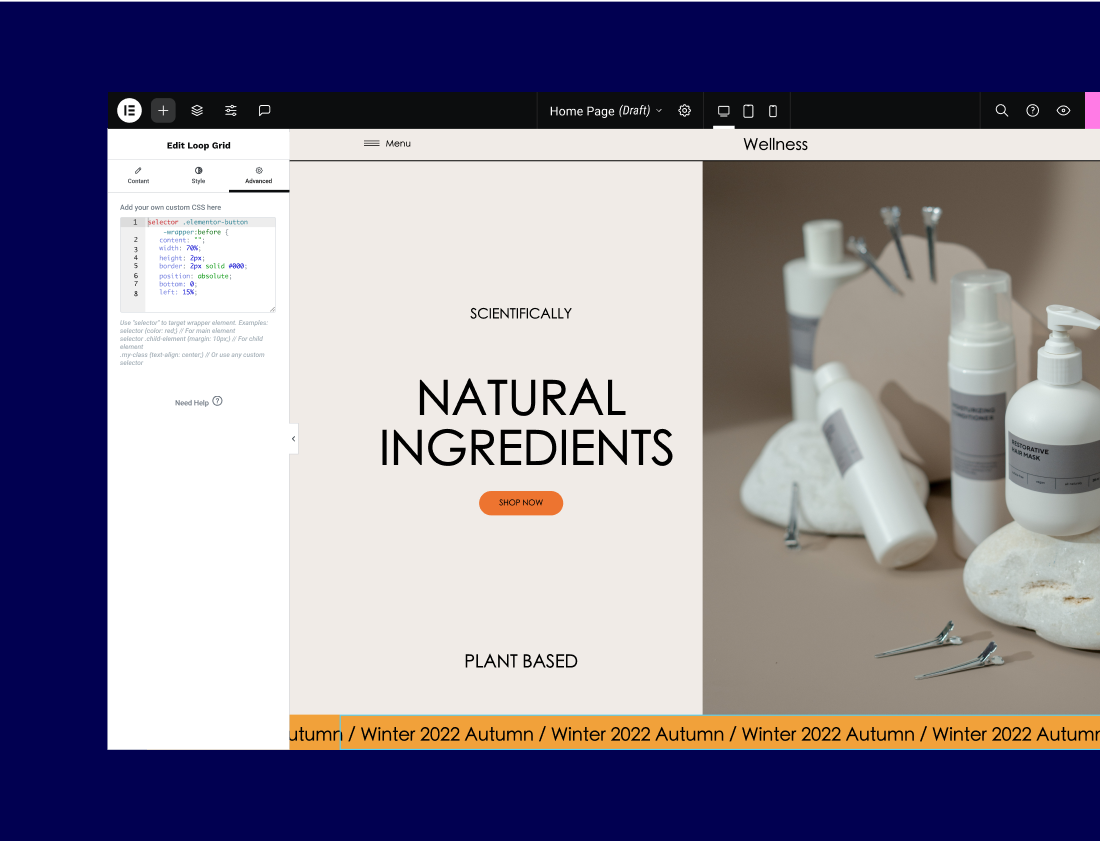
Custom CSS
Add custom CSS to any section, column, widget or page in Elementor.
Version Control
Roll back to a previous version and restore it in just one click.
Safe Mode
Activate a safe environment and isolate Elementor from the themes and plugins that might cause an error.
Regenerate CSS
Clear your CSS files and generate new files after making changes to your pages.
Image Size
Set the size of your image files to reduce the loading speed of your pages.
Role Manager
Restrict access to the editor altogether, or allow certain users to make changes to the content.
RTL Ready
Access Elementor’s multilingual full support for both LTR and RTL languages.
Request Parameters
Track user information along every step of the sales funnel and personalize the user experience.
Custom Attributes
Add custom attributes such as ‘ARIA’, ‘header’ or ’footer’ for each Section, Column or Widget.
Experiments
Decide which new or soon-to-be-released features are active on your website.
Compatibility Tag
Receive notifications about add-ons that are not compatible with your current version of Elementor.
Custom Code
Seamlessly add custom HTML values like marketing pixels, analytics, and meta tags to the head & body tags.
Site identity
Control your website’s identity, including its Name, Description, and more, from Elementor’s Site Settings.