


| CARVIEW |
Cloud Backups
Create secure backups of your project and work across multiple machines with ease!
Another way to enhance your workflow with Local
Using our Cloud Backups Add-on, you can save a copy of your projects with just a click! Work across multiple machines and keep your projects stored with Cloud Backups.
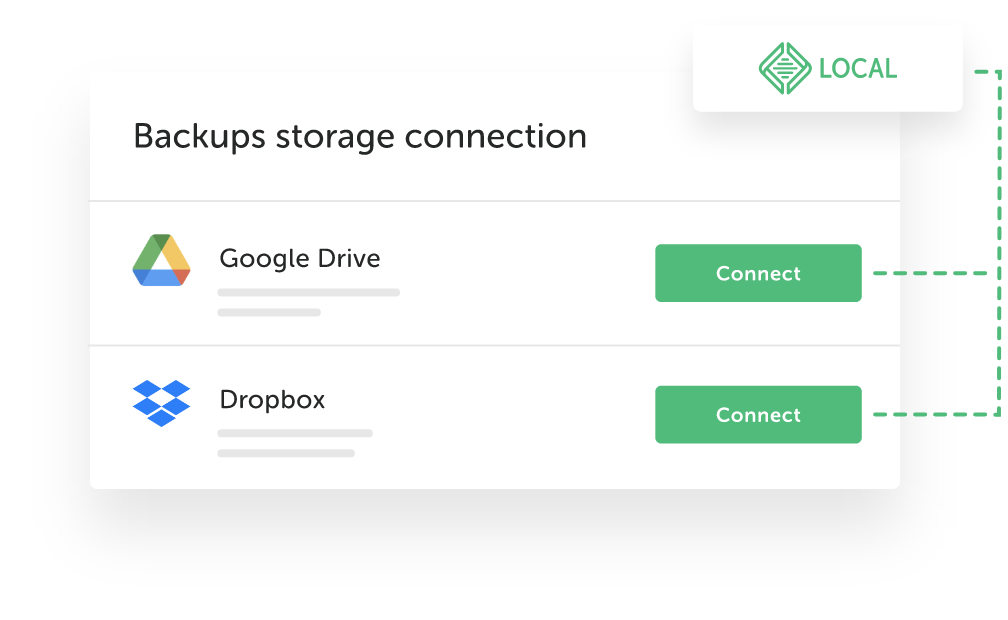
Connect to the cloud
Cloud Backups uses your Local account to connect to your existing cloud storage provider such as Dropbox or Google Drive.
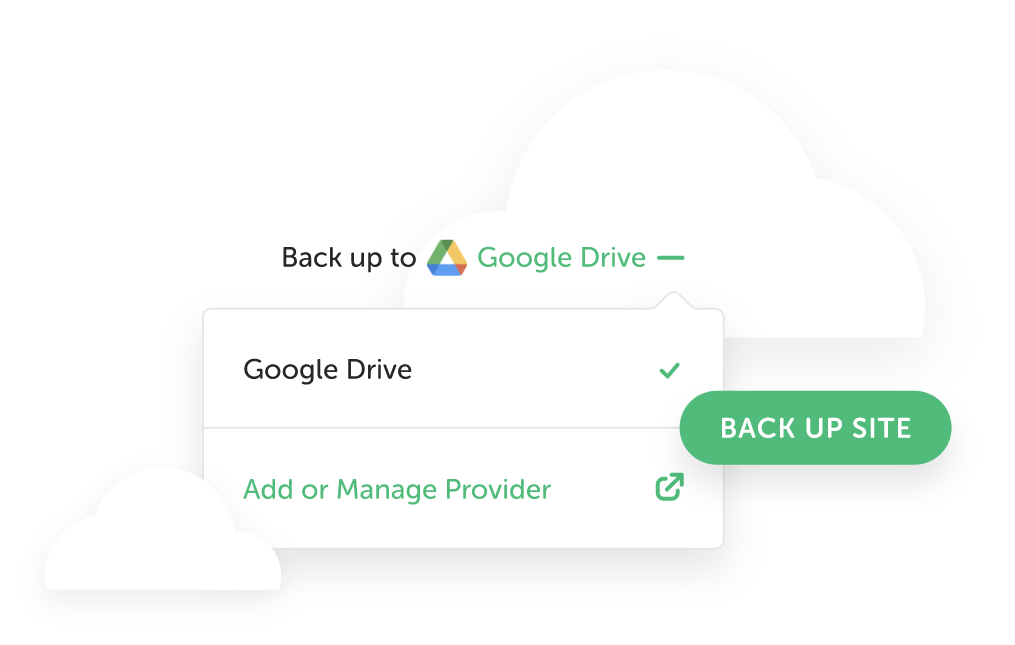
Backup at any time
As soon as Cloud Backups is linked to your cloud storage account, you can start! With each backup, all data belonging to your project such as files, directories, and databases are stored in the cloud.
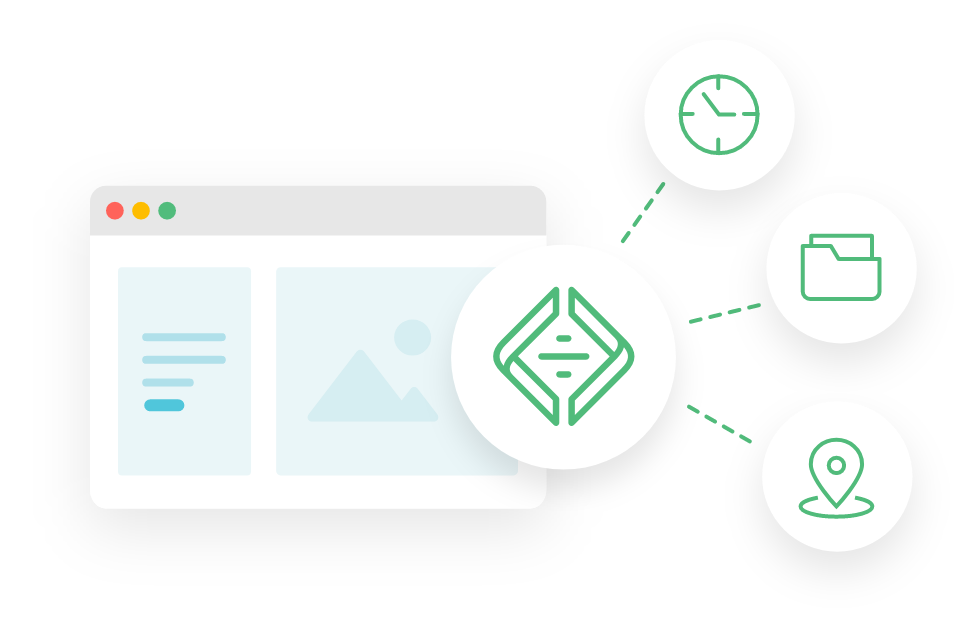
Work from anywhere
Retrieve your backups at any time with any computer with Local installed. This allows you to work seamlessly across multiple workstations with the most up-to-date version of your project!
Install Cloud Backups
right from Local...
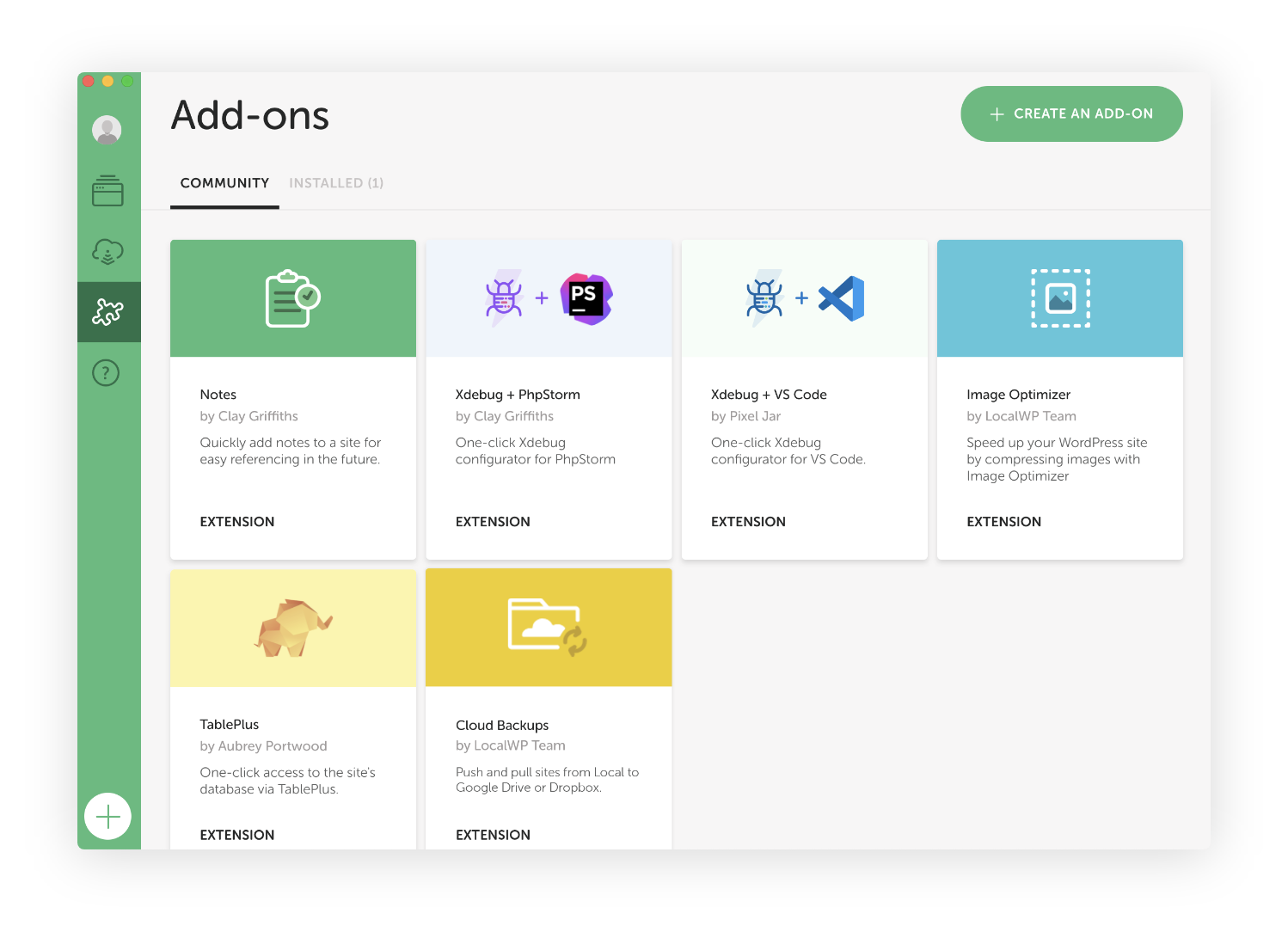
- Click on "Add-ons" in Local from the left nav bar
- Click on the "Cloud Backups"
- Click on "Install Add-on" button
FAQs
The high-level details about the Cloud Backups Add-on
- How do I install the Cloud Backups Add-on?
-
- Launch Local
- Click “Add-ons” in the left navigation bar
- Go to "installed Add-ons"
- Click on "Install Add-on from disk"
- Browse to the downloaded Add-on
- Done!
- What is a Local account?
-
You can create a free Local account to access advanced features like Live Links and Cloud Backups.
- Does the Backups add-on automatically take backups of my site?
-
Not at this time but it's something we're looking to rollout in the future. Until then, users can initiate a backup through the Backups add-on at any time and as often as you'd like.
- How do I pull one of my backups from Dropbox/Google Drive?
-
We put together this nifty help doc to guide you through the process of manually restoring your site using Restic.
- To confirm, Cloud Backups is a completely free Local Add-on?
-
That’s correct! This Add-on is installed and enabled for all Local users. See all Local Add-ons here.
Looks like you're on a mobile device!
Local is only available as a desktop application, but no worries! Just enter your email in the box below and we'll send you a little reminder to download it via your desktop.
Thanks! Check your inbox for a link to download Local on your desktop.
© 2025 Local • Terms of Service • Privacy Policy • All Legal Stuff
1WP Engine is a proud member and supporter of the community of WordPress® users. The WordPress® trademarks are the intellectual property of the WordPress Foundation, and the Woo® and WooCommerce® trademarks are the intellectual property of WooCommerce, Inc. Uses of the WordPress®, Woo®, and WooCommerce® names in this website are for identification purposes only and do not imply an endorsement by WordPress Foundation or WooCommerce, Inc. WP Engine is not endorsed or owned by, or affiliated with, the WordPress Foundation or WooCommerce, Inc.
Download Local
It’s free and always will be.
Your download is starting!
Your download should start automatically. If it doesn’t, click here.